Repository navigation
Releases
Snap64 Recomp 1.1.6

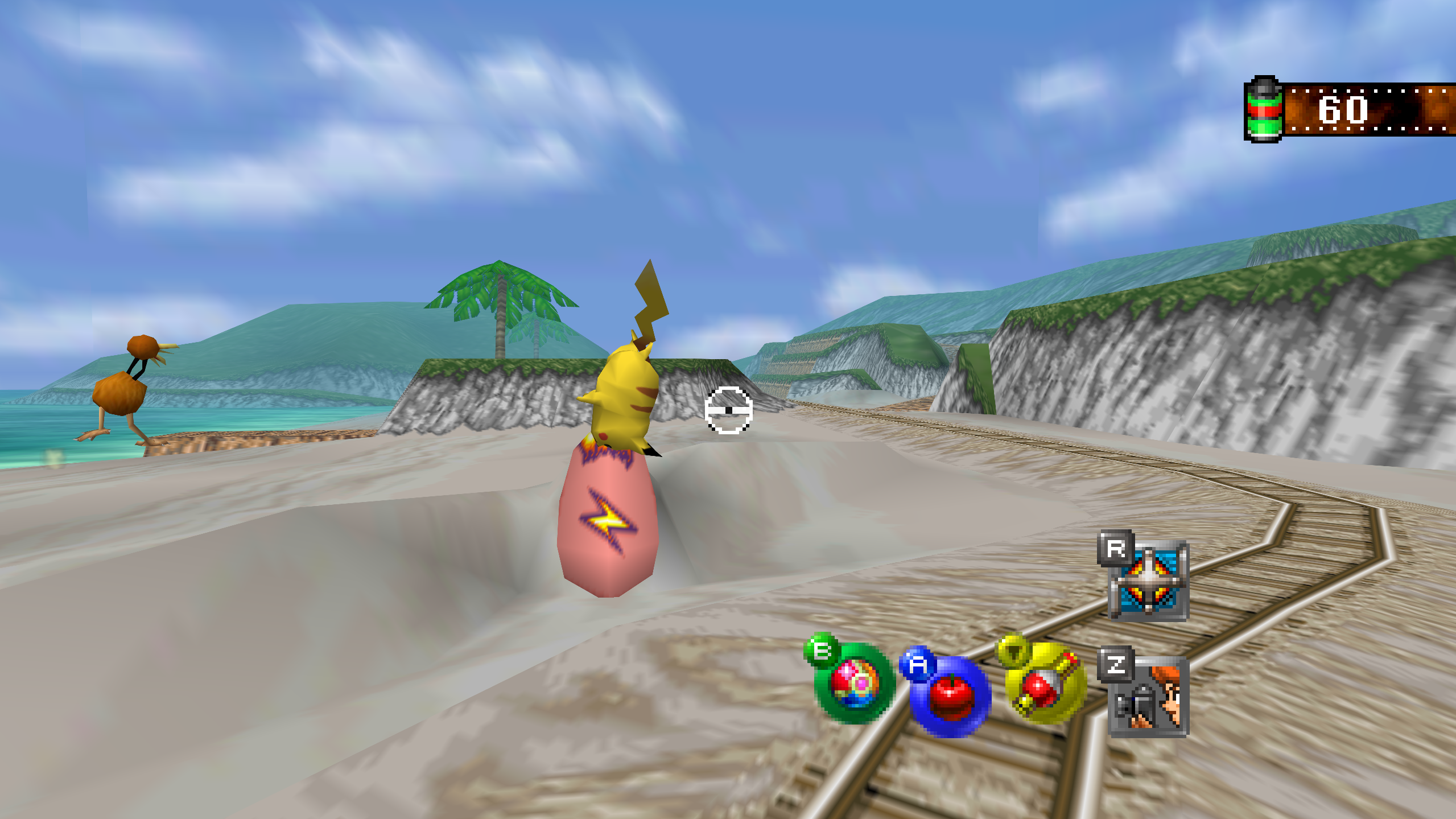
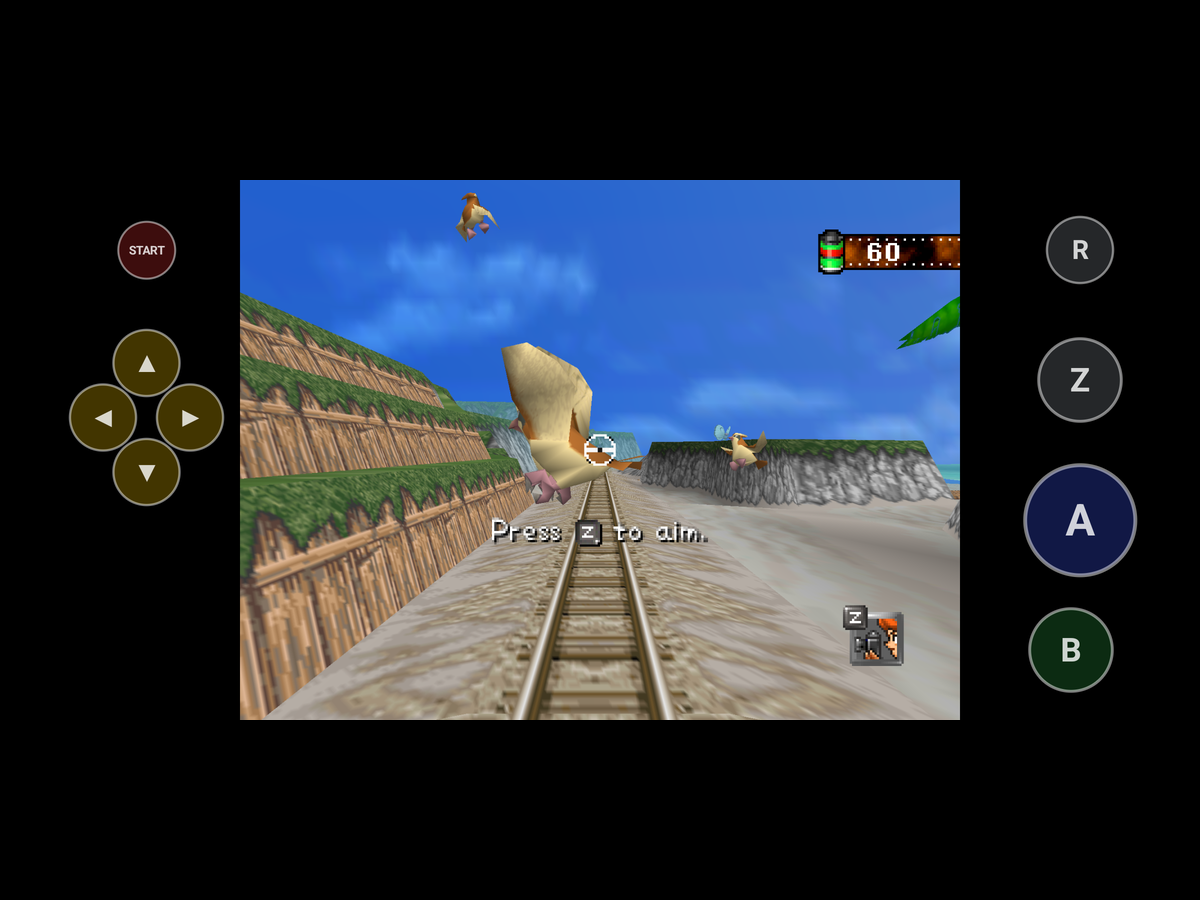
Snap64 Recomp is a native port of Pokémon Snap (Nintendo 64, US release) made by static recompilation: the game's own code runs on your PC, the port only hosts it, and everything about how it looks is off unless you turn it on. 1.1.6 brings the same port to Android as a beta, with touch controls and gyro aim for a phone with no pad, adds a Pad Preset row, and fixes the Switch Online N64 controller's R, the River intro's splash in Widescreen, the Steam Deck's Select, help lines and triggers in Desktop Mode, and a pad that was kept out by a device with no stick.
Caution
Snap64 Recomp is released only on this repository's
Releases page.
Copies posted anywhere else are not the project's, and one of them offers
a fake download. On Windows the port is a ZIP holding a folder with
Snap64Recomp.exe, and nothing has to be installed. It opens no network
connection and asks for no account or password. Each file has a .sha256
beside it, and SECURITY.md says how to check a download.
Downloads
| File | For |
|---|---|
Snap64Recomp-1.1.6-win64.zip |
Windows 10 (version 1809 or newer) or 11, 64-bit, with a GPU driver that provides Direct3D 12 and Shader Model 6.3: any driver since late 2018. Nothing else to install. |
Snap64Recomp-1.1.6-linux-x86_64.tar.gz |
Linux, experimental: needs the system's SDL2, GTK 3 and a Vulkan 1.2 driver. This release was played on a Steam Deck in Desktop Mode, earlier ones in Gaming Mode too. |
Snap64Recomp-1.1.6-linux-x86_64.flatpak |
The same Linux build with its own SDL2, GTK 3 and Vulkan loader; installs with one command on a Steam Deck or any desktop with Flatpak. Built and started on GitHub's machine, not yet played on real hardware. |
Snap64Recomp-1.1.6-linux-arm64.tar.gz |
Linux on ARM64 (a Raspberry Pi 5, an ARM laptop, a Linux virtual machine on a Mac). Built on GitHub's ARM machine, not yet played on real hardware. |
Snap64Recomp-1.1.6-macos-universal.zip |
macOS 14 or newer, Apple Silicon and Intel in one app. Built and run on GitHub's virtual Mac, not yet on a physical one. |
Snap64Recomp-1.1.6-android.apk |
Android 10 or newer on a 64-bit (arm64) phone or handheld, with a Vulkan 1.2 driver. A beta: run on one phone, a Galaxy S25 Ultra with a Snapdragon 8 Elite, and on Android's emulator; no real pad, no other GPU and no Android before 15 has run it yet. ANDROID.md has the steps. |
You need your own cartridge dump. No game data is included. Start the program and choose your pokemonsnap.z64 when it asks (US, SHA-1 edc7c49cc568c045fe48be0d18011c30f393cbaf), or put the file next to the executable yourself. START HERE.txt in each archive says the rest, in one page. On Android the file goes in Internal storage > Snap64, or the app asks for it with the system's file picker.
What's new
Android
- Android, as a beta. The same port runs on Android 10 and newer as an app: the recompiled game drawn by RT64 through Vulkan, the same Options pages and the same mods. Its game folder is Internal storage > Snap64, where the ROM, the saves, the photos and the log live, and which stays when the app is uninstalled. For a phone with no pad the N64's buttons are drawn in the bars beside the picture: a drag aims, a tap chooses on the menus, and the buttons hide while a pad or a keyboard is used. A tap on Z holds the zoom and the next tap lets go, so one thumb can zoom and then take the photo; a hold zooms only while held, as on the N64, and with the game's own Z Button set to Switch, Z stays a plain tap. R, the dash, works the same way. The first finger that moves aims, so a thumb resting on the picture never turns the view. A press can be felt when the phone's touch feedback is on, and the moment a photo is taken is felt firmer. The first ride shows one line on how to aim, zoom and take a photo. Gyro Aim on the Controls page lets the phone itself aim; Zoomed is the one to try: raise the phone to aim. The game waits while the app is away (Home, the screen off, the recent apps) and its clock does not move. A device whose GPU offers less than Vulkan 1.2 is told so in a dialog. It has run on one phone, a Samsung Galaxy S25 Ultra in Samsung's Remote Test Lab, before the touch controls were added, and everything since on Android's emulator; no real pad has been tried, and the touch controls, the phone's gyro and the sound still want a person's hands and ears. ANDROID.md says how to install it and what was run where.
The Options pages
- A Pad Preset row on the Controls page, under Button Setup: Auto, Standard or N64, how the pad's shoulder buttons are read, in force at once. Auto now also knows the 8BitDo 64 and the M64 Pro by their ids: the list the port ships maps them as N64 pads, but neither name says N64. Added while fixing #26.
- Wide HUD starts off, as every enhancement does. A settings file that already has the row keeps its value.
Fixed
- The Switch Online N64 controller's R works again. In 1.1.5, R, the Dash, did nothing on that pad, as shipped and when bound again on the Button Setup page. Reported by Succulent-Puppet in #26.
- N64-shaped pads, where the layout missed them. A pad with no right stick to press in saves the photo with its Capture or Share button. The Switch Online N64 controller's ZR is the fast forward; it ran slow motion. A pad with a right trigger and no right shoulder reads its R from the trigger (the Mayflash N64 Adapter).
- A pad with sticks is used over a device that has none. The port opened the first pad it found and kept it, so on Android's emulator, whose keyboard SDL takes for a pad with no stick, a pad attached later was never used. A pad with no stick now gives way to one with sticks. Two pads with sticks behave as before. A joystick SDL cannot map is named in the log once, not at every poll.
- A fatal error at the start shows its box before the program ends. On Linux, macOS and Android the renderer's refusal was queued for a main loop that never came, and the program ended with no box.
- The River intro's splash reaches the wide picture's edges under Widescreen. Its drops were cut at the 4:3 picture's edges while the scene ran to the wide ones. Found while checking the wide picture.
- On a Steam Deck in Desktop Mode, Select no longer runs the fast forward as it opens the Options. Steam's desktop layout sends keyboard keys for some of the Deck's buttons; while the Deck's own controller is attached, the port ignores those and the pad's buttons do the jobs. Found on a Deck with the 1.1.5 Flatpak.
- On a Steam Deck in Desktop Mode, the Controls page's "Press A" no longer turns into "Press X" for an instant while the page scrolls. The same layout's keys made the help lines name the keyboard's buttons; while the Deck's own controller is attached, they keep naming the pad's. Found on a Deck with a 1.1.6 test build.
- On a Steam Deck in Desktop Mode, R2 and L2 no longer reach the game as A and Z. Steam's desktop layout clicks the mouse for the triggers, and the port read the clicks as A and Z; while the Deck's own controller is attached, a click that comes with its trigger held is ignored.
The log
- The log names the window system on Linux, and says whether presents are synced to the display, in every log. Added for reports like #30.
Nothing else changed since 1.1.5; its page says what 1.1.5 brought.
Every change, with its cause, is in CHANGELOG.md.
Note
Upgrading from 1.1.5 or any earlier release: unpack the new archive over the old folder or beside it. Your save is in saves/ and your settings in snapsettings.json, both untouched by the upgrade and both read by 1.1.6 as they are. If you keep the old folder, copy those two across, and pokemonsnap.z64 with them, or let the new one ask you for it.
Warning
The Windows executable is not signed, and the Mac app is signed by nobody. SmartScreen may say "Windows protected your PC" on the first start, macOS refuses a plain double-click, and an antivirus may flag a program it has never seen; the builds on this page are what the source produces, GitHub's provenance says so, and the .sha256 beside each archive lets you check what you downloaded. The APK is the exception to the provenance: it is signed with the project's key on the release machine, so it carries no GitHub build record, and its .sha256 is the check. The Android app is installed from the file, not from a store: Android asks once to let your browser or file manager install apps.
First start
- On Windows, past SmartScreen: choose More info, then Run anyway, once.
- On a Mac: right-click the app and choose Open, or on macOS 15 double-click, dismiss the message, and click Open Anyway in S...
Snap64 Recomp 1.1.5
Snap64 Recomp is a native port of Pokémon Snap (Nintendo 64, US release) made by static recompilation: the game's own code runs on your PC, the port only hosts it, and everything about how it looks is off unless you turn it on. 1.1.5 fixes two reports: a saved Super Sampling that asked the card for more memory than it has and crashed the port at every start, and the Switch Online N64 controller's C buttons, which did other jobs.
Downloads
| File | For |
|---|---|
Snap64Recomp-1.1.5-win64.zip |
Windows 10 (version 1809 or newer) or 11, 64-bit, with a GPU driver that provides Direct3D 12 and Shader Model 6.3: any driver since late 2018. Nothing else to install. |
Snap64Recomp-1.1.5-linux-x86_64.tar.gz |
Linux, experimental: needs the system's SDL2, GTK 3 and a Vulkan 1.2 driver. Earlier releases were played on a Steam Deck in Desktop Mode and in Gaming Mode. |
Snap64Recomp-1.1.5-linux-x86_64.flatpak |
The same Linux build with its own SDL2, GTK 3 and Vulkan loader; installs with one command on a Steam Deck or any desktop with Flatpak. Built and started on GitHub's machine, not yet played on real hardware. |
Snap64Recomp-1.1.5-linux-arm64.tar.gz |
Linux on ARM64 (a Raspberry Pi 5, an ARM laptop, a Linux virtual machine on a Mac). Built on GitHub's ARM machine, not yet played on real hardware. |
Snap64Recomp-1.1.5-macos-universal.zip |
macOS 14 or newer, Apple Silicon and Intel in one app. Built and run on GitHub's virtual Mac, not yet on a physical one. |
You need your own cartridge dump. No game data is included. Start the program and choose your pokemonsnap.z64 when it asks (US, SHA-1 edc7c49cc568c045fe48be0d18011c30f393cbaf), or put the file next to the executable yourself. START HERE.txt in each archive says the rest, in one page.
What's new
Fixed
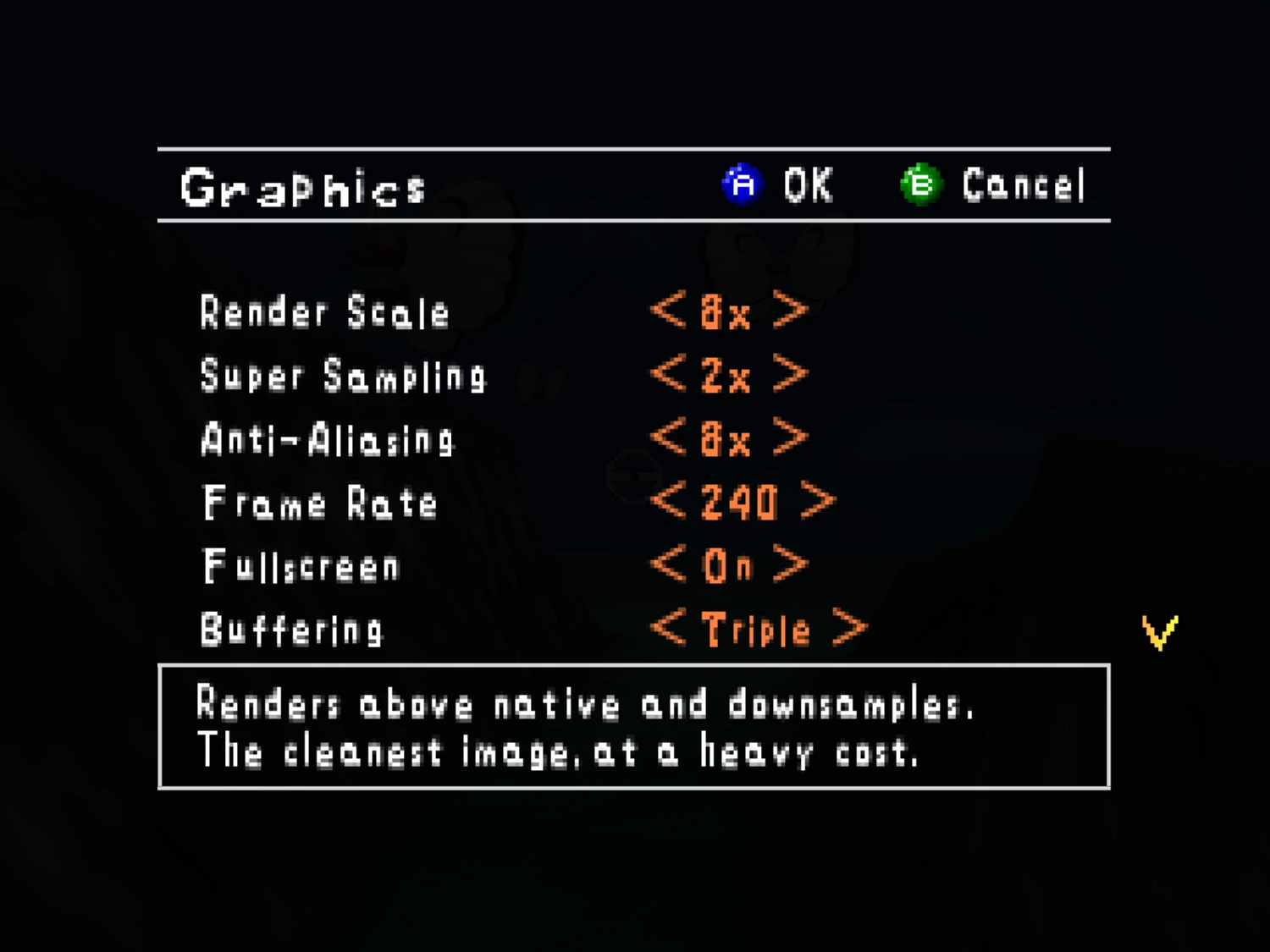
- Super Sampling is held to what the card's memory carries. At 8x with MSAA 8x on a 2560-wide window the render targets would take some 40 GB; Direct3D answered out of memory, the renderer crashed on what it got back, and with the setting saved the port crashed at every start. The multiplier is now fitted to the screen's size, the sample count and the card's memory, at the start and as the Graphics page applies it, with the fitted value written to the file and said in the log. A target the card still cannot make no longer crashes: the port says so in a box and the log, marks the setting in
snap64.gpu_failedbesidesnapsettings.json, sets Super Sampling one below it and ends, and every later start holds below the mark. Reported by KlingeSean in #28. - The Switch Online N64 controller's C buttons are the C buttons. SDL's driver sends them as Y, X, Back and the right trigger, which the binding table read as B, the Options and, under the N64-shaped layout, the fast forward: C-down ran the game fast, C-left threw a pester ball with the flute's call, and C-right opened the Options. The port now reads those four as C-up, C-left, C-right and C-down on that pad, the table's sources on them step aside, the Button Setup page refuses them, and the Options are on the pause menu there. The pad is recognized by its ids as well as its name, and every pad's ids and SDL's mapping line go to the log when it opens. Reported by Succulent-Puppet in #26.
Nothing else changed since 1.1.4; its page says what 1.1.4 brought.
Every change, with its cause, is in CHANGELOG.md.
Note
Upgrading from 1.1.4 or any earlier release: unpack the new archive over the old folder or beside it. Your save is in saves/ and your settings in snapsettings.json, both untouched by the upgrade and both read by 1.1.5 as they are. If you keep the old folder, copy those two across, and pokemonsnap.z64 with them, or let the new one ask you for it.
Warning
The Windows executable is not signed, and the Mac app is signed by nobody. SmartScreen may say "Windows protected your PC" on the first start, macOS refuses a plain double-click, and an antivirus may flag a program it has never seen; the builds on this page are what the source produces, GitHub's provenance says so, and the .sha256 beside each archive lets you check what you downloaded.
First start
- On Windows, past SmartScreen: choose More info, then Run anyway, once.
- On a Mac: right-click the app and choose Open, or on macOS 15 double-click, dismiss the message, and click Open Anyway in System Settings > Privacy & Security, once.
- The box asks for your ROM; choose the file and the game starts. The first start also compiles the shipped shader list during the boot logos and takes longer.
- The Snap Station's Print restarts the program twice, on purpose.
- On a Deck, add the executable as a non-Steam game and run it in either mode, or install the Flatpak; the Deck page under
docs/has the shortcut and gyro settings.
Known limitations
- The Mac build has not run on a physical Mac; the ARM64 build and the Flatpak have not run on real hardware. Their sounds, pads and speed are unheard and unmeasured.
- A few 2D pictures still move at the game's rate when the frame rate is raised: one that slides past the side of a menu in a wide window, and one that jumps a long way in a single frame. Outside Oak's check, a slide that slows to a stop can still end a pixel at a time.
- A mod installed during play loads at the next start; the page says so.
- On an N64-shaped pad, which has no right shoulder button, fast forward has only its key until the file names another button.
- A Pokémon pops out of the picture before it has fully left it: the cartridge draws a Pokémon only while its collision point projects within 1.5 times the half-screen of the center. The port keeps the rule as the cartridge has it.
- Gyro has been confirmed on a Steam Deck and no other pad yet.
How this release was checked
- The release suite (
tools/release_check.py) on the Windows executable GitHub built: 33 of 33 checks (the speed check passed on a second run alone, after a first run had scored 53 photos at 3x against the 1x run's 45), and the Snap Station's 5 of 5 in 488 s. The same suite on the build made here: 33 of 33 in 1226 s, and 5 of 5. Four of its checks are new: the fit of Super Sampling to a faked card's memory, a render target made to fail on purpose and the start after it, and the Switch Online N64 controller as a virtual pad wearing its name and ids. VERIFICATION.md says what each check does. - The catch was seen to fire: with its test switch on, the port ended by itself with the mark written and the saved setting lowered, and the next start held below the mark. The Linux build was started without a window with a faked card and held a saved 8x to 3x. No Switch Online N64 controller is here: its recognition and its C buttons were tested with the virtual pad, and a press on the real pad is asked of the reporter.
- The Mac workflow's checks on GitHub's virtual Mac: 15 of 15 natively and 10 of 10 through Rosetta 2, no crash reports, on a second run of the native checks after the first had ended with a crash report at one check's exit. The package checks passed on all five archives, and each archive's build provenance verifies.
Snap64 Recomp 1.1.4
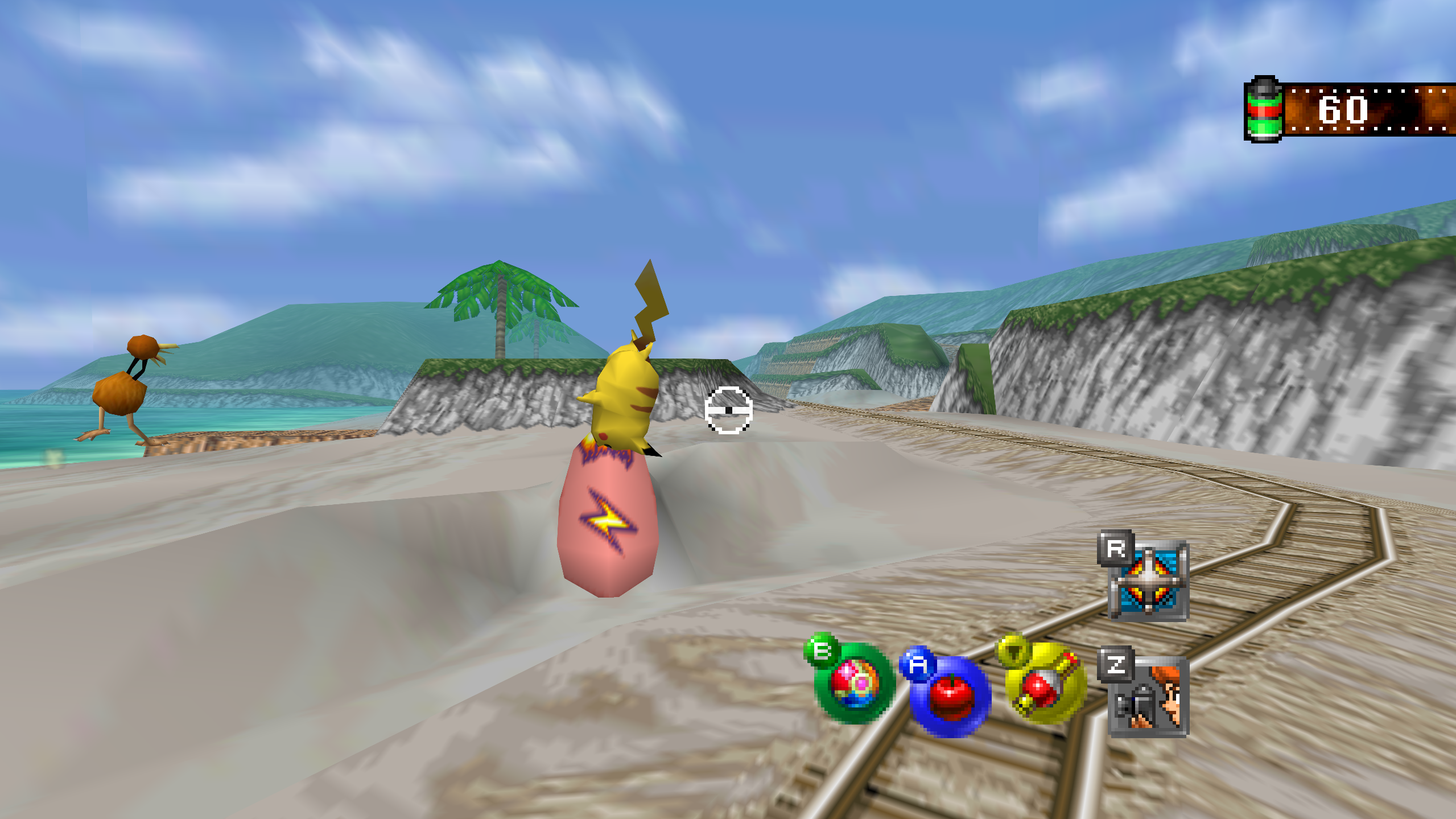
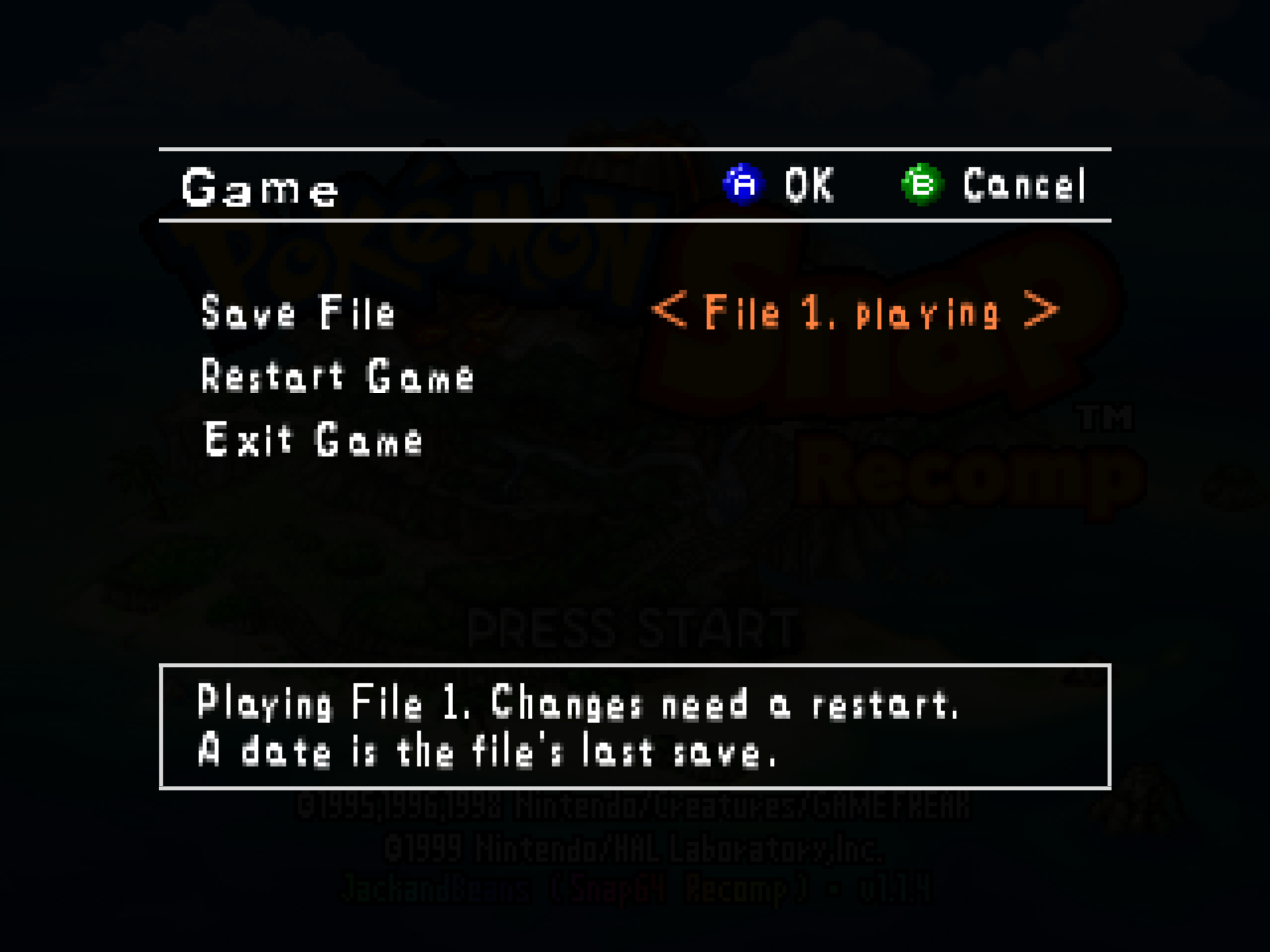
Snap64 Recomp is a native port of Pokémon Snap (Nintendo 64, US release) made by static recompilation: the game's own code runs on your PC, the port only hosts it, and everything about how it looks is off unless you turn it on. 1.1.4 fixes a Controls page row that showed a mod's text, fixes two faults of 1.1.3's Game page, a second Snap Station switch that did not belong there and a help line that ran past its box, makes its Save File row say what each file holds, gives it a Restart Game row, and makes the Controls page's Button Setup row say "Press A" where 1.1.3 said "Open".
Downloads
| File | For |
|---|---|
Snap64Recomp-1.1.4-win64.zip |
Windows 10 (version 1809 or newer) or 11, 64-bit, with a GPU driver that provides Direct3D 12 and Shader Model 6.3: any driver since late 2018. Nothing else to install. |
Snap64Recomp-1.1.4-linux-x86_64.tar.gz |
Linux, experimental: needs the system's SDL2, GTK 3 and a Vulkan 1.2 driver. Earlier releases were played on a Steam Deck in Desktop Mode and in Gaming Mode. |
Snap64Recomp-1.1.4-linux-x86_64.flatpak |
The same Linux build with its own SDL2, GTK 3 and Vulkan loader; installs with one command on a Steam Deck or any desktop with Flatpak. Built and started on GitHub's machine, not yet played on real hardware. |
Snap64Recomp-1.1.4-linux-arm64.tar.gz |
Linux on ARM64 (a Raspberry Pi 5, an ARM laptop, a Linux virtual machine on a Mac). Built on GitHub's ARM machine, not yet played on real hardware. |
Snap64Recomp-1.1.4-macos-universal.zip |
macOS 14 or newer, Apple Silicon and Intel in one app. Built and run on GitHub's virtual Mac, not yet on a physical one. |
You need your own cartridge dump. No game data is included. Start the program and choose your pokemonsnap.z64 when it asks (US, SHA-1 edc7c49cc568c045fe48be0d18011c30f393cbaf), or put the file next to the executable yourself. START HERE.txt in each archive says the rest, in one page.
What's new
The Game page
- The Save File row says what each file holds. "File 1, playing" is the file the game is playing, "File 2, empty" one that has never been saved to, and the others carry the day they were last saved, "File 4, Oct 9". It had said "File 2" alone, the same for an empty file and a full one. The help box names the file in play for the whole session, and the title screen's bottom line says "Save 2" when another file than the first is loaded, so a shared program shows whose game it is at a glance.
- A Restart Game row, between Save File and Exit Game: the Mods page's restart, asking first as it does there, so a chosen file is played at once instead of at some later start.
Fixed
- The Controls page's Pointer row no longer shows a mod's option text. After a mod's options page had been opened, the row's label, value and help line read as three of that mod's option descriptions: its four strings, from 1.1.1, had ids inside the bank the options page composes its window into. They have ids of their own now.
- The Button Setup row says "Press A" in its value column, in the words of the device in hand: "Press X" on the keyboard as shipped, "Click" with the mouse. 1.1.3 had put "Open" there, a word that read as a state as much as a verb.
- The Game page's Snap Station row is gone. 1.1.3 had put it between Save File and Exit Game, a second switch for a thing the title screen's own Snap Station item already switches, and the page's bank could have written a stale value over the title's.
- The Game row's help line on the Options screen fits its box. The 1.1.3 line ran past the box's right edge: 270 pixels of ink in a 226-pixel box. It reads "Save file, restart and Exit Game." now.
Nothing else changed since 1.1.3; its page says what 1.1.3 brought.
Every change, with its cause, is in CHANGELOG.md.
Note
Upgrading from 1.1.3 or any earlier release: unpack the new archive over the old folder or beside it. Your save is in saves/ and your settings in snapsettings.json, both untouched by the upgrade and both read by 1.1.4 as they are. If you keep the old folder, copy those two across, and pokemonsnap.z64 with them, or let the new one ask you for it.
Warning
The Windows executable is not signed, and the Mac app is signed by nobody. SmartScreen may say "Windows protected your PC" on the first start, macOS refuses a plain double-click, and an antivirus may flag a program it has never seen; the builds on this page are what the source produces, GitHub's provenance says so, and the .sha256 beside each archive lets you check what you downloaded.
First start
- On Windows, past SmartScreen: choose More info, then Run anyway, once.
- On a Mac: right-click the app and choose Open, or on macOS 15 double-click, dismiss the message, and click Open Anyway in System Settings > Privacy & Security, once.
- The box asks for your ROM; choose the file and the game starts. The first start also compiles the shipped shader list during the boot logos and takes longer.
- The Snap Station's Print restarts the program twice, on purpose.
- On a Deck, add the executable as a non-Steam game and run it in either mode, or install the Flatpak; the Deck page under
docs/has the shortcut and gyro settings.
Known limitations
- The Mac build has not run on a physical Mac; the ARM64 build and the Flatpak have not run on real hardware. Their sounds, pads and speed are unheard and unmeasured.
- A few 2D pictures still move at the game's rate when the frame rate is raised: one that slides past the side of a menu in a wide window, and one that jumps a long way in a single frame. Outside Oak's check, a slide that slows to a stop can still end a pixel at a time.
- A mod installed during play loads at the next start; the page says so.
- On an N64-shaped pad, which has no right shoulder button, fast forward has only its key until the file names another button.
- A Pokémon pops out of the picture before it has fully left it: the cartridge draws a Pokémon only while its collision point projects within 1.5 times the half-screen of the center. The port keeps the rule as the cartridge has it.
- Gyro has been confirmed on a Steam Deck and no other pad yet.
How this release was checked
- The release suite (
tools/release_check.py) on the Windows executable GitHub built: 29 of 29 checks (the speed check and the Snap Station's five rerun alone after a first run under another job's load), and the Snap Station's 5 of 5 in 490 s. The same suite on the build made here: 29 of 29 in 1150 s, and 5 of 5. VERIFICATION.md says what each check does. - The screens the release changes were captured from the fixed build and read: the Game page with its three rows, a file's state on the Save File row and the restart's question; the Options screen with its help line inside the box; the Controls page with the Button Setup row reading "Press X" with the keyboard in hand. The Pointer row after a mod's options page was checked by hand. The recorded run's 45 photo scores are the same as before.
- The Mac workflow's checks on GitHub's virtual Mac: 15 of 15 natively and 10 of 10 through Rosetta 2, no crash reports. The package checks passed on all five archives, and each archive's build provenance verifies.
Snap64 Recomp 1.1.3
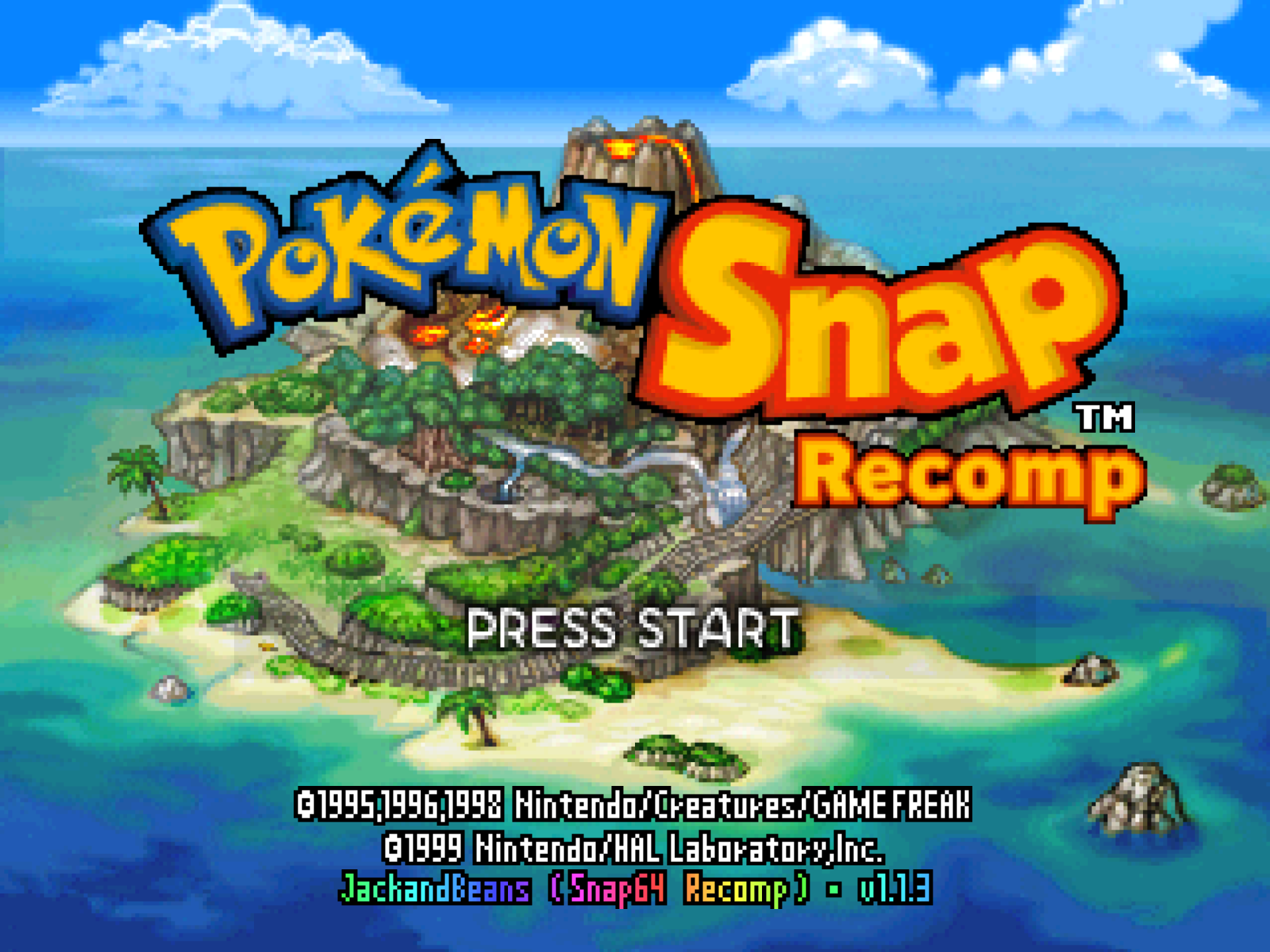
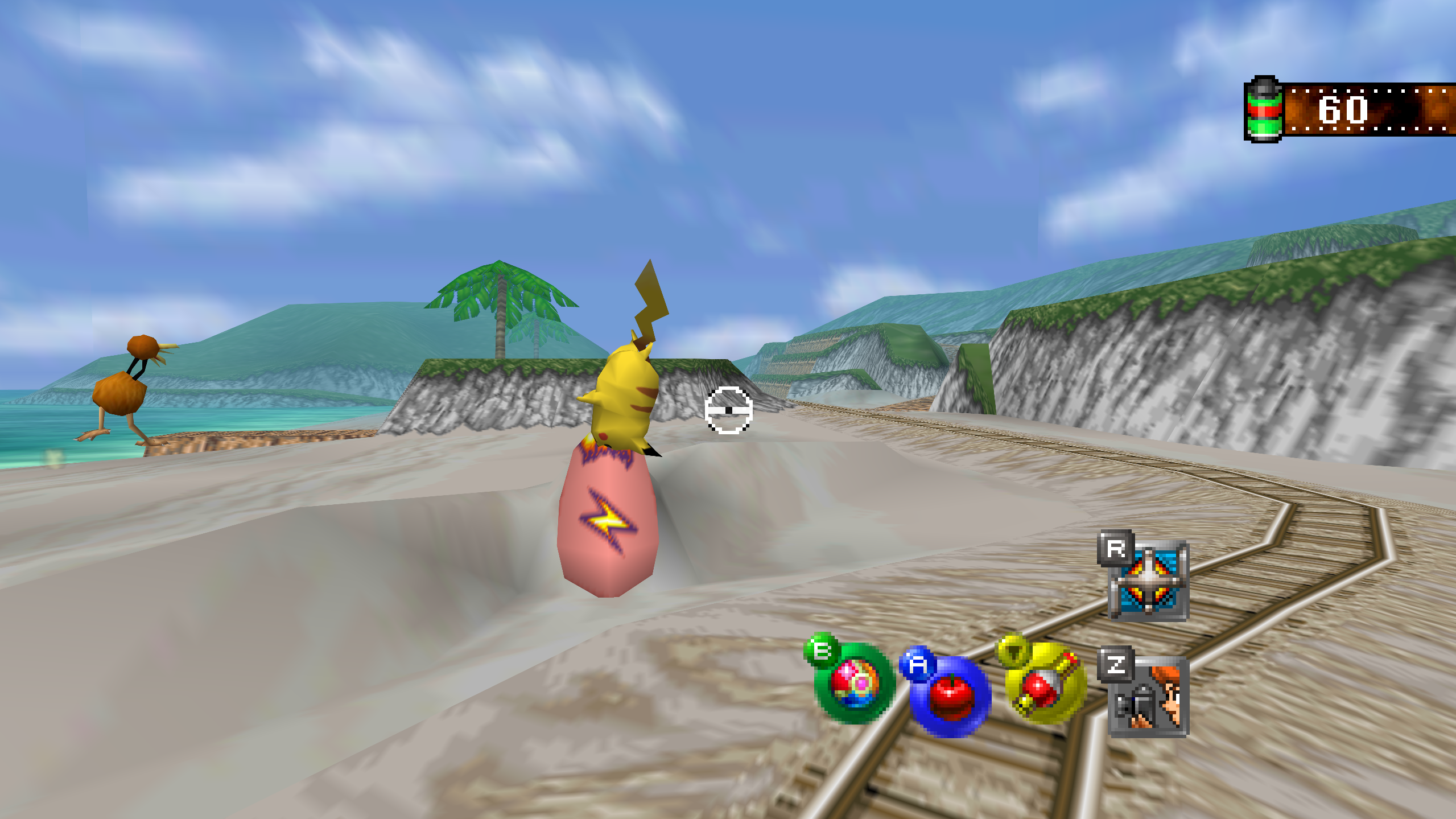
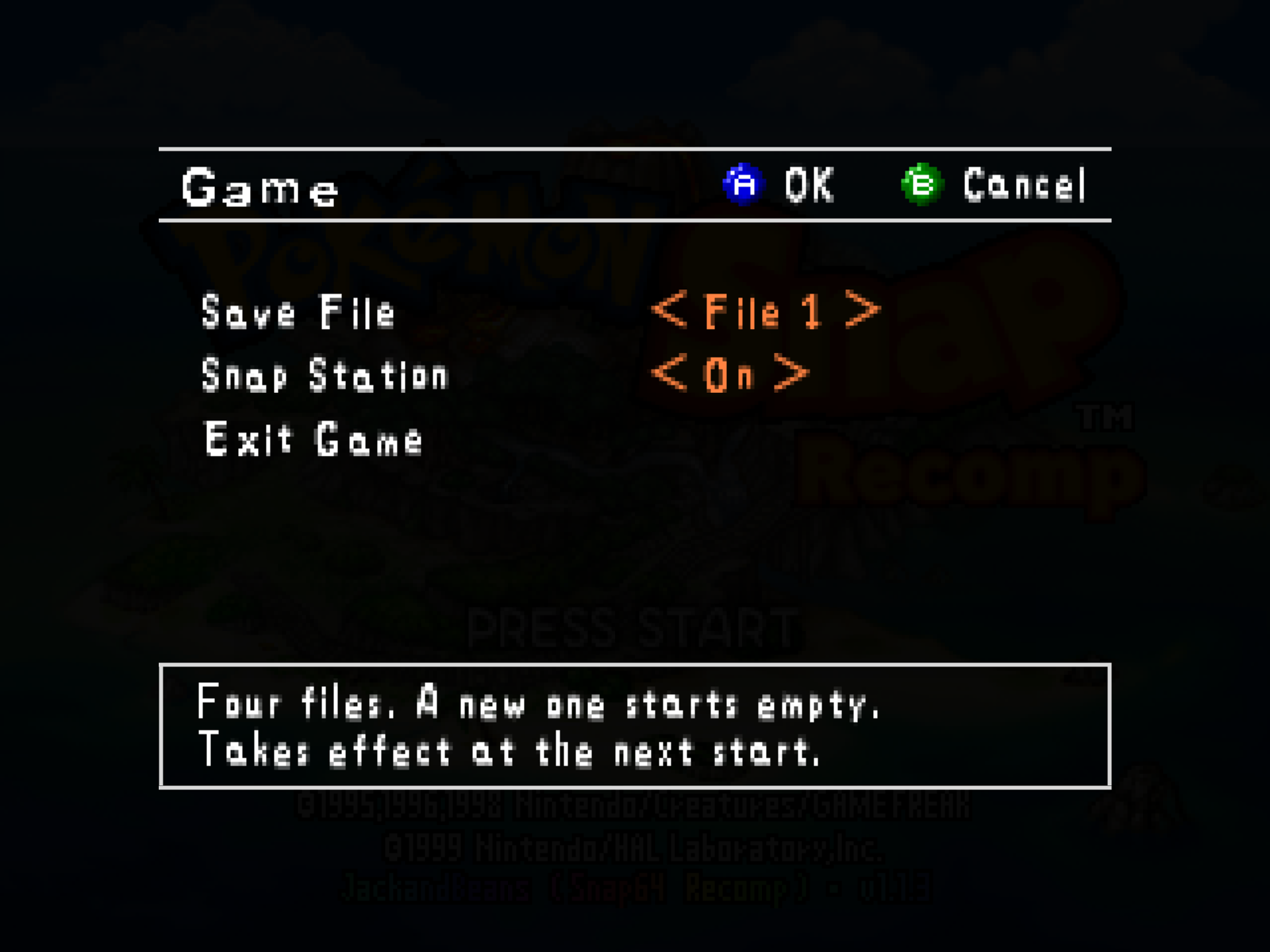
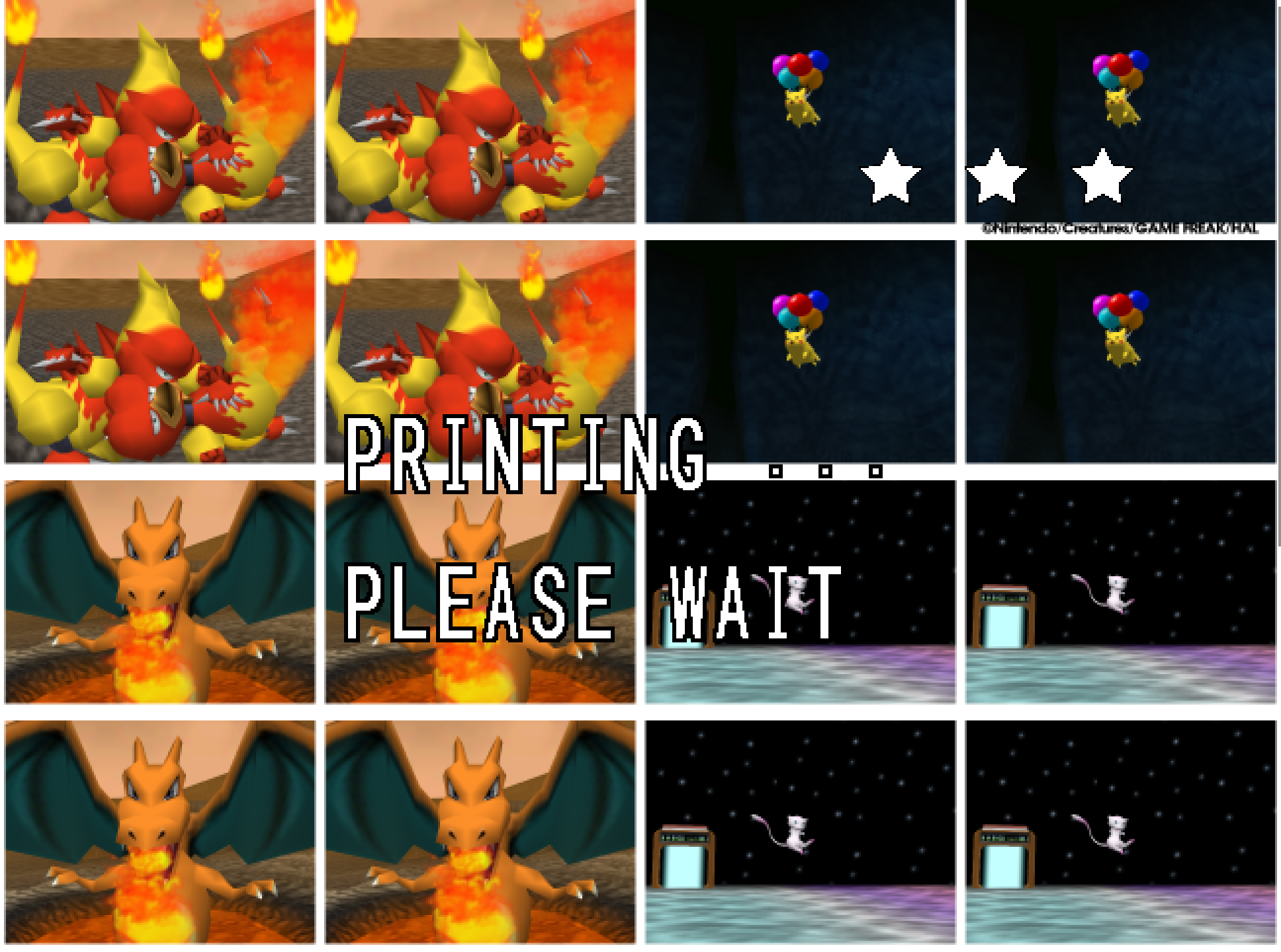
Snap64 Recomp is a native port of Pokémon Snap (Nintendo 64, US release) made by static recompilation: the game's own code runs on your PC, the port only hosts it, and everything about how it looks is off unless you turn it on. 1.1.3 adds four save files on a new Game page, takes the seams out of every course's sky, sorts the Graphics page into groups, and gives mods the clock, a line on their own page and a line over a course.
Downloads
| File | For |
|---|---|
Snap64Recomp-1.1.3-win64.zip |
Windows 10 (version 1809 or newer) or 11, 64-bit, with a GPU driver that provides Direct3D 12 and Shader Model 6.3: any driver since late 2018. Nothing else to install. |
Snap64Recomp-1.1.3-linux-x86_64.tar.gz |
Linux, experimental: needs the system's SDL2, GTK 3 and a Vulkan 1.2 driver. Earlier releases were played on a Steam Deck in Desktop Mode and in Gaming Mode. |
Snap64Recomp-1.1.3-linux-x86_64.flatpak |
The same Linux build with its own SDL2, GTK 3 and Vulkan loader; installs with one command on a Steam Deck or any desktop with Flatpak. Built and started on GitHub's machine, not yet played on real hardware. |
Snap64Recomp-1.1.3-linux-arm64.tar.gz |
Linux on ARM64 (a Raspberry Pi 5, an ARM laptop, a Linux virtual machine on a Mac). Built on GitHub's ARM machine, not yet played on real hardware. |
Snap64Recomp-1.1.3-macos-universal.zip |
macOS 14 or newer, Apple Silicon and Intel in one app. Built and run on GitHub's virtual Mac, not yet on a physical one. |
You need your own cartridge dump. No game data is included. Start the program and choose your pokemonsnap.z64 when it asks (US, SHA-1 edc7c49cc568c045fe48be0d18011c30f393cbaf), or put the file next to the executable yourself. START HERE.txt in each archive says the rest, in one page.
What's new
Fixed
- With Mouse Aim on, a course no longer starts looking straight up. The game stops the stick during its scripted moments, the run-in, a cutscene, a message, a turn to a new direction, the pause menu, and the port's mouse look kept turning the view through them until the pitch hit its limit. The mouse now moves the view only while the game's own stick is live.
- In a wide picture the word PAUSE comes in from the edge. The game starts it off the 4:3 screen and slides it in; in a 16:9 picture that start was inside the view, so the word popped in. Its way in is stretched by the margin, as the side icons' way out was in 1.1.2.
- A mod's options page draws all of its rows. The pages draw their text as sprite strips from a fixed pool, and a mod of ten options over a picture reached the pool's end, so the last rows went blank. The pool is twice the size, and the log counts any strip refused.
- A mod's hook on a function the port rewrites keeps the port's work in it. The runtime gave a hooked function a fresh copy from the cartridge, without the port's additions: a hook on the particle drawing dropped the names that keep 2D effects smooth. A hook on such a function now runs from the port's own copy, before and after the game's code.
- A settings file from an earlier release keeps its fullscreen. The port rewrites an older file once to add the new fields, and that rewrite came a moment before the saved fullscreen was restored, so it wrote fullscreen off and the second start was windowed. Found while cutting this release.
Four save files
- The Options screen's sixth row is Game, a page with three rows. Save File runs from File 1, the file the port always had, to File 4, each its own file under
saves/that starts empty and appears when the game first saves, so a family can share one program. It takes effect at the next start, since the game reads its save as it boots. Snap Station is the same switch as the title screen's Snap Station item. Exit Game is the row the list's item was, asking first as it did.
The sky
- The lines across a course's sky are gone. Each sky is a six-sided drum around the camera, and at the port's resolution three lines stood on it: the picture's last column meeting its first at every join, the crease where the corner colors change pace, and the lid's rim. The port now reads the drum as the course loads, cuts each of its triangles into sixteen, colors the new corners smoothly from the game's own and blends the picture across each join. A sky that is not such a drum, the Cave's and the Rainbow Cloud's, is left as it was.
SNAP_SKY_DRUM=originalkeeps every sky as the cartridge draws it.
The Options pages
- The Graphics page is in three groups, in the order a player asks about them: the display, the picture and the fixes. Its seventeenth row, Wide HUD, chooses whether the film counter and the side icons sit at the wide picture's edge, as 1.1.2 made it, or at the 4:3 picture's, where the cartridge has them.
- The Controls and Button Setup pages say what they do. The Button Setup row says Open; the Button Setup page has its own legend, A Change and B Back; its top row reads Device; Stick Swap is Off or On; the Dead Zone's values carry their percent sign; the scroll arrows sit beside the scroll bar. The keyboard ships no key for the L button, which the game never reads.
The window
- The maximize button maximizes the window, as any window's does, and a window left maximized opens maximized at the next launch. Since 1.0.0 it had been a fullscreen switch. F11 and the Graphics page are the fullscreen switch.
Mods
- Island Skies, the first mod that changes the island. The Beach at sunset, the River under the stars, snow on the Valley, ash over the Volcano. Pick an hour and a weather, or let the island follow your own clock, day and night, with weather of its own that holds from one ride to the next and turns during a ride when its time comes. Stars that twinkle, the moon in its phase, a shooting star now and then; rain, storms with lightning, snow that lies, ash on the wind. By day the island is exactly as the cartridge draws it, and photos keep the sky of their instant. Its page has the pictures.
- A mod can read the computer's clock and calendar (
snap64_local_time,snap64_local_date,snap64_utc_offset), the port's first functions of its own for mods. - A mod can put a line of its own on its details page (
snap64_set_status), with a%Tthat shows the clock as the page is read. - A mod can show a line over a course (
snap64_notice): centered at the top in the film counter's row, for four seconds, fading in and out. - A mod is N64 code only. A declared native library or an offline-recompiled mod is refused with a reason, and the mods page says so. Raised by Thunderstore's review of the community request.
- The functions above are in the mod kit's
snap64.h, in the template and the mods repository; a mod that imports them asks for 1.1.3 in its manifest.
Every change, with its cause, is in CHANGELOG.md.
Note
Upgrading from 1.1.2 or any earlier release: unpack the new archive over the old folder or beside it. Your save is in saves/ and your settings in snapsettings.json, both untouched by the upgrade and both read by 1.1.3 as they are. If you keep the old folder, copy those two across, and pokemonsnap.z64 with them, or let the new one ask you for it.
Warning
The Windows executable is not signed, and the Mac app is signed by nobody. SmartScreen may say "Windows protected your PC" on the first start, macOS refuses a plain double-click, and an antivirus may flag a program it has never seen; the builds on this page are what the source produces, GitHub's provenance says so, and the .sha256 beside each archive lets you check what you downloaded.
First start
- On Windows, past SmartScreen: choose More info, then Run anyway, once.
- On a Mac: right-click the app and choose Open, or on macOS 15 double-click, dismiss the message, and click Open Anyway in System Settings > Privacy & Security, once.
- The box asks for your ROM; choose the file and the game starts. The first start also compiles the shipped shader list during the boot logos and takes longer.
- The Snap Station's Print restarts the program twice, on purpose.
- On a Deck, add the executable as a non-Steam game and run it in either mode, or install the Flatpak; the Deck page under
docs/has the shortcut and gyro settings.
Known limitations
- The Mac build has not run on a physical Mac; the ARM64 build and the Flatpak have not run on real hardware. Their sounds, pads and speed are unheard and unmeasured.
- A few 2D pictures still move at the game's rate when the frame rate is raised: one that slides past the side of a menu in a wide window, and one that jumps a long way in a single frame. Outside Oak's check, a slide that slows to a stop can still end a pixel at a time.
- A mod installed during play loads at the next start; the page says so.
- On an N64-shaped pad, which has no right shoulder button, fast forwa...
Snap64 Recomp 1.1.2
Snap64 Recomp is a native port of Pokémon Snap (Nintendo 64, US release) made by static recompilation: the game's own code runs on your PC, the port only hosts it, and everything about how it looks is off unless you turn it on. 1.1.2 smooths the game's 2D pictures when the frame rate is raised, brings the widescreen display out to the real edge of the screen, and tells you when a graphics driver is too old instead of closing without a word.
Downloads
| File | For |
|---|---|
Snap64Recomp-1.1.2-win64.zip |
Windows 10 (version 1809 or newer) or 11, 64-bit, with a GPU driver that provides Direct3D 12 and Shader Model 6.3: any driver since late 2018. Nothing else to install. |
Snap64Recomp-1.1.2-linux-x86_64.tar.gz |
Linux, experimental: needs the system's SDL2, GTK 3 and a Vulkan 1.2 driver. Earlier releases were played on a Steam Deck in Desktop Mode and in Gaming Mode. |
Snap64Recomp-1.1.2-linux-x86_64.flatpak |
The same Linux build with its own SDL2, GTK 3 and Vulkan loader; installs with one command on a Steam Deck or any desktop with Flatpak. Built and started on GitHub's machine, not yet played on real hardware. |
Snap64Recomp-1.1.2-linux-arm64.tar.gz |
Linux on ARM64 (a Raspberry Pi 5, an ARM laptop, a Linux virtual machine on a Mac). Built on GitHub's ARM machine, not yet played on real hardware. |
Snap64Recomp-1.1.2-macos-universal.zip |
macOS 14 or newer, Apple Silicon and Intel in one app. Built and run on GitHub's virtual Mac, not yet on a physical one. |
You need your own cartridge dump. No game data is included. Start the program and choose your pokemonsnap.z64 when it asks (US, SHA-1 edc7c49cc568c045fe48be0d18011c30f393cbaf), or put the file next to the executable yourself. START HERE.txt in each archive says the rest, in one page.
What's new
Fixed
- A graphics driver that is too old gets a message (#21, reported by tiago-a). On a driver from before late 2018 the port opened a black window and closed within three seconds, with nothing said. The renderer needs Shader Model 6.3 and the check before start asked for less. The port now names the adapter, its driver and what it offers, and says what to install.
snap64.loglists every adapter with its driver. This was seen here with a test switch that makes a current driver answer as an old one; the reporter's machine has not confirmed it yet.
Smoother 2D with the frame rate raised
The renderer draws frames in between the game's own thirty a second. These pictures used to move at the game's rate while everything around them moved at the display's.
- Pictures that come in or go out past the edge of the screen glide: the course monitor in the lab on its way down and up, the word PAUSE, and any other picture that crosses the screen's edge.
- The viewfinder's black frame opens and closes at the display's rate.
- The lab's monitor leaves at an even pace. Its first frame on the way up could hold half a step, so it started slowly, sped up and slowed again.
- Oak's check: the pictures slide to a stop without steps. The picture being judged and the one kept from last time came in smoothly and ended a pixel at a time.
- Flowing water moves at the display's rate. In the River and the Valley the water's texture shook as the view turned.
Widescreen
- The film counter sits against the screen's own edge, where its strip stopped in mid-air at the edge of the game's 4:3 screen. When the viewfinder comes up it moves in with the frame.
- The R and Z icons slide out to the screen's edge and back. They vanished short of the side.
- The word PAUSE comes in through the right margin and leaves through the left.
- The viewfinder's frame opens and closes without a jump. It leaped the width of the side margin on its first and last frames.
The title
- The capital S of "Snap Station" is redrawn to match the title's own lettering. The game's title words have no capital S, so the port draws one; the old one read as a 5.
Every change, with its cause, is in CHANGELOG.md.
Note
Upgrading from 1.1.1 or any earlier release: unpack the new archive over the old folder or beside it. Your save is in saves/ and your settings in snapsettings.json, both untouched by the upgrade and both read by 1.1.2 as they are. If you keep the old folder, copy those two across, and pokemonsnap.z64 with them, or let the new one ask you for it.
Warning
The Windows executable is not signed, and the Mac app is signed by nobody. SmartScreen may say "Windows protected your PC" on the first start, macOS refuses a plain double-click, and an antivirus may flag a program it has never seen; the builds on this page are what the source produces, GitHub's provenance says so, and the .sha256 beside each archive lets you check what you downloaded.
First start
- On Windows, past SmartScreen: choose More info, then Run anyway, once.
- On a Mac: right-click the app and choose Open, or on macOS 15 double-click, dismiss the message, and click Open Anyway in System Settings > Privacy & Security, once.
- The box asks for your ROM; choose the file and the game starts. The first start also compiles the shipped shader list during the boot logos and takes longer.
- The Snap Station's Print restarts the program twice, on purpose.
- On a Deck, add the executable as a non-Steam game and run it in either mode, or install the Flatpak; the Deck page under
docs/has the shortcut and gyro settings.
Known limitations
- The Mac build has not run on a physical Mac; the ARM64 build and the Flatpak have not run on real hardware. Their sounds, pads and speed are unheard and unmeasured.
- A few 2D pictures still move at the game's rate when the frame rate is raised: one that slides past the side of a menu in a wide window, and one that jumps a long way in a single frame. Outside Oak's check, a slide that slows to a stop can still end a pixel at a time.
- A mod installed during play loads at the next start; the page says so.
- On an N64-shaped pad, which has no right shoulder button, fast forward has only its key until the file names another button.
- A Pokémon pops out of the picture before it has fully left it: the cartridge draws a Pokémon only while its collision point projects within 1.5 times the half-screen of the center. The port keeps the rule as the cartridge has it.
- Gyro has been confirmed on a Steam Deck and no other pad yet.
How this release was checked
- The release suite (
tools/release_check.py) on the Windows executable GitHub built: 29 of 29 checks in 1150 s, and the Snap Station's 5 of 5 in 488 s. The same suite on the build made here: 29 of 29, and 5 of 5. VERIFICATION.md says what each check does. - The 2D and widescreen changes were measured on a recorded run, with captured frames or the renderer's own counts, and played by hand at 2560 by 1440 fullscreen with the frame rate raised. The recorded run's 45 photo scores are the same as before the changes. The River and the Valley are reached by no recording and were played by hand.
- The Mac workflow's checks on GitHub's virtual Mac: 15 of 15 natively and 10 of 10 through Rosetta 2, no crash reports. The package checks passed on all five archives, and each archive's build provenance verifies.
Snap64 Recomp 1.1.1
Snap64 Recomp is a native port of Pokémon Snap (Nintendo 64, US release) made by static recompilation: the game's own code runs on your PC, the port only hosts it, and everything about how it looks is off unless you turn it on. 1.1.1 finishes the mouse and keyboard on the game's own screens, fixes the Controls page's Control Stick and Z Button settings so they take effect in the ride you are on, adds Linux on ARM64 and a Flatpak, and is the first release whose every archive was built and signed on GitHub's machines.
Downloads
| File | For |
|---|---|
Snap64Recomp-1.1.1-win64.zip |
Windows 10 or 11, 64-bit, with a GPU driver that provides Direct3D 12. Nothing else to install. |
Snap64Recomp-1.1.1-linux-x86_64.tar.gz |
Linux, experimental: needs the system's SDL2, GTK 3 and a Vulkan 1.2 driver. Earlier releases were played on a Steam Deck in Desktop Mode and in Gaming Mode. |
Snap64Recomp-1.1.1-linux-x86_64.flatpak |
The same Linux build with its own SDL2, GTK 3 and Vulkan loader; installs with one command on a Steam Deck or any desktop with Flatpak. Built and started on GitHub's machine, not yet played on real hardware. |
Snap64Recomp-1.1.1-linux-arm64.tar.gz |
Linux on ARM64 (a Raspberry Pi 5, an ARM laptop, a Linux virtual machine on a Mac). Built on GitHub's ARM machine, not yet played on real hardware. |
Snap64Recomp-1.1.1-macos-universal.zip |
macOS 14 or newer, Apple Silicon and Intel in one app. Built and run on GitHub's virtual Mac, not yet on a physical one. |
You need your own cartridge dump. No game data is included. Start the program and choose your pokemonsnap.z64 when it asks (US, SHA-1 edc7c49cc568c045fe48be0d18011c30f393cbaf), or put the file next to the executable yourself. START HERE.txt in each archive says the rest, in one page.
What's new
Fixed
- Control Stick and Z Button take effect mid-ride (#19, reported by myleskeller). Changed from the pause menu's Options during a course, Reverse did nothing until the next course: the game reads those two settings once, as a ride starts. The change now reaches the ride you are in, and Z Button's Switch shows and hides its HUD hint with it. The row's help line also had the two backwards; on the cartridge, Normal tilts the camera down when the stick is pushed up and Reverse tilts it up, and the line says so now.
- The side panel's buttons rest at their full height. The lab, the course list, the PKMN Report, the album, the Gallery and Oak's photo check slide their buttons in by stretching them, and the cartridge's slide-in stops a step short of full size. At 320 by 240 nothing shows; the port's renderer drew the resting buttons soft and snapped them crisp, half a pixel over, the instant a choice was made. The slide-in now ends at exactly full size.
- The mouse no longer steers the title's demo. The course the title plays after a while idle followed the mouse, which the cartridge's stick cannot do: the port's mouse look writes the view straight into the game, and the demo's script never reads it back. The mouse and the gyro now stand off while the demo runs; a click is A and ends the demo, as on the cartridge.
- The question asked when the last session did not close normally cut off its second button on Windows; it reads "Turn mods off" now. The question was also asked after a clean close when the release suite had run on that folder; the suite now cleans up the mark it left.
The mouse and the keyboard, on the game's own screens
- The photographer card takes the keyboard. A new game's name can be typed: letters, digits, the card's own marks, Space, Backspace (a letter back) and Enter (End); the cursor follows what you type, and the arrow keys move on the grid.
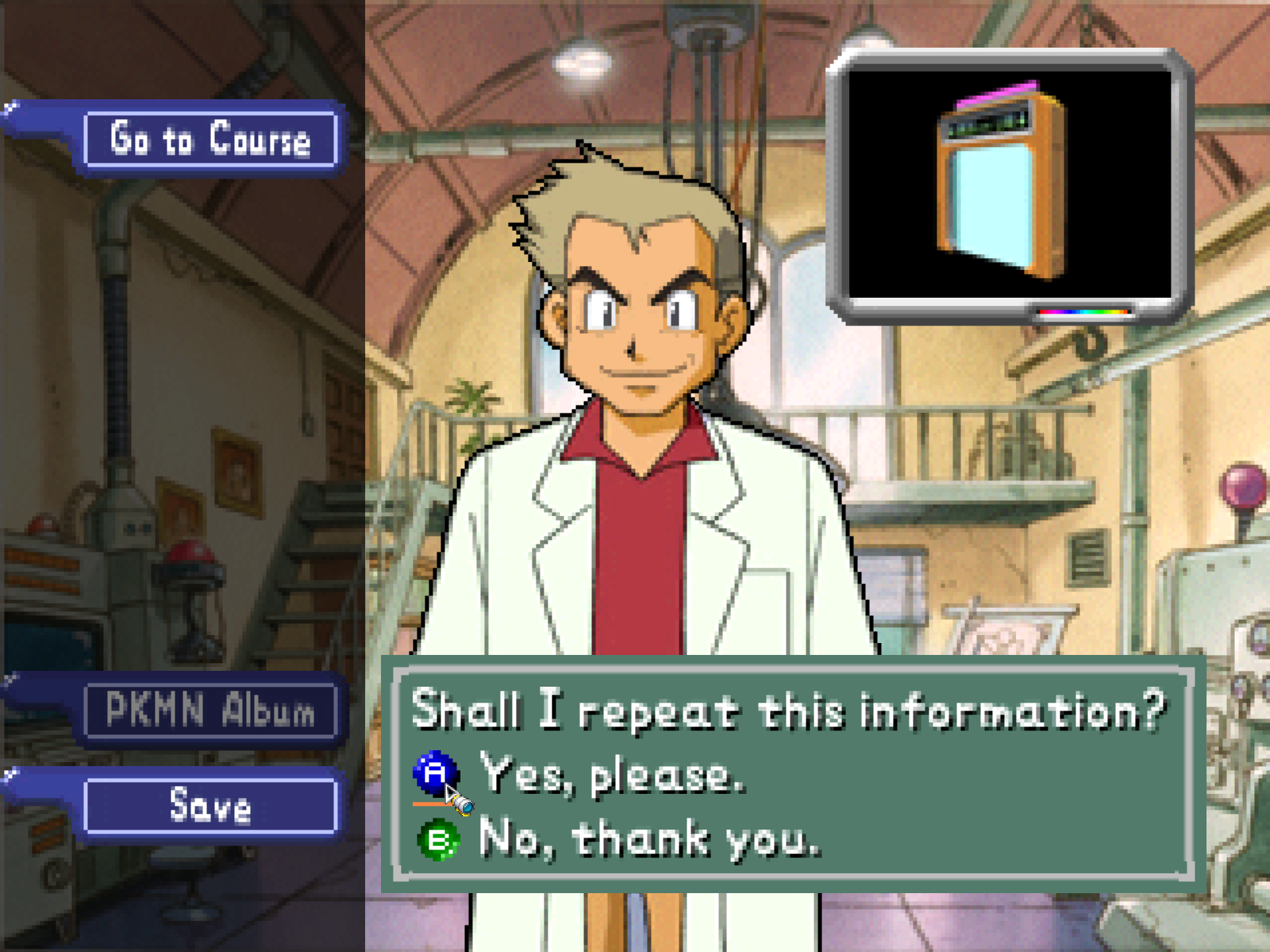
- Every A-or-B question answers the mouse — "Shall I repeat this information?", "Shall I save your progress?", "Should I show this to Prof. Oak?", "Delete this picture?", and the rest. The A or B icon under the pointer is underlined, with the move sound, and a click on it presses it; the right button is B. A click used to be A wherever it fell, so Oak repeated himself until B was pressed on something else.
- New Game's question over a saved game takes the pointer: the word under it is selected, a click chooses it.
- Oak's photo check, one picture at a time: the header's arrows and the wheel step through a Pokémon's pictures, a click on the picture is A, the right button is B.
- The port's own mouse pointer: an arrow carrying a camera lens, drawn as pixel art, as the system's cursor on the menus (46 by 52 in a 1280 by 960 window). A click closes the lens's shutter and opens it again. In fullscreen the pointer shows while a hand is on the mouse, goes out in a flash after three seconds idle or when a cutscene or a course takes the screen, and comes back in one. The Controls page's new Pointer row picks Camera, the port's own, or System, the system's arrow;
custom_pointerinsnapsettings.jsonis the same switch.
Builds
- Linux on ARM64 and a Flatpak, both made on GitHub's machines by the build workflow. No machine has played the game from either yet; please say how it goes.
- Every archive on this page was built on GitHub's machines by
release.ymland signed with GitHub's build provenance:gh attestation verify <file> --repo JackandBeans/Snap64Recompshows which commit and workflow made your download. The release suite ran on the Windows archive, and the package checks on all five, before they were published. - The Linux and Mac executables no longer carry the build machine's folders in their debug names.
- The renderer, the runtime and the recompiler are git submodules on the project's own forks, so a clone gets every tree through
python tools/fetch_deps.py.
Every change, with its cause, is in CHANGELOG.md.
Note
Upgrading from 1.1.0 or any 1.0.x: unpack the new archive over the old folder or beside it. Your save is in saves/ and your settings in snapsettings.json, both untouched by the upgrade and both read by 1.1.1 as they are. If you keep the old folder, copy those two across, and pokemonsnap.z64 with them, or let the new one ask you for it.
Warning
The Windows executable is not signed, and the Mac app is signed by nobody. SmartScreen may say "Windows protected your PC" on the first start, macOS refuses a plain double-click, and an antivirus may flag a program it has never seen; the builds on this page are what the source produces, GitHub's provenance says so, and the .sha256 beside each archive lets you check what you downloaded.
First start
- On Windows, past SmartScreen: choose More info, then Run anyway, once.
- On a Mac: right-click the app and choose Open, or on macOS 15 double-click, dismiss the message, and click Open Anyway in System Settings > Privacy & Security, once.
- The box asks for your ROM; choose the file and the game starts. The first start also compiles the shipped shader list during the boot logos and takes longer.
- The Snap Station's Print restarts the program twice, on purpose.
- On a Deck, add the executable as a non-Steam game and run it in either mode, or install the Flatpak; the Deck page under
docs/has the shortcut and gyro settings.
Known limitations
- The Mac build has not run on a physical Mac; the ARM64 build and the Flatpak have not run on real hardware. Their sounds, pads and speed are unheard and unmeasured.
- A mod installed during play loads at the next start; the page says so.
- On an N64-shaped pad, which has no right shoulder button, fast forward has only its key until the file names another button.
- A Pokémon pops out of the picture before it has fully left it: the cartridge draws a Pokémon only while its collision point projects within 1.5 times the half-screen of the center. The port keeps the rule as the cartridge has it.
- Gyro has been confirmed on a Steam Deck and no other pad yet.
How this release was checked
- The release suite (
tools/release_check.py) on the Windows executable GitHub built: 29 of 29 checks in 1150 s, and the Snap Station's 5 of 5 in 487 s. The same suite on the build made here: 29 of 29, and 5 of 5. VERIFICATION.md says what each check does. - The fixes to the questions, the name card, Oak's check, the Controls settings and the panel's buttons were checked in-game with the port's own frame capture and a scripted pointer, most on a real save at 2560 by 1440 fullscreen, before and after. The pointer, its shutter and its flash were checked by hand on the release machine, and the cursor photographed off the screen. The demo fix was checked by reading the game's memory from outside the executable GitHub built: the demo's script is set while the demo plays and clear in a ride.
- The Mac workflow's checks on GitHub's virtual Mac: 15 of 15 natively and 10 of 10 through Rosetta 2, no crash reports. The package checks passed on all five archives, and each archive's build p...
Snap64 Recomp 1.1.0
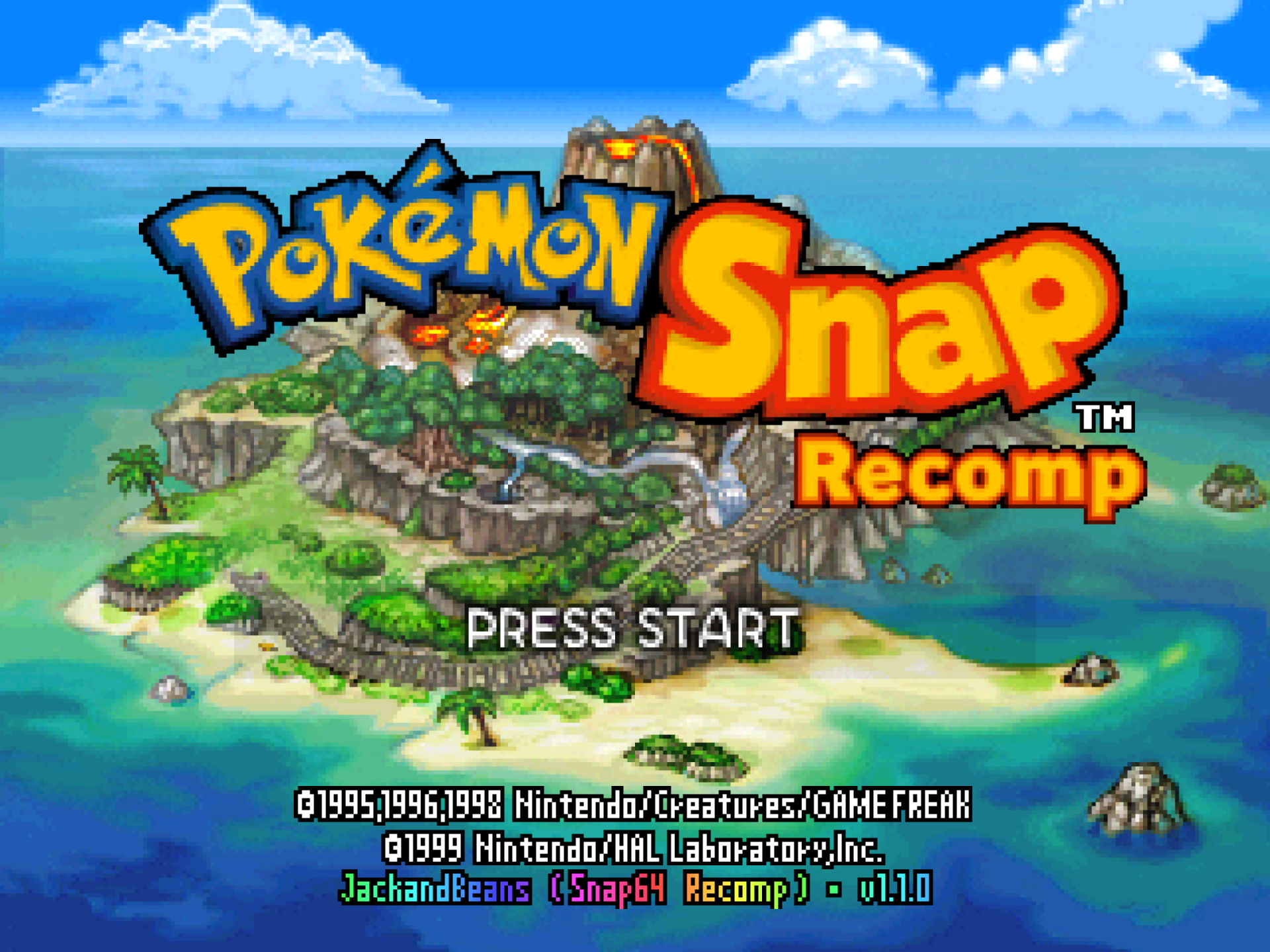
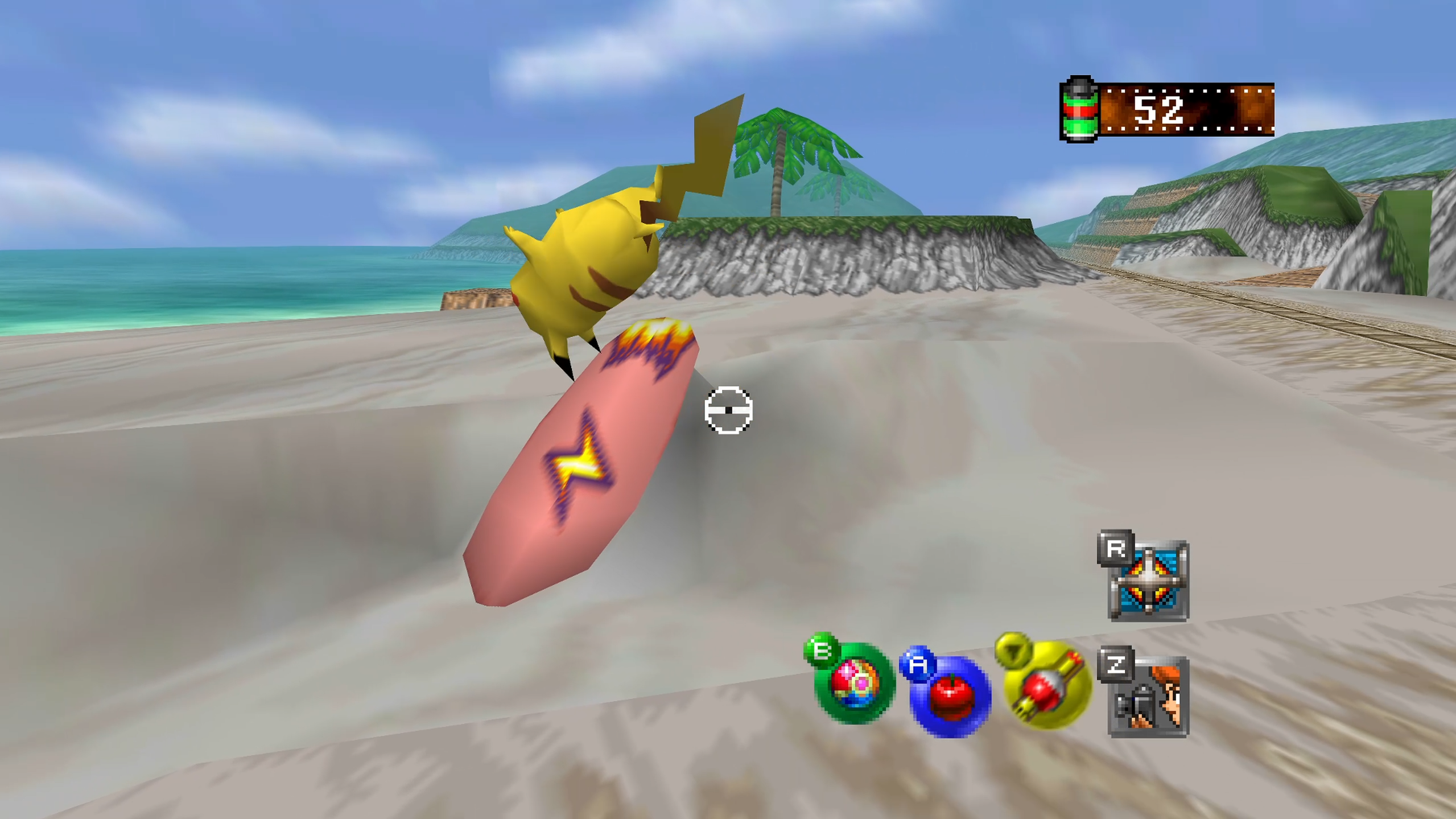
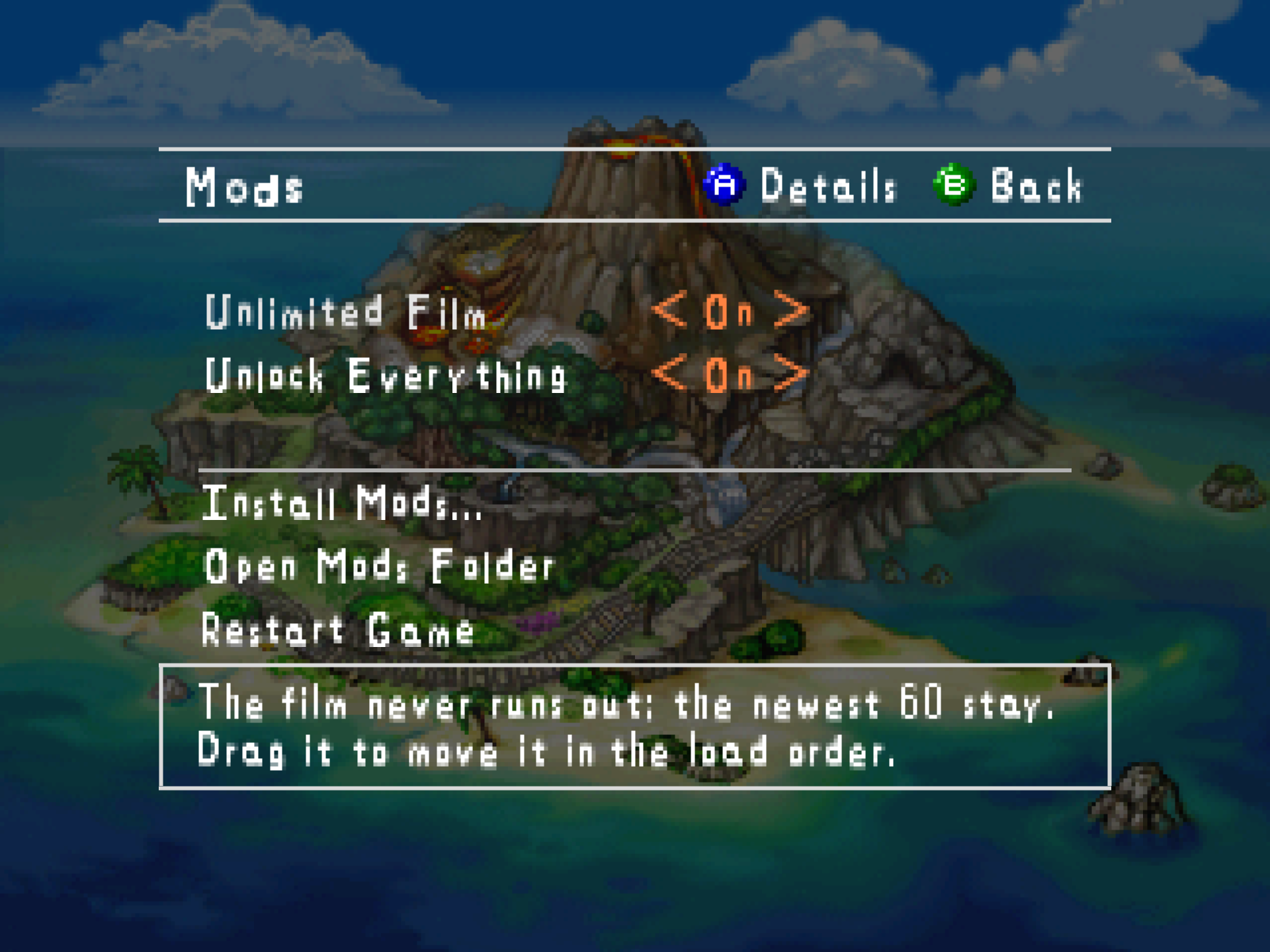
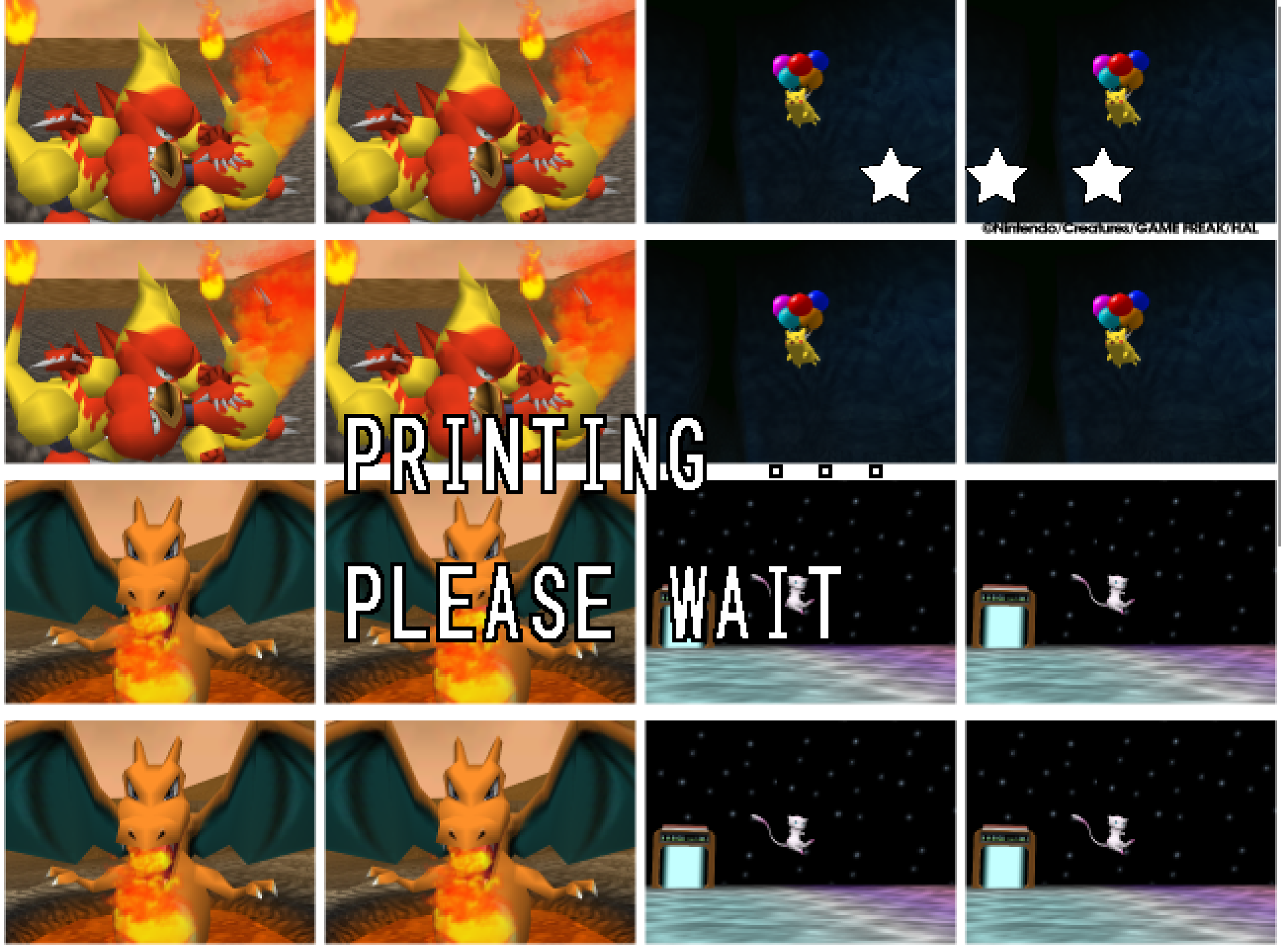
Snap64 Recomp is a native port of Pokémon Snap (Nintendo 64, US release) made by static recompilation: the game's own code runs on your PC, the port only hosts it, and everything about how it looks is off unless you turn it on. 1.1.0 is the modding release: mods install from the game's own Mods page or from a file dropped on the window, every mod has its own details and options pages, the mod kit makes them, and two mods of mine show how. It is also the first release with a Mac build.
Downloads
| File | For |
|---|---|
Snap64Recomp-1.1.0-win64.zip |
Windows 10 or 11, 64-bit, with a GPU driver that provides Direct3D 12. Nothing else to install. |
Snap64Recomp-1.1.0-linux-x86_64.tar.gz |
Linux, experimental: needs the system's SDL2, GTK 3 and a Vulkan 1.2 driver. Earlier releases were played on a Steam Deck in Desktop Mode and in Gaming Mode; this one has not been yet. |
Snap64Recomp-1.1.0-macos-universal.zip |
macOS 14 or newer, Apple Silicon and Intel in one app. Built and run on GitHub's virtual Mac, not yet on a physical one: the first report from a real Mac decides what it is. |
You need your own cartridge dump. No game data is included. Start the program and choose your pokemonsnap.z64 when it asks (US, SHA-1 edc7c49cc568c045fe48be0d18011c30f393cbaf), or put the file next to the executable yourself. START HERE.txt in each archive says the rest, in one page.
What's new
Mods
- The Mods page installs mods. Its Install Mods... row opens a file picker for
.nrmfiles, texture packs and the zips they come in, several at once, and a file dropped on the game's window installs the same way; a zip is unpacked, so a Thunderstore download works as it is. Open Mods Folder shows the folder, Restart Game restarts with the mods as set, and a mod that will not load says why on its row. - Every mod has a details page: its name, version and author, its picture when its file carries one, whether it is on, its whole description, and what it needs or is needed by. Left and Right turn it on or off from there. A mod installed during play is listed at once, marked NEW in the title's rainbow until its details are opened, and loads at the next start.
- A mod's options page, on the same panel: one row per option the mod declares, changed with Left and Right, an enum, a yes-or-no, a number, or a text typed with the keyboard, each written to the mod's own settings file at once, with a Restore Defaults row. An option another option hides or disables behaves as the mod's manifest says.
- The mouse works on every menu: the title's list, the lab, the course list, the pause menu, every Options page, the album, the PKMN Report, Oak's photo check, the Gallery and the name card. Moving the pointer selects, a click chooses, the right button goes back, the wheel scrolls, and a mod can be dragged up or down the load order.
- Help lines name the buttons in your hand. Every line of the port's that names a button says A on a controller, the key it is bound to on a keyboard ("Press X again to close the game, Z to stay"), or the click with a mouse, and changes the moment another device is pressed. Delete clears a Button Setup row, so a mouse can too.
- The mod kit's hooks are fixed for functions the port itself patches and for functions that wait, and the template and symbol files are checked against this release.
macOS
- A Mac build, for the first time. One app for Apple Silicon and Intel, macOS 14 or newer, drawn with Metal, with mods loading as on the other platforms. It grew from appleforever11's pull request #2, the first Apple Silicon build of the port, which started, drew with Metal and reached a course on an M3 Pro; its guard against a null video mode has been in the port since 1.0.5. Thank you. It is made and run by GitHub's own Mac, a virtual one: there the game boots to the intro, plays the Beach with its photos scored, loads a mod and quits cleanly, natively and through Rosetta 2. No physical Mac has run it. The first start is a right-click and Open, or on macOS 15 System Settings > Privacy & Security > Open Anyway; the port keeps its files in
~/Library/Application Support/Snap64 Recomp/. - Getting it there found faults a Mac would have hit and fixed them: the window's Metal layer resized behind the renderer, a missing copy the Snap Station needs, thread stacks a sixteenth of what the game runs on, mods refused by macOS's code protection, a crash at every quit, and a virtual Mac's timers that ran the game at a fifth of its pace.
BUILDING.md, step 15, is the whole account.
Also
- The music holds with the screen while the port's pages are open over any screen, and starts again where it stood.
- Three fixes found by DramaticShape in the port's own code: an audio read the recompiler had aimed at nothing, a race at quit, and the order of two renderer calls at a resize. Credited in the changelog.
- The Options pages are one family with the game's own: the Graphics page is the standard for every list, a mod's pages share one panel, and every capital in the port's text stands at one height.
- The small icon is the film canister with its paint.
Every change, with its cause, is in CHANGELOG.md.
Note
Upgrading from any 1.0.x: unpack the new archive over the old folder or beside it. Your save is in saves/ and your settings in snapsettings.json, both untouched by the upgrade and both read by 1.1.0 as they are. If you keep the old folder, copy those two across, and pokemonsnap.z64 with them, or let the new one ask you for it.
Warning
The Windows executable is not signed, and the Mac app is signed by nobody. SmartScreen may say "Windows protected your PC" on the first start, macOS refuses a plain double-click, and an antivirus may flag a program it has never seen; the builds on this page are what the source produces, and the .sha256 beside each archive lets you check what you downloaded.
First start
- On Windows, past SmartScreen: choose More info, then Run anyway, once.
- On a Mac: right-click the app and choose Open, or on macOS 15 double-click, dismiss the message, and click Open Anyway in System Settings > Privacy & Security, once.
- The box asks for your ROM; choose the file and the game starts. The first start also compiles the shipped shader list during the boot logos and takes longer.
- The Snap Station's Print restarts the program twice, on purpose.
- On a Deck, add the executable as a non-Steam game and run it in either mode; the Deck page under
docs/has the shortcut and gyro settings, and the log tells which mode it saw.
Known limitations
- The Mac build has not run on a physical Mac. Its sounds, its pads and its speed are unheard and unmeasured; the virtual Mac it ran on has no real GPU.
- A mod installed during play loads at the next start; the page says so. A mod's text option is typed with a keyboard only.
- The Linux build has no crash reporter, and this release has not been played on a Deck yet.
- On an N64-shaped pad, which has no right shoulder button, fast forward has only its key until the file names another button.
- A Pokémon pops out of the picture before it has fully left it: the cartridge draws a Pokémon only while its collision point projects within 1.5 times the half-screen of the center. The console does the same; the port keeps the rule as the cartridge has it.
- Gyro has been confirmed on a Steam Deck and no other pad yet.
- The two sticks can be swapped but not bound to anything else, and Select and the right stick's press keep their jobs: the pages, and saving the photo on screen.
How this release was checked
The Mods pages were built against screenshots and measured captures, row by row, and the mouse, the keyboard and the controller were each scripted through them. The release suite, now 29 checks, passed on the shipped Windows executable: 29 of 29 checks in 1149 seconds (SHA-256 beginning 3006d9b4), and the Snap Station's 5 of 5 in 487. The Mac app passed the workflow's checks on GitHub's Mac: 15 of 15 natively and 10 of 10 through Rosetta 2. The numbers, and every release's before it, are in docs/VERIFICATION.md.
Reporting a problem
Open an issue here and attach snap64.log from the folder with the executable (on a Mac, from ~/Library/Application Support/Snap64 Recomp/; and Snap64Recomp.map if the log has [SNAP-AV] lines), your snapsettings.json, and what you were doing.
Snap64 Recomp 1.0.9
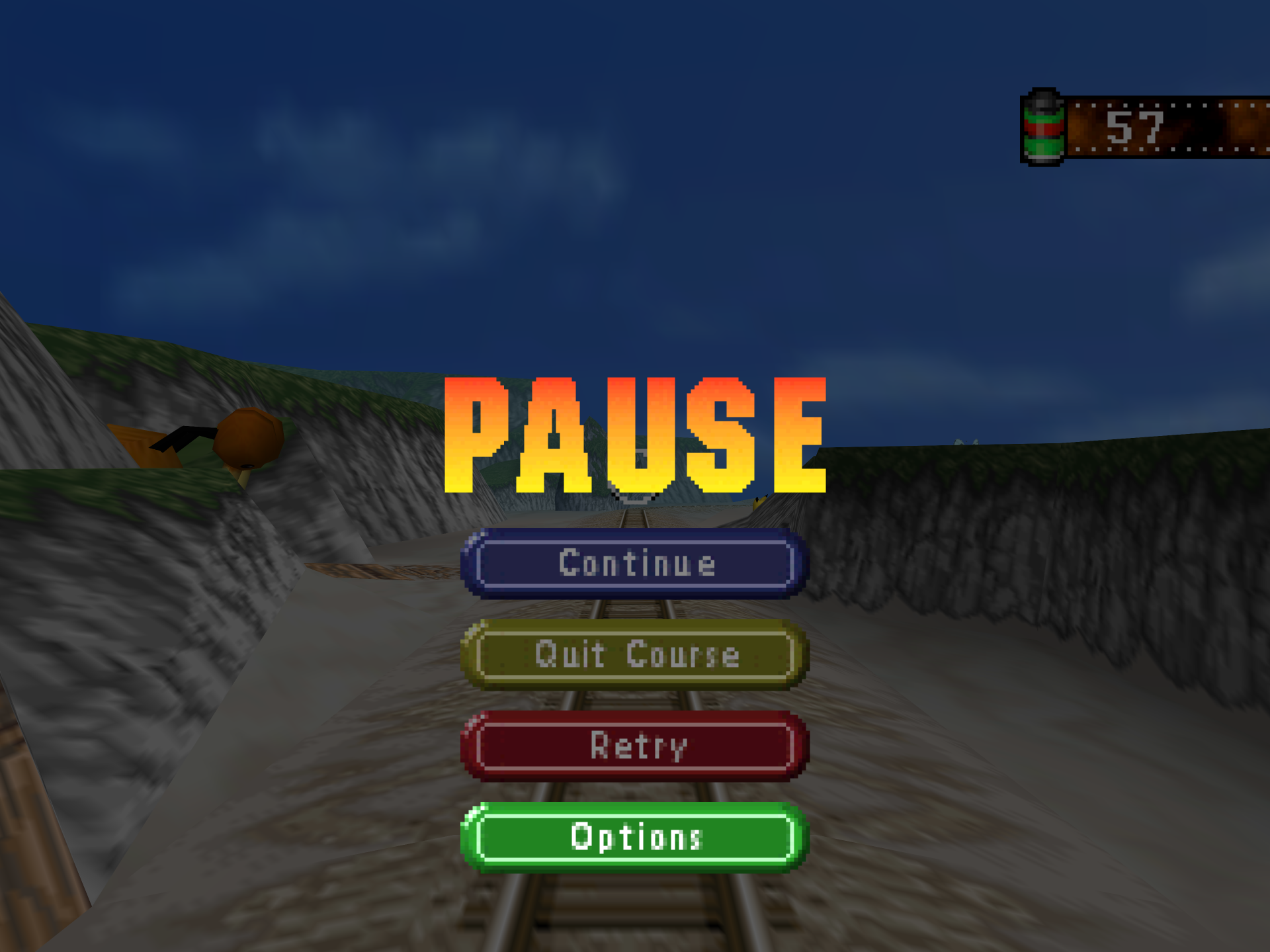
Snap64 Recomp is a native port of Pokémon Snap (Nintendo 64, US release) made by static recompilation: the game's own code runs on your PC, the port only hosts it, and everything about how it looks is off unless you turn it on. 1.0.9 is the release for the Options pages: Esc, or Select on a pad, opens Graphics, Sound, Controls and Mods on any screen, the pause menu has an Options button of its own, and the game has a Mods page.
Downloads
| File | For |
|---|---|
Snap64Recomp-1.0.9-win64.zip |
Windows 10 or 11, 64-bit, with a GPU driver that provides Direct3D 12. Nothing else to install. |
Snap64Recomp-1.0.9-linux-x86_64.tar.gz |
Linux, experimental: needs the system's SDL2, GTK 3 and a Vulkan 1.2 driver. Earlier releases were played on a Steam Deck in Desktop Mode and in Gaming Mode; this one has not been yet. |
You need your own cartridge dump. No game data is included. Start the program and choose your pokemonsnap.z64 when it asks (US, SHA-1 edc7c49cc568c045fe48be0d18011c30f393cbaf), or put the file next to the executable yourself. START HERE.txt in either archive says the rest, in one page.
What's new
The Options pages, anywhere
- Esc, or Select on a pad, opens the port's pages on any screen: the title, the lab, the course map, the evaluation, a ride. The screen underneath is held still and dimmed, the way the game's own pause holds a ride, and Esc, Select or Start closes the pages and the screen carries on from where it stood. Until now the pages lived only in the title's Options screen, so a frame-rate or button change in the middle of a ride meant quitting the course.
- The pause menu has a fourth button, Options, in green, the one color of the set the menu did not use. It is made from the game's own button artwork and lettering, and it opens the same pages over the paused ride: B goes back to the pause menu, and Start resumes the ride at once. In a course Esc does both steps in one press: it pauses the ride and opens the pages.
- The pages wear the Options screen's own dress wherever they open: the rules above and below the heading, the A OK and B Cancel legend, the help box. Exit Game is on the list in a course too.
- The key stays out of what a held screen would break. It is dropped during the attract demo and the credits, which are scripted to their music. It waits out a fade and a screen's first two seconds. And it does not open the pages on the photo check after a ride, whose screen fills its display list on its own and has no room for them;
snap64.logsays so when it happens. - Enter is the game's Start, and Esc no longer is. On a pad the photo save moved from Select to the right stick pressed in.
Mods
- A Mods page in the game's Options screen, on the list's fifth row. One row per mod in the
mods/folder, with its version and On or Off beside it, and the author and the mod's own description in the help box. Z opens a mod's own options, L and R move it up or down the load order, two rows under the mods open the folder and restart the game, and a.nrmdropped on the window is installed. A change takes effect at the next start, and the page says so. - The port is ready for mods to be written for it. It provides what a mod imports (
recomp_printf, and the hashmaps, hashsets and slotmaps of the other recompilations'recompdata.h), and its symbol generator writes what N64Recomp's mod tool needs. The template and the symbol files are two repositories of their own, public since 2026-09-20 and checked against this release; MODS.md says how they fit.
Under the hood
- The runtime and the renderer are their upstreams' current ones, N64ModernRuntime
cdf5abband RT644337374, with the port's changes carried as one patch file each, so an upstream fix can be taken rather than ported by hand. The scoring replay scores the same 45 photos it always has. - macOS is in the tree and has not run. The community's Apple Silicon build of 1.0.0 (pull request #2, by appleforever11) is ported onto today's tree. I have no Mac, so nothing here offers it until it has run on one;
BUILDING.md, step 15, is the whole account. - The documentation is a front page and a manual now: the README says what the port is and how to run it, and
docs/holds the manual, the Snap Station, Linux and the Steam Deck, what has been verified, mods, the game's history and the screenshots.
Every change, with its cause, is in CHANGELOG.md.
Note
Upgrading from any 1.0.x: unpack the new archive over the old folder or beside it. Your save is in saves/ and your settings in snapsettings.json, both untouched by the upgrade and both read by 1.0.9 as they are. If you keep the old folder, copy those two across, and pokemonsnap.z64 with them, or let the new one ask you for it.
Warning
The Windows executable is not signed. SmartScreen may say "Windows protected your PC" on the first start, and an antivirus may flag a program it has never seen; the builds on this page are what the source produces, and the .sha256 beside each archive lets you check what you downloaded.
First start
- On Windows, past SmartScreen: choose More info, then Run anyway, once.
- The box asks for your ROM; choose the file and the game starts. The first start also compiles the shipped shader list during the boot logos and takes longer.
- The Snap Station's Print restarts the program twice, on purpose.
- On a Deck, add the executable as a non-Steam game and run it in either mode; the Deck page under
docs/has the shortcut and gyro settings, and the log tells which mode it saw.
Known limitations
- The key has been pressed, and the pages photographed, on the title, the New Game question, the lab, the course map, the evaluation and a ride. The PKMN Report, the Album and the Gallery run the same code and have not been photographed, and the key has not been pressed on a Deck yet.
- The pages do not open on the photo check after a ride; that screen leaves no room for them. A press during a fade or in a screen's first two seconds waits; one during the attract demo or the credits is dropped.
- The speed keys have been played on my PC and not on a Deck yet. On an N64-shaped pad, which has no right shoulder button, fast forward has only its key until the file names another button.
- A Pokémon pops out of the picture before it has fully left it: the cartridge draws a Pokémon only while its collision point projects within 1.5 times the half-screen of the center, so a big, close one, Snorlax on the Beach with the camera pitched up to the limit, vanishes with part of its body still in frame and returns as the camera comes down. The console does the same; the port keeps the rule as the cartridge has it.
- Gyro has been confirmed on a Steam Deck and no other pad yet.
- A Nintendo pad over Bluetooth is put by SDL's driver in the report mode that only speaks when a button moves, and declared gone after three seconds of silence; the port takes it back at the next touch, on its own thread, so the first press after a pause may arrive a moment late. Read from SDL's code, not seen on such a pad here.
- The Linux build has no crash reporter.
- The two sticks can be swapped but not bound to anything else, and Select and the right stick's press keep their jobs: the pages, and saving the photo on screen.
How this release was checked
The key was pressed by tapes, screen by screen, with the presented frames captured, and the first tapes found three faults that are fixed in this release: pages opened under the title's fade showed a white screen until they closed; on the evaluation and in the lab the pages came out as static, because a camera of the game's fade system was drawing them with whatever state the screen had left; and on the photo check the list overran the screen's display list and the game stopped. The pages now have a camera and memory of their own, wait out a fade, and stay shut where a screen has no room. The release suite, now with a check that presses the key over the title and reads the log, passed on the shipped executable: 28 of 28 checks in 1154 seconds (SHA-256 beginning e7fc4627), and the Snap Station's 5 of 5 in 488. The numbers, and every release's before it, are in docs/VERIFICATION.md.
Reporting a problem
Open an issue here and attach snap64.log from the folder with the executable (and Snap64Recomp.map if the log has [SNAP-AV] lines), your snapsettings.json, and what you were doing.
Verify the download
Each archive's .sha256 holds its SHA-256: certutil -hashfile Snap64Recomp-1.0.9-win64.zip SHA256 on Windows, or sha256sum -c Snap64Recomp-1.0.9-linux-x86_64.tar.gz.sha256 on Linux, prints or checks yours.
Licensed under the GPLv3; third-party notices are in NOTICE.md and licenses/. This project is not affiliated with, endorsed by or connected to Nintendo, Creatures Inc., GAME FREAK inc., HAL Laboratory or The Pokémon Compan...
Snap64 Recomp 1.0.8
Snap64 Recomp is a native port of Pokémon Snap (Nintendo 64, US release) made by static recompilation: the game's own code runs on your PC, the port only hosts it, and everything about how it looks is off unless you turn it on. 1.0.8 is the release for the speed keys: hold one and the game runs faster, hold the other and it runs slower, and the game itself cannot tell. It also puts Photo Detail right, which had been showing some photos at the console's own resolution since 1.0.0.
Downloads
| File | For |
|---|---|
Snap64Recomp-1.0.8-win64.zip |
Windows 10 or 11, 64-bit, with a GPU driver that provides Direct3D 12. Nothing else to install. |
Snap64Recomp-1.0.8-linux-x86_64.tar.gz |
Linux, experimental: needs the system's SDL2, GTK 3 and a Vulkan 1.2 driver. Played on a Steam Deck in Desktop Mode and in Gaming Mode. |
You need your own cartridge dump. No game data is included. Start the program and choose your pokemonsnap.z64 when it asks (US, SHA-1 edc7c49cc568c045fe48be0d18011c30f393cbaf), or put the file next to the executable yourself. START HERE.txt in either archive says the rest, in one page.
What's new
Fast forward and slow motion
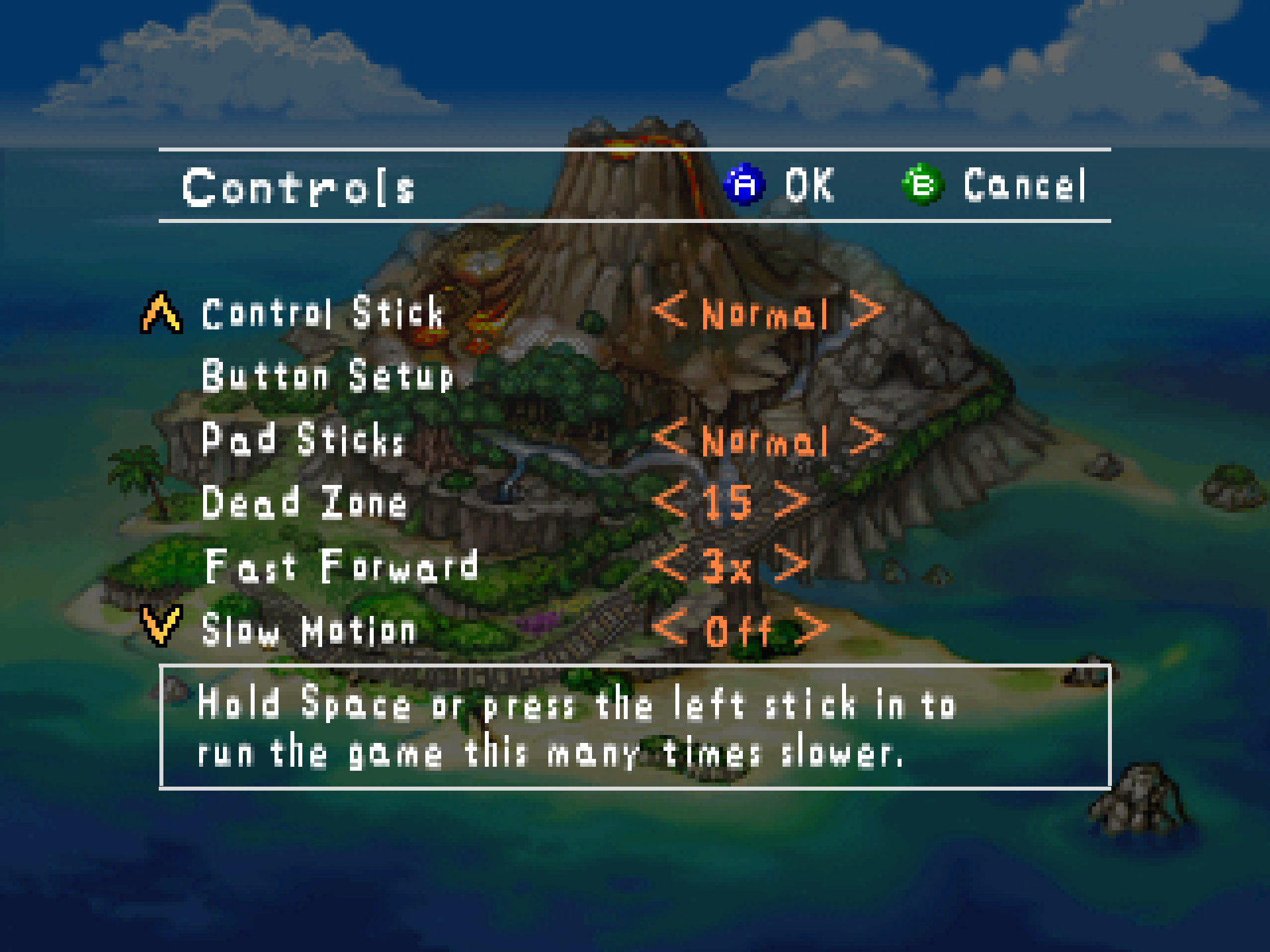
- Hold Tab, or the pad's right shoulder button, and the game runs at 3x. Let go and it is back at once. Options > Controls > Fast Forward sets the speed: Off, 2x, 3x or 4x. It is the console run faster, not the game changed: every clock the game reads runs that much faster, so it steps through exactly the frames it would have anyway, with the same Pokémon, the same scores and the same saves. The picture shows the latest frame at your display's rate, and the sound plays quicker and higher, as a tape does.
- Hold Space, or press the left stick in, and the game runs at half or a quarter speed. Options > Controls > Slow Motion turns it on, Off as shipped, since a shot lined up at half speed is an easier shot than the cartridge ever offered. The picture stays smooth, frame interpolation running over each stretched frame, and the sound plays slower and lower. The key sits on the left hand so your right thumb stays free for A.
- Both keys are entries of the settings file's
keystable,fast_forwardandslow_motion, and can be moved like any other. - These two are the idea of Video Game Esoterica, whose video on the port, "Pokemon Snap Recomp Out NOW! More Pokemon PC Ports", asked for a speed multiplier. Thank you for the video, and for the ask.
Photo Detail
- Some photos, or the bottom rows of one, showed at the console's own resolution with Photo Detail on, some runs and not others (issue #15, Succulent-Puppet; my own reviews). Three faults in the ring of sharp copies the port keeps, found one at a time from my own logs: the interface's tiny renders were pinned as if they might be photos and flooded the ring within a frame; the last strip of a 105-row photo never matched, because it runs past the bitmap's end; and browsing the Report churned the ring so hard that a photo the game draws again later without re-rendering it, as Oak's comparison does, had lost its copy. All three are fixed, and the log now names any photo that fails to match and why.
Smaller things
snap64.logcan be copied while the game runs. It was opened for exclusive access, so a report needed a quit first.
Every change, with its cause, is in CHANGELOG.md.
Note
Upgrading from any 1.0.x: unpack the new archive over the old folder or beside it. Your save is in saves/ and your settings in snapsettings.json, both untouched by the upgrade and both read by 1.0.8 as they are. If you keep the old folder, copy those two across, and pokemonsnap.z64 with them, or let the new one ask you for it.
Warning
The Windows executable is not signed. SmartScreen may say "Windows protected your PC" on the first start, and an antivirus may flag a program it has never seen; the builds on this page are what the source produces, and the .sha256 beside each archive lets you check what you downloaded.
First start
- On Windows, past SmartScreen: choose More info, then Run anyway, once.
- The box asks for your ROM; choose the file and the game starts. The first start also compiles the shipped shader list during the boot logos and takes longer.
- The Snap Station's Print restarts the program twice, on purpose.
- On a Deck, add the executable as a non-Steam game and run it in either mode; the README's Deck section has the shortcut and gyro settings, and the log tells which mode it saw.
Known limitations
- The speed keys have been played on my PC and not on a Deck yet. On an N64-shaped pad, which has no right shoulder button, fast forward has only its key until the file names another button.
- A Pokémon pops out of the picture before it has fully left it: the cartridge draws a Pokémon only while its collision point projects within 1.5 times the half-screen of the center, so a big, close one, Snorlax on the Beach with the camera pitched up to the limit, vanishes with part of its body still in frame and returns as the camera comes down. The console does the same; the port keeps the rule as the cartridge has it.
- Gyro has been confirmed on a Steam Deck and no other pad yet.
- A Nintendo pad over Bluetooth is put by SDL's driver in the report mode that only speaks when a button moves, and declared gone after three seconds of silence; the port takes it back at the next touch, on its own thread, so the first press after a pause may arrive a moment late. Read from SDL's code, not seen on such a pad here.
- The Linux build has no crash reporter.
- The two sticks can be swapped but not bound to anything else, and the pad's Back button keeps its job of saving the photo on screen.
How this release was checked
The speed keys were proved two ways: a real Tab hold during the Beach ride took the pacing meter from 64 drawn frames per report to 600 and back, a real Space hold from 64 to 32 with the display's rate unchanged, both releasing cleanly; and the scoring replay, run at 3x and at half speed, scored the same 45 photos with the same numbers as at full speed. Photo Detail was proved on my own screens: the review photo sharp to its bottom edge and both of Oak's comparison thumbnails sharp, with the log showing every strip served and nothing evicted. The release suite, now with checks for both speeds, passed on the shipped executable: 26 of 26 checks in 1103 seconds on the 1.0.8 executable (SHA-256 beginning 9963a410), and the Snap Station's 5 of 5 in 488. The numbers, and every release's before it, are in the README.
Reporting a problem
Open an issue here and attach snap64.log from the folder with the executable (and Snap64Recomp.map if the log has [SNAP-AV] lines), your snapsettings.json, and what you were doing.
Verify the download
Each archive's .sha256 holds its SHA-256: certutil -hashfile Snap64Recomp-1.0.8-win64.zip SHA256 on Windows, or sha256sum -c Snap64Recomp-1.0.8-linux-x86_64.tar.gz.sha256 on Linux, prints or checks yours.
Licensed under the GPLv3; third-party notices are in NOTICE.md and licenses/. This project is not affiliated with, endorsed by or connected to Nintendo, Creatures Inc., GAME FREAK inc., HAL Laboratory or The Pokémon Company. Pokémon and Pokémon Snap are their trademarks.
Snap64 Recomp 1.0.7
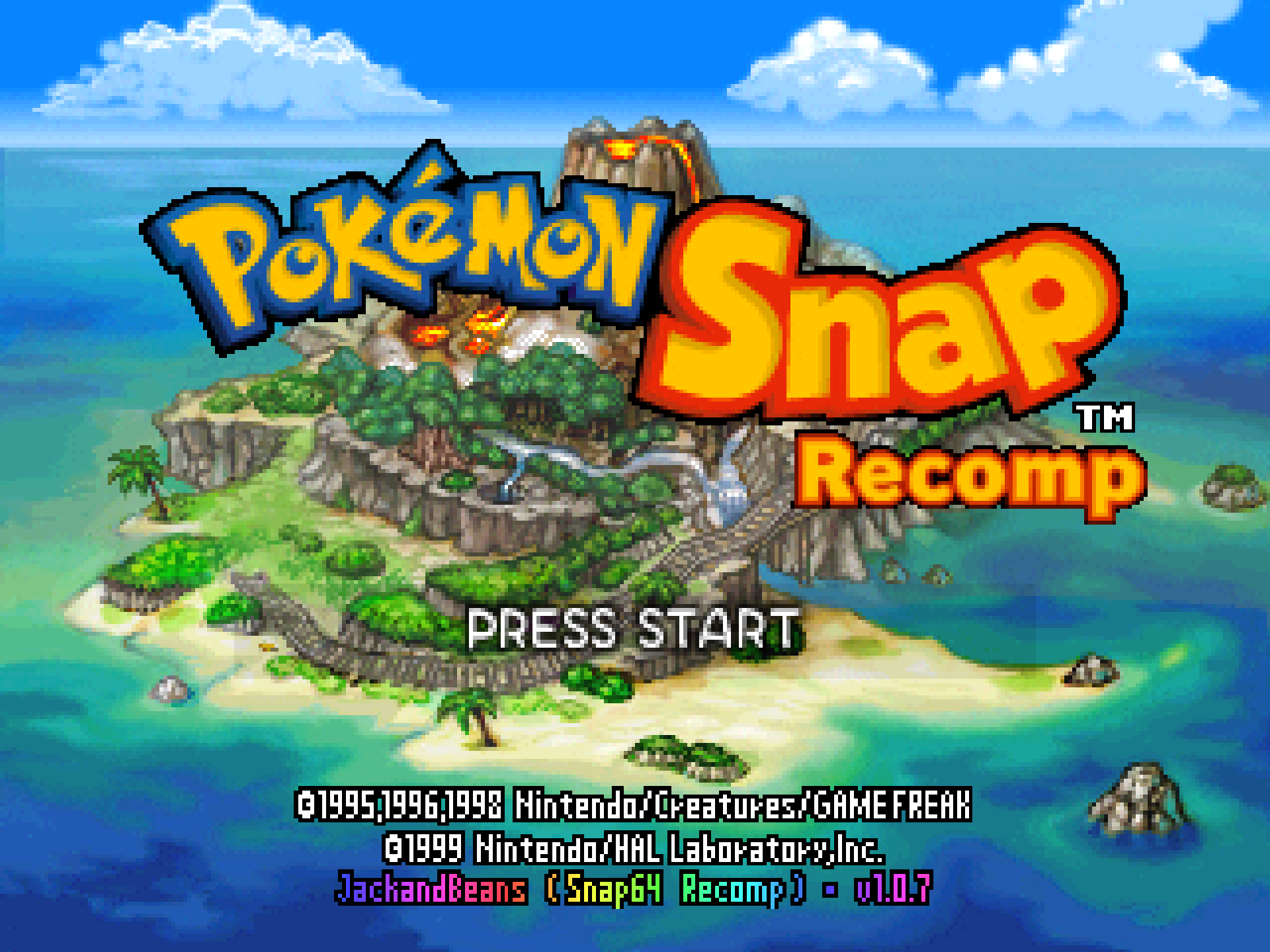
Snap64 Recomp is a native port of Pokémon Snap (Nintendo 64, US release) made by static recompilation: the game's own code runs on your PC, the port only hosts it, and everything about how it looks is off unless you turn it on. 1.0.7 is the release for the first start: with no ROM beside the program, it asks you for the file and puts it where it belongs. Nothing else to name, rename or move.
Downloads
| File | For |
|---|---|
Snap64Recomp-1.0.7-win64.zip |
Windows 10 or 11, 64-bit, with a GPU driver that provides Direct3D 12. Nothing else to install. |
Snap64Recomp-1.0.7-linux-x86_64.tar.gz |
Linux, experimental: needs the system's SDL2, GTK 3 and a Vulkan 1.2 driver. Played on a Steam Deck in Desktop Mode and in Gaming Mode. |
You need your own cartridge dump. No game data is included. Start the program and choose your pokemonsnap.z64 when it asks (US, SHA-1 edc7c49cc568c045fe48be0d18011c30f393cbaf), or put the file next to the executable yourself, as before. START HERE.txt in either archive says the rest, in one page.
What's new
The first start
- The port asks for the ROM. Start it with no
pokemonsnap.z64beside it and a box says what it needs, the system's own file chooser opens, and the file you pick is checked the way the game checks it: the byte order from its header, the hash of the image against the game's. A right one is copied into the port's folder aspokemonsnap.z64, in the order the game wants whatever order your dump was saved in, and you are never asked again. A wrong one is refused with both hashes shown and the chooser comes back. Cancel means no game and a clean exit. On a Linux install that cannot be written, the copy goes to the config home, where the port already kept its files.
Button Setup
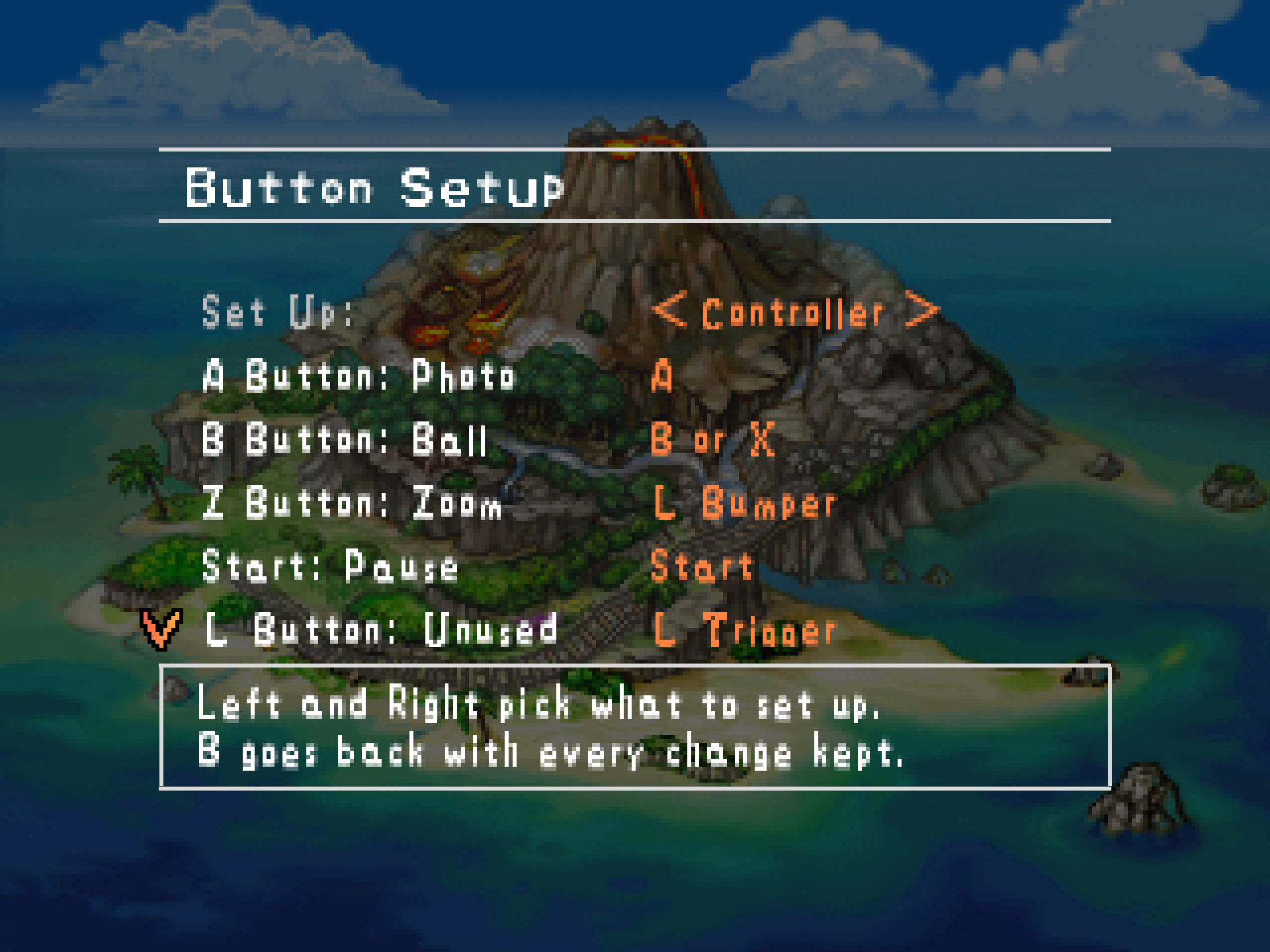
- Restore Defaults is the last row, after Stick Right, where 1.0.6 had it second. The page opens on Set Up and five inputs, and the list ends the way every such list ends, with its reset after what it resets. Up from the top row wraps to it, as before; the second A it asks for is unchanged.
The documents
- The README no longer calls the port a Windows port: the Linux build has shipped since 1.0.1 and now says so on the first line and the badge. Widescreen is no longer listed as untested beyond the Beach: I have played every course with it on and seen nothing wrong, which the README says as play, not proof. And the documents speak in one voice now, mine.
Every change, with its cause, is in CHANGELOG.md.
Note
Upgrading from any 1.0.x: unpack the new archive over the old folder or beside it. Your save is in saves/ and your settings in snapsettings.json, both untouched by the upgrade and both read by 1.0.7 as they are. If you keep the old folder, copy those two across, and pokemonsnap.z64 with them, or let the new one ask you for it.
Warning
The Windows executable is not signed. SmartScreen may say "Windows protected your PC" on the first start, and an antivirus may flag a program it has never seen; the builds on this page are what the source produces, and the .sha256 beside each archive lets you check what you downloaded.
First start
- On Windows, past SmartScreen: choose More info, then Run anyway, once.
- The box asks for your ROM; choose the file and the game starts. The first start also compiles the shipped shader list during the boot logos and takes longer.
- The Snap Station's Print restarts the program twice, on purpose.
- On a Deck, add the executable as a non-Steam game and run it in either mode; the README's Deck section has the shortcut and gyro settings, and the log tells which mode it saw.
Known limitations
- A Pokémon pops out of the picture before it has fully left it: the cartridge draws a Pokémon only while its collision point projects within 1.5 times the half-screen of the center, so a big, close one, Snorlax on the Beach with the camera pitched up to the limit, vanishes with part of its body still in frame and returns as the camera comes down. The console does the same; the port keeps the rule as the cartridge has it.
- Gyro has been confirmed on a Steam Deck and no other pad yet.
- A Nintendo pad over Bluetooth is put by SDL's driver in the report mode that only speaks when a button moves, and declared gone after three seconds of silence; the port takes it back at the next touch, on its own thread, so the first press after a pause may arrive a moment late. Read from SDL's code, not seen on such a pad here.
- The Linux build has no crash reporter.
- The two sticks can be swapped but not bound to anything else, and the pad's Back button keeps its job of saving the photo on screen.
How this release was checked
The ROM chooser was proved on my PC five ways headlessly, each in a fresh folder with no ROM: a .z64 copied byte-identical and the game booting, the same dump saved byte-swapped copied out in the right order and booting, and Cancel, a text file and a dump with one byte changed each ending the program at once with the reason in the log. Then for real: the question answered and the Windows chooser given the path by keystrokes, the copy identical, the game up. The Linux build was made in WSL and its chooser's hook run there. The release suite, now with a check for the chooser, passed on the shipped executable: the numbers are in the README.
Reporting a problem
Open an issue here and attach snap64.log from the folder with the executable (and Snap64Recomp.map if the log has [SNAP-AV] lines), your snapsettings.json, and what you were doing.
Verify the download
Each archive's .sha256 holds its SHA-256: certutil -hashfile Snap64Recomp-1.0.7-win64.zip SHA256 on Windows, or sha256sum -c Snap64Recomp-1.0.7-linux-x86_64.tar.gz.sha256 on Linux, prints or checks yours.
Licensed under the GPLv3; third-party notices are in NOTICE.md and licenses/. This project is not affiliated with, endorsed by or connected to Nintendo, Creatures Inc., GAME FREAK inc., HAL Laboratory or The Pokémon Company. Pokémon and Pokémon Snap are their trademarks.