Repository navigation
Snap64 Recomp 1.1.3

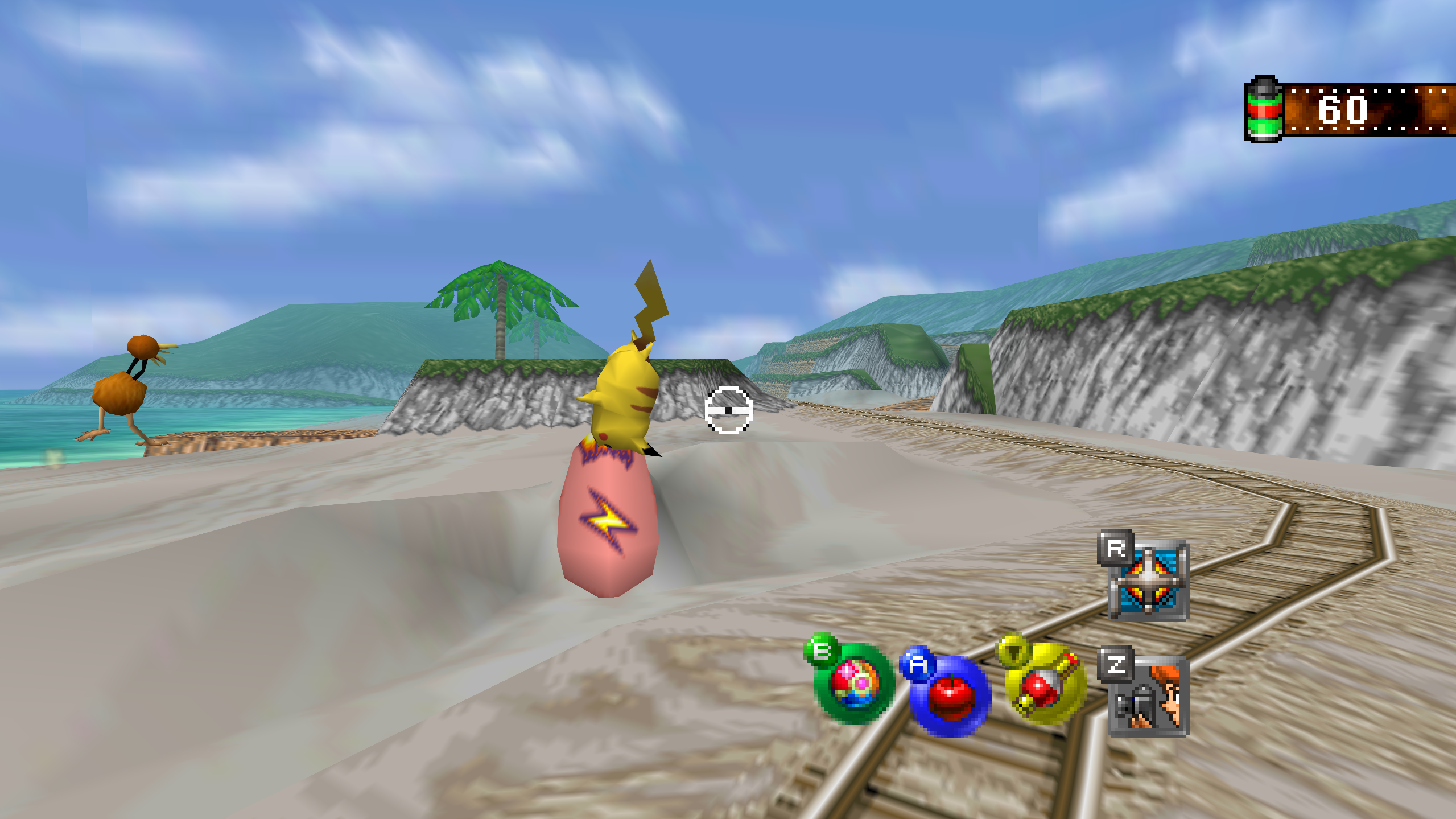
Snap64 Recomp is a native port of Pokémon Snap (Nintendo 64, US release) made by static recompilation: the game's own code runs on your PC, the port only hosts it, and everything about how it looks is off unless you turn it on. 1.1.3 adds four save files on a new Game page, takes the seams out of every course's sky, sorts the Graphics page into groups, and gives mods the clock, a line on their own page and a line over a course.
Downloads
| File | For |
|---|---|
Snap64Recomp-1.1.3-win64.zip |
Windows 10 (version 1809 or newer) or 11, 64-bit, with a GPU driver that provides Direct3D 12 and Shader Model 6.3: any driver since late 2018. Nothing else to install. |
Snap64Recomp-1.1.3-linux-x86_64.tar.gz |
Linux, experimental: needs the system's SDL2, GTK 3 and a Vulkan 1.2 driver. Earlier releases were played on a Steam Deck in Desktop Mode and in Gaming Mode. |
Snap64Recomp-1.1.3-linux-x86_64.flatpak |
The same Linux build with its own SDL2, GTK 3 and Vulkan loader; installs with one command on a Steam Deck or any desktop with Flatpak. Built and started on GitHub's machine, not yet played on real hardware. |
Snap64Recomp-1.1.3-linux-arm64.tar.gz |
Linux on ARM64 (a Raspberry Pi 5, an ARM laptop, a Linux virtual machine on a Mac). Built on GitHub's ARM machine, not yet played on real hardware. |
Snap64Recomp-1.1.3-macos-universal.zip |
macOS 14 or newer, Apple Silicon and Intel in one app. Built and run on GitHub's virtual Mac, not yet on a physical one. |
You need your own cartridge dump. No game data is included. Start the program and choose your pokemonsnap.z64 when it asks (US, SHA-1 edc7c49cc568c045fe48be0d18011c30f393cbaf), or put the file next to the executable yourself. START HERE.txt in each archive says the rest, in one page.
What's new
Fixed
- With Mouse Aim on, a course no longer starts looking straight up. The game stops the stick during its scripted moments, the run-in, a cutscene, a message, a turn to a new direction, the pause menu, and the port's mouse look kept turning the view through them until the pitch hit its limit. The mouse now moves the view only while the game's own stick is live.
- In a wide picture the word PAUSE comes in from the edge. The game starts it off the 4:3 screen and slides it in; in a 16:9 picture that start was inside the view, so the word popped in. Its way in is stretched by the margin, as the side icons' way out was in 1.1.2.
- A mod's options page draws all of its rows. The pages draw their text as sprite strips from a fixed pool, and a mod of ten options over a picture reached the pool's end, so the last rows went blank. The pool is twice the size, and the log counts any strip refused.
- A mod's hook on a function the port rewrites keeps the port's work in it. The runtime gave a hooked function a fresh copy from the cartridge, without the port's additions: a hook on the particle drawing dropped the names that keep 2D effects smooth. A hook on such a function now runs from the port's own copy, before and after the game's code.
- A settings file from an earlier release keeps its fullscreen. The port rewrites an older file once to add the new fields, and that rewrite came a moment before the saved fullscreen was restored, so it wrote fullscreen off and the second start was windowed. Found while cutting this release.
Four save files
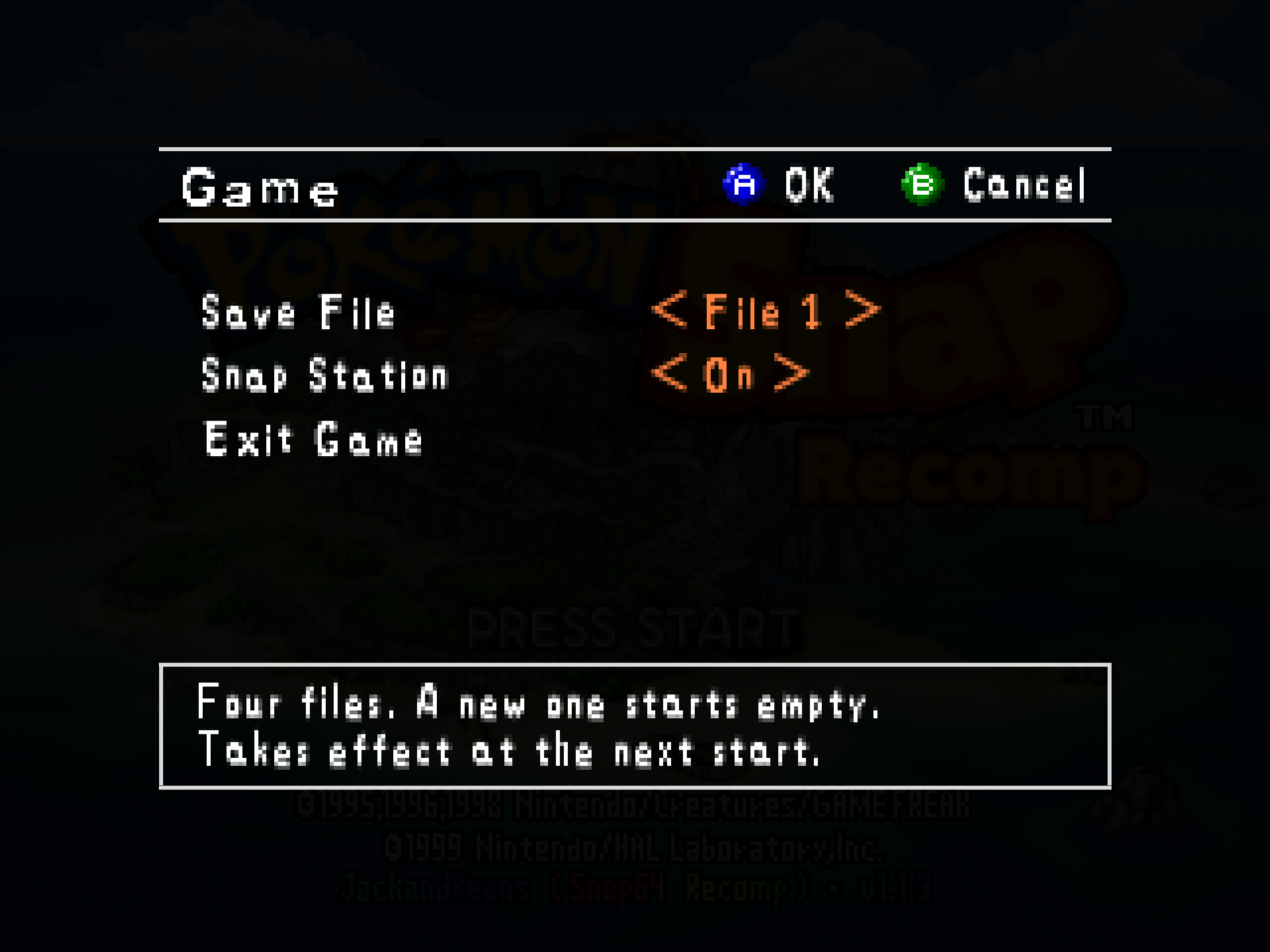
- The Options screen's sixth row is Game, a page with three rows. Save File runs from File 1, the file the port always had, to File 4, each its own file under
saves/that starts empty and appears when the game first saves, so a family can share one program. It takes effect at the next start, since the game reads its save as it boots. Snap Station is the same switch as the title screen's Snap Station item. Exit Game is the row the list's item was, asking first as it did.
The sky
- The lines across a course's sky are gone. Each sky is a six-sided drum around the camera, and at the port's resolution three lines stood on it: the picture's last column meeting its first at every join, the crease where the corner colors change pace, and the lid's rim. The port now reads the drum as the course loads, cuts each of its triangles into sixteen, colors the new corners smoothly from the game's own and blends the picture across each join. A sky that is not such a drum, the Cave's and the Rainbow Cloud's, is left as it was.
SNAP_SKY_DRUM=originalkeeps every sky as the cartridge draws it.
The Options pages
- The Graphics page is in three groups, in the order a player asks about them: the display, the picture and the fixes. Its seventeenth row, Wide HUD, chooses whether the film counter and the side icons sit at the wide picture's edge, as 1.1.2 made it, or at the 4:3 picture's, where the cartridge has them.
- The Controls and Button Setup pages say what they do. The Button Setup row says Open; the Button Setup page has its own legend, A Change and B Back; its top row reads Device; Stick Swap is Off or On; the Dead Zone's values carry their percent sign; the scroll arrows sit beside the scroll bar. The keyboard ships no key for the L button, which the game never reads.
The window
- The maximize button maximizes the window, as any window's does, and a window left maximized opens maximized at the next launch. Since 1.0.0 it had been a fullscreen switch. F11 and the Graphics page are the fullscreen switch.
Mods
- Island Skies, the first mod that changes the island. The Beach at sunset, the River under the stars, snow on the Valley, ash over the Volcano. Pick an hour and a weather, or let the island follow your own clock, day and night, with weather of its own that holds from one ride to the next and turns during a ride when its time comes. Stars that twinkle, the moon in its phase, a shooting star now and then; rain, storms with lightning, snow that lies, ash on the wind. By day the island is exactly as the cartridge draws it, and photos keep the sky of their instant. Its page has the pictures.
- A mod can read the computer's clock and calendar (
snap64_local_time,snap64_local_date,snap64_utc_offset), the port's first functions of its own for mods. - A mod can put a line of its own on its details page (
snap64_set_status), with a%Tthat shows the clock as the page is read. - A mod can show a line over a course (
snap64_notice): centered at the top in the film counter's row, for four seconds, fading in and out. - A mod is N64 code only. A declared native library or an offline-recompiled mod is refused with a reason, and the mods page says so. Raised by Thunderstore's review of the community request.
- The functions above are in the mod kit's
snap64.h, in the template and the mods repository; a mod that imports them asks for 1.1.3 in its manifest.
Every change, with its cause, is in CHANGELOG.md.
Note
Upgrading from 1.1.2 or any earlier release: unpack the new archive over the old folder or beside it. Your save is in saves/ and your settings in snapsettings.json, both untouched by the upgrade and both read by 1.1.3 as they are. If you keep the old folder, copy those two across, and pokemonsnap.z64 with them, or let the new one ask you for it.
Warning
The Windows executable is not signed, and the Mac app is signed by nobody. SmartScreen may say "Windows protected your PC" on the first start, macOS refuses a plain double-click, and an antivirus may flag a program it has never seen; the builds on this page are what the source produces, GitHub's provenance says so, and the .sha256 beside each archive lets you check what you downloaded.
First start
- On Windows, past SmartScreen: choose More info, then Run anyway, once.
- On a Mac: right-click the app and choose Open, or on macOS 15 double-click, dismiss the message, and click Open Anyway in System Settings > Privacy & Security, once.
- The box asks for your ROM; choose the file and the game starts. The first start also compiles the shipped shader list during the boot logos and takes longer.
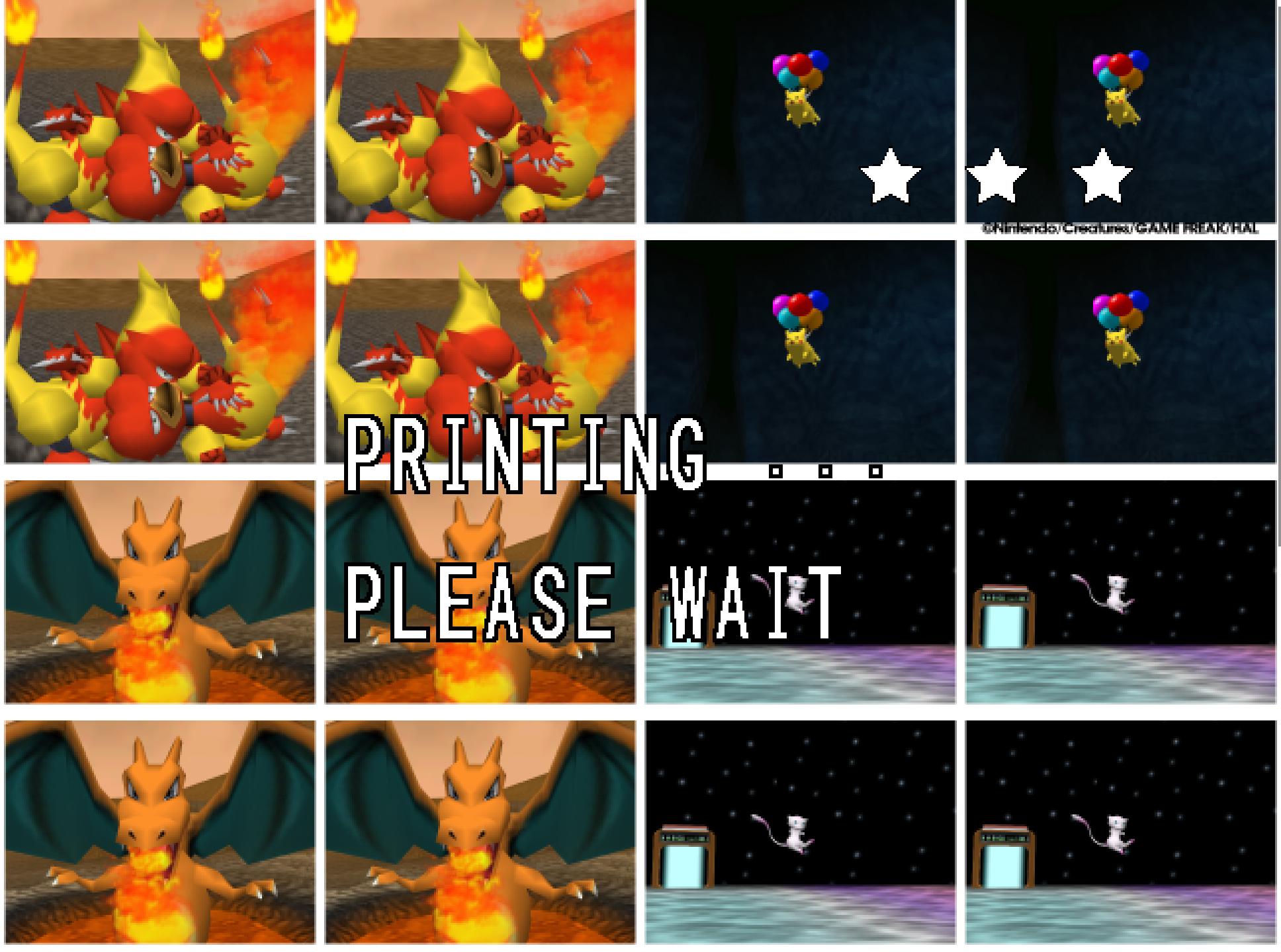
- The Snap Station's Print restarts the program twice, on purpose.
- On a Deck, add the executable as a non-Steam game and run it in either mode, or install the Flatpak; the Deck page under
docs/has the shortcut and gyro settings.
Known limitations
- The Mac build has not run on a physical Mac; the ARM64 build and the Flatpak have not run on real hardware. Their sounds, pads and speed are unheard and unmeasured.
- A few 2D pictures still move at the game's rate when the frame rate is raised: one that slides past the side of a menu in a wide window, and one that jumps a long way in a single frame. Outside Oak's check, a slide that slows to a stop can still end a pixel at a time.
- A mod installed during play loads at the next start; the page says so.
- On an N64-shaped pad, which has no right shoulder button, fast forward has only its key until the file names another button.
- A Pokémon pops out of the picture before it has fully left it: the cartridge draws a Pokémon only while its collision point projects within 1.5 times the half-screen of the center. The port keeps the rule as the cartridge has it.
- Gyro has been confirmed on a Steam Deck and no other pad yet.
How this release was checked
- The release suite (
tools/release_check.py) on the Windows executable GitHub built: 29 of 29 checks, and the Snap Station's 5 of 5 in 489 s. The same suite on the build made here: 29 of 29 in 1153 s, and 5 of 5. VERIFICATION.md says what each check does. - Everything new was played by hand with Island Skies on: the courses, the Options pages, the save files, the line over the course. The sky, the pages, the notice, the save files and the word PAUSE were also measured on recorded runs with captured frames. The recorded run's 45 photo scores are the same as before the changes, with the mod on and off.
- The Mac workflow's checks on GitHub's virtual Mac: 15 of 15 natively and 10 of 10 through Rosetta 2, no crash reports. The package checks passed on all five archives, and each archive's build provenance verifies.