Repository navigation
DynamicNotch 1.5.2 – Added VPN support, custom HUD layouts, Liquid Glass effects, and swipe-aware blur

🚀 What's New
- Integrated VPN Support: Added a dedicated VPN page with active connection duration timers, auto-selection for single-item lists, and app icon resolution (with shield fallback).
- Separated Network Services: Split the monolithic Network service into distinct Wifi and VPN modules for independent toggle states, layouts, and page settings. Added drag/reorder controls in Notch settings.
- Redesigned HUD Layouts: Refactored HUD views into modular components. Introduced Vertical (
Expanded Compact) and Large (Expanded Detailed) layout styles. Added current audio output device names usingMarqueeTextto the HUD. - Swipe-Aware Blur & Gestures: Integrated animatable progress tracking (
swipeProgress/swipeInteraction) into the resize-aware blur modifier. Replaced quadratic easing with rational curves and tweaked top/bottom corner radius scaling during swipe interactions. - Liquid Glass Visuals: Added a custom
LiquidGlassBackgroundintegration usingNSGlassEffectViewwith configurable variant sliders in settings. - Focus & DND Enhancements: Notch now detects active system Focus modes from the macOS DND manager logs. Added an auto-hide option to display Focus as a temporary notification instead of a persistent activity.
- Dynamic Island Custom Sizing: Added independent settings sliders to customize the Dynamic Island's width and height.
- Performance Adjustments: Optimized equalizer animations by cutting the duration in half (to 0.15s), cached artwork resizing in Lock Screen Now Playing backgrounds, and static DateFormatter allocations.
- General Improvements: Relocated the Calendar feature into its own dedicated module, added a temporary notification triggered by language changes, and wrapped settings in a
NavigationStackwith macOS 26 soft-edge scroll effects.
💻 Preview
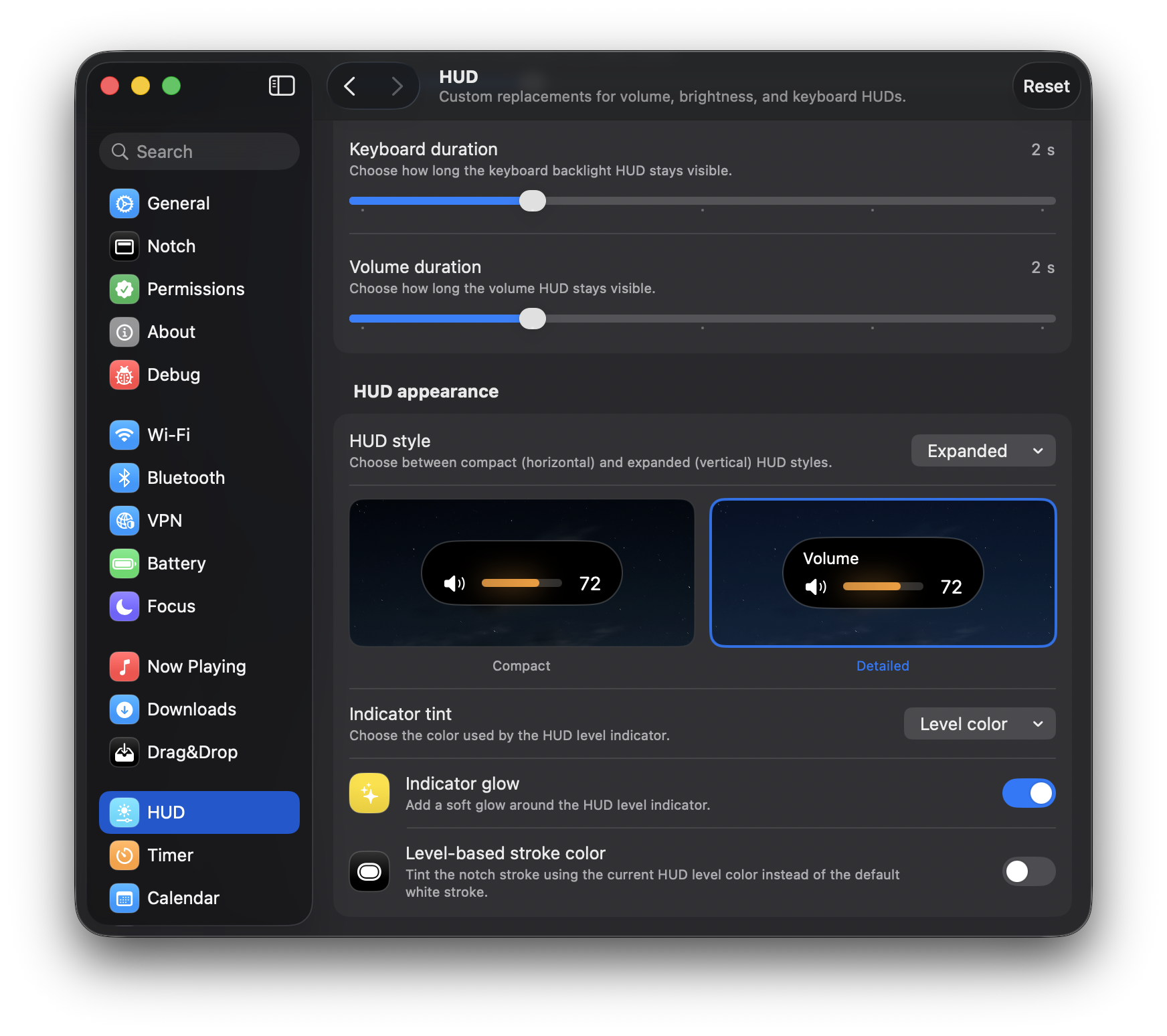
New HUD Style |
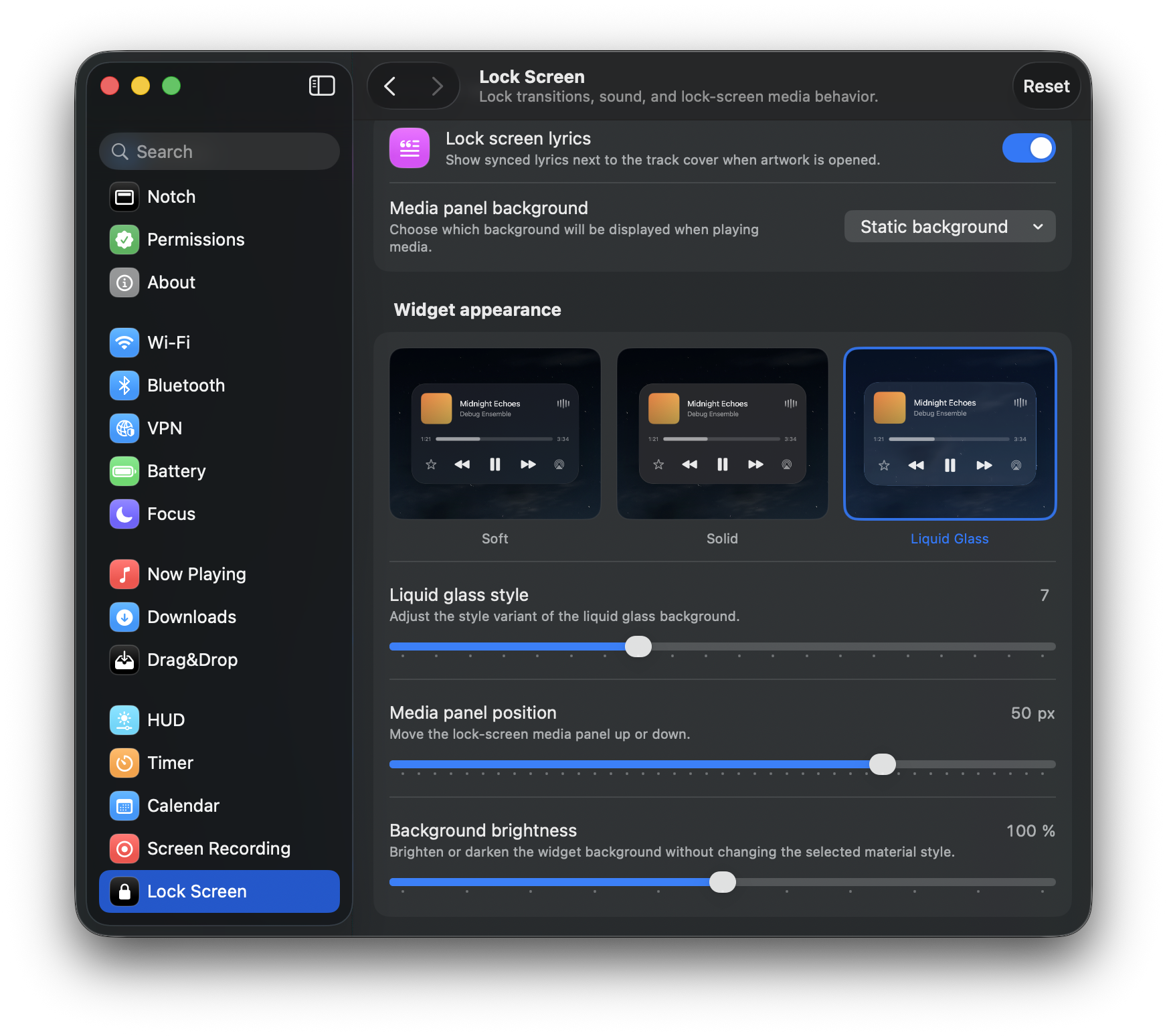
Liquid Glass style |
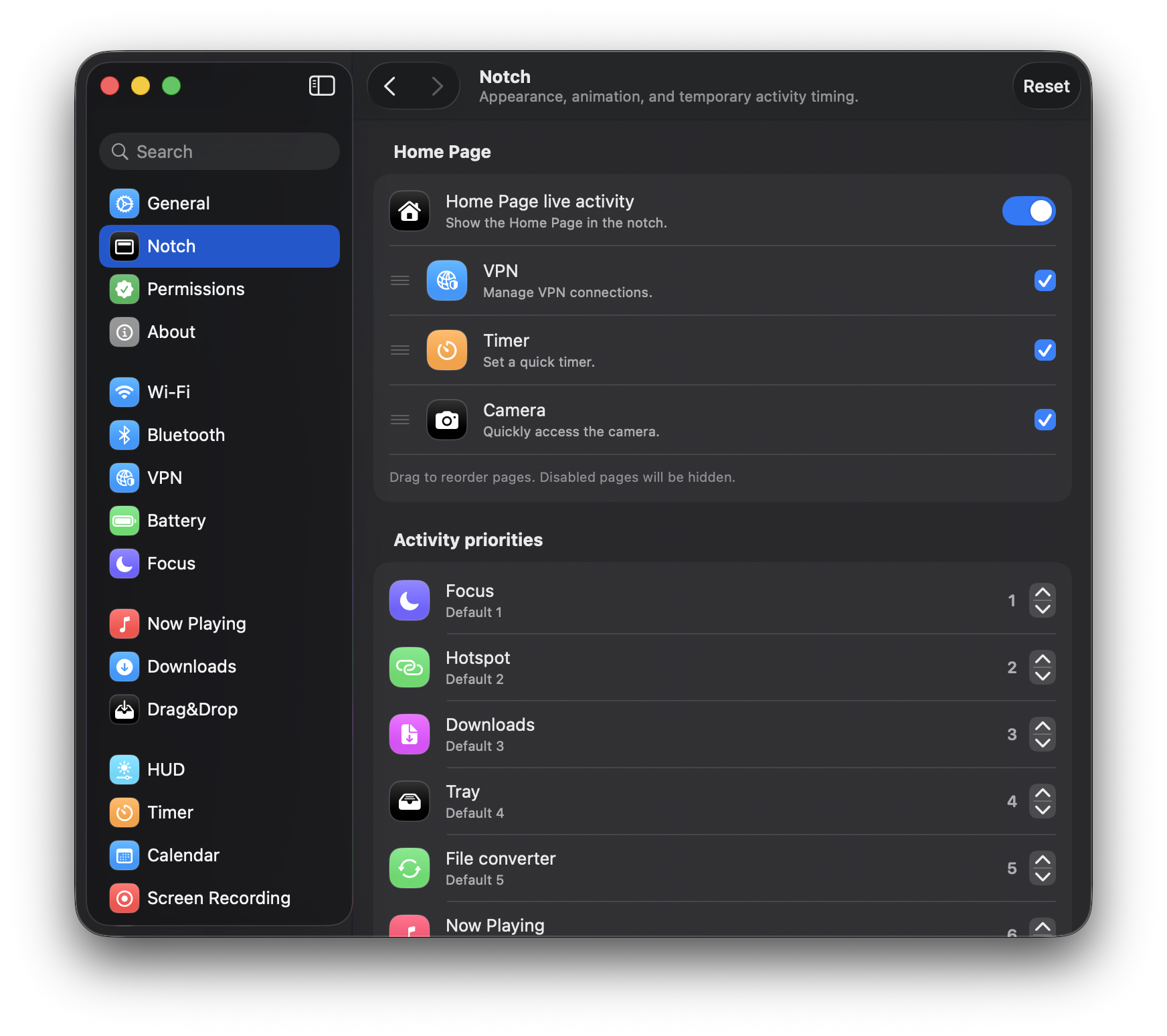
New HomePage location |
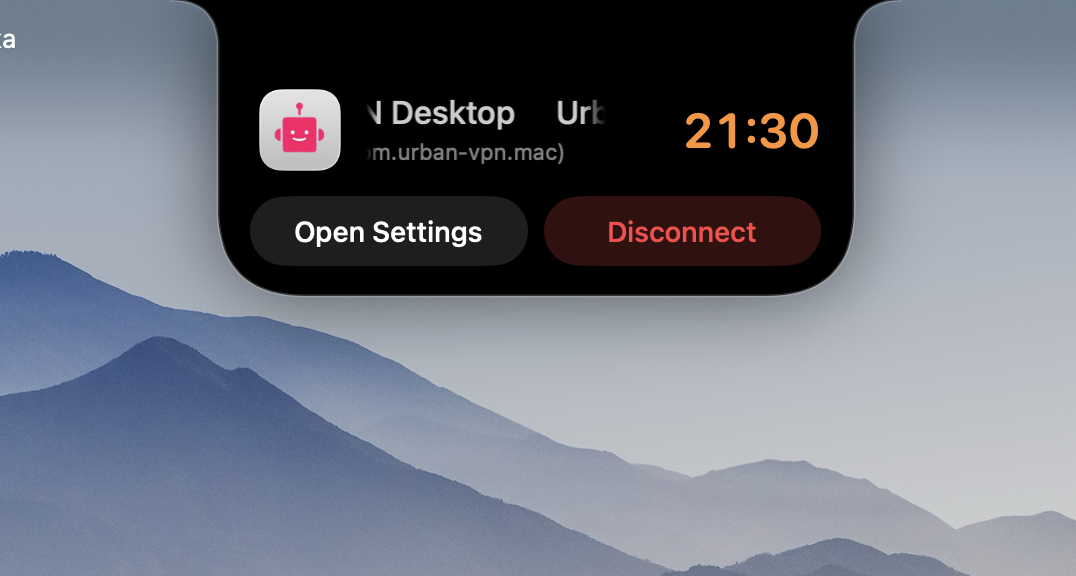
VPN in HomePage |
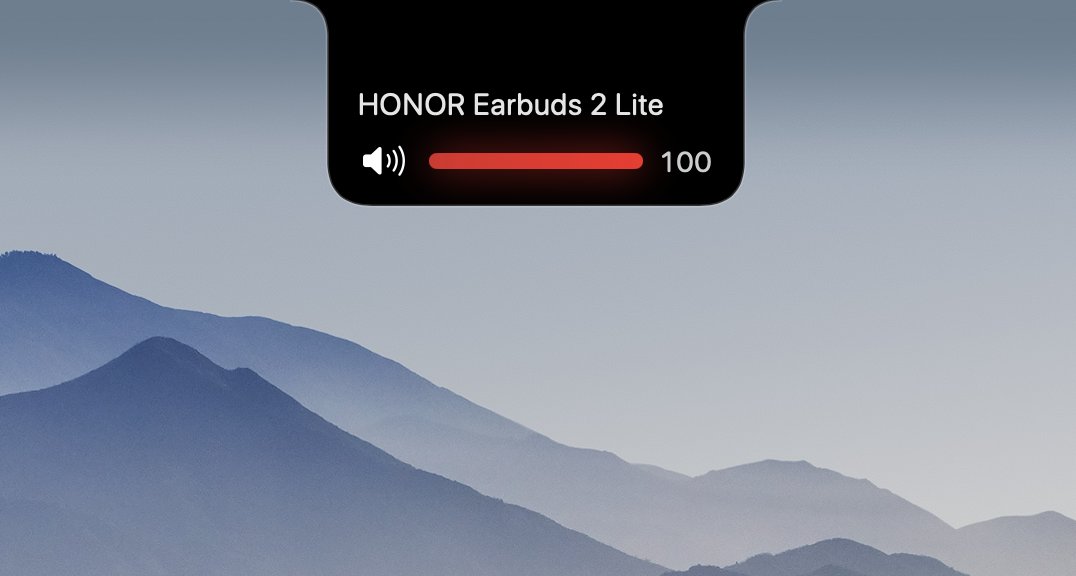
New expanded UI HUD(detailed) |
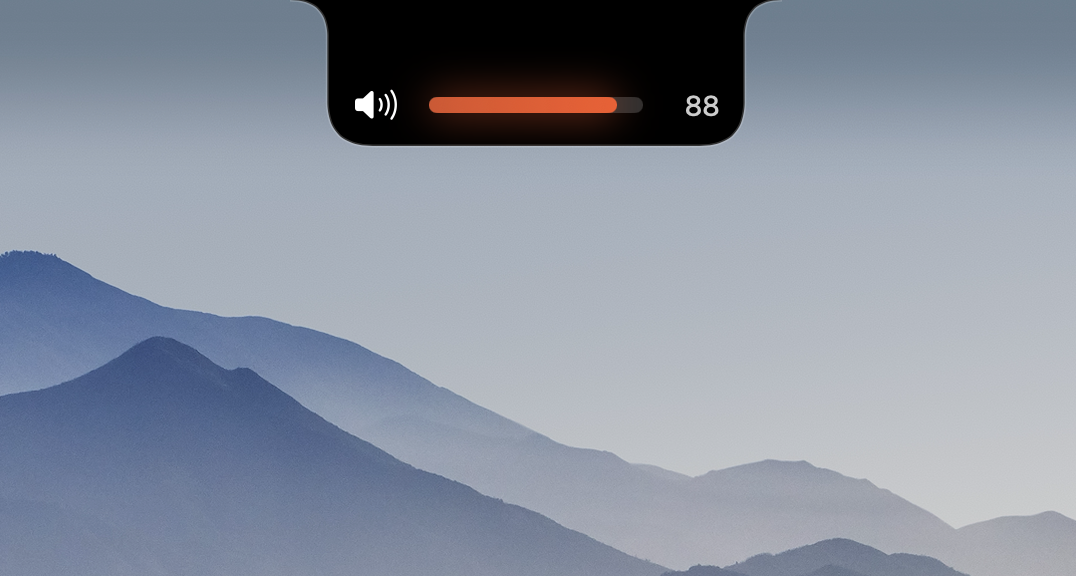
New expanded UI HUD(compact) |
⚙️ Installation Guide (macOS)
Since the app is not yet signed, macOS may block the first launch. Follow these steps:
- Open the DMG file and drag DynamicNotch to the Applications folder.
- In Applications, right-click DynamicNotch and choose Open.
- When the warning appears, click Cancel.
- Open System Settings → Privacy & Security.
- Scroll to the Security section and click Open Anyway.
- Enter your Mac password and confirm by clicking Open.
🛠 Known Issues
- The app is not code-signed yet, so first launch may require manual approval.
- File conversion relies on native macOS capabilities, so some conversions may depend on the source codec and macOS version.
- Lock Screen behavior still relies on private macOS APIs and may differ between macOS releases.
📬 Feedback
- https://github.com/jackson-storm/DynamicNotch/issues
- https://t.me/id10101101
- evgeniy.petrukovich@icloud.com