Repository navigation
Releases
ROVER Desktop 2.1.0

ROVER Desktop v2.1.0
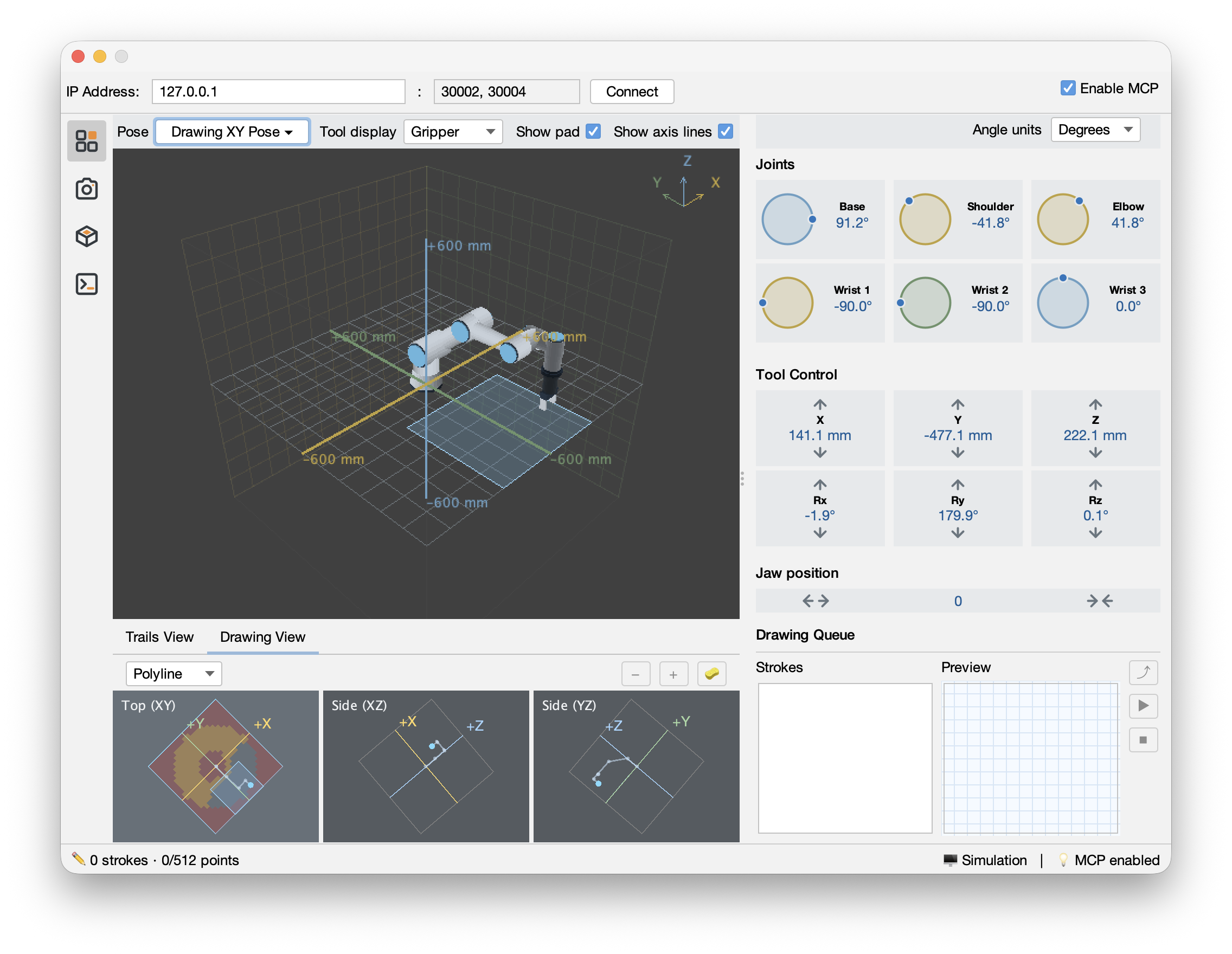
This release expands ROVER Desktop with shared drawing workflows, improved robot controls, wrist-camera integration, 3D scanning capabilities, and MCP support.
What's New
- Shared Drawing Queue: Combine strokes created in Drawing View and through MCP, with offline simulator previews, physical robot playback, and live RTDE feedback.
- Robot Controls: Improved joint, Cartesian tool, and gripper controls, including drawing-pad overlays and live jaw-position feedback for the Robotiq Hand-E.
- Wrist Camera: Continuous camera preview with configurable display rotation and support for capturing images through MCP.
- 3D Scanning: New Scan tab supporting camera calibration, multi-view image capture, and point-cloud reconstruction previews.
- MCP Integration: Enabled by default, allowing AI assistants to interact with the simulator, retrieve drawing-pad coordinates, and request camera snapshots. Physical drawing execution remains under operator control through the desktop application.
Validation Notes
The wrist camera and Hand-E gripper have been tested with the physical robot. The complete 3D scanning and reconstruction workflow remains experimental and requires further validation on physical hardware.
Downloads
Native installers are available for macOS (Apple Silicon) and Windows.
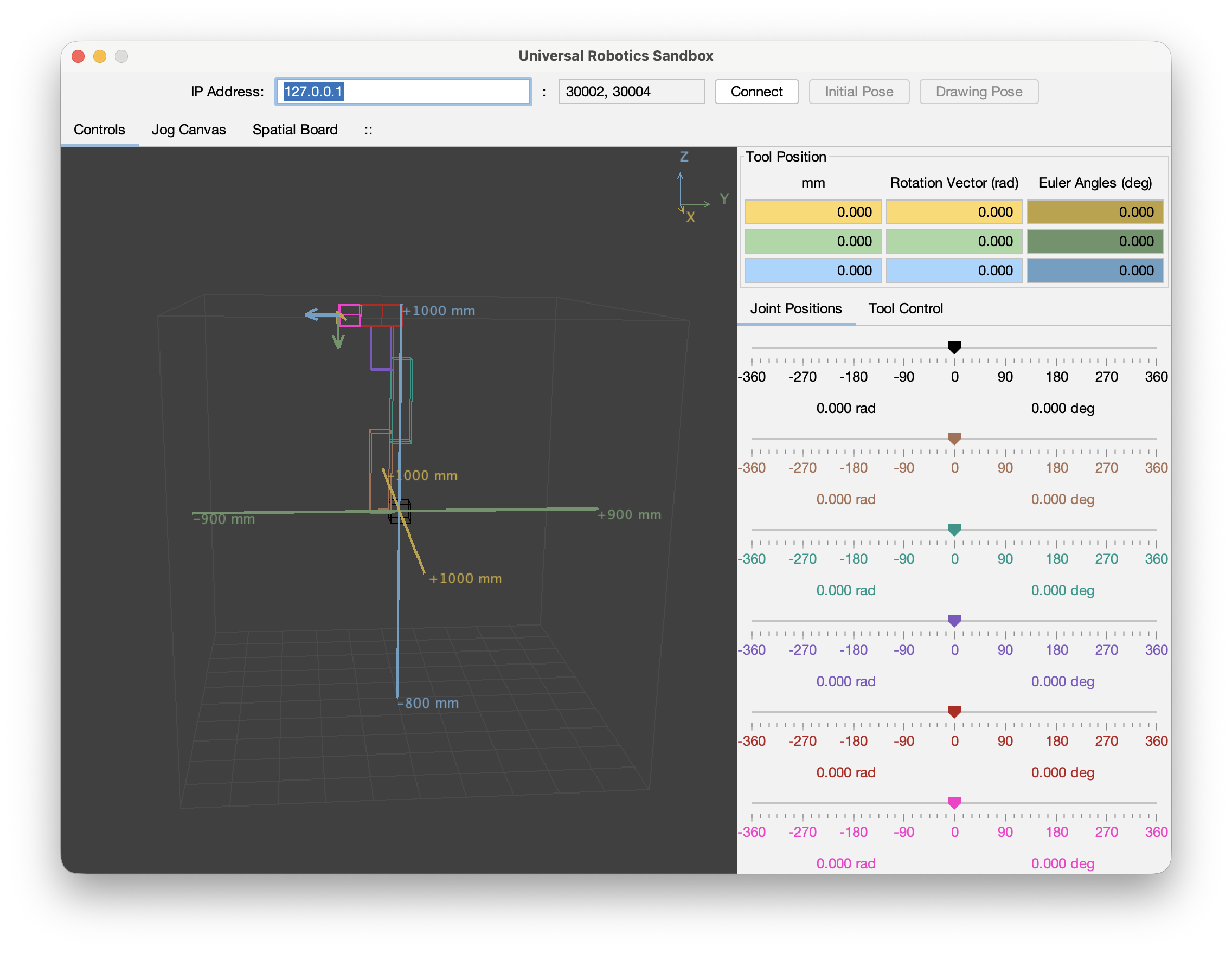
Rover Desktop 1.0.0
First public release of Rover Desktop.
Installers
- macOS (Apple silicon) — DMG
- Windows (x64) — MSI
Download the installer for your platform from Assets. The automatically generated archives contain this public documentation repository.
The application was validated with a physical Universal Robots robot and with URSim. Use URSim first. This experimental application is not a safety-rated robot controller.
The application binaries are distributed under the Apache License 2.0. Bundled third-party components retain their respective licenses.