Repository navigation
Quick Start
cd /path/to/project
curl --fail --location --output scaffold.zip \
  https://github.com/kawaiipantsu/ai-project-scaffold/releases/latest/download/scaffold.zip
unzip -n scaffold.zip && rm scaffold.zip
The current ZIP creates an empty ai-scaffold/ folder. Future releases include the
owner's tracked content, including dotfiles. See Releases for checksums.
--output selects the local filename. unzip -n preserves existing files, so an empty
release does not erase an older installation; extract into a fresh location for a
clean start.
git switch develop
mkdir -p ai-scaffold
# Add your own files and directories inside ai-scaffold/.
git add ai-scaffold
git commit -m 'feat: add project scaffold files'
git push origin develop
gh pr create --base main --head develop
Git cannot track empty directories. After a clone the folder may be absent until you
create it; no .gitkeep is shipped. Empty release ZIPs include an explicit directory
entry and recreate the folder on extraction.
Current PR checks do not lint or prescribe payload content. Once your files are ready, define the required files and rule text and adapt linting to your formats. GitHub secret scanning and push protection continue to apply.
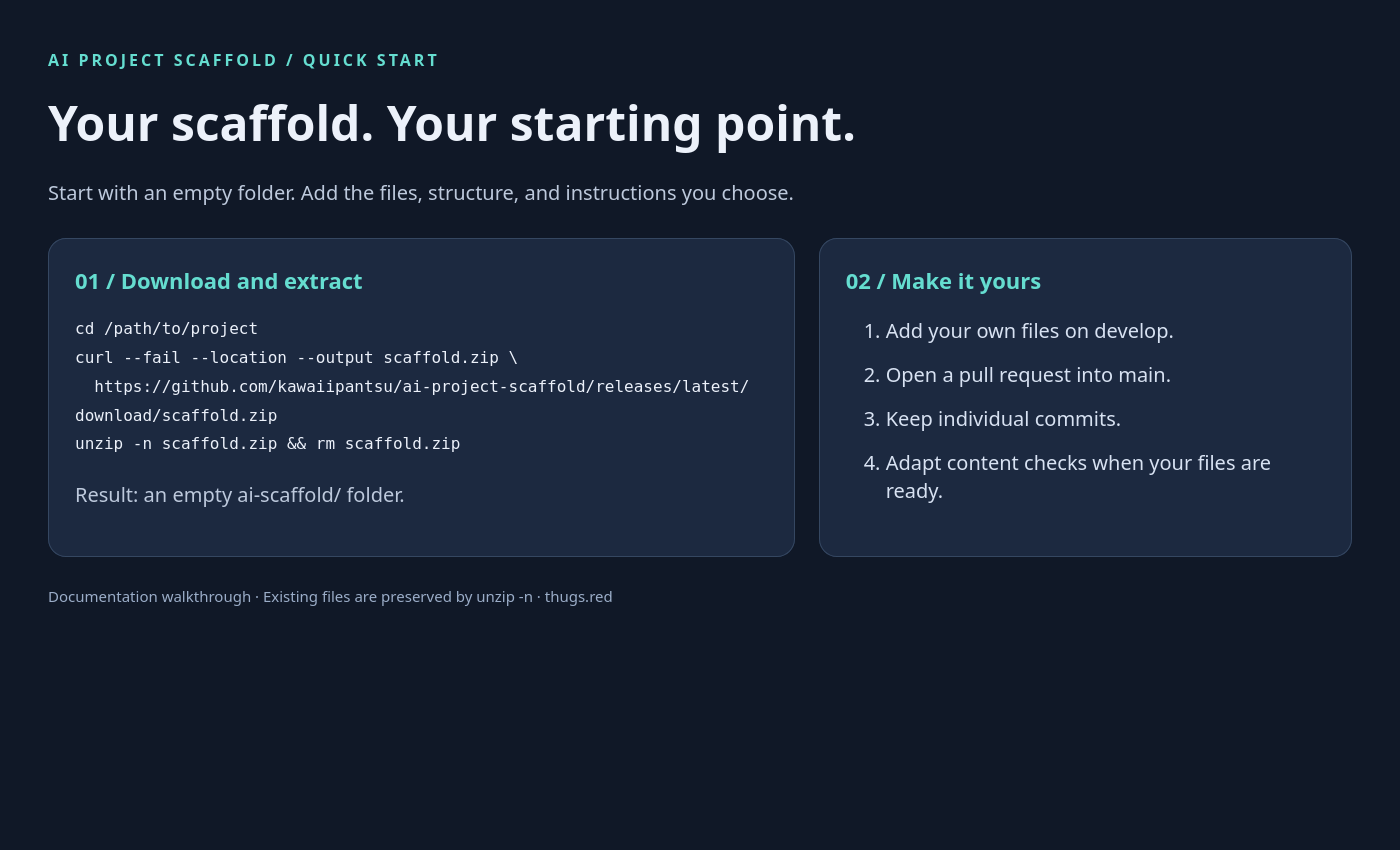
Screenshot of the companion guide rendered from assets/quick-start.html.