Repository navigation
Melodee 0.2.0


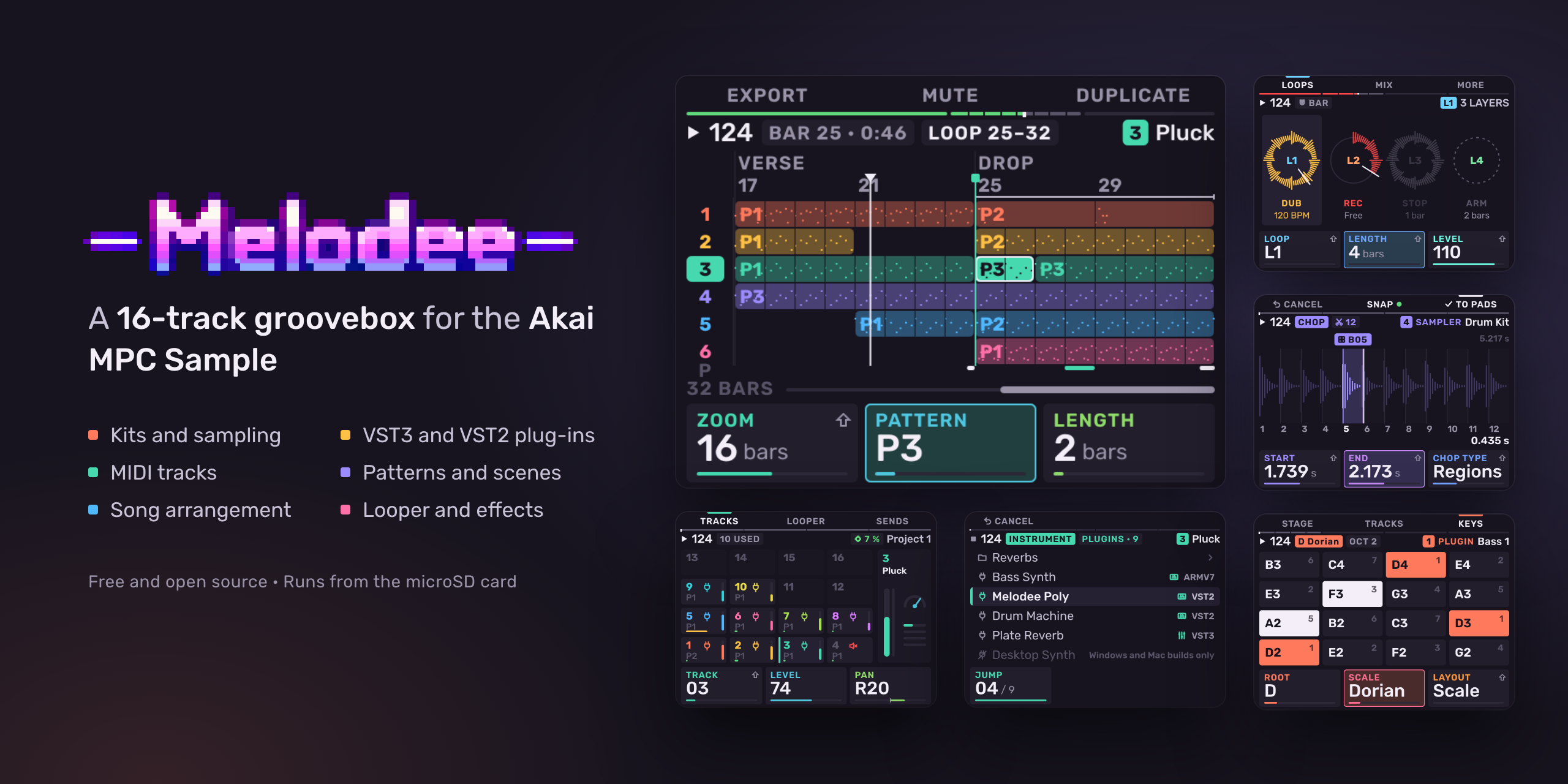
Melodee 0.2.0 for the Akai MPC Sample: a 16-track groovebox that runs on the MPC in place of the stock app, from the microSD card.
Before you install
- Coming from 0.1.0? 0.1.0 cannot update itself. Install 0.2.0 by hand once, as below. From 0.2.0 on, Melodee installs new releases for you.
- Plug-ins have moved. Melodee now reads plug-ins from
Melodee/Pluginson the card. Move the contents of the old top-levelPluginsfolder there; saved projects find them in either place.
Install
- Download
Melodee-MPC-Sample-v0.2.0.zipbelow. - Back up the card. If the card already has an
autorunfolder at its top level, move it somewhere safe. - Unzip the release. It holds one folder,
autorun. Copy that folder to the top level of the card. Do not edit or rename anything inside it. - Put the card in the MPC and switch it on. The stock app starts first. A few seconds later Melodee starts.
Requires an MPC Sample on firmware 1.3.0.12. On any other firmware Melodee does not start and the stock app keeps running. Melodee changes nothing on the MPC itself: delete the autorun folder and the stock app runs as before.
New to Melodee? Read the quickstart, then the user guide. Both are also on the MPC's own web page (below).
New
- Updates from the card. Copy a release zip to the card; Melodee asks Update to ?, saves, installs and restarts. The previous version stays in
autorun/melodee.prev. - Web page at http://melodee.local. Connect the MPC to a computer by USB-C while Melodee runs: send updates and plug-in zips, read the quickstart and manual, and use Files to browse the card, play, download, upload and delete.
- Screen Mirror (Settings > SCREEN): the MPC shows up as a USB webcam with Melodee's screen, at 30 or 60 fps and up to 1280 x 960.
- LV2 and CLAP plug-ins, as instruments and effects, beside VST3 and VST2, with their presets. The plug-in picker browses the whole card.
- Plug-ins hear Melodee's transport (play, position, tempo, time signature). TRANSPORT keeps Play and Stop from a plug-in with its own sequencer.
- Freeze and deep freeze. Print a track to audio and play it from the card; deep freeze also unloads its plug-ins.
- Pad sends. Kit pads send into buses A–D on their own, after Pad FX; MPC drum programs' Send 1–4 come in with them.
- 128 patterns a track in eight banks (A–H). Patterns is SEQ's home, drawn as the pads sit: launch patterns from the pads and scenes from the wheel and Push. Shift + Pad 12 opens Song.
- MIDI in everywhere. Each track listens on its own channel and port; Remote CCs select tracks and launch patterns and scenes. A keyboard's pitch wheel bends plug-in tracks.
- Roll marks notes for velocity ramps, grid pull, octave moves, copy, split, legato, reverse and arp.
- 16 Levels turns on in place, with Zones for drum and percussion instruments.
- Chop finds hits from the spectrum, cuts before the attack, and Beats cuts at the sample's own tempo.
- Samples: MP3, FLAC, Ogg Vorbis and AIFF load and preview; stereo waveforms show both sides.
- Neural Amp Modeler as an optional plug-in beside the built-in amp sim.
- Pad colours from MPC kits and from Stage's COLOUR. Light show on Sample + Mute.
- Crash reports go to
Melodee/Crasheson the card. Please attach one when you report a crash.
Fixed
- Soft pad hits play quieter (velocity scales the level linearly).
- Monitoring joins the mix before the master chain, as loud as the take plays back; Rec Input FX are heard while monitoring.
- A pad hit in the count-in's last sixteenth records on the take's first tick, as long as it was held.
- All notes off no longer crashes CLAP plug-ins such as Surge XT.
- Factory kits and demos on the internal drive load.
- DecentSampler presets open with their controls' starting values.
- Loading a file from the browser no longer plays it twice.
- Tempo changes are one undo step each.
Removed
- Pad Punch. Pad FX pressed again stays on the punches; older projects' per-pad punches are skipped on load.
Files
Melodee-MPC-Sample-v0.2.0.zip: theautorunfolder for the card. Its README and licences are inside, inautorun/melodee/.Melodee-MPC-Sample-v0.2.0.zip.sha256: its checksum.
Melodee is made by Kerem Kiliç (Ellic Studio). Free software under the AGPL-3.0. Not affiliated with or endorsed by inMusic or Akai Professional.