Repository navigation

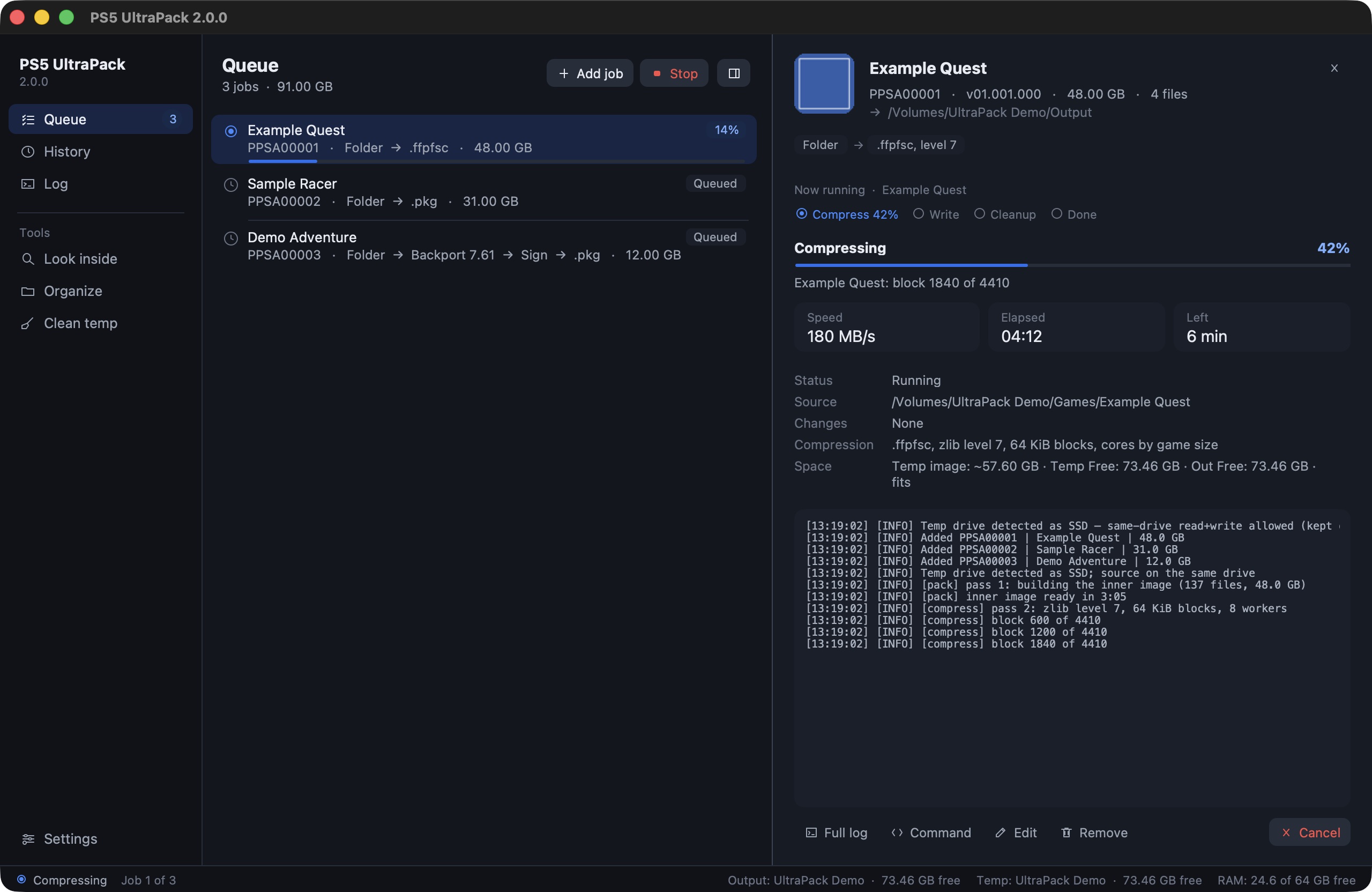
PS5 UltraPack 2.4.0
PS5 UltraPack now runs on macOS, Windows and Linux, all from this one release. Windows is no longer a preview, and Linux is new. Every build goes through the full test run before it gets here.
Linux
There is a native Linux x64 version now. Unpack the archive anywhere and start ./PS5 UltraPack. If you want the app in your app menu, run ./install.sh once. Files you remove go to the desktop's Trash, notifications show up like any other app's, and the file dialogs are your desktop's own.
On Linux the app can also use RAM for its temp files (Settings › Drives & space). If a job's work files fit into the amount you set, it builds in memory instead of on a drive. That is faster and spares your SSD.
The Linux port is the work of @trongio, who sent both as pull requests (#9, #10). Thank you!
Windows
The Windows version leaves preview and comes with every release from now on, next to the Mac and Linux files. Nothing to install: 7-Zip, the RAR reader and the package tool are inside the folder. It stays sharp at 125, 150 and 200 % display scaling, keeps the PC awake while jobs run and sends removed files to the Recycle Bin. I haven't checked a game built on Windows on a console yet, so feedback from the console is welcome.
Tested builds for every system
GitHub builds all three versions now. Each build runs every test I have, then every function of the finished app, and starts it once. Only a build that passes everything ends up on the release page.
Fixed
- The app could freeze in rare cases while a job ran. That came from cleaning up interface objects at the wrong moment, and the cleanup now waits for the right one.
- A backport no longer stops at an encrypted
aboutmodule insce_sys. The app leaves it as it is and tells you in the log (#9).
Install
macOS: download PS5-UltraPack-2.4.0-macos-arm64.zip below, unzip it and start the app. If macOS won't open it, run this once in Terminal:
xattr -dr com.apple.quarantine "PS5 UltraPack.app"
macOS 26 or newer on Apple Silicon. SHA-256: a098baee2da9a9be1d7f7218b6b3b441bd9b1203beb34a2e4943ba030fe949f2
Windows: download PS5-UltraPack-2.4.0-windows-x64.zip below, unzip it anywhere and start PS5 UltraPack\PS5 UltraPack.exe. The exe isn't signed, so SmartScreen warns on the first start: click More info, then Run anyway. Windows doesn't allow paths over 260 characters unless long paths are turned on, so keep the temp and output folders short, for example D:\ps5.
Windows x64. SHA-256: 4fda495fe867488f687cbac6cd2f64bc8d5d964d0eb83d5d39496edf00594f03
Linux: download PS5-UltraPack-2.4.0-linux-x64.tar.gz below, unpack it and run ./PS5 UltraPack in the folder. ./install.sh adds it to the app menu, ./install.sh --uninstall removes it again.
Linux x64, built and tested on Ubuntu 24.04. SHA-256: b6ab4a38c6e7bb6d6295aa912ddb4decb6ddcb0bdd6be1a827c3f8e6ff2d21e5
The source of the ampr_emu runtime the app ships is attached as ampr_emu-0.4.2.1-source.tar.gz (GPL-3).
PS5 UltraPack works with files you provide. It does not decrypt or distribute any Sony content, firmware or keys. Not affiliated with Sony Interactive Entertainment.
Full Changelog: v2.3.4...v2.4.0
