Repository navigation
Home
- Final Presentation PDF File - Final Presentation.pdf
In order to use Re:Mind's Service, the Flask model must be installed in addition to the Flutter.
Please go to the link and install the Flask Model.
Re:Mind Flask Model Wiki Page
Install Android Studio - https://developer.android.com/studio
Install Flutter - https://blog.yena.io/studynote/2020/02/04/Android-Flutter-Install.html
Install Android Virtual Device - Android 11.0 / API 30
https://developer.android.com/studio/run/managing-avds?hl=ko
Download Flutter File - Google Drive
Github Repository - https://github.com/kozeldark/Flutter
Re:Mind Flutter Package Preparation
flutter pub upgrade
Check pubspec.ymal!
environment:
  sdk: ">=2.7.0 <3.0.0"

dependencies:
  flutter:
    sdk: flutter
  dio: ^4.0.0
  file_picker: ^4.4.0
  firebase_auth: ^3.0.1
  firebase_core: ^1.12.0
  google_sign_in: ^5.0.7
  flutterfire_ui: ^0.1.0-dev.1
  fluttertoast: ^8.0.5
  image_picker: ^0.8.3+1
  flutter_image_compress: ^0.6.5+1
  firebase_storage: ^8.1.1
  cloud_firestore: ^3.1.10
  flutter_signin_button: ^2.0.0
  firebase_auth_web: ^3.1.3
  audioplayers: ^0.20.1

  # The following adds the Cupertino Icons font to your application.
  # Use with the CupertinoIcons class for iOS style icons.
  cupertino_icons: ^0.1.3
  flutter_svg: ^0.22.0-nullsafety.3 # it help us to use SVG in our app
  firebase_messaging: ^11.2.8
  video_player: 2.1.15

dev_dependencies:
  flutter_test:
    sdk: flutter

flutter:
  uses-material-design: true

  # To add assets to your application, add an assets section, like this:
  assets:
    - assets/images/
    - assets/icons/
    - assets/demo.mp4
Table Of Contents
1. Login & Profile Management
2. GIF (Without Audio)
3. MP4 (With Audio)
4. Assets Management
5. Demo Video
6. Role
| First Page | Loading Page | Profile Button | Profile Management |
|---|---|---|---|
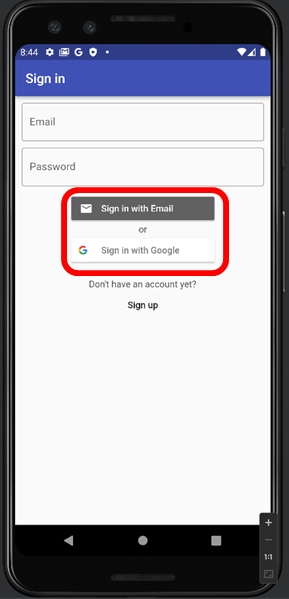 |
 |
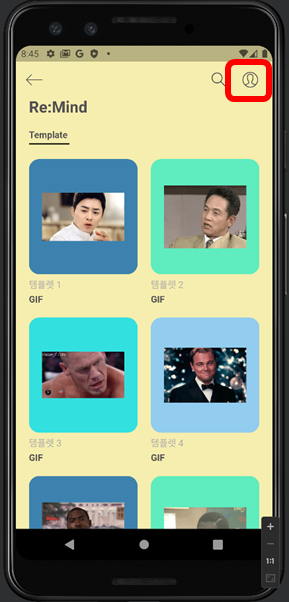 |
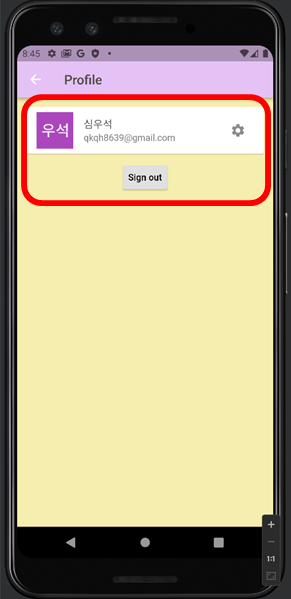 |
-
The administrator of user account must register SHA-256 with Firebase - Register SHA-256
-
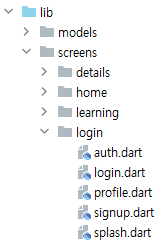
If you want to change the UI related to login, please modify the dart file in the login folder - Login Folder
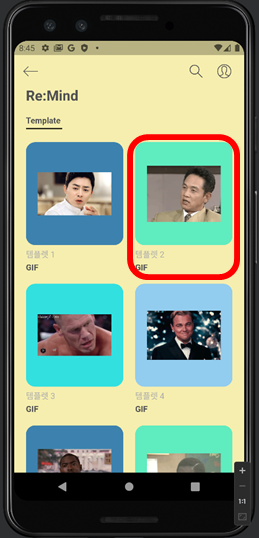
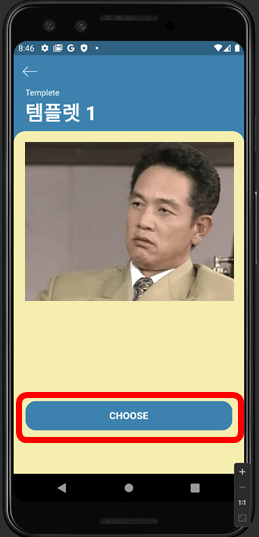
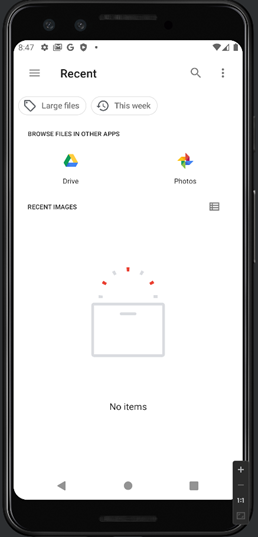
| Main Page | Choose Template | Input Image & Show Result | My Files | Result Page |
|---|---|---|---|---|
 |
 |
 |
 |
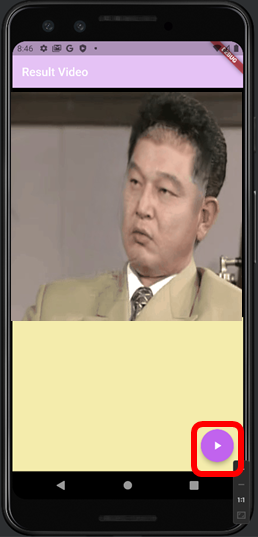 |
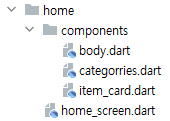
- If you want to change UI related to GIF & MP4, please modify the dart file in the details & home folder - Details & Home Folder
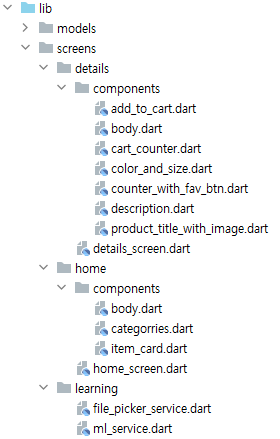
- In the case of GIF, if you do not insert your image file, you will not go to the result screen.
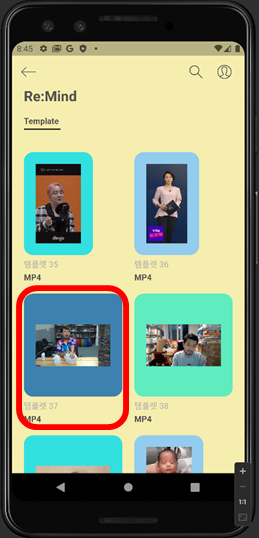
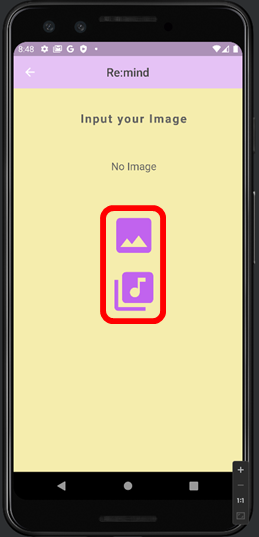
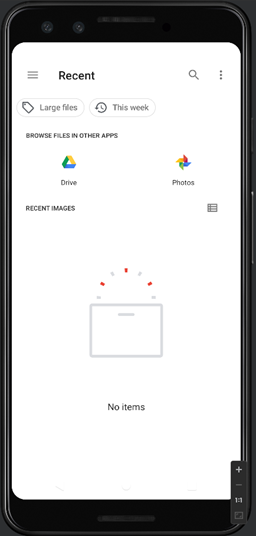
| Main Page | Choose Template | Input Image & Show Result | My Files(Image) | My Files(Audio) |
|---|---|---|---|---|
 |
 |
 |
 |
 |
- In the case of MP4, if you do not insert your image & Audio file, you will not go to the result screen.
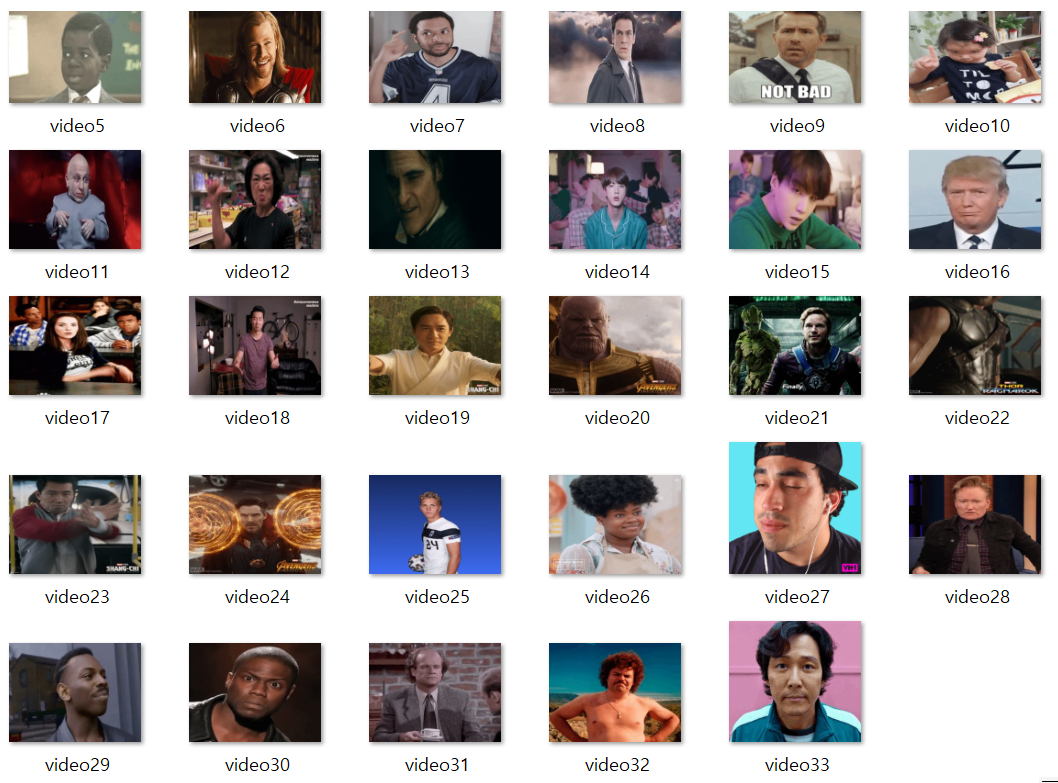
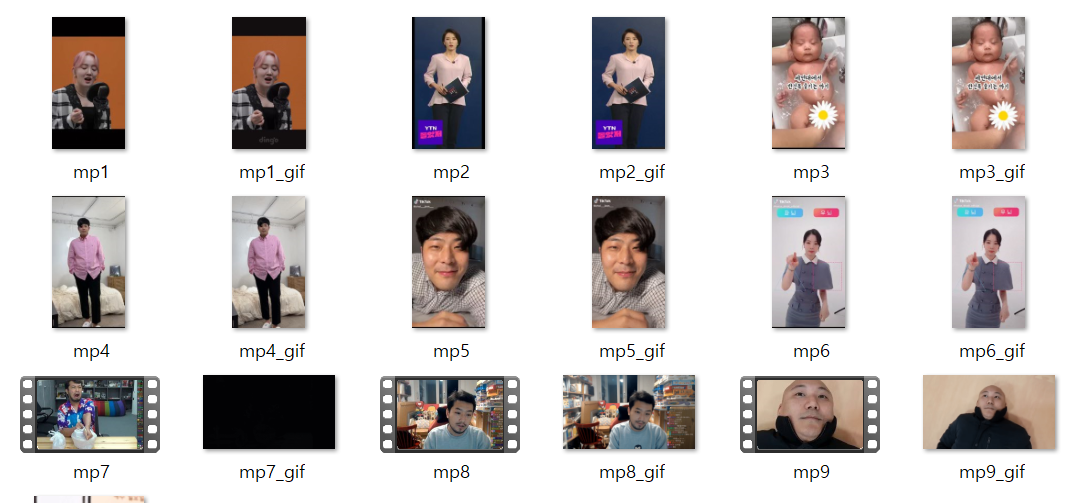
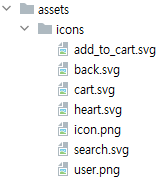
| GIF Templates | MP4 Templates | Icon Templates |
|---|---|---|
 |
 |
 |
-
The default templates are GIF - 33 / MP4 - 9.
-
If you want to add or modify templates, see Assets Folder - [Assets Folder (https://github.com/kozeldark/Flutter/tree/main/assets)
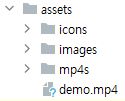
-
If you want to change Template & UI related to Assets, please modify the dart file in the home folder - Home Folder
| GIF(Without Audio) | MP4(With Audio) |
|---|---|
gif.mp4 |
mp4.mp4 |
| 심우석(201636417) | qkqh8639@gmail.com | Model Lightweight(Parameter optimization), Server, Flutter |
| 오찬희(201735855) | fasvvc@gmail.com | Model Lightweight(Parameter optimization), Modeling, Server, Flutter |
| 김다혜(201835414) | ekgp3987@naver.com | Modeling, Flutter |
| 선다혜(201835466) | adad05011@gachon.ac.kr | Model Lightweight(Parameter optimization), Modeling, Flutter |
The file above is open source. Please contact us by email
if you would like commercial use, except for non-commercial use.