Repository navigation
Releases
OmiReader 1.1.3

Download OmiReader-1.1.3-android.apk to install or update. The existing signing certificate is retained. Source code, icon files and SHA-256 checksums are included below.
简体中文
- 修复 EPUB 正文目录、跨章节链接和章内锚点跳转,支持相对路径与中文锚点。
- 修复 MOBI / AZW3 正文目录与位置链接,按书内目标定位;修正 KF8 最后一章内容为空的问题。
- 已导入 EPUB 的旧章节缓存自动更新,无需重新导入。跳转后保留阅读位置,沿用现有阅读设置和界面。
繁體中文
- 修復 EPUB 正文目錄、跨章節連結與章內錨點跳轉,支援相對路徑和中文錨點。
- 修復 MOBI / AZW3 正文目錄與位置連結,依書內目標定位;修正 KF8 最後一章內容為空的問題。
- 已匯入 EPUB 的舊章節快取會自動更新,無須重新匯入。跳轉後保存閱讀位置,沿用既有閱讀設定與介面。
English
- Fixed in-book EPUB contents links, cross-chapter navigation and anchors, including relative paths and Unicode fragments.
- Fixed MOBI / AZW3 contents and position links, and empty content in the last KF8 chapter.
- Existing EPUB chapter caches refresh automatically without reimporting books. Link navigation saves the reading position and retains the existing reader controls.
日本語
- EPUB 本文中の目次リンク、章をまたぐ移動、章内のアンカーを修正しました。相対パスと日本語・中国語のアンカーにも対応します。
- MOBI / AZW3 の目次・位置リンクと、KF8 の最終章が空になる問題を修正しました。
- 取り込み済み EPUB の古い章キャッシュは自動更新されます。再取り込みは不要です。移動先の読書位置を保存し、既存の読書設定と画面を保持します。
Verification
36 Android emulator checks passed, including native-page taps on EPUB, KF6 and KF8 links, Unicode anchors, old-cache migration, return navigation, saved reading positions and the existing reader features. Installing 1.1.3 over 1.1.2 preserved books and the exact reading page. The signing certificate is unchanged. Physical-device validation has not been performed.
OmiReader 1.1.2 · Android
OmiReader 的首个公开版本:面向 Android 的本地电子书阅读器,保留完整阅读调整,提供可选书源和 WebDAV。
The first public release of OmiReader: a clean Android ebook reader for local books, with optional source rules and WebDAV.
下载 / Downloads
- Android APK — Android 5.0+
- Source ZIP — GPL-3.0
- SHA-256 checksums
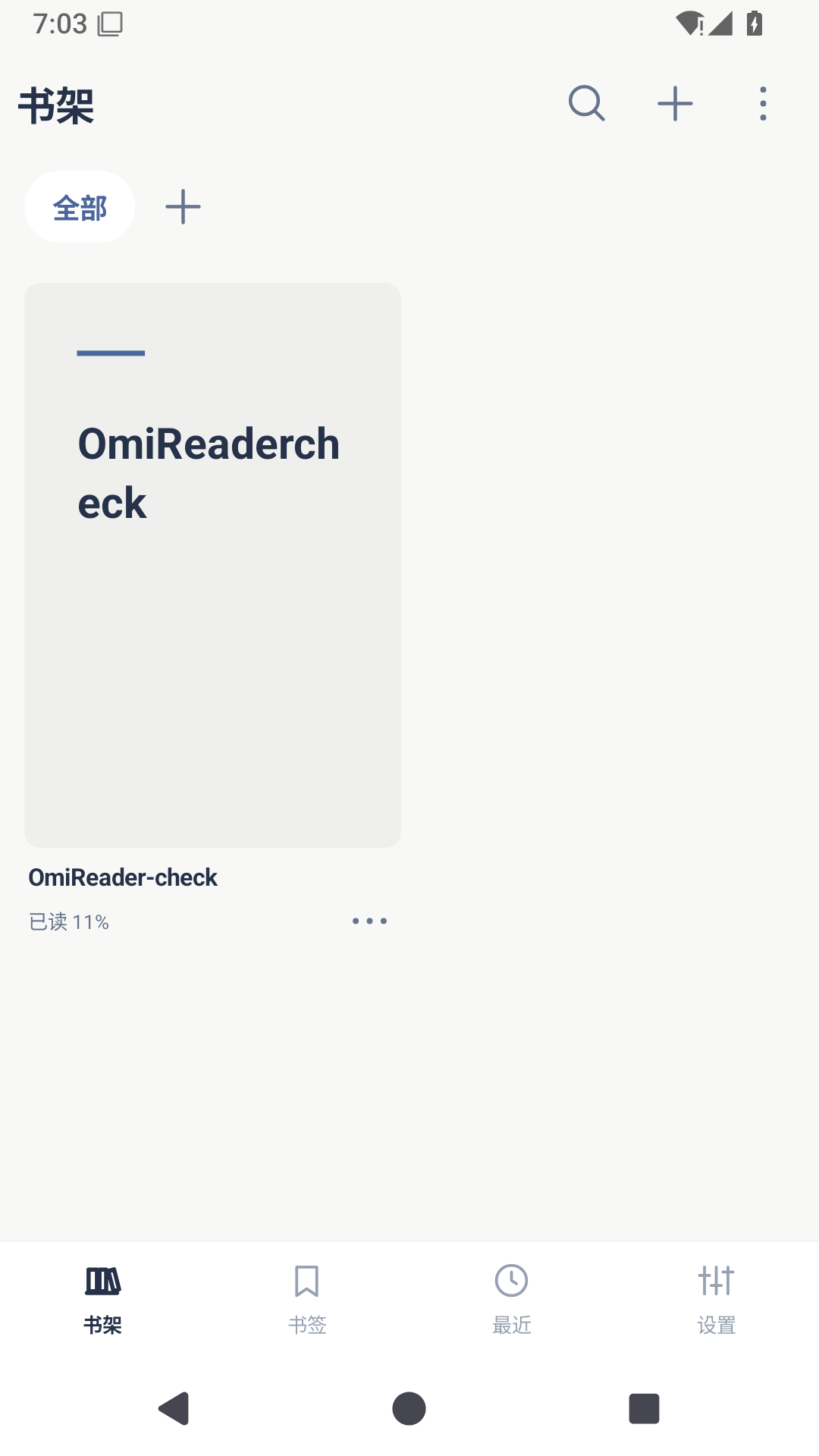
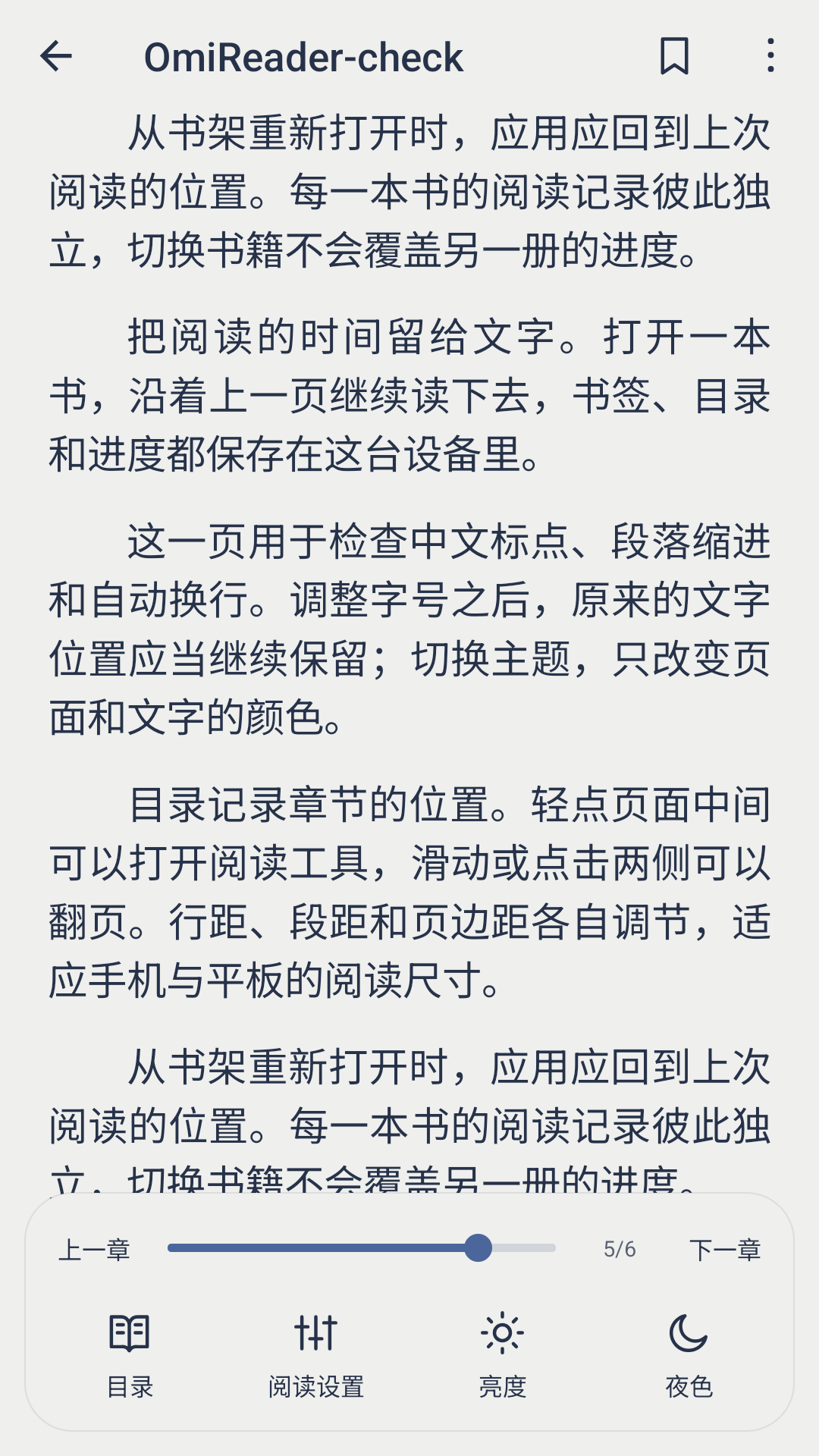
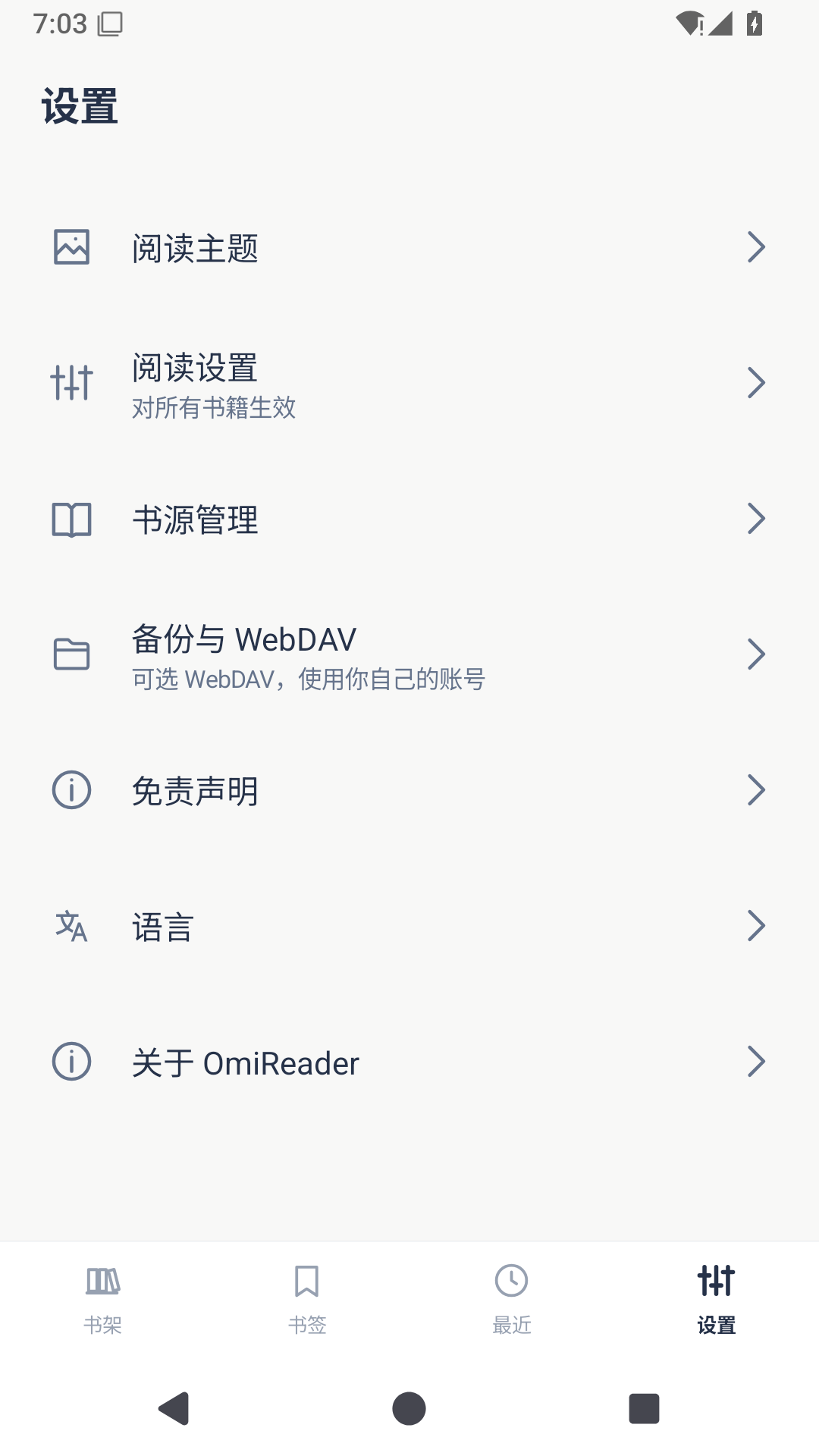
界面 / Screenshots
1.1.2 · 2026-11-09
简体中文
OmiReader 首次公开发布,面向 Android 5.0 及以上,支持 TXT、EPUB、MOBI、AZW3、DOCX 和 Markdown。
- 蓝色书页图标增加桌面安全留白,统一阅读底部图标尺寸。
- 阅读进度条区分已读与未读部分,拖动显示当前页/总页数,松手跳转。
- “排版”改名为“阅读设置”,保留完整字体、间距、边距、主题、书页颜色和背景设置;移除重复菜单入口。
- 新建书架和文件夹点右上角“完成”保存;空名称原地提示。
- 恢复可选的书源管理、导入、搜索和 WebDAV,设置新增免责声明。
- 补齐简体中文、繁体中文、英文、日文介绍和实际界面截图。
繁體中文
OmiReader 首次公開發布,適用於 Android 5.0 及以上,支援 TXT、EPUB、MOBI、AZW3、DOCX 與 Markdown。
- 藍色書頁圖示加入安全留白,統一閱讀底部圖示尺寸。
- 進度條區分已讀與未讀部分,拖曳時顯示目前頁碼,放開後跳轉。
- 「排版」改名為「閱讀設定」,保留完整文字與書頁外觀設定,移除重複入口。
- 建立書架與資料夾時,點選右上角「完成」儲存;空名稱會原地提示。
- 恢復可選的書源管理、匯入、搜尋與 WebDAV,設定新增免責聲明。
- 加入四種語言的介紹與實際介面截圖。
English
First public release of OmiReader for Android 5.0+, supporting TXT, EPUB, MOBI, AZW3, DOCX and Markdown.
- Added safe padding around the blue book icon and unified reader tool sizes.
- Made filled and remaining progress distinct; dragging shows the current page and releasing jumps to it.
- Renamed Typography to Reading settings, retained the full typography and page appearance controls, and removed duplicate shortcuts.
- Save new shelves and folders with Done at the top right; empty names remain in the editor with an error.
- Restored optional source management, import, search and WebDAV, with a notice in Settings.
- Added documentation in four languages and screenshots from the release APK.
日本語
OmiReader の初公開版です。Android 5.0 以降で TXT、EPUB、MOBI、AZW3、DOCX、Markdown に対応します。
- 青い本のアイコンに安全な余白を設け、読書ツールのアイコンサイズを統一しました。
- 進捗バーの既読部分と残りを区別し、ドラッグ中のページ表示と移動を改善しました。
- 「組版」を「読書設定」に変更。文字組みとページの色・背景の設定を保持し、重複した項目を整理しました。
- 本棚とフォルダーは右上の「完了」で保存します。名前が空の場合は入力画面で通知します。
- 任意の書籍ソース管理・取り込み・検索と WebDAV を復元し、設定に免責事項を追加しました。
- 4 言語の説明と正式版の画面画像を追加しました。
Verification
31 Android emulator checks passed. Installing 1.1.2 over the previous signed build preserved books and reading progress. The release signing certificate is unchanged. Physical-device and personal WebDAV-provider validation have not been performed.
The application contains no bundled third-party book sources or book content. The original Legado changelog is retained in docs/UPSTREAM_CHANGELOG.md.