Repository navigation
ACMX2 v1.3.0 for Windows X64

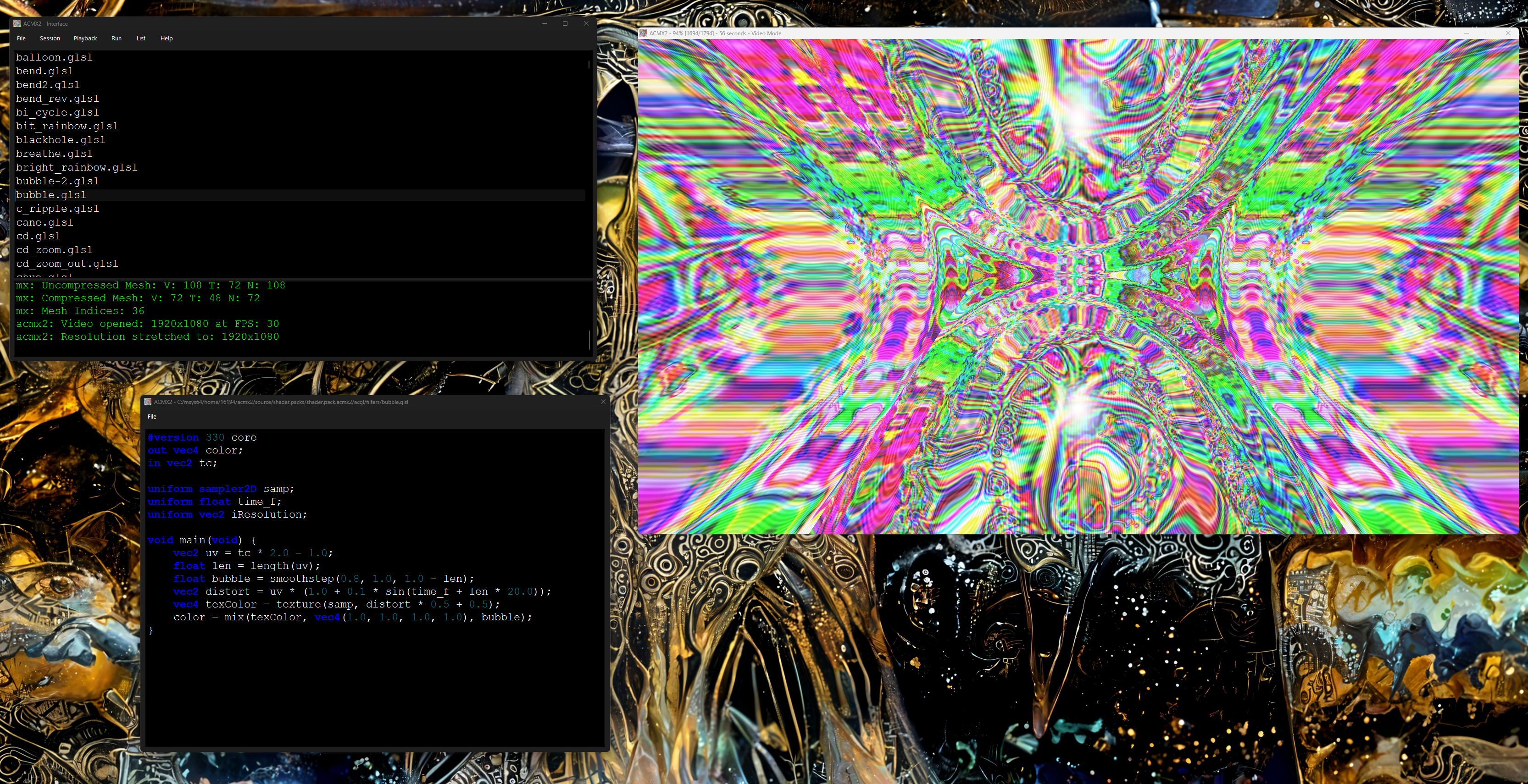
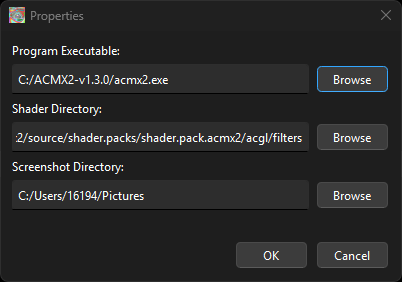
Be sure to enter File->Properties and set your path to the shaders you are going to use and the path to current acmx2.exe you want to use.
If you have used a previous version of this software you will have to update these paths.
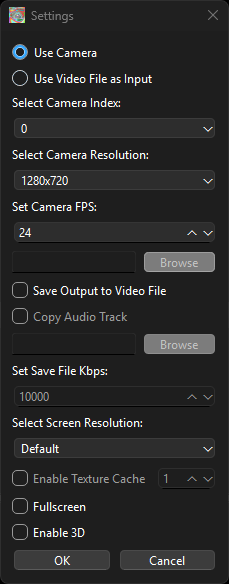
Then create a new session by filling out the session properties (optionally enable 3D mode):
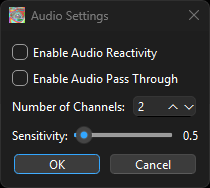
Then you can set Real time Audio enabled if you desire (you shader should use amp/uamp uniform or Press 'Q' key to enable/disable:
Dedicated to: