Repository navigation
Releases
Releases · milescs/Morph
Morph 1.1.0

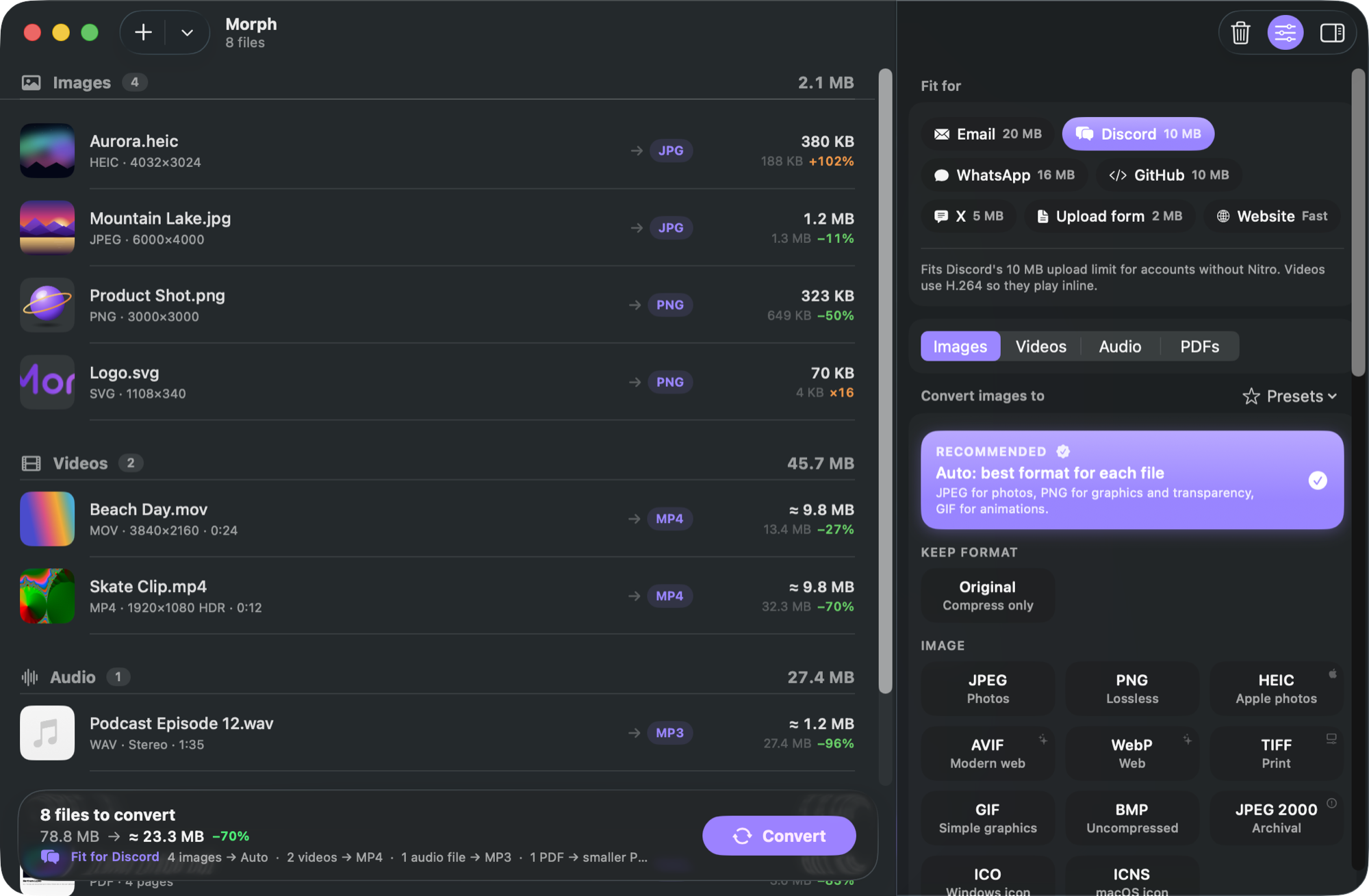
Make any file fit
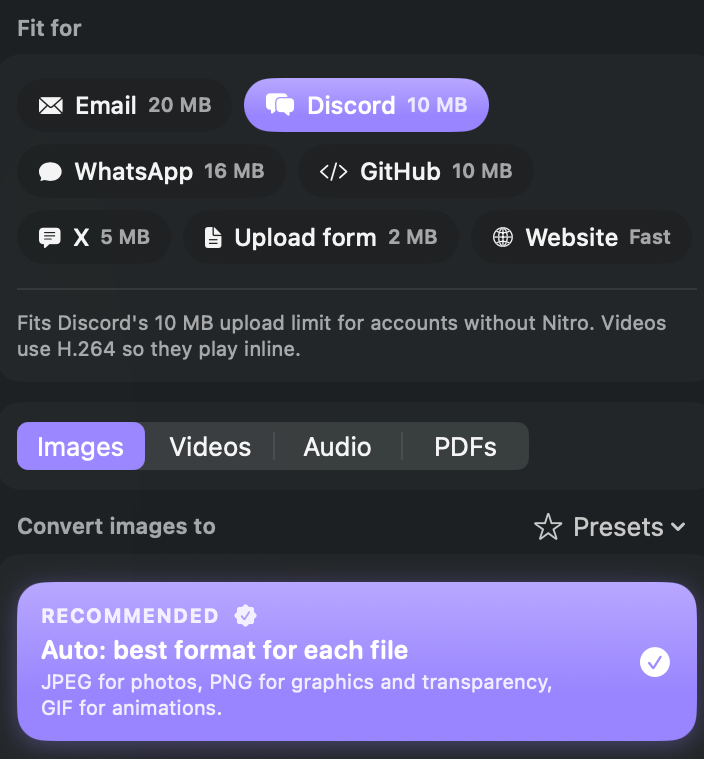
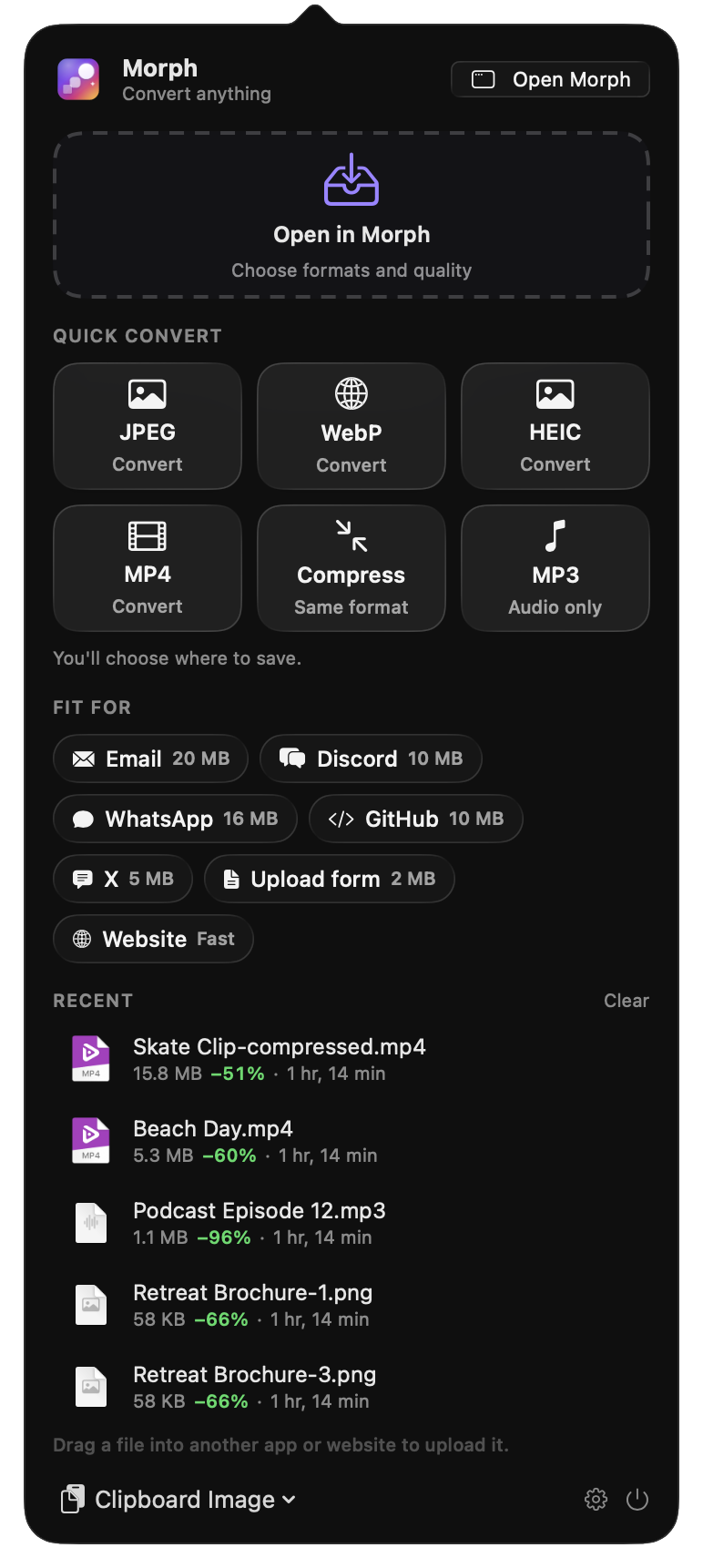
- Fit for… destinations: pick Email, Discord, WhatsApp, GitHub, X, an upload form or a website, and Morph sets the format, size limit and resolution that work there. They're also drop targets in the menu bar.
- Compress PDFs: shrinks the images inside while keeping text, links, forms and the outline sharp. Morph never makes a PDF bigger, and a size limit works for PDFs too.
- Auto format: JPEG for photos, PNG for graphics with transparency, GIF for animations. It's the new Recommended choice for images.
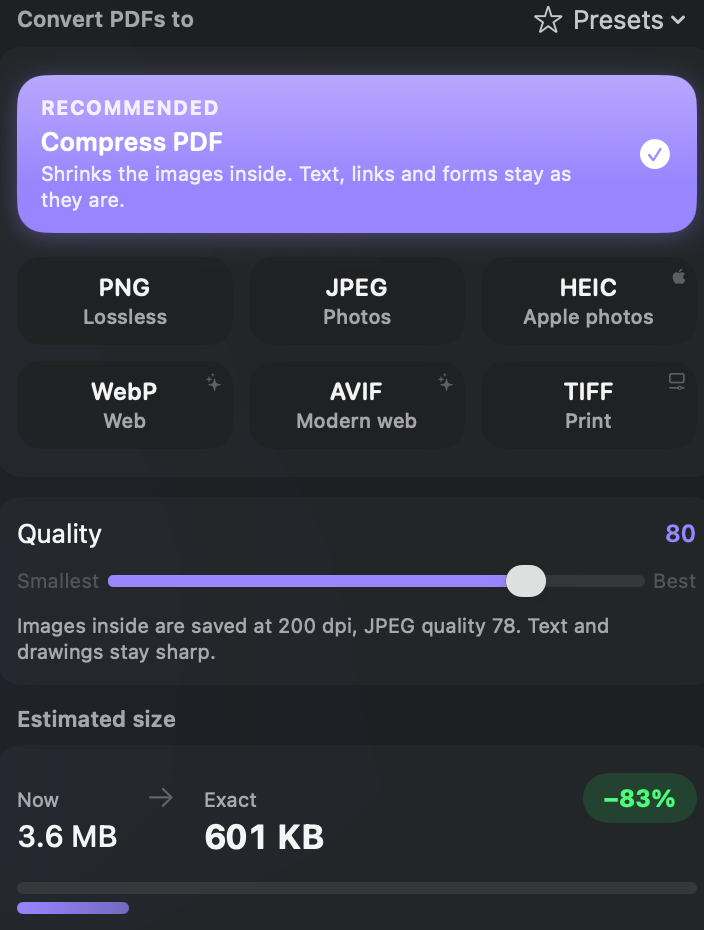
Private by default
- Photos and videos now lose their GPS location unless you choose to keep it. The toggle is in the main settings, no Pro mode needed.
- Everything still happens on your Mac. Nothing is uploaded.
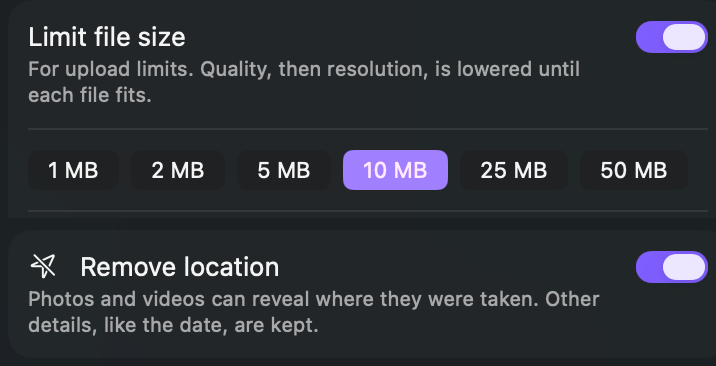
Clearer choices
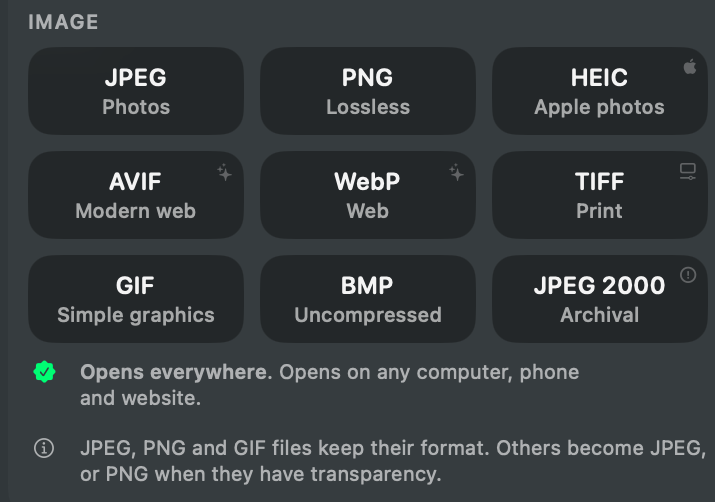
- Every format is labeled by who can open it: Opens everywhere, Newer devices, or Best on Apple devices.
- A summary above Convert shows exactly what will happen, e.g. "4 images → Auto · 2 videos → MP4".

Works where your files are
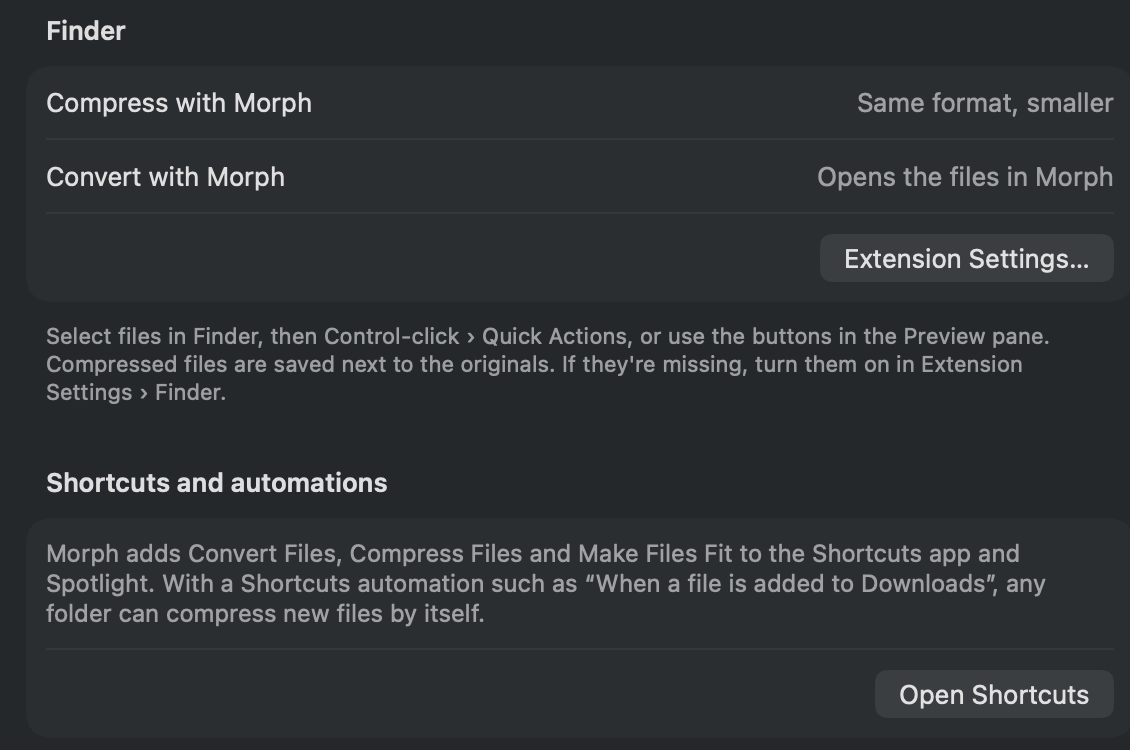
- Finder Quick Actions: Compress with Morph and Convert with Morph. Turn them on once in Finder › Quick Actions › Customize….
- Shortcuts and Spotlight: Convert Files, Compress Files and Make Files Fit. Pair them with a Shortcuts folder automation to compress new files automatically.
Reliability
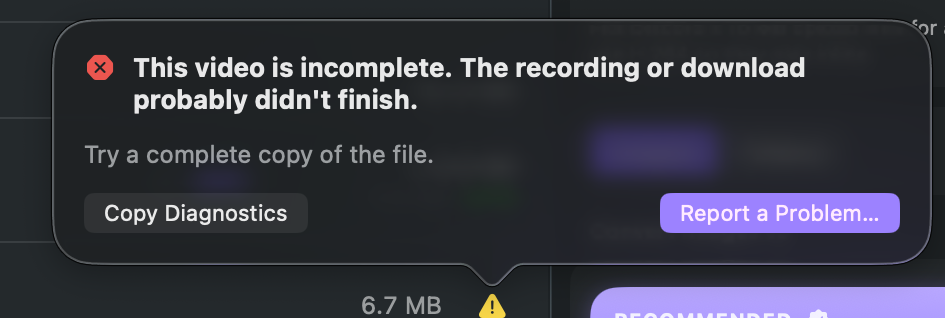
- Errors are explained in plain language, with what to try next and a Report a Problem… button that pre-fills a GitHub issue (no file names or paths).
- Tested against 80+ real-world files (408 conversions): iPhone Dolby Vision and rotated video, variable frame rate recordings, ProRAW, HEIC grids, CMYK JPEGs, JPEG XL, scanned and password-protected PDFs, and damaged files.
- Fixes found that way: hi-res audio (96–192 kHz) now converts to AAC, videos Apple's hardware decoder rejects fall back to software decoding, 5.1 audio downmixes for MP3, float and 16-bit TIFFs convert to HEIC, symlinked files are accepted, and files that end early (like partial downloads) convert with a note.
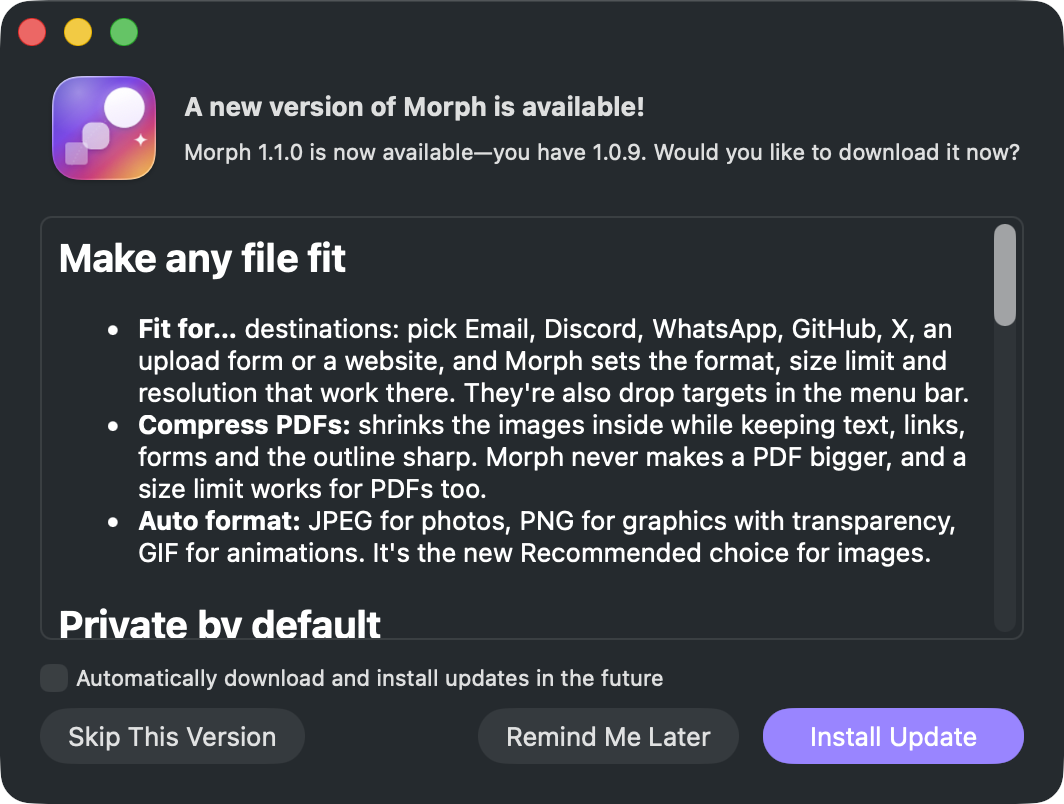
- Morph is now notarized by Apple and updates itself (Sparkle). Settings › General › Updates lets you choose how.
Download
Morph-1.1.0.dmg · macOS 26 Tahoe or later, Apple silicon. Signed with a Developer ID and notarized by Apple: open the DMG and drag Morph into Applications.
Coming from 1.0? Install this version once; from now on Morph updates itself.
appcast.xml is Sparkle's signed update feed. Morph-1.1.0-ffmpeg-source.tar is the complete corresponding source of the bundled GPL-3.0 ffmpeg/ffprobe. Checksums are in Morph-1.1.0-SHA256.txt.
Morph 1.0.0
Morph 1.0 converts and compresses images, video, audio and PDFs on your Mac. It's native, fast and open source.
Highlights
- Drop files or folders, pick a format, and see the estimated output size before you convert. For images, the estimate is an exact real encode.
- Compress only (keep the format) or set a file size limit for upload forms.
- Images: HEIC, JPEG, PNG, WebP, AVIF, TIFF, GIF, BMP, JPEG 2000, ICO/ICNS, PDF and SVG (render, or trace from bitmaps).
- Video: MP4, MOV, MKV and WebM, using Apple's hardware H.264/HEVC/ProRes encoders or x264, x265, SVT-AV1 and VP9. HDR is kept or tone-mapped to SDR. Also GIF, animated WebP, still frames and audio extraction.
- Audio: MP3, AAC, ALAC, WAV, AIFF, FLAC and Opus.
- Pro mode with every encoder option, plus a copyable FFmpeg command.
- Menu bar: drop files on the icon to open them in Morph or run a quick convert.
Install
- Download Morph-1.0.0.dmg below, open it, and drag Morph into Applications.
- This build is signed but not notarized. On first launch, open System Settings › Privacy & Security and click Open Anyway.
Requires macOS 26 Tahoe or later on Apple silicon.
Files
Morph-1.0.0.dmg: the app.Morph-1.0.0-ffmpeg-source.tar: complete corresponding source for the bundledffmpeg/ffprobeexecutables (GPL-3.0).Morph-1.0.0-SHA256.txt: checksums.
Morph is MIT-licensed. See THIRD_PARTY_NOTICES.md.