Repository navigation
Nyx 1.0.0

First release of Nyx, a dark mode for websites that don't have one.
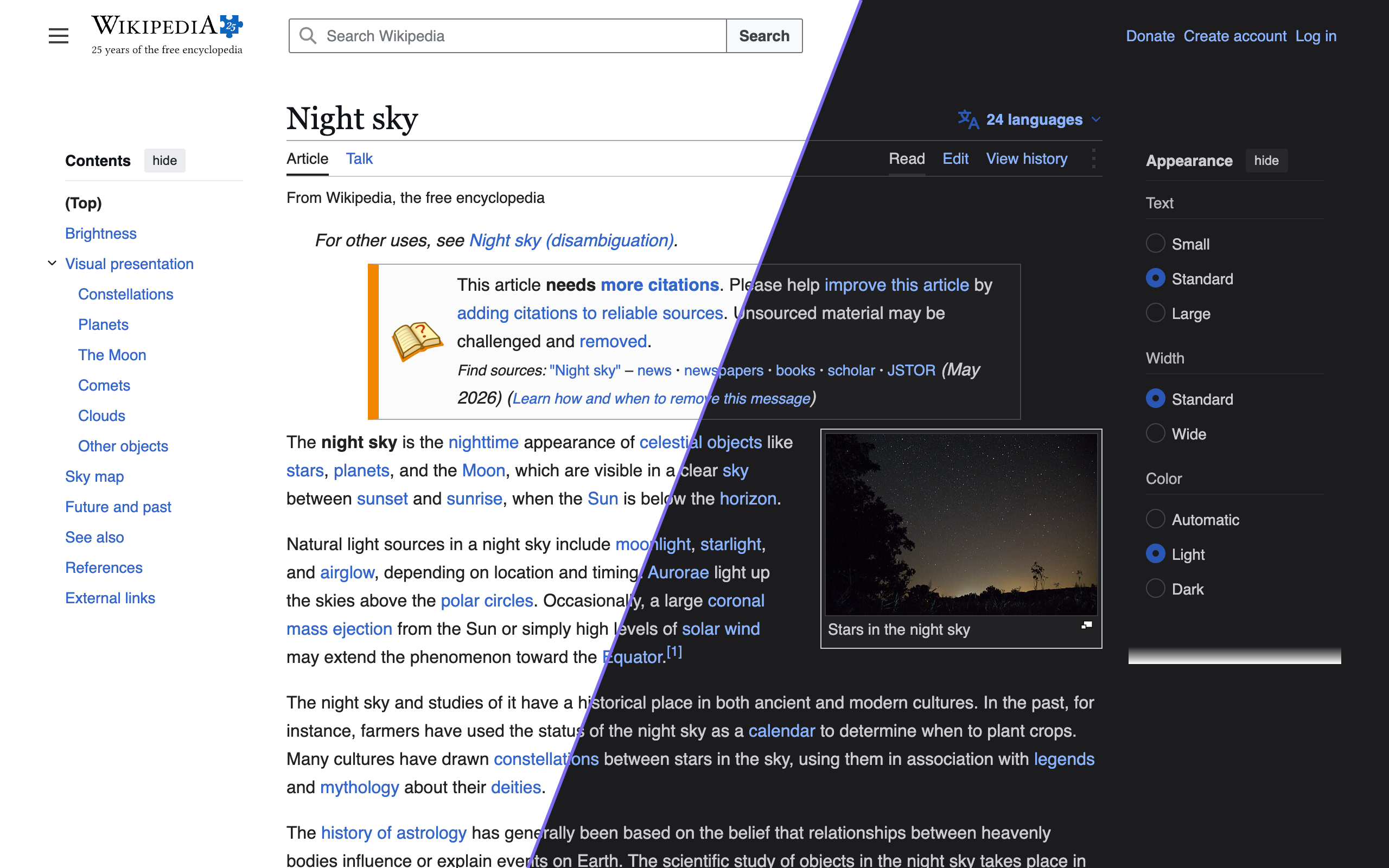
Install
- Chrome / Edge: download
nyx-chrome-1.0.0.zip, unzip it, openchrome://extensions, turn on Developer mode, click "Load unpacked" and pick the folder. A Chrome Web Store listing is coming. - Firefox: download
nyx-firefox-1.0.0.zip, openabout:debugging#/runtime/this-firefoxand choose "Load Temporary Add-on". Firefox removes temporary add-ons when it restarts. - Safari (iPhone, iPad, Mac): the App Store version isn't out yet. You can build it with Xcode; see DEVELOPMENT.md.
What it does
Nyx reads each page's stylesheets and picks a darker color for every background, text color and border, so links stay blue and brand colors stay recognizable. Text that still ends up hard to read is lifted to at least 4.5:1 contrast. Sites that already have a dark mode are left alone.
- Auto (follows system dark mode or a schedule), On or Off, and per-website settings
- 26 themes, plus your own, shareable as links
- Keyboard shortcuts for the current site
- No data collection