Repository navigation
Home
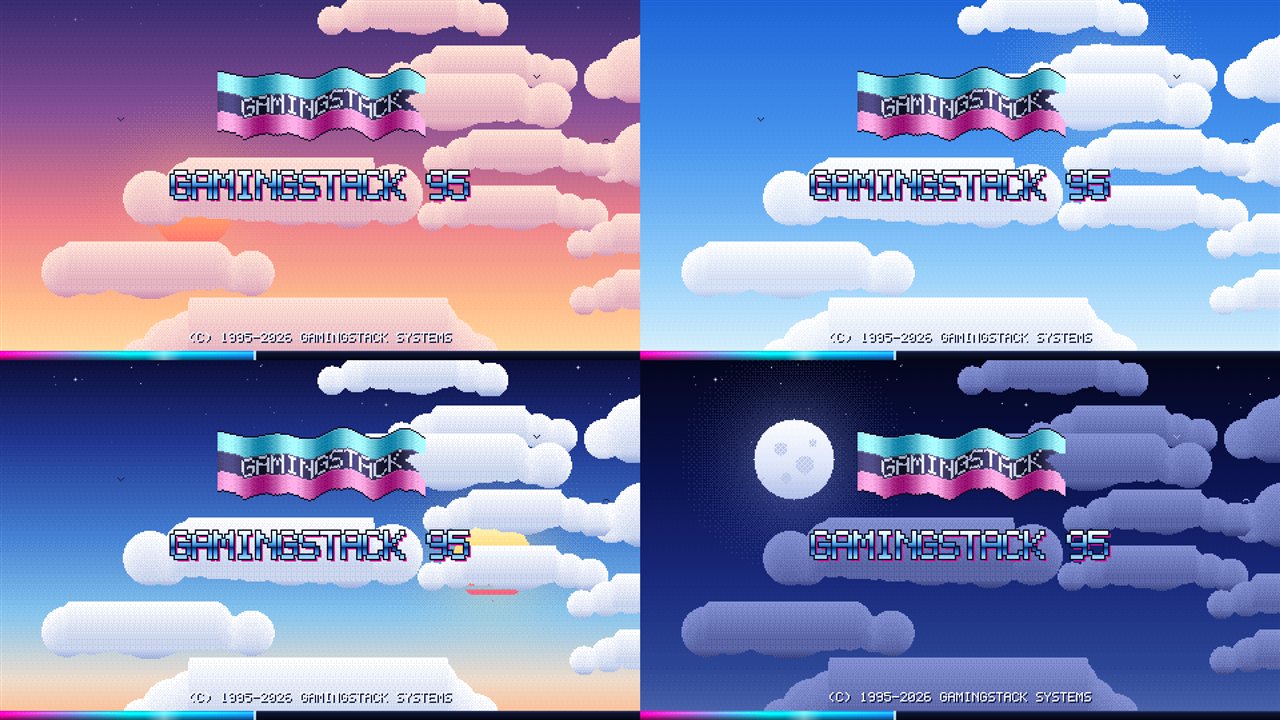
A new-PC setup tool that is actually fun. It boots through a fake 90s BIOS and a retro boot screen into a tiny retro "OS" desktop, then installs everything you need for a Gaming / Streaming PC, an Office computer or a Developer / Home-lab machine - with the Windows tweaks you choose - and shows you exactly what it is doing the whole way.
- Getting Started - download, run, first steps
- Setup Types - Gaming vs Office vs Developer
- What It Changes - every Windows tweak, in plain words
- Safety and Undo - restore point, backup, undo scripts, the final check
- Logs and Files - where everything is saved
- The Retro Desktop - windows, apps, games, trophies
- App Catalog - the full list of what can be installed
- FAQ and Troubleshooting
- Security and Scans
- You stay in control. Nothing is installed or changed until you agree, and a final check screen lists everything first.
- A way back. A System Restore point every time, optional full disk backup, and an undo script for every tweak.
- No secrets. It is open source, has no telemetry and keeps a full log of what it did.
Source code and downloads: https://github.com/morpheus2n2/GamingStack