Repository navigation
Releases
v1.0.1

What's Changed
- fix(release): guard one-time root package recovery by @nyaomaru in #4
- docs(changelog): 1.0.0 by @github-actions[bot] in #5
- chore: remove v1 root recovery workflow by @nyaomaru in #6
- docs: prepare public v1 onboarding by @nyaomaru in #7
- chore(release): authenticate npm publishes with GitHub OIDC by @nyaomaru in #10
- fix(ci): install mise before version bump checks by @nyaomaru in #11
- fix(test): compare the crate version with package.json by @nyaomaru in #12
- Release: 1.0.1 by @github-actions[bot] in #13
New Contributors
- @github-actions[bot] made their first contribution in #5
Full Changelog: v1.0.0...v1.0.1
Contributors

Assets 2
v1.0.0 🦀 First Public Release!
I'm excited to finally introduce the first public release of type-tune! 🎉
A small, Rust-powered CLI that helps you find shared TypeScript types and move them to a better home, without manually chasing imports across your project.
Scan. Review. Move. Validate.
That's the idea behind type-tune! 🦀
🐈 Why type-tune?
Have you ever created a type inside a component, only to find that half your project depends on it a few months later?
Maybe it started like this:
// src/features/order/OrderPage.tsx
export type OrderSummary = {
  id: string;
  total: number;
};
But now it's imported by API modules, utilities, other features, and tests.
You want to move it somewhere more appropriate.
Sounds simple, right?
Well... not always! 😹
You need to find the references, update imports, consider local type dependencies, preserve exports, and make sure nothing breaks.
And doing all of that manually isn't particularly fun.
That's why I built type-tune!
It takes care of the mechanical work while keeping the important decisions in your hands.
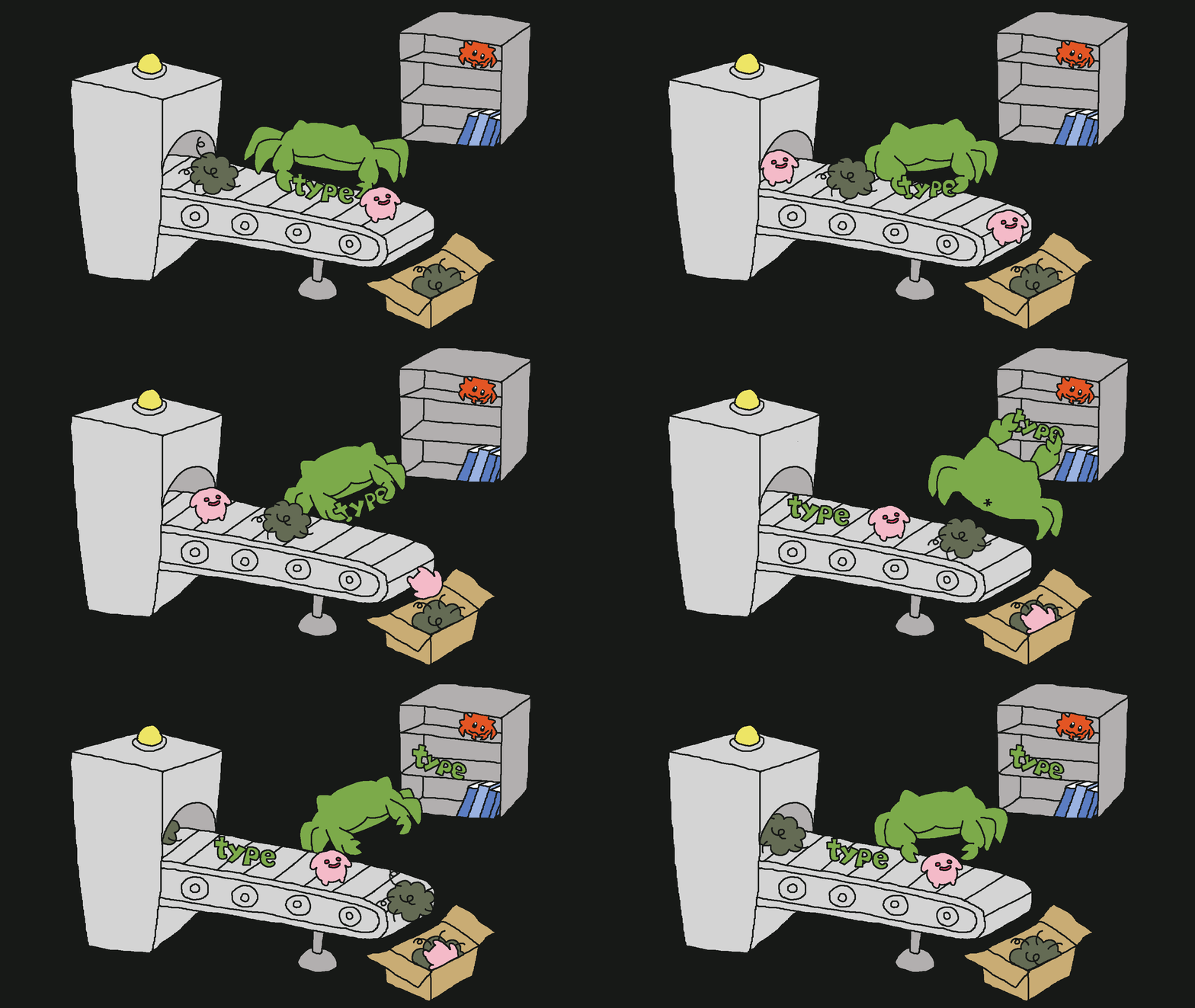
✨ What's included in v1.0.0?
🔍 Discover shared types
Find exported TypeScript types and interfaces that are referenced by multiple files.
npx type-tune scan --project tsconfig.jsontype-tune analyzes your TypeScript project and identifies potential candidates for relocation.
You can also inspect why a declaration was excluded:
npx type-tune scan --project tsconfig.json --explainNo files are modified during scanning!
📋 Create reviewable plans
Instead of immediately changing your code, type-tune creates a plan you can inspect.
npx type-tune plan \
  --project tsconfig.json \
  --out .type-tune/plan.json \
  --markdown .type-tune/plan.md
The plan includes candidate information, proposed destinations, references, and dependencies.
Every candidate starts as ignore.
Nothing gets moved without your approval.
You can edit the Markdown plan directly or use the interactive review command:
npx type-tune review --markdown .type-tune/plan.md🦀 Move types and update imports
Once you've approved the changes, type-tune can relocate supported declarations and update their imports.
For example, our OrderSummary type can move to:
// src/features/order/types/order.ts
export type OrderSummary = {
  id: string;
  total: number;
};
When necessary, type-tune also preserves a type-only compatibility re-export at the original location:
// src/features/order/OrderPage.tsx
export type { OrderSummary } from "./types/order";
It supports safely resolvable relative imports, configured TypeScript path aliases, and simple barrel exports.
And for a single declaration you already know you want to move, there's also extract:
npx type-tune extract OrderSummary \
  --from src/features/order/OrderPage.tsx \
  --to src/features/order/types/order.ts \
  --project tsconfig.json \
  --dry-run
🛡️ Validate before keeping changes
Refactoring tools should be predictable.
That's why type-tune includes several safeguards:
- Deterministic candidate IDs and ordering
- Explicit human review before normal apply operations
- Detection of stale plans and conflicting destinations
- Project-boundary validation
- TypeScript compiler validation
- Transactional rollback on normal validation and execution failures
- Dry-run support for previewing changes
You can preview a planned refactor with:
npx type-tune apply \
  --plan .type-tune/plan.json \
  --markdown .type-tune/plan.md \
  --dry-run
Dry-run executes the actual rewrite and validation path, then restores the touched files on normal completion.
When everything looks good, remove --dry-run to apply the approved changes.
Review first. Rewrite second. 😸
🤖 Optional AI review
Want another perspective on your refactoring plan?
type-tune also supports optional AI-assisted review.
npx type-tune plan \
  --project tsconfig.json \
  --ai-review \
  --ai-dry-run
AI review can provide suggestions, confidence scores, and potential concerns.
Supported providers include OpenAI, Anthropic, Ollama, and OpenAI-compatible endpoints, alongside a mock provider for testing.
But there's an important distinction:
AI can review the plan. It does not control the rewrite.
The scan, planning identities, source transformations, and validation remain deterministic.
AI review is disabled by default. You decide whether to enable it and what source context to share.
📦 Installation
You can install type-tune as a development dependency:
pnpm add -D type-tuneOr try it directly:
npx type-tune scan --project tsconfig.jsonOther package managers such as npm, Yarn, and Bun are supported through the npm package.
Supported platforms
| Platform | Architecture |
|---|---|
| macOS | Apple Silicon (arm64) |
| macOS | Intel (x64) |
| Linux | x64 GNU |
| Linux | x64 musl |
| Windows | x64 MSVC |
Requirements: Node.js 22 or later, plus a TypeScript project. Apply-time validation uses the project's local TypeScript compiler.
The npm package uses a small launcher to execute the matching native Rust binary. It does not contain an alternative JavaScript CLI implementation.
Native packages include SHA-256 checksums that are verified by the launcher when present.
⚠️ Current limitations
type-tune intentionally focuses on a relatively small and predictable scope.
In v1.0.0:
- Only exported
typealiases andinterfacedeclarations are eligible. - Only
.tsand.tsxsource files from the selected TypeScript project are analyzed and rewritten. - Vue, Svelte, Astro, JavaScript, and external consumers are not automatically rewritten.
- Monorepo-wide discovery across multiple TypeScript projects is not automatic.
- Classes, enums, runtime values, default exports, and several advanced declaration forms are outside the supported scope.
- TypeScript validation does not replace framework builds, linting, or other project checks.
- Dry-run rollback does not guarantee recovery from forced process termination or concurrent file edits.
The goal isn't to support every possible refactor immediately.
It's to make the supported ones predictable, reviewable, and useful.
🛠️ Built with Rust
type-tune's CLI and core implementation are written in Rust.
The project uses tree-sitter to analyze TypeScript source code, while the project's TypeScript compiler provides final validation.
The npm layer is only responsible for finding and launching the appropriate native binary.
One Rust implementation. Multiple platforms.
💙 What's next?
This is the first public release, and there's still plenty of room to improve!
I'd love to keep refining type-tune with real-world feedback, especially around TypeScript project compatibility, import handling, and the developer experience.
If you encounter a bug, find an unsupported case, or have an idea for improvement, feel free to open an issue or contribute!
🎉 Thank you!
type-tune started as a small idea: making it easier to organize TypeScript types without turning a simple refactor into a much bigger task.
And now it's finally becoming an open-source project!
YAY!!! 🎉
Thank you for checking it out, and I hope this little tool makes your development experience a bit easier.
Happy coding! 😸
Small. Simple. Useful. Built Together! 🐈
What's Changed
- feat: introduce type-tune 🦀 by @nyaomaru in #1
- fix(ci): repair native package builds and checks by @nyaomaru in #2
- chore: prepare first npm release checks by @nyaomaru in #3
New Contributors
Full Changelog: https://github.com/necoz-oss/type-tune/commits/v1.0.0