Repository navigation
Screenshots
The photos below are placeholders served by Lorem Picsum (sourced from Unsplash), shown with sample camera/IPTC metadata for illustration. Cullimingo ships with no bundled photography.
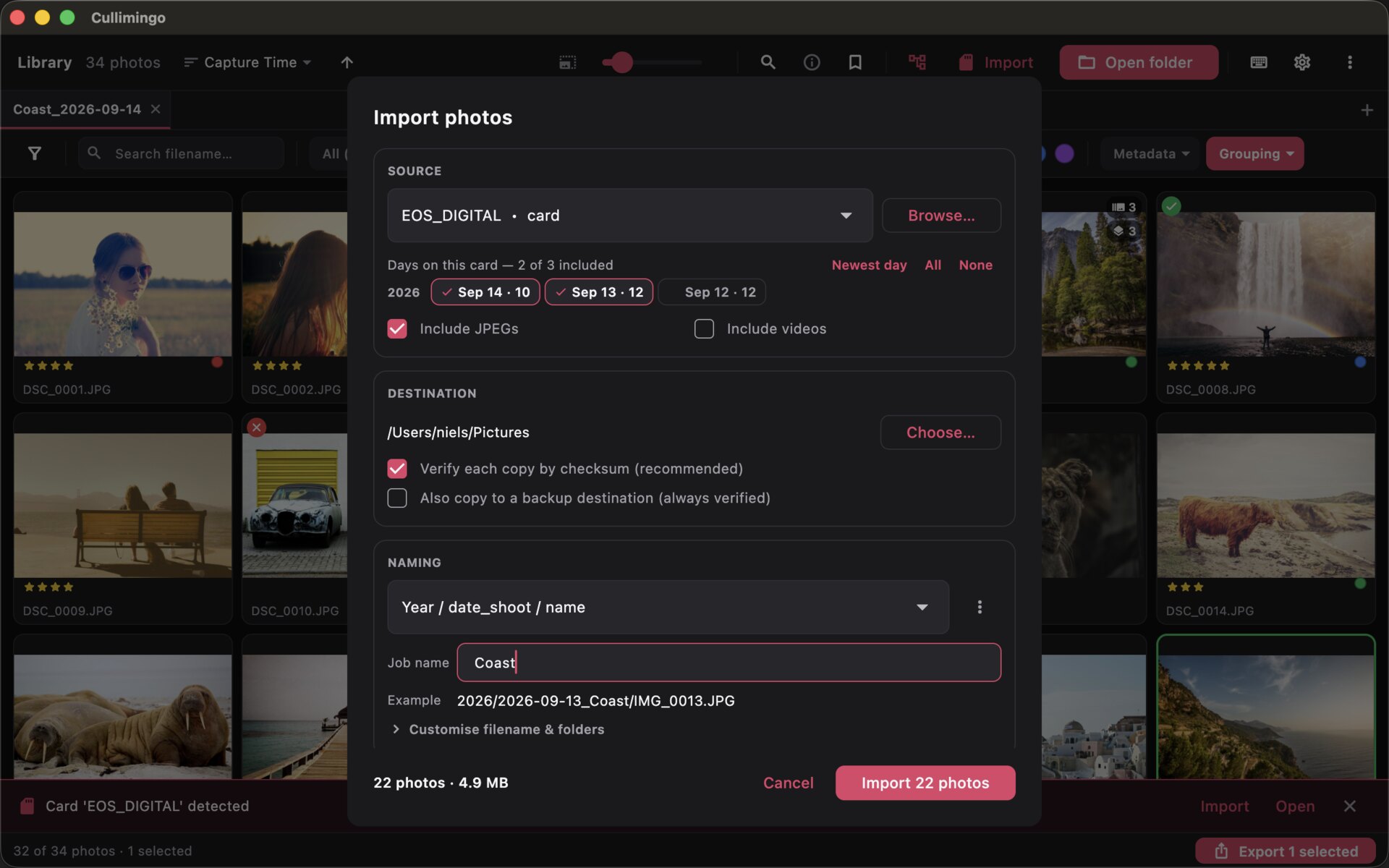
Verified (SHA-256) card import: pick the card, choose which shooting days to bring in (and whether to include the JPEGs), choose a destination (with an optional second backup copy, always read back) and set a rename template — every file is checksum-checked before it's published under its real name, so a copy is never silently corrupt or half-written.
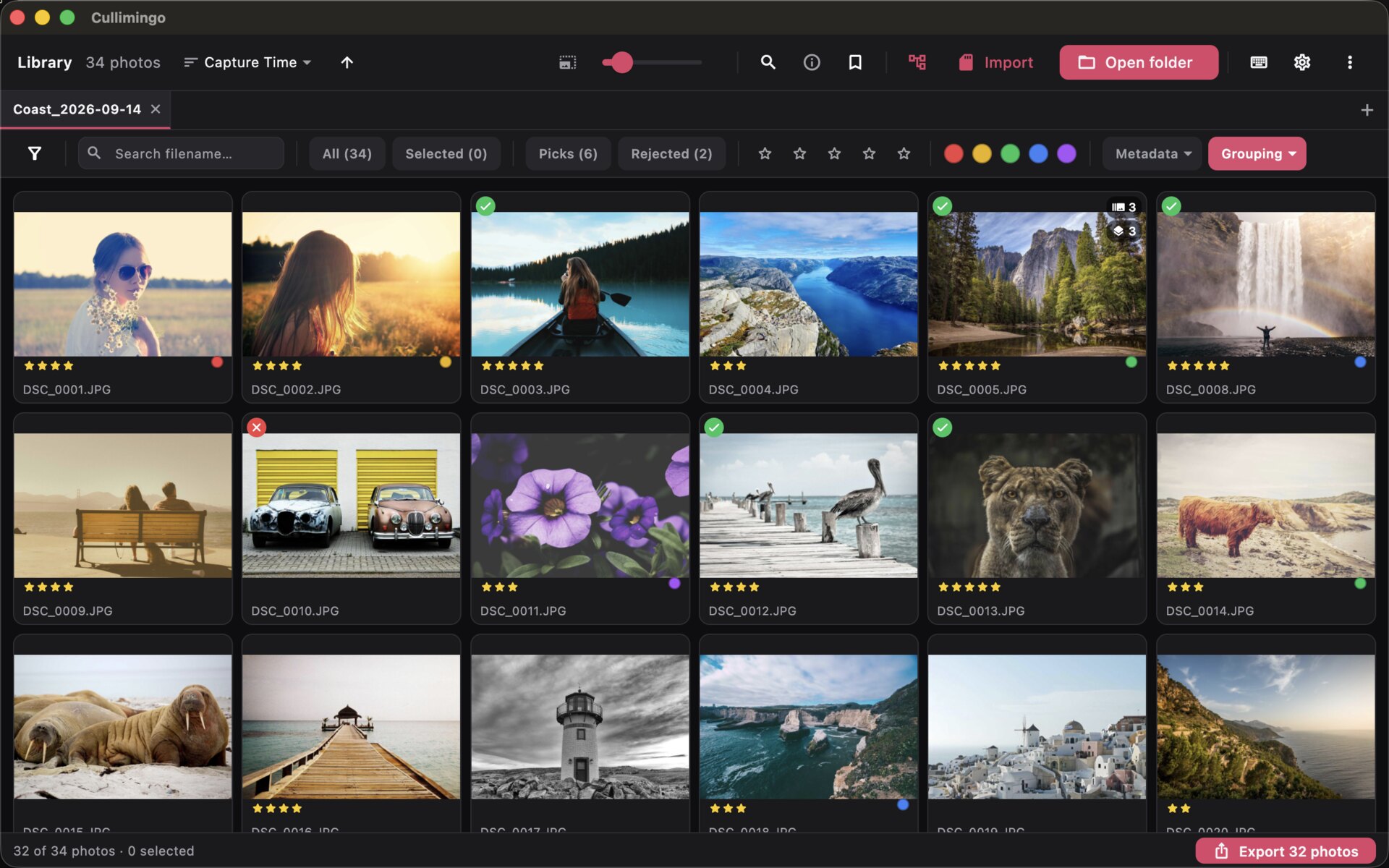
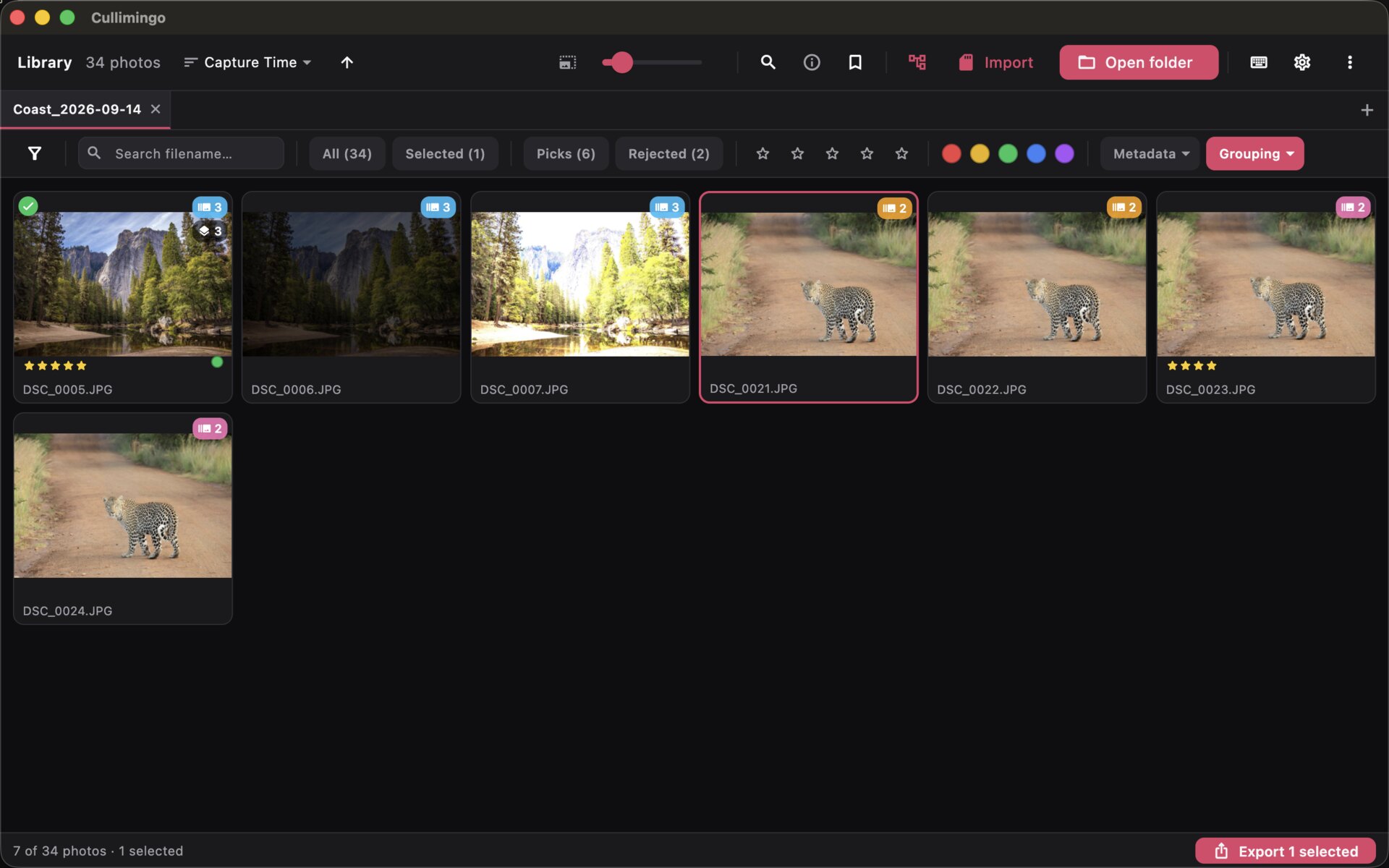
Rate, flag and colour a shoot straight from the keyboard. The filter bar across the top searches filenames as you type and shows live counts; Grouping stacks exposure brackets into one cell (the badges in the top corner), and the Export button bottom right exports the current set without leaving the cull.
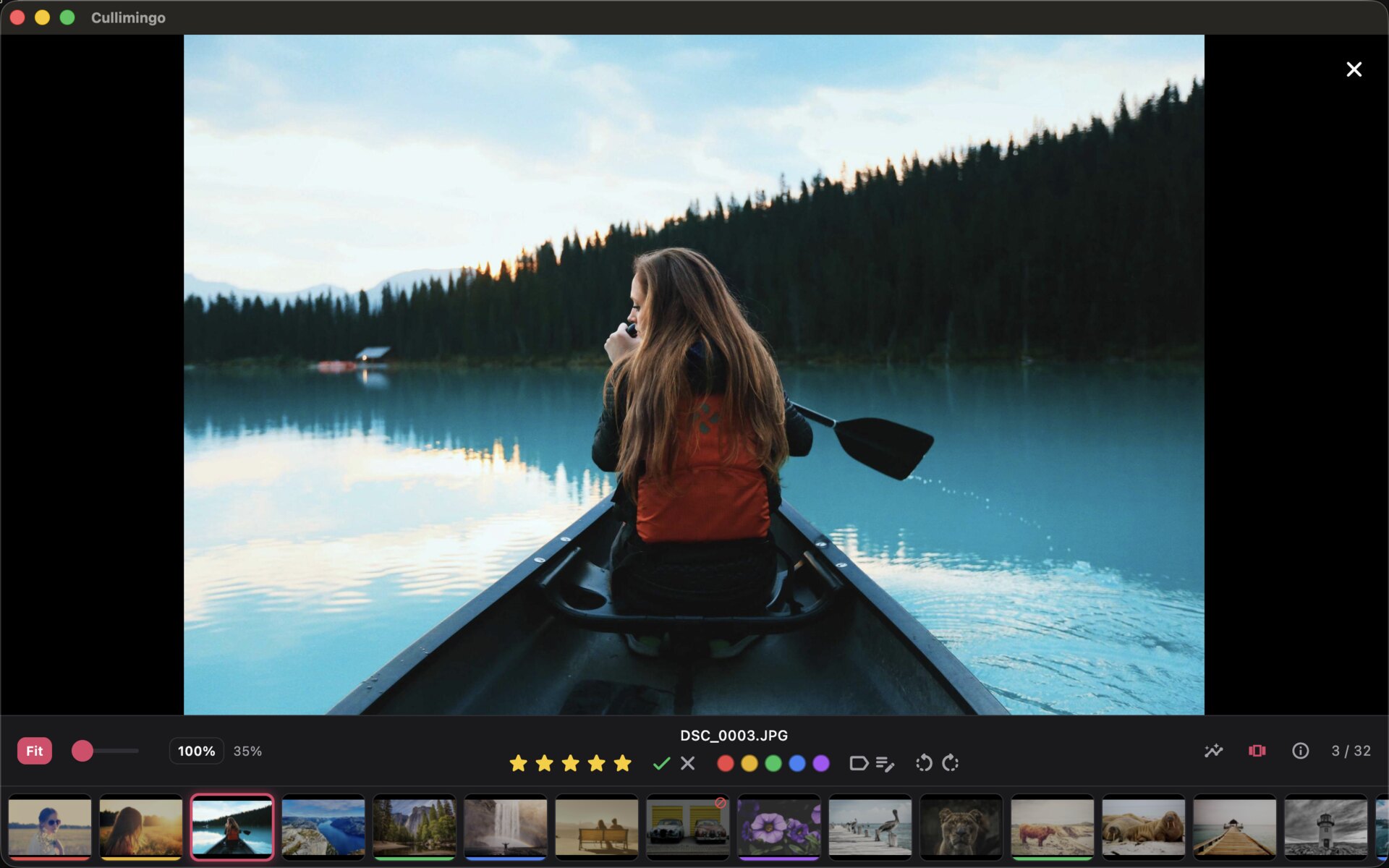
Full-screen single-image view with zoom (Fit / 100% / slider), pan and neighbour prefetch — rate, flag and colour without going back to the grid. Analysis overlays (RGB histogram, highlight/shadow clipping and focus peaking) and the filmstrip toggle from the toolbar and stay on across photos and sessions until you turn them off.
Put two or more frames side by side to pick the keeper. Each pane carries its own rating, flag and colour controls.
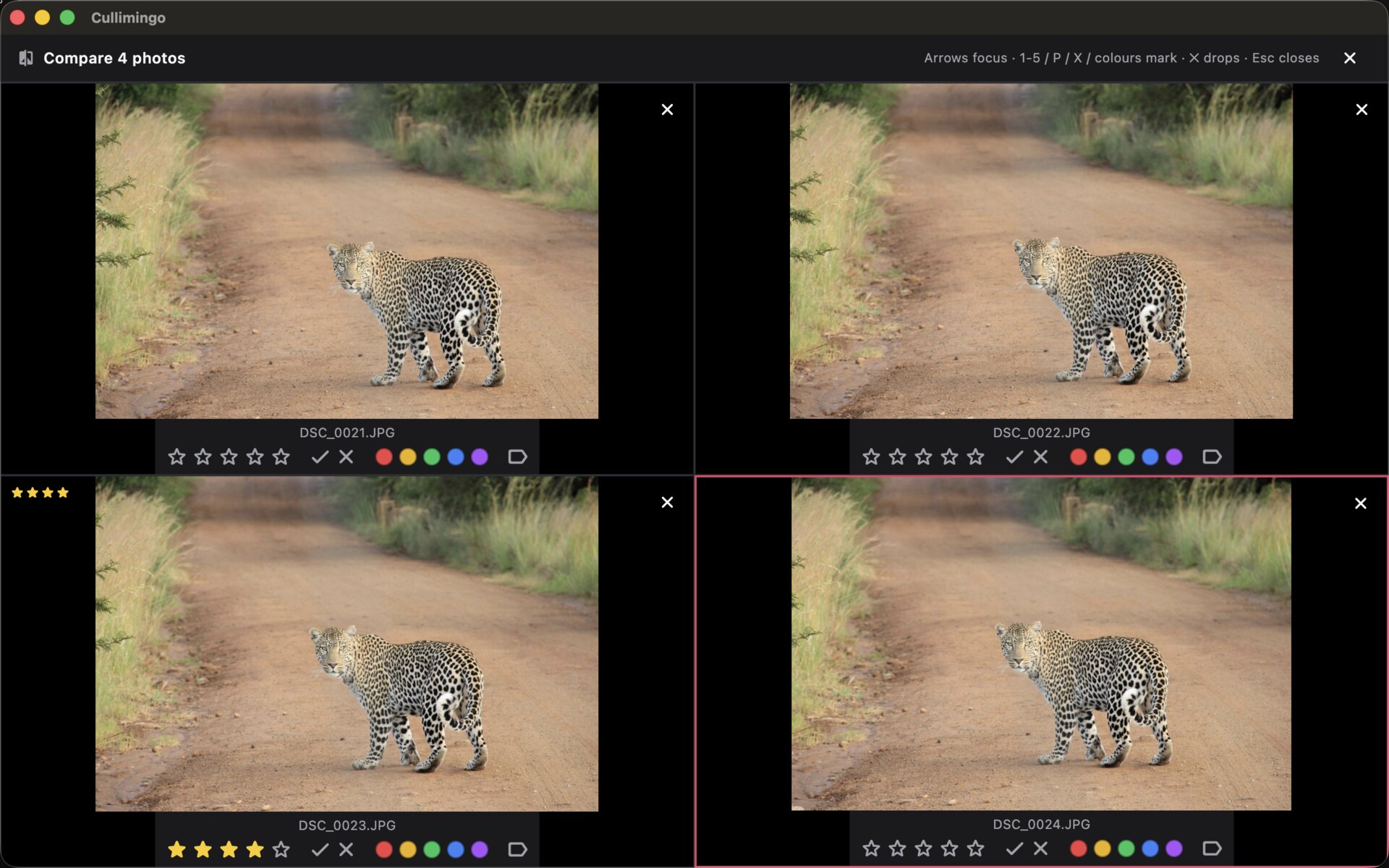
Perceptual-hash grouping catches near-duplicate frames and bursts. Grouped photos are badged with a group count and filter down to just the duplicates from the Grouping menu, so you keep the best frame and drop the rest fast.
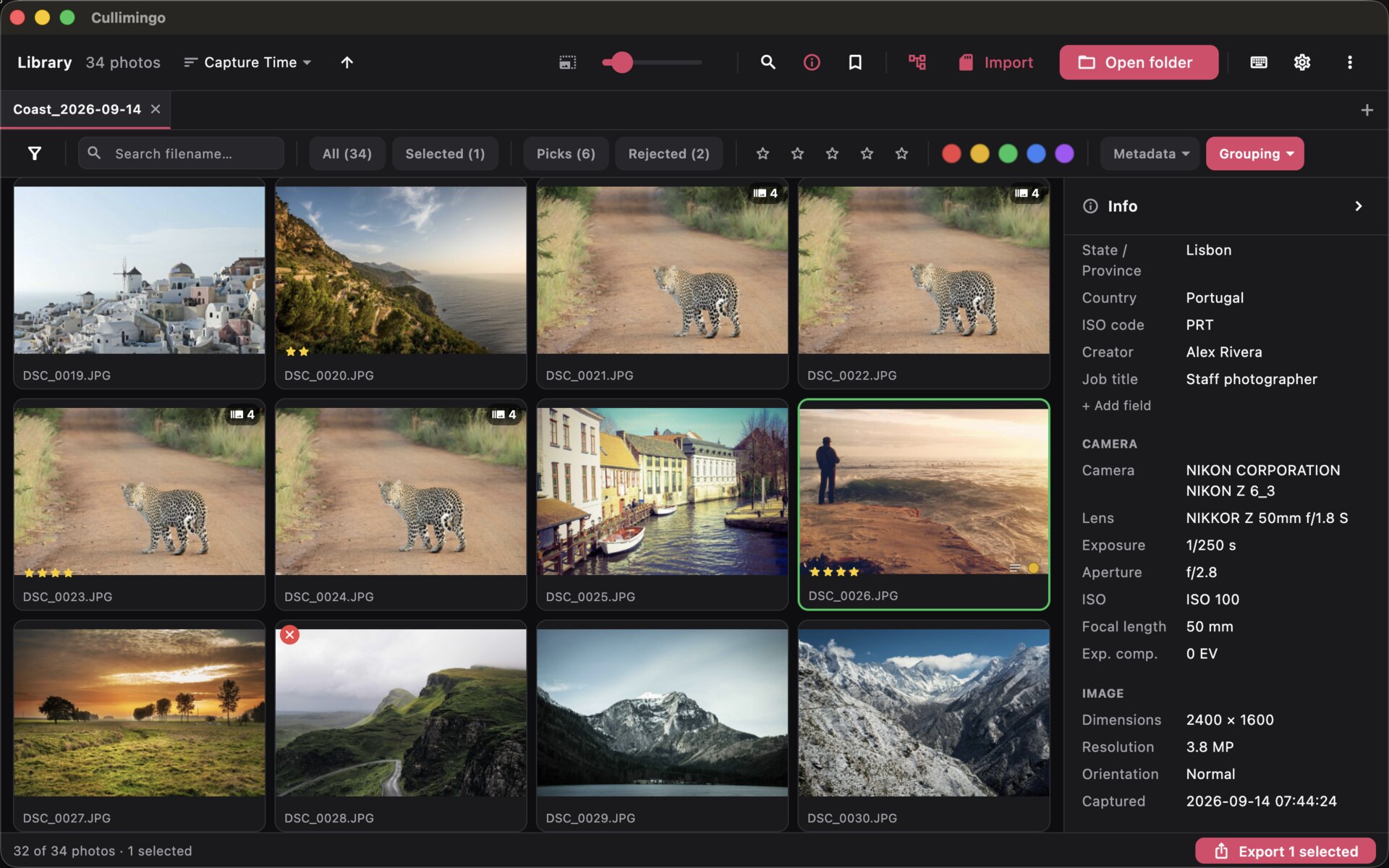
The collapsible inspector shows marks, IPTC captioning, camera/EXIF and image details for the focused photo alongside the grid.
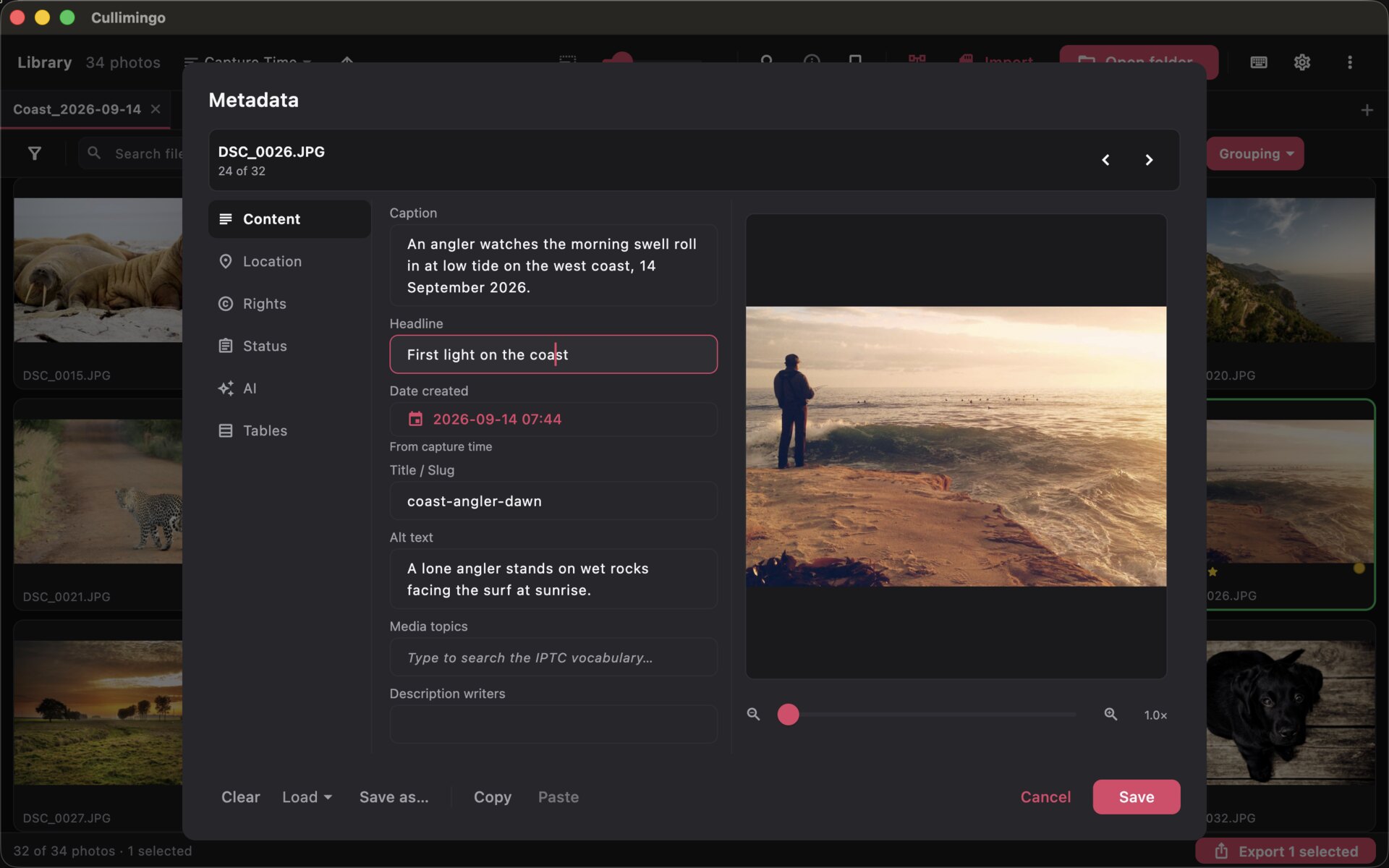
Full IPTC Core captioning for a single photo or a whole batch — caption,
headline, byline, location, media topics and more — with saved templates,
=code= replacements and multi-field hot codes. Exports embed it as both XMP
and legacy IIM.
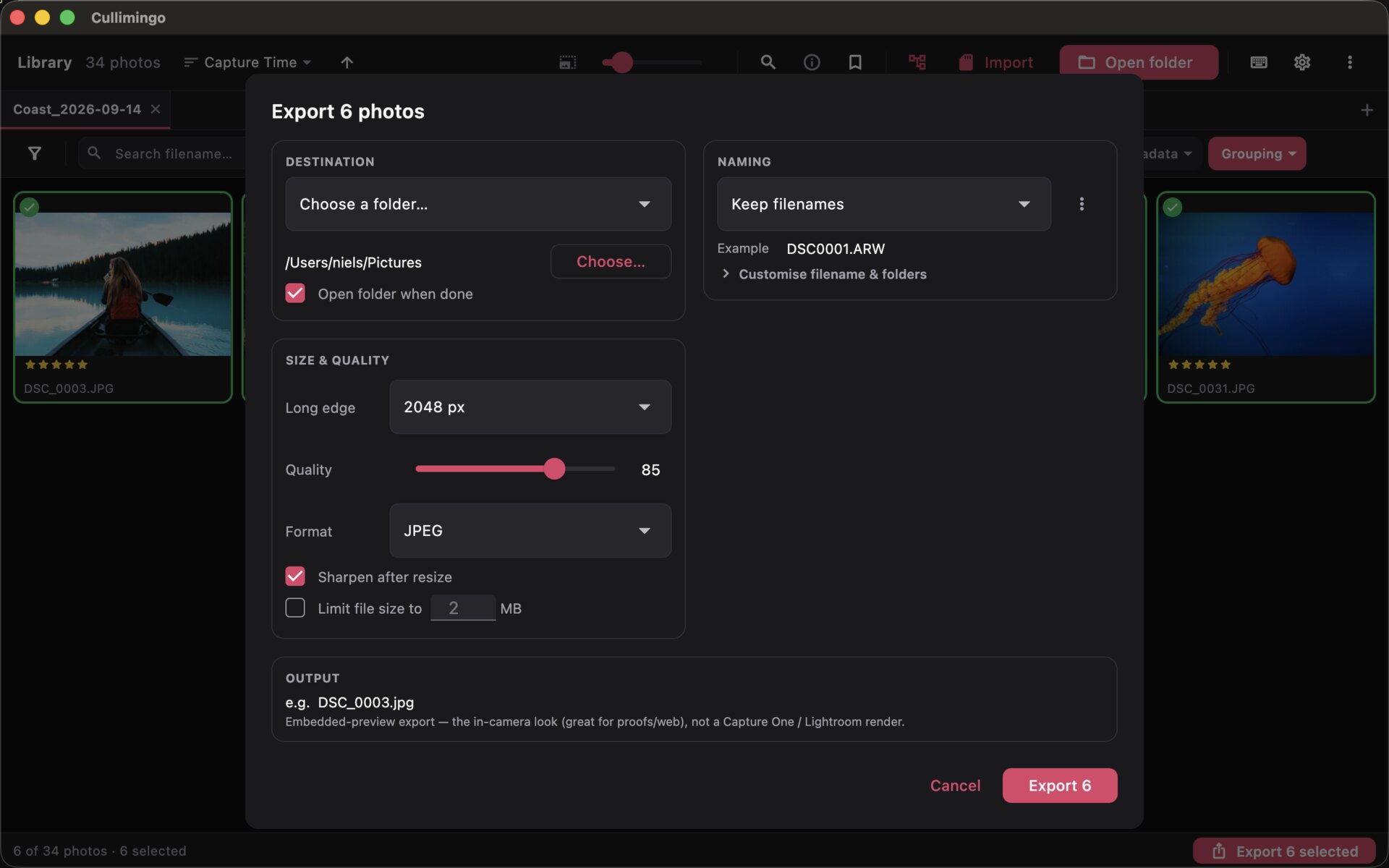
Non-modal background export: resize, quality, sharpen, format (JPEG / WebP / AVIF) and a rename template — the render runs on an isolate pool, so you keep culling while it works.