Repository navigation
Configuration
Open Mods → Hardscrabble → Config for the in-game editor, or edit the files.
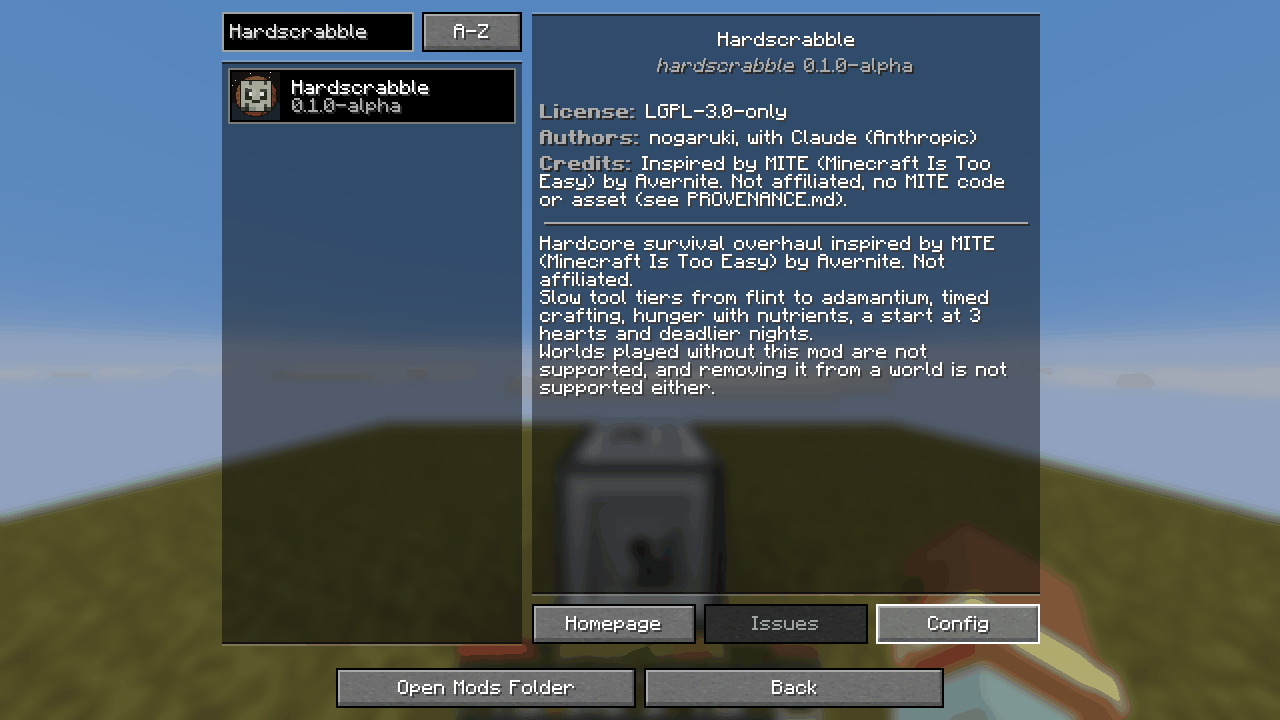 Mods → Hardscrabble → Config |
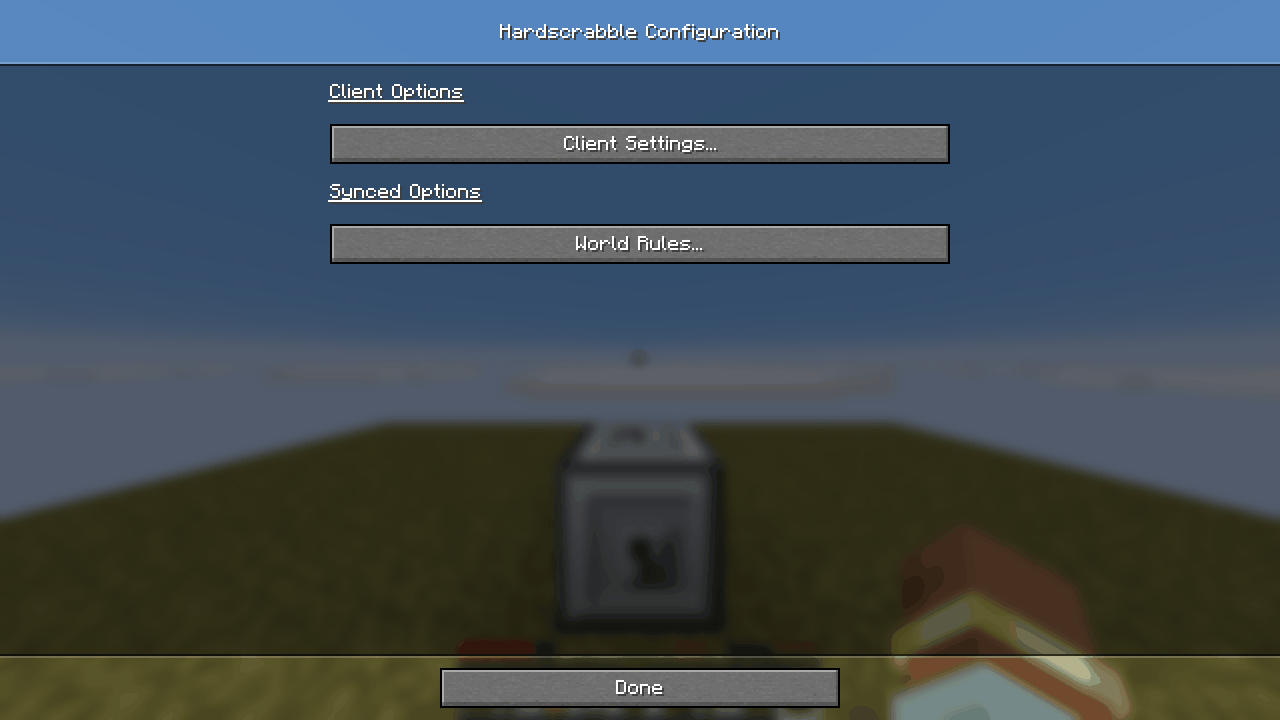 Client settings and synced world rules |
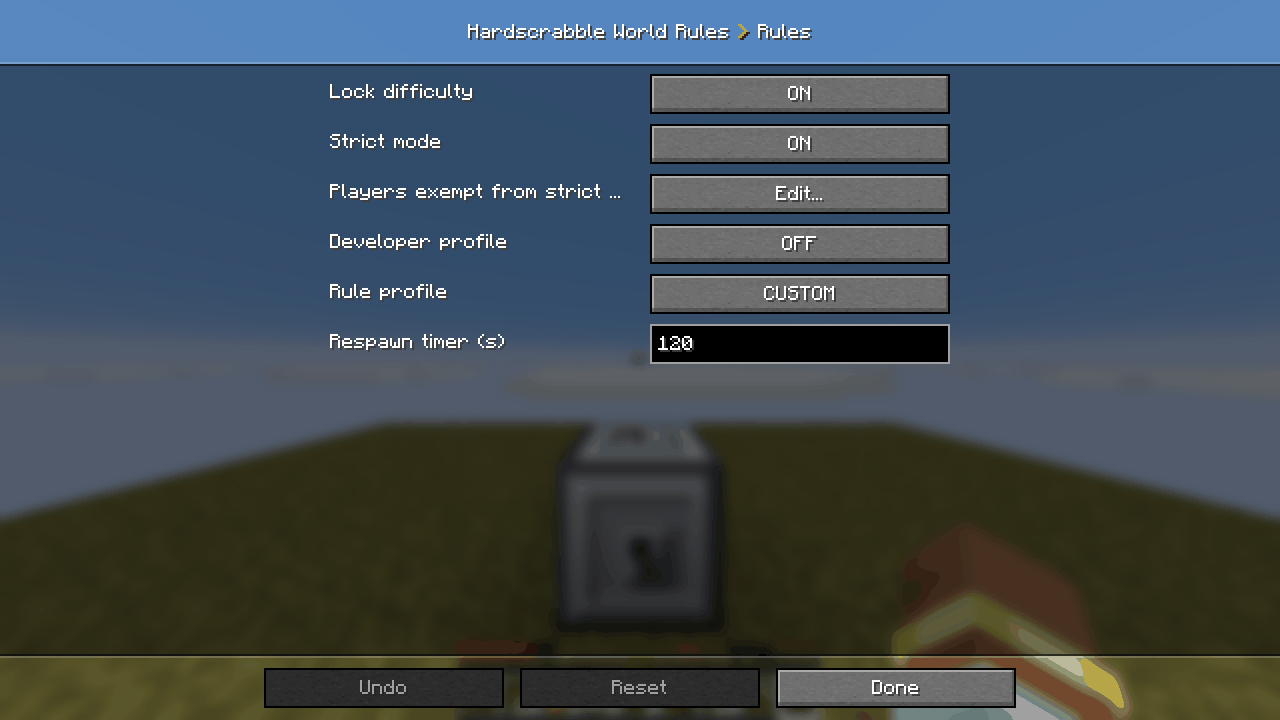 Synced rules section |
-
Server rules:
config/hardscrabble-synced.tomlholds the defaults, overridden per world bysaves/<world>/syncedconfig/hardscrabble-synced.toml; it is synced to clients. Every key has an English and a French comment. -
Client:
config/hardscrabble-client.toml(hints.contextual_hints: one-time help messages, HUD indicators, durability as percent).
Useful keys:
| Key | Effect |
|---|---|
rules.strict_mode |
No Creative or cheats, keepInventory off, no Spectator (default on) |
rules.allowed_ops |
Players exempt from strict mode |
rules.lock_difficulty |
Forces Hard difficulty and forbids changing it |
rules.profile |
CUSTOM (default, keys as written), STRICT_R196, MODERN (locks off, lighter death penalty), SERVER
|
rules.respawn_timer_seconds |
Forced respawn delay (120) |
player.death_penalty |
Death XP rule: R196_CODE, WIKI_THIRD, MCMOD_LEVEL
|
metabolism.hunger_global_multiplier |
Hunger speed |
lunar.blood_moon_period |
Days between blood moons (32) |
structures.village_lock |
Villages wait for the first iron pickaxe |
equipment.elytra_firework_boost |
Firework rockets boost a gliding elytra (off: cannot fire them while gliding) |
Warning
rules.dev_profile lifts strict mode and enables /mitedev for operators. It is a developer escape hatch: never
enable it on a real world.
Home · Getting Started · Progression and Crafting · Survival · Combat and Armour · Mobs · World · Configuration