Repository navigation
Releases
Wirefolio v0.6.0

What’s new
- Waterfall is Wirefolio’s new logo. It appears in Chrome’s toolbar, the panel, and the pop-out.
- Saved filters lets you name and reuse a search along with its selected resource and status filters.
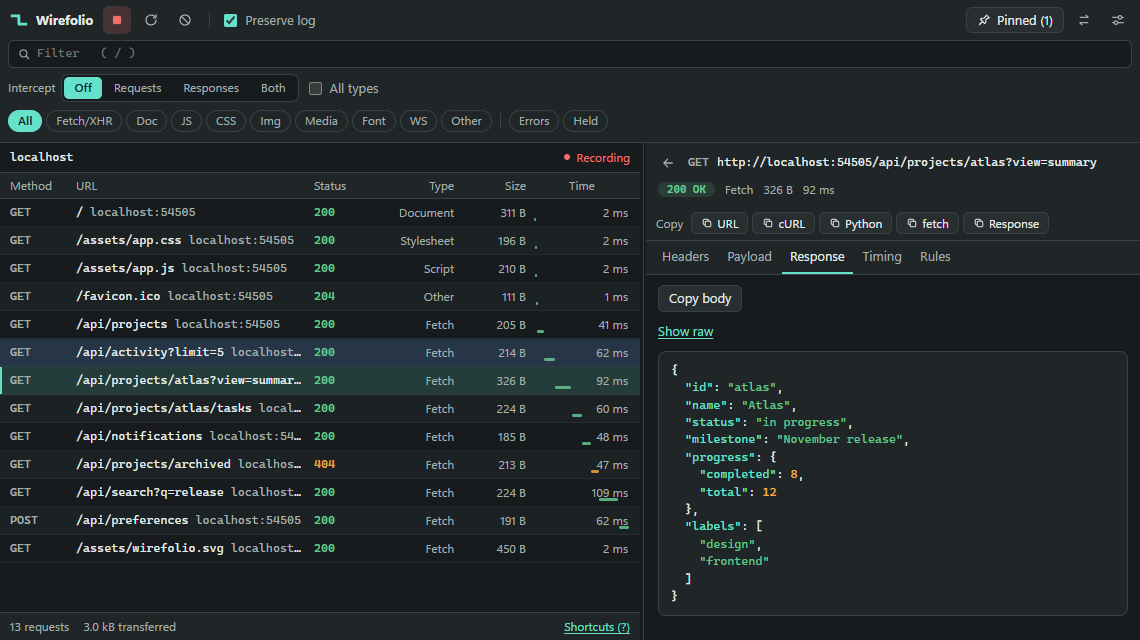
- The narrow side panel keeps request URLs readable when interception is active and gives request details more room. The request list and response pane scroll independently in the pop-out.
- Keyboard focus is clearer across request actions, detail tabs, Settings, and pop-out resizing. Press Shift+F10 on a selected request to open its actions.
- Full HAR now asks for confirmation inside Settings. Settings also shows feedback after a HAR downloads.
Install or update
Download wirefolio-v0.6.0-chrome.zip and extract it. In Chrome 116 or later, open chrome://extensions, enable Developer mode, and select Load unpacked. Choose the folder containing manifest.json.
To update an existing unpacked installation, extract the ZIP into the same extension directory and click Reload on Wirefolio’s extension card.
Wirefolio v0.5.0
What’s new
- Choose Requests, HTTPX, or aiohttp (async) under Settings → Python library. The choice applies to the Python button, row menu, and keyboard shortcut.
- Read highlighted JSON, HTML, XML, SVG, CSS, and JavaScript in the Response source view. The extra highlighter loads on demand, and large responses display as plain text.
- Show raw, Pretty-print, and other previously underlined controls use the standard button style. The body format toggle sits beside Copy body.
Fixes
- The inspector shows the headers, status, and bodies Chrome accepted after Edit & forward, including header-only edits and edits to compressed responses.
- Each open Wirefolio panel refreshes its own selected request when the capture changes.
Install or update
Download wirefolio-v0.5.0-chrome.zip and extract it. In Chrome 116 or later, open chrome://extensions, enable Developer mode, and choose Load unpacked. Select the folder containing manifest.json.
For an existing unpacked installation, extract the new ZIP into the same folder and click Reload on Wirefolio’s Extensions card.
Wirefolio v0.4.0
Wirefolio is a Chrome extension for recording, inspecting, and editing network requests from a browser tab.
Highlights
- Side-panel capture and a two-pane pop-out with independently scrolling request and detail panes.
- Searchable request history with filters, timing, and right-click pins that survive browser restarts.
- Pause, edit, forward, or block requests and responses for local development. Save rules for repeatable changes.
- Inspect captured bodies and open on-demand HTML, image, audio, and video previews.
- Copy as cURL, Python, or fetch. Export metadata-only or full HAR locally.
Install
Download wirefolio-v0.4.0-chrome.zip and extract it. In Chrome 116 or later, open chrome://extensions, turn on Developer mode, choose Load unpacked, and select the folder containing manifest.json.
User guide · Privacy and permissions
Screenshots