Repository navigation
The UI
Firmware releases carry names. Which one your board runs is listed in Supported boards.
| Version | Name | Highlights |
|---|---|---|
| v1 | Clarity | The original dashboard — usage bars, reset countdowns, PIN unlock, captive-portal setup |
| v2 | 🥭 Mango | Everything in Clarity, plus model-status mascots, header icons, inline countdowns, and screen flip |
| v3 | ✨ Dust | Everything in Mango, plus the web panel, screen modes (carousel · 7-day chart · Anthropic news · desk clock), timezone, mDNS, WiFi recovery, and token rotation without a reset |
Boards still on Clarity keep the original minimal dashboard until they're migrated to their tier. Dust runs on the T-Display S3 and the M5StickC Plus; the rest follow as they migrate.
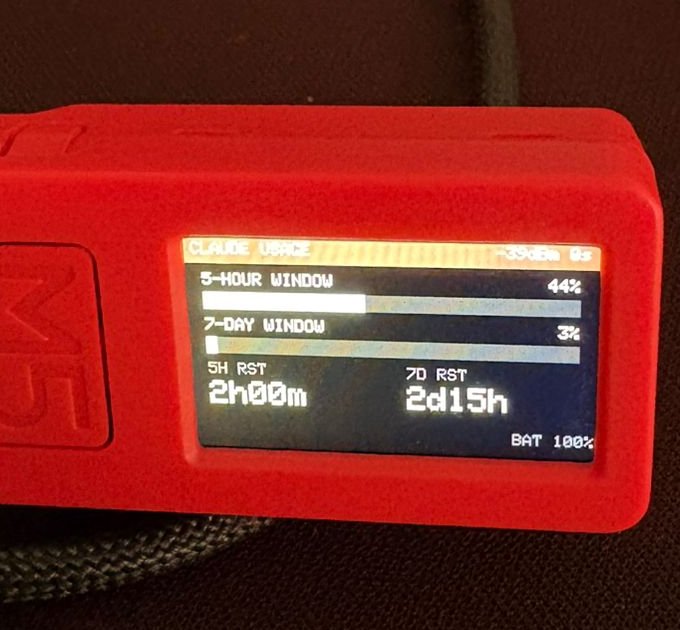
The Mango dashboard keeps the same header and usage bars on every board, and adapts only its bottom MODELS section to the screen size. Each tier has a reference board; the layout scales to fit.
| Tier | Class | Resolution | Reference board | MODELS section | Status |
|---|---|---|---|---|---|
| XS | tiny OLED | ≤ 128×64 | ESP32-C3-OLED | — | ⏳ Pending |
| S | small LCD | ~240×135 | M5StickC Plus | One overall-health Clawd + a 2×2 NAME UP/DOWN text grid |
✅ |
| L | large LCD | ~320×170 | LilyGo T-Display S3 | A row of four labelled Clawds (one per model), each blinking when healthy | ✅ |
| XL | big / touch | ≥ 480×320 | CrowPanel 3.5", S3 AMOLED | — | ⏳ Pending |
- Model status mascots — Haiku / Sonnet / Opus / Fable health from the Claude status page; a downed model turns gray with X eyes, healthy ones blink
- Header icons — battery level and WiFi signal strength as icons in the header bar
- Reset countdowns by tier — tier S shows each reset time inline on its bar row; tier L (v2.1.1) gives the countdowns their own large-type row below the bars
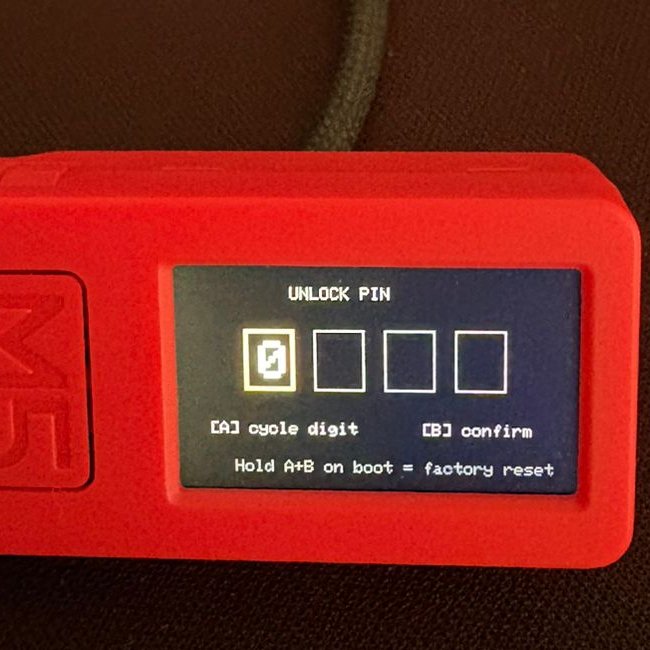
- Dashboard-styled PIN screen — the unlock screen matches the dashboard look
- Screen flip and brightness — Button A flips the screen 180°, Button B cycles brightness; refresh happens automatically, or press A+B together to force one
On the T-Display S3 (tier L) and M5StickC Plus (tier S); other boards follow as they migrate.
- Four screens — the Mango dashboard, a 7-day usage chart (one sample per 30 min, gaps where the device was off, day markers at local midnight), Anthropic news headlines, and a desk clock (local time + micro usage bars)
- Three modes — Static (dashboard only), Carousel (auto-rotates the screens you pick, 5–30 s dwell, pauses when you press a button), Clock. Button A steps through every screen manually in any mode
- The web panel — every setting, token rotation, and WiFi changes from a browser on your LAN; logging in there also unlocks the device
- Timezone — a GMT± setting that anchors the clock screen and the chart's day markers
-
Header address — the orange header alternates between the device name and its
http://address;claude-usage-stick.localworks too (mDNS) - Dust controls — A tap = next screen · A held = flip · B = brightness (now saved) · A+B = refresh
- WiFi recovery — if the saved network is unreachable at boot, the device opens a reconfigure portal instead of rebooting forever; token, PIN and settings survive
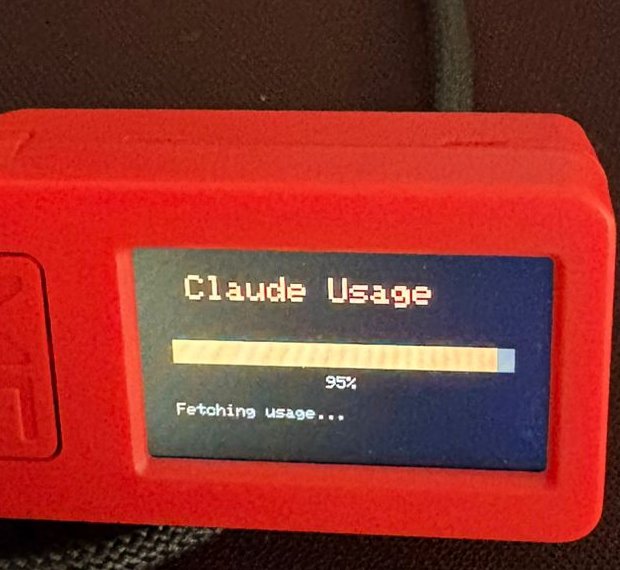
| Boot | PIN unlock | Dashboard |
|---|---|---|
 |
 |
 |