Repository navigation
Releases: orangegrouptech/KnowMySystem
Releases · orangegrouptech/KnowMySystem
Release list
Patch 1.4.2

Fixes:
- Improved RAM type detection
Patch 1.4.1
Fixes
- Fixed critical bug causing KnowMySystem to crash on launch when run on Windows 7, Windows 8.0 and Windows 8.1
- Fixed critical bug causing KnowMySystem to crash on launch when checking Secure Boot status
- Improved RAM type detection
- Fixed RAM type showing as "2" on VMs
Patch 1.4
Fixes
- Improved iGPU/dGPU detection
- Fixed iGPU showing up over dGPU in some cases on systems with both an iGPU and dGPU.
- Improved RAM type detection (though it's still not perfect). Program should now detect DDR5 correctly on PCs using it.
- Fixed an issue where startup items in the Startup Folder (All Users) could not be enabled.
- Fixed an issue where the Open File Location button would simply launch File Explorer with the Documents folder highlighted.
- Fixed an issue where the Open startup entry button for startup items in both startup folders would simply open the Documents folder.
- Fixed all other context menu related issues.
Misc
- Unit to measure memory frequency changed from MHz to MT/s since MT/s is the more accurate technical term.
- Startup Items list will now be automatically arranged by name in ascending order.
- Removed the credits section as it is outdated.
Known Issues
- RAM type detection is not perfect at the moment, please report incorrect detections
Patch 1.3
Fixes
- Fixed an issue where the TPM status was shown as not present even though the TPM was present and enabled.
- Fixed an issue where RAM frequencies that were reported were the base frequencies without taking the speeds from Intel XMP or AMD EXPO RAM overclocking into consideration.
- If your system has both an iGPU and a dGPU, it should now show the dGPU instead.
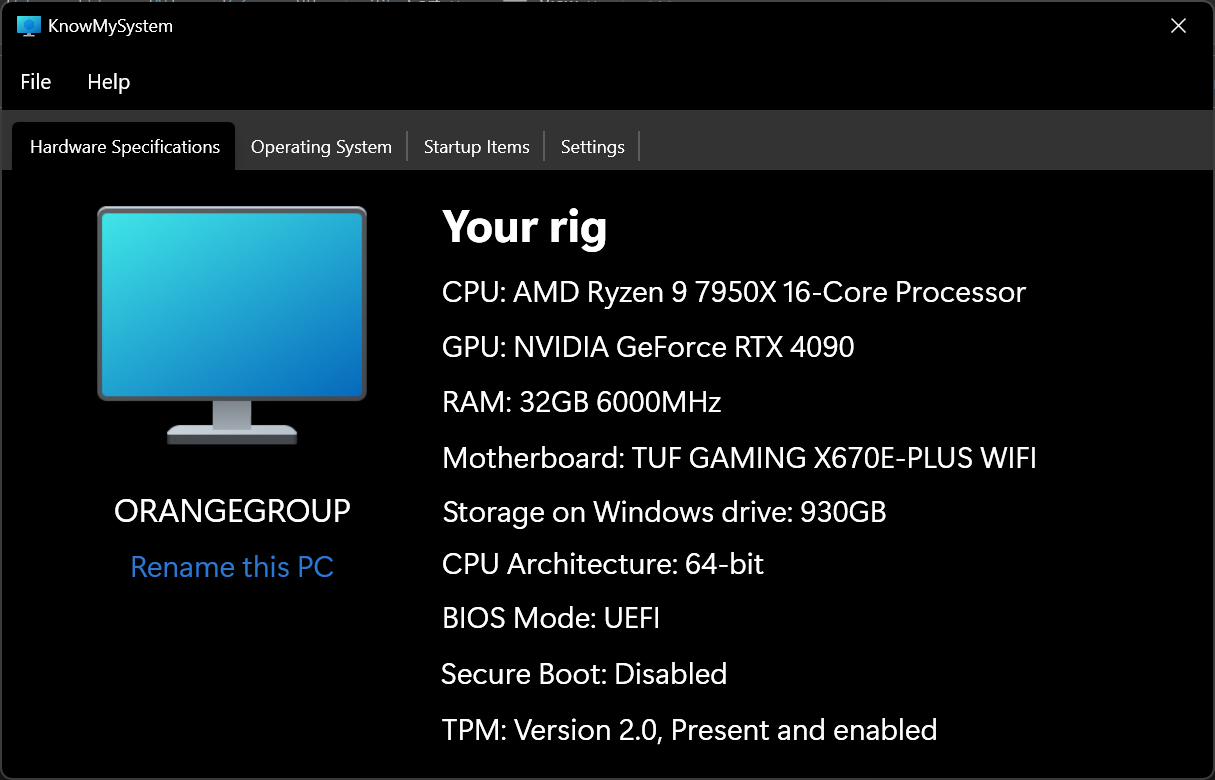
Patch 1.2
Fixes
- On Windows 11, clicking rename my PC will no longer open sysdm.cpl but will open the Settings rename my PC dialog, just like on Windows 10.
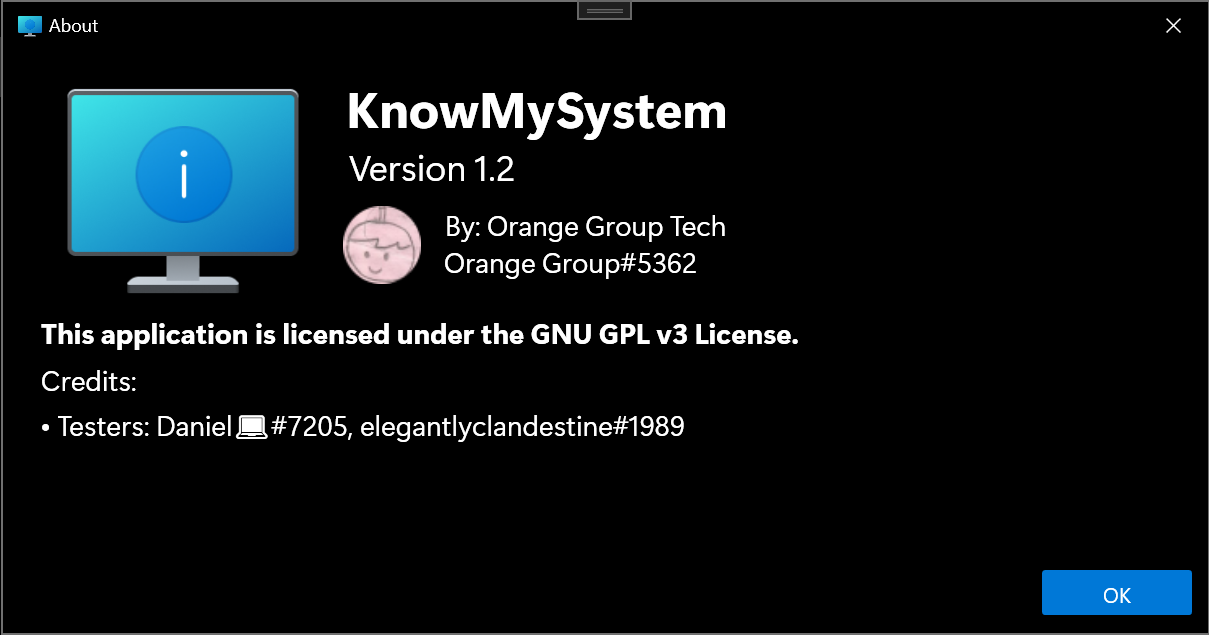
- Made the size of the OK button in the about dialog more consistent with the rest of the app
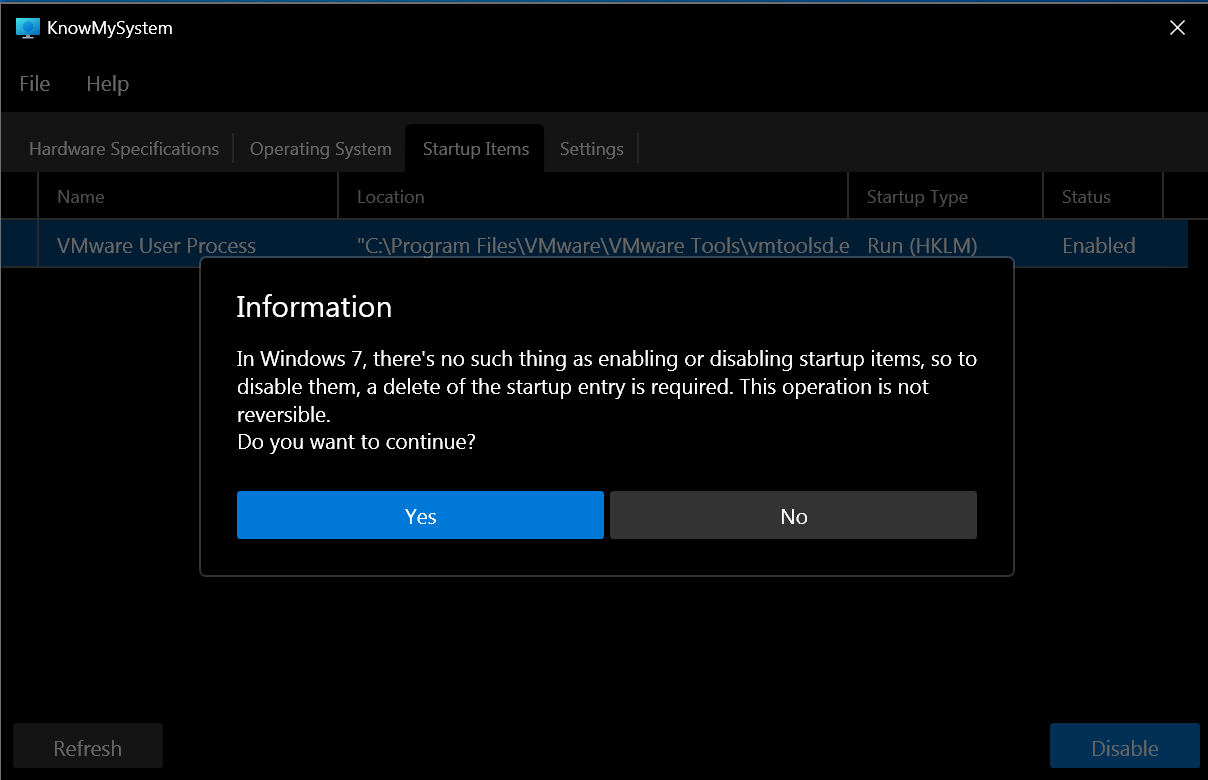
- Replaced message boxes to contentdialogs to make the UI more consistent
- Retargeted KnowMySystem to .NET Framework 4.8 temporaily while I diagnose another issue
Stable 1.1
1e19dc9
This commit was signed with the committer’s verified signature.
 orangegrouptech
Orange Group Tech
New stuff:
- Added support for disabling user startup folder entries.
- Added support for disabling all users startup folder entries.
Fixes:
- Fixed an issue where startup folder entries show as enabled even when disabled using Task Manager or any other program.
- Fixed an issue causing KnowMySystem to crash when selecting File > Open Run Registry Key (User)
Patch 1.0.1
EMERGENCY PATCH
- Fixed an issue that caused the app to get stuck at loading motherboard model for a few seconds before crashing.
Stable 1.0
First release of KnowMySystem
Known issues
- When enabling/disabling using the context menu, nothing happens when you re-enable/disable using the context menu again.
- Workaround: The entire Startup Items list will refresh when you enable/disable using the context menu.
- Fix status: Unable to fix due to how WPF manages context menu events.