 GitHub Community
get codespace in Vscode? #208135


🏷️ Discussion TypeQuestion Body🏷️ Discussion Type Body I'm starting to use GitHub Codespaces with Visual Studio Code, and I'm trying to understand how it works in practice. How do I create and open a Codespace from VS Code, and what are the main benefits of using it instead of just setting up everything on my local machine? |
Replies: 2 comments 3 replies

|
Hi @dsabSAB, Here is a step-by-step walkthrough for creating and opening a GitHub Codespace in VS Code (Desktop), along with the core practical advantages over a standard local setup. Part 1: How to create and open a Codespace in VS Code DesktopYou can do this using either the desktop application directly or starting from the web: Method A: Directly inside VS Code Desktop (Fastest)
Method B: From the GitHub Web Interface
Part 2: Key Benefits of Codespaces vs Local Setup
|

|
thanks!! |

|
GitHub Codespaces basically gives you a development environment in the cloud, so you don't have to set up everything from scratch on your own computer. you can create or open a Codespace directly from vscode using the GitHub Codespaces extension. Once you're connected, it pretty much feels like you're working locally, except the actual environment is running in the cloud. one of the nicest things about it is consistency. If the project uses something like a It's also really useful if you switch between computers, since you can just open the same Codespace and keep working without having to configure everything again. |
|
is it this one? |
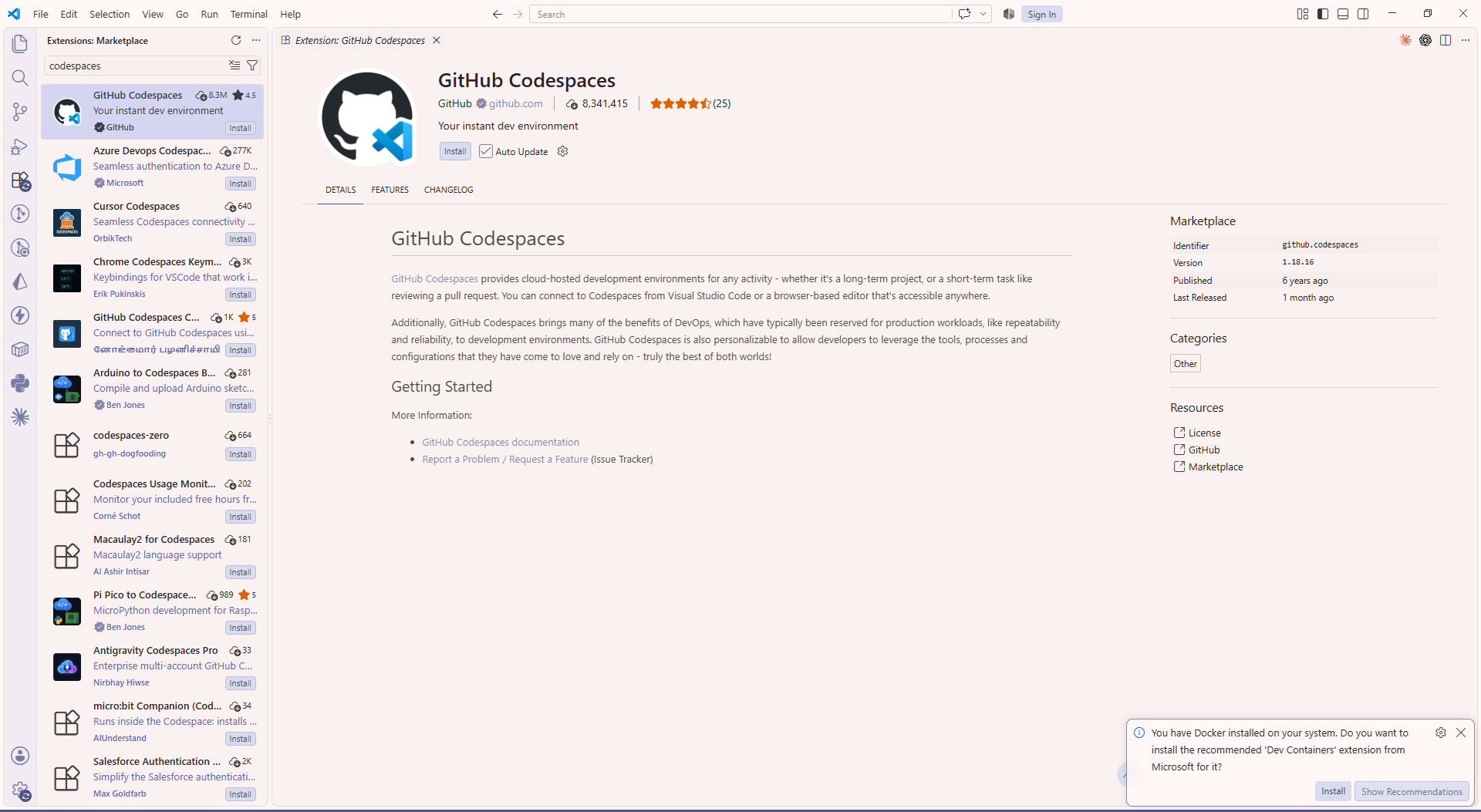

yes! |


GitHub Codespaces basically gives you a development environment in the cloud, so you don't have to set up everything from scratch on your own computer.
you can create or open a Codespace directly from vscode using the GitHub Codespaces extension. Once you're connected, it pretty much feels like you're working locally, except the actual environment is running in the cloud.
one of the nicest things about it is consistency. If the project uses something like a
devcontainer.jsonfile, everyone can have pretty much the same tools, dependencies, and setup. So you avoid the classic "it works on my machine" situation lol.It's also really useful if you switch between computers, since you can just…