Repository navigation
CorkDeck 0.2

Play Windows PC games and your Steam library on a Nintendo Switch. CorkDeck is a homebrew application for the Switch's own system software (Atmosphère, Horizon OS) built on Wine, FEX and DXVK, with a controller-friendly interface in the spirit of the Steam Deck's game mode. It is a fork of Autorun (formerly Wine-NX); thank you to its author and contributors, whose work makes this possible.
This is the first public version.
Download
CorkDeck-0.2.zip below is the package to install. The "Source code" archives are for developers.
- Extract the ZIP and copy the
switchfolder to the root of the SD card. If Autorun is already there, rename itsswitch/winefolder first: both use the same path. - Open the Homebrew Menu over a game (hold R while starting one) and start
wine-nx-runtime. - Follow First set-up. It adds CorkDeck to the HOME menu and downloads the Windows components (about 1 GB).
Full guide: English · Русский. The same instructions are inside the ZIP.
You need a Switch that runs homebrew under Atmosphère (emuMMC only), an SD card, Wi-Fi for the first set-up, and your own games. No games are included.
SHA-256 of CorkDeck-0.2.zip: 3991fee96015801449d45413c99c10103cd002b201bf40db14395fdcebcb8162
What is in 0.2
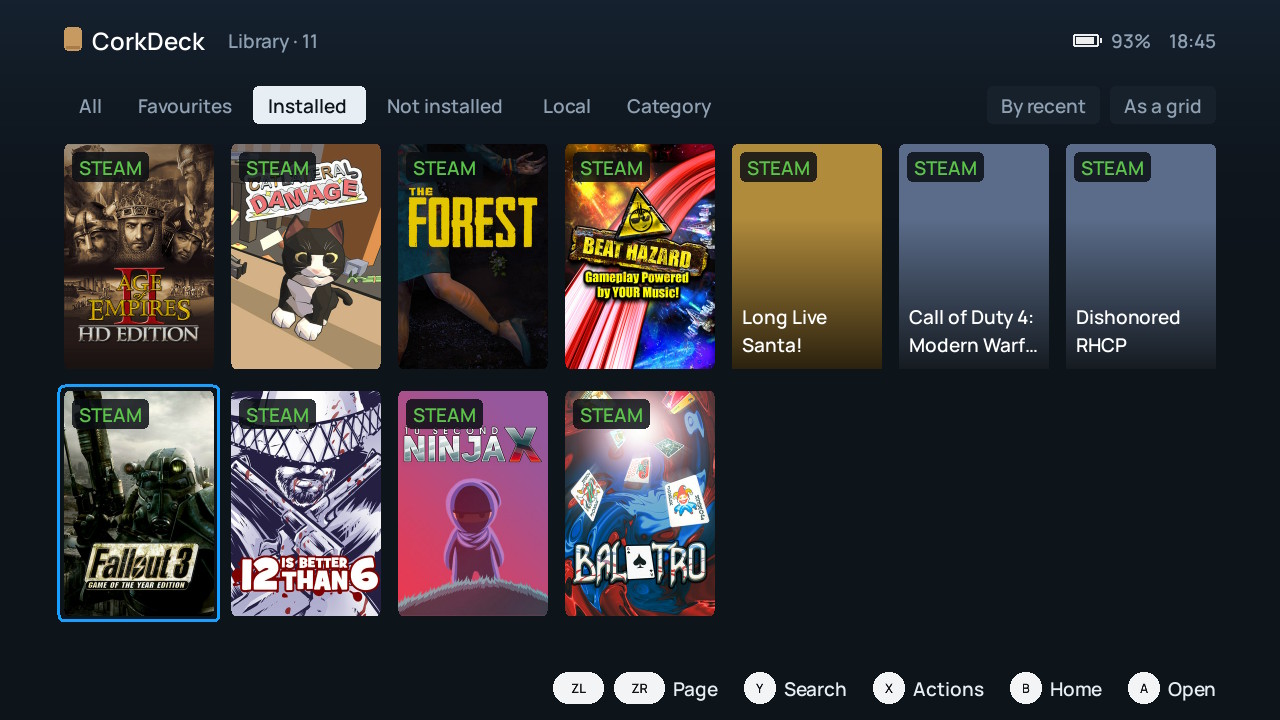
- A new shell: home screen, library with tabs, categories and search, and a page for every game that shows what it will run with and how the last session ended.
- Settings in which every option explains its purpose and its possible effect, and shows where its value comes from.
- Steam: sign in by QR code or password, see the games of your account, download and install them on the console. Downloads resume; one that cannot continue offers to start over or cancel.
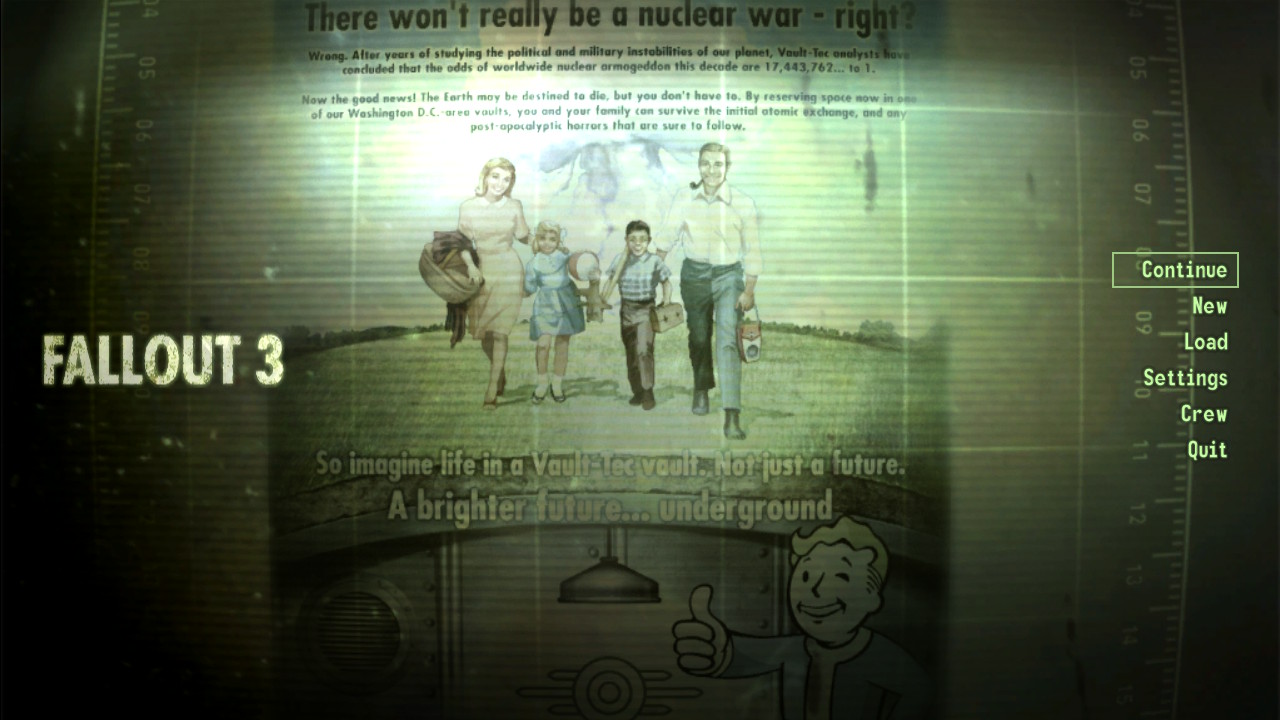
- Steam install scripts are applied (registry entries, folder copies), which games such as Fallout 3 need to start. Games built on Steamworks.NET no longer close at startup.
- English files are installed when a game has none in the system language.
- Per-game clock profiles through Horizon OC, within its own limits. Voltages are not changed.
- An FPS and frame-time display that can be switched on for all games.
- The application reconnects by itself when the system closes its access to the SD card.
- Launcher and configuration windows stay visible until the game starts drawing.
- A report folder for every launch: log, applied settings and how it ended.
- English and Russian interface.
The complete list of differences from Autorun is in the README.
What to expect
CorkDeck is experimental. In this version the shell, the library and Steam downloads were checked on a console, and Fallout 3, Dishonored and Call of Duty 4 were started up to their menus or intro screens; gameplay was not systematically tested. Some games crash, some screens are not fully translated, and the application does not update itself. See compatibility and known limits.
Authorship
CorkDeck is made by Maj0ra'sMask (@plv890). Its code and documentation were written mainly by AI coding agents (OpenAI Codex / GPT and Anthropic Claude) under their direction and checked with host tests and on a real console. Autorun, Wine and all other components keep their own authors and licences; see CREDITS.
Not affiliated with Nintendo, Valve or the Autorun project. Please report CorkDeck problems in this repository's issues, not to Autorun.
