Repository navigation
CarLink 1.0.20

- New: on a phone or tablet used as the screen, CarPlay and Android Auto turn with the screen
without dropping to Home or reconnecting, and Android Auto is laid out like a car display
instead of a phone with oversized icons. - Fixed: CarPlay could lag behind touches on fast screens; it now runs at 60 fps where the
hardware carries it. - Fixed: on Android 17, Home kept saying "Permissions needed" for wireless CarPlay because the
new Local network permission was never asked for; wireless Android Auto asks for it too. - Faster and lighter on low-end head units (1.5 GB of memory or less): less video memory,
smaller buffers, a slightly faster start, CarPlay capped at 1280x720. - New: CarLink runs on Intel (x86) head units such as FYT/SYU SC9853i stereos.
- Fixed: when this screen cannot set up Wi-Fi Direct, Android Auto says so and tries the next
connection instead of "your phone didn't answer". - Fixed: a green CarPlay screen on phones such as the Huawei P20 Lite.
- Fixed: CarLink closed with an error when the phone disconnected on some Android 15 tablets,
and could crash on Android 8 when a CarPlay connection ended right as it started. - Fixed, from DiPlay: wired CarPlay stalls, a silent call microphone, a lost picture after split
screen, music at the car's own sample rate, and safer handling of bad data from the phone.
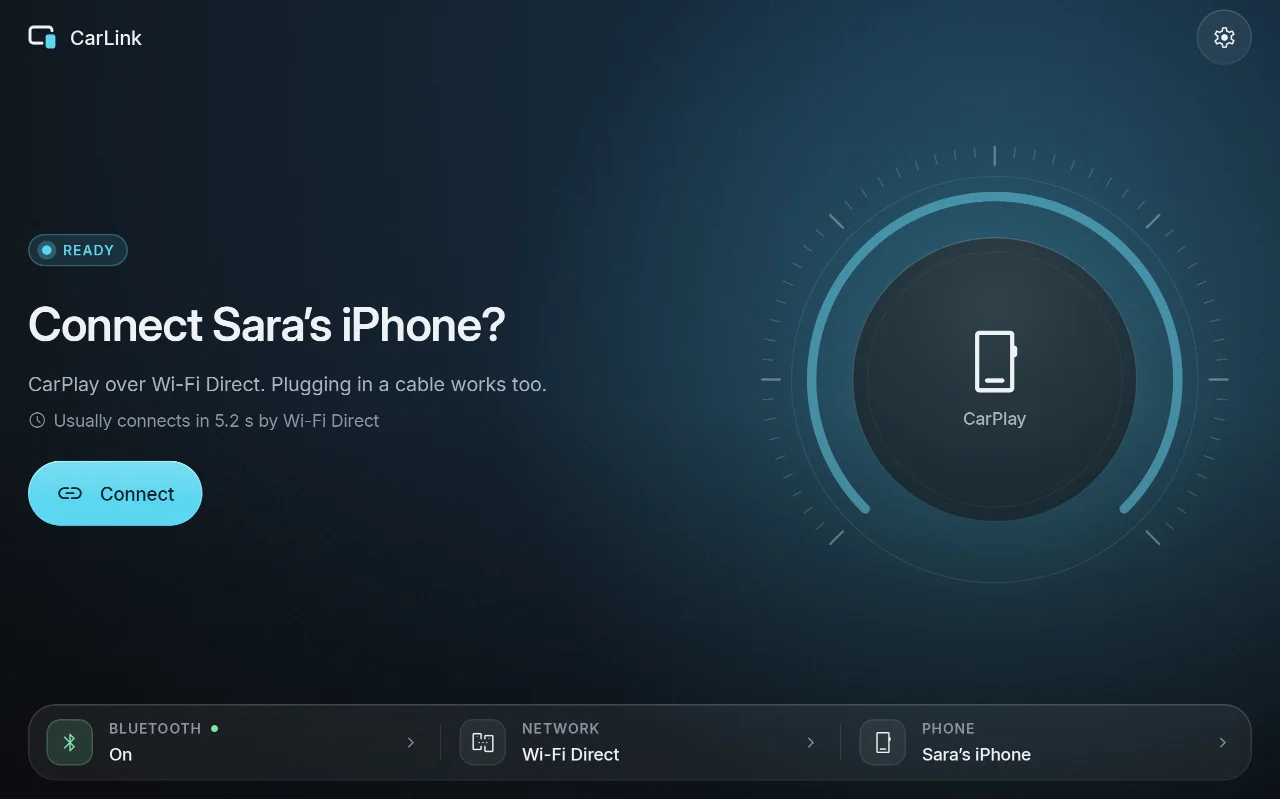
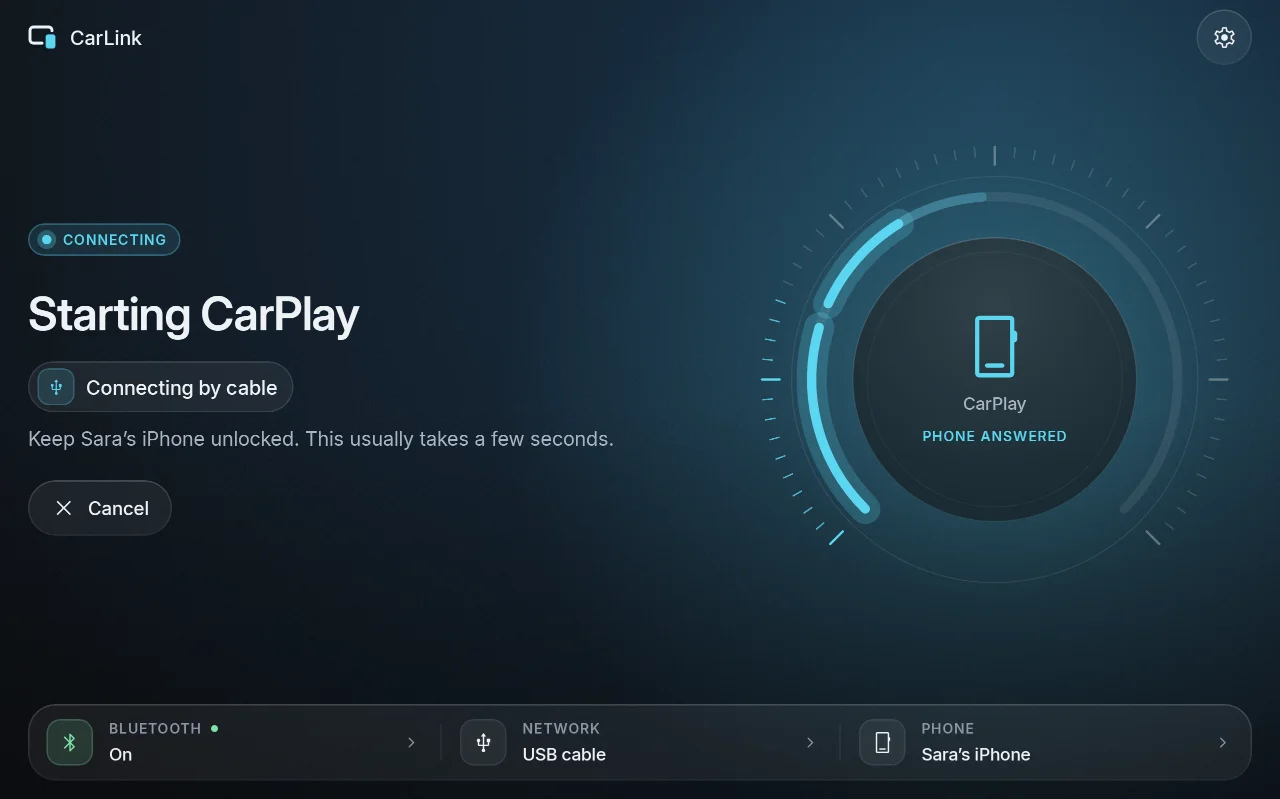
Screenshots
| Ready | Connecting | Car brand |
|---|---|---|
 |
 |
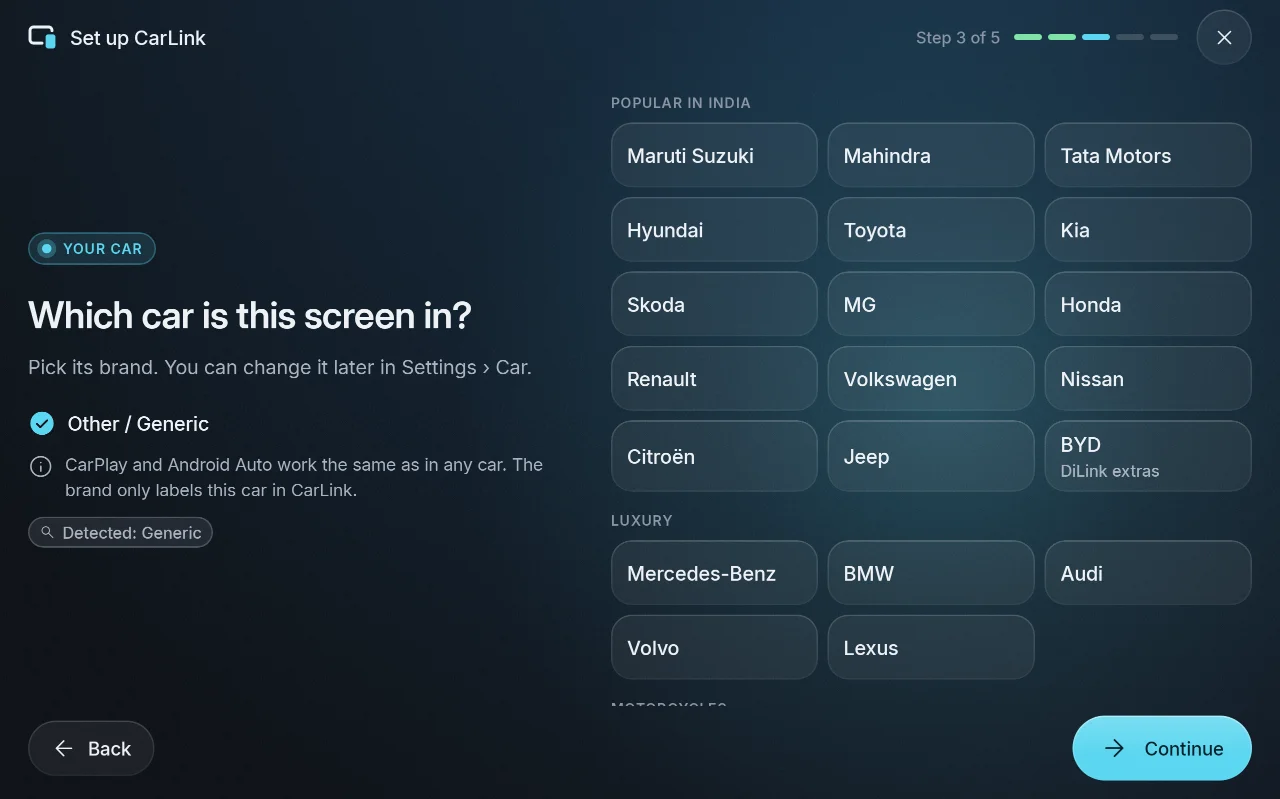 |
More in the screenshot gallery.
Download and install
- On the car stereo or tablet, download CarLink-1.0.20.apk (19 MB) from the assets below.
- Open it and allow installing apps from your browser or file manager when Android asks.
- Open CarLink and follow the first-time setup. Then plug in your phone, or pair it once over
Bluetooth for wireless.
After that, CarLink finds new releases itself and asks before installing them (Settings ›
About › Check for updates).
Needs: Android 7.1 or newer (ARM) on the stereo or tablet. An iPhone gets CarPlay, an Android
phone gets Android Auto. Wireless needs Bluetooth and Wi-Fi on both sides; USB needs only the cable.
Verify the download
- SHA-256 of CarLink-1.0.20.apk:
7ef22190290d85525aa391cd6b895dde284aed4dbf53777d32e0ed153d070a36(also inCarLink-1.0.20.apk.sha256) - Signing certificate SHA-256:
ED:EB:2D:19:B8:C6:4D:53:D0:0A:01:32:46:FE:17:39:76:93:63:81:87:1B:FD:56:5B:64:C9:36:CE:75:70:38
Every CarLink release is signed with this certificate, and the in-app updater installs only APKs
signed with it. Check with sha256sum CarLink-1.0.20.apk and apksigner verify --print-certs CarLink-1.0.20.apk.
CarPlay notice
CarLink is not an Apple-certified product. As in DiPlay's releases, the release APK bundles an
experimental accessory identity recovered from public Carlinkit firmware, not a newly provisioned
MFi identity for CarLink. A bundled private key is extractable. Acceptance after future iOS
updates, reliability across head units and suitability of that identity for general distribution
are unresolved: there is no guarantee that CarPlay keeps working after an iOS update. Android
Auto does not depend on it.
Source and license
Source for this release: v1.0.20.
CarLink is AGPL-3.0. It is built on DiPlay (CarPlay,
GPL-3.0) and DiAuto (Android Auto, AGPL-3.0).
CarLink is not affiliated with Apple or Google; CarPlay is a trademark of Apple Inc. and Android
Auto a trademark of Google LLC.
Found a problem? See troubleshooting,
or tap Report on GitHub in CarLink (Home or Diagnostics) to open an issue with the log and the error filled in.