Repository navigation
CarLink 1.0.22

-
Fixed: after disconnecting a wireless CarPlay session, Home could show "Plug in your phone"
with no way to reconnect wirelessly until CarLink was reopened (stereos with their own
Bluetooth module). -
New: change the interface size (Small, Medium, Large) from the floating switcher, live, in
both CarPlay and Android Auto on a phone or tablet: no reconnect. -
New: Settings › Screen type (Automatic, Car stereo, Phone or tablet). Choose by hand if CarPlay
shows black bars or the picture turns when it shouldn't. -
Fixed: head units with a 4G modem or a battery reading were taken for a phone, so CarPlay got a
square picture with black bars and ignored the safe area (F-e-n-y-x#33, F-e-n-y-x#65). The turning layout is now
used only with a real motion sensor and auto-rotate on. -
Fixed: CarPlay and Android Auto now look the same size side by side on a phone or tablet, and
the floating switcher is no longer oversized while Android Auto runs. Large is a little larger. -
New: sharper Android Auto on tablets whose decoder carries it (2560x1440 HEVC).
-
New Sound settings: CarPlay audio delay, sound and microphone levels, "Call audio plays as"
Media for head units that play calls too quietly, resume music after connecting, and a call
audio test in Diagnostics. -
New: setup asks how big CarPlay and Android Auto should look; Home names the step a
connection failed on and offers Forget and re-pair; settings can be backed up and restored. -
New: the floating switcher has quick toggles for night mode, a screen dimmer and the stereo's
launcher. -
Faster: CarPlay and Android Auto restart sooner over USB, and a wired CarPlay start that is
stuck for 8 s resets the iPhone's USB once. -
Fixed: Android Auto over Wi-Fi Direct no longer waits up to 2 minutes when the screen reports
"busy" (F-e-n-y-x#40); its Wi-Fi Direct group is kept across a restart. -
Fixed: wireless CarPlay offers every hotspot address (F-e-n-y-x#42), keeps its Wi-Fi link when the
iPhone closes Bluetooth, and plays out-of-order audio packets in order. -
Better bug reports: the scanned report carries a failure summary.
-
Settings › About can offer test versions (off by default).
Screenshots
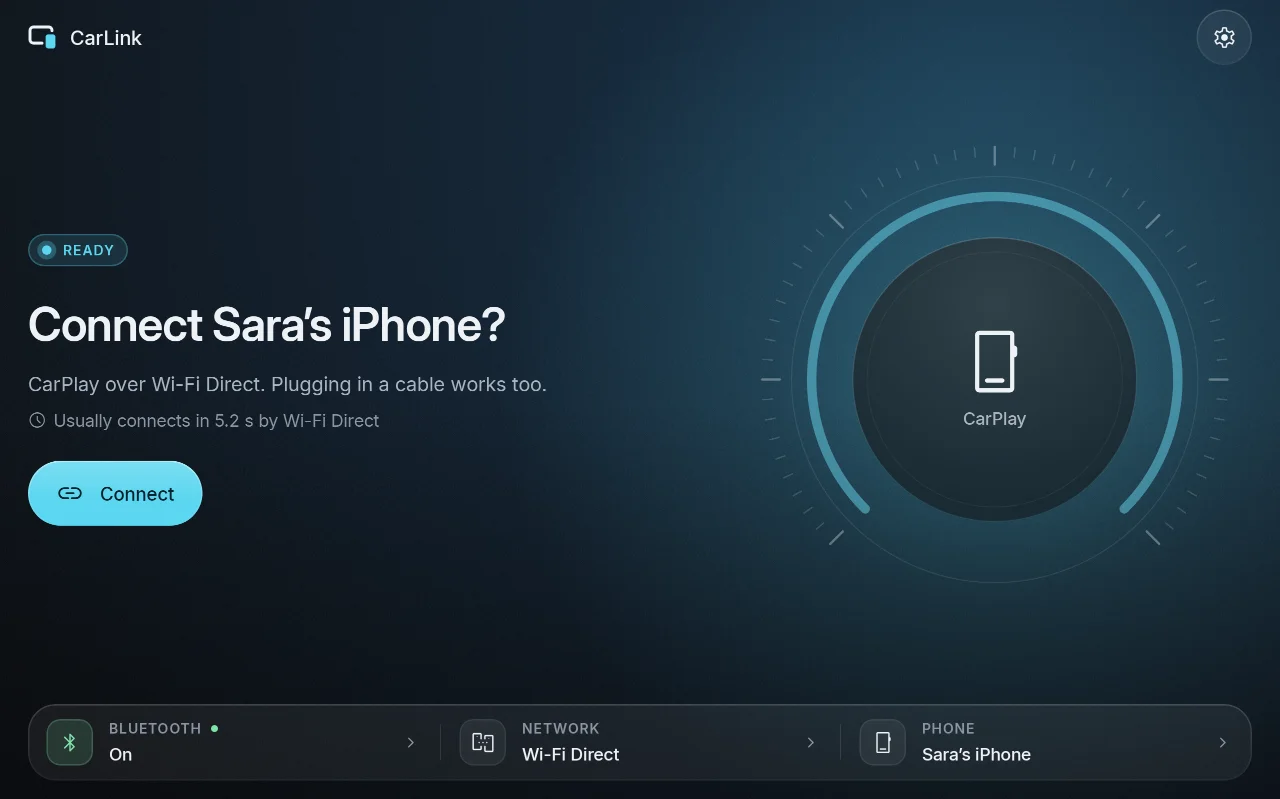
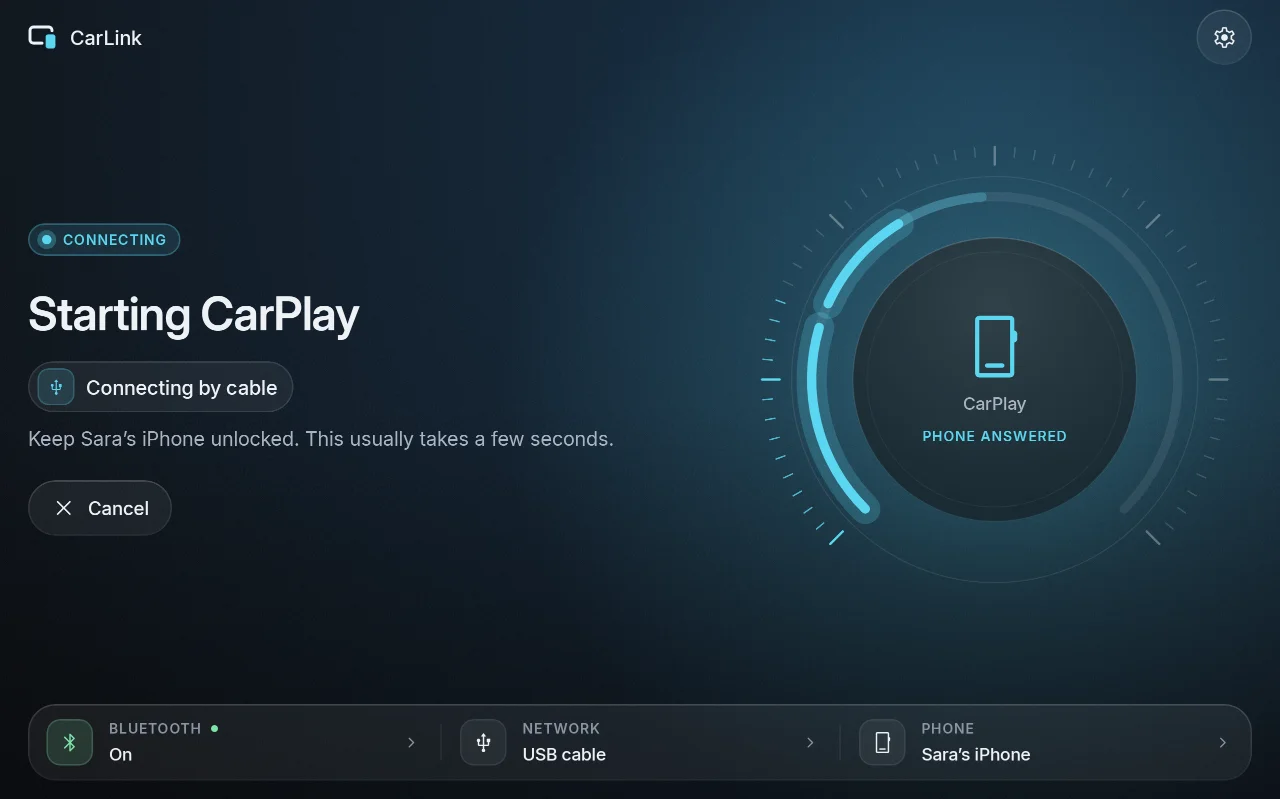
| Ready | Connecting | Car brand |
|---|---|---|
 |
 |
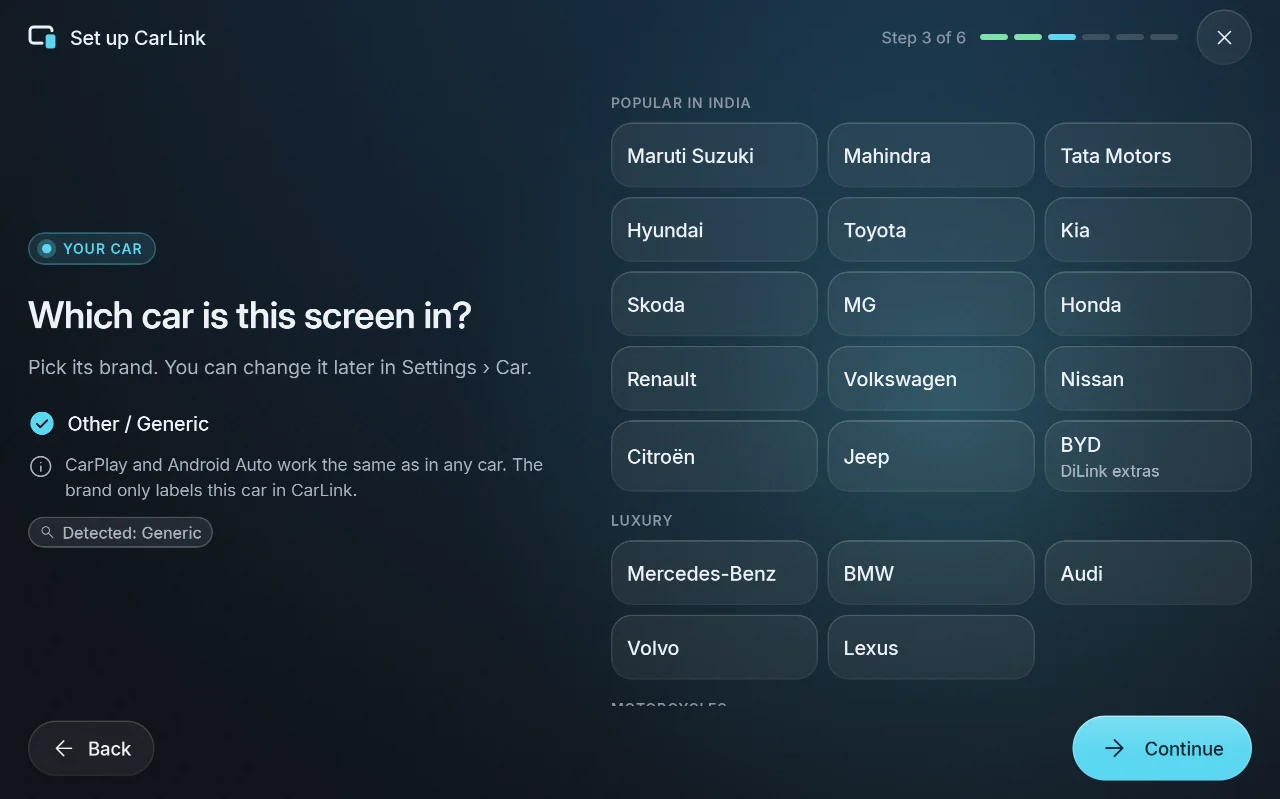 |
More in the screenshot gallery.
Download and install
- On the car stereo or tablet, download CarLink-1.0.22.apk (19 MB) from the assets below.
- Open it and allow installing apps from your browser or file manager when Android asks.
- Open CarLink and follow the first-time setup. Then plug in your phone, or pair it once over
Bluetooth for wireless.
After that, CarLink finds new releases itself and asks before installing them (Settings ›
About › Check for updates).
Needs: Android 7.1 or newer (ARM) on the stereo or tablet. An iPhone gets CarPlay, an Android
phone gets Android Auto. Wireless needs Bluetooth and Wi-Fi on both sides; USB needs only the cable.
Verify the download
- SHA-256 of CarLink-1.0.22.apk:
875e2ca3c6c413db822c7159cea6529a233b8c8ab8e386191c5b6410ca5098fd(also inCarLink-1.0.22.apk.sha256) - Signing certificate SHA-256:
ED:EB:2D:19:B8:C6:4D:53:D0:0A:01:32:46:FE:17:39:76:93:63:81:87:1B:FD:56:5B:64:C9:36:CE:75:70:38
Every CarLink release is signed with this certificate, and the in-app updater installs only APKs
signed with it. Check with sha256sum CarLink-1.0.22.apk and apksigner verify --print-certs CarLink-1.0.22.apk.
CarPlay notice
CarLink is not an Apple-certified product. As in DiPlay's releases, the release APK bundles an
experimental accessory identity recovered from public Carlinkit firmware, not a newly provisioned
MFi identity for CarLink. A bundled private key is extractable. Acceptance after future iOS
updates, reliability across head units and suitability of that identity for general distribution
are unresolved: there is no guarantee that CarPlay keeps working after an iOS update. Android
Auto does not depend on it.
Source and license
Source for this release: v1.0.22.
CarLink is AGPL-3.0. It is built on DiPlay (CarPlay,
GPL-3.0) and DiAuto (Android Auto, AGPL-3.0).
CarLink is not affiliated with Apple or Google; CarPlay is a trademark of Apple Inc. and Android
Auto a trademark of Google LLC.
Found a problem? See troubleshooting,
or tap Report on GitHub in CarLink (Home or Diagnostics) to open an issue with the log and the error filled in.