Repository navigation
Halcyon 0.1.1


Halcyon 0.1.1
Desktop widgets and themes for COSMIC on Pop!_OS 24.04.
Download for 64-bit Intel/AMD PCs ·
Source ·
Report a problem
What's new
- Keep music progress and elapsed time visible after seeking in browser
players, including repeated seeks and temporary missing duration data. - Avoid marking Islands as crashed when the COSMIC compositor shuts down
during logout or reboot. The matching Islands add-on includes this fix. - Refresh the project presentation and release installation instructions.
Install or update
Download the main package above, then run:
sudo apt install ./cosmic-ext-halcyon_0.1.1_amd64.debOpen Halcyon from the application launcher. Installing the package alone
does not change your desktop or start the widgets. Existing settings are
preserved when updating.
Updates currently use downloads from GitHub Releases. This package does not
add an APT repository or enable automatic updates.
Updating Islands
If you use Islands, also install the matching add-on package from this release:
sudo apt install ./cosmic-ext-halcyon-islands_0.1.1_amd64.deb
halcyon-islands enable
Then log out and back in. The enable step refreshes your per-user copy;
installing the package alone does not update that copy or restart the panel.
The add-on checks your COSMIC versions and falls back to the stock panel
when they do not match. Your saved Islands layout is kept.
If Islands still selects the stock panel after upgrading, run halcyon-islands status.
Existing failure markers are preserved; see the linked recovery instructions
before deliberately retrying a previously failed companion.
Before you start
- Platform: Pop!_OS 24.04 with COSMIC on 64-bit Intel or AMD PCs.
amd64means x86-64 and supports both manufacturers; this is not an ARM build. - Google Calendar: Sign-in is not configured in this build. Other widgets work without a Google account.
- Islands: optional, distributed separately, and tied to specific COSMIC
versions. Use only a companion build matching your desktop.
Compatibility, activation and removal. - Checksums: download the matching
.sha256file beside your package
and check it withsha256sum -c filename.sha256.
Explore Halcyon
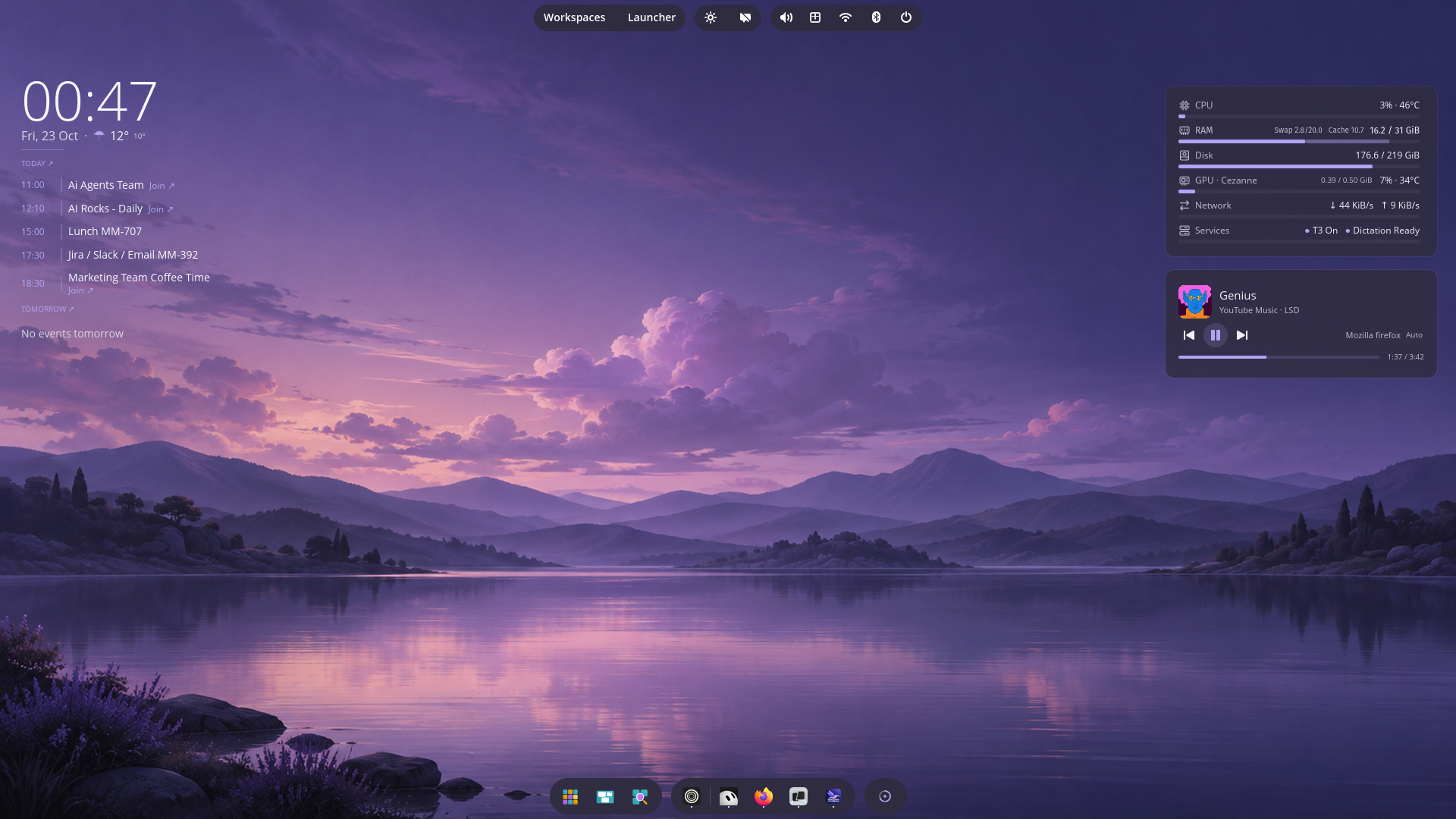
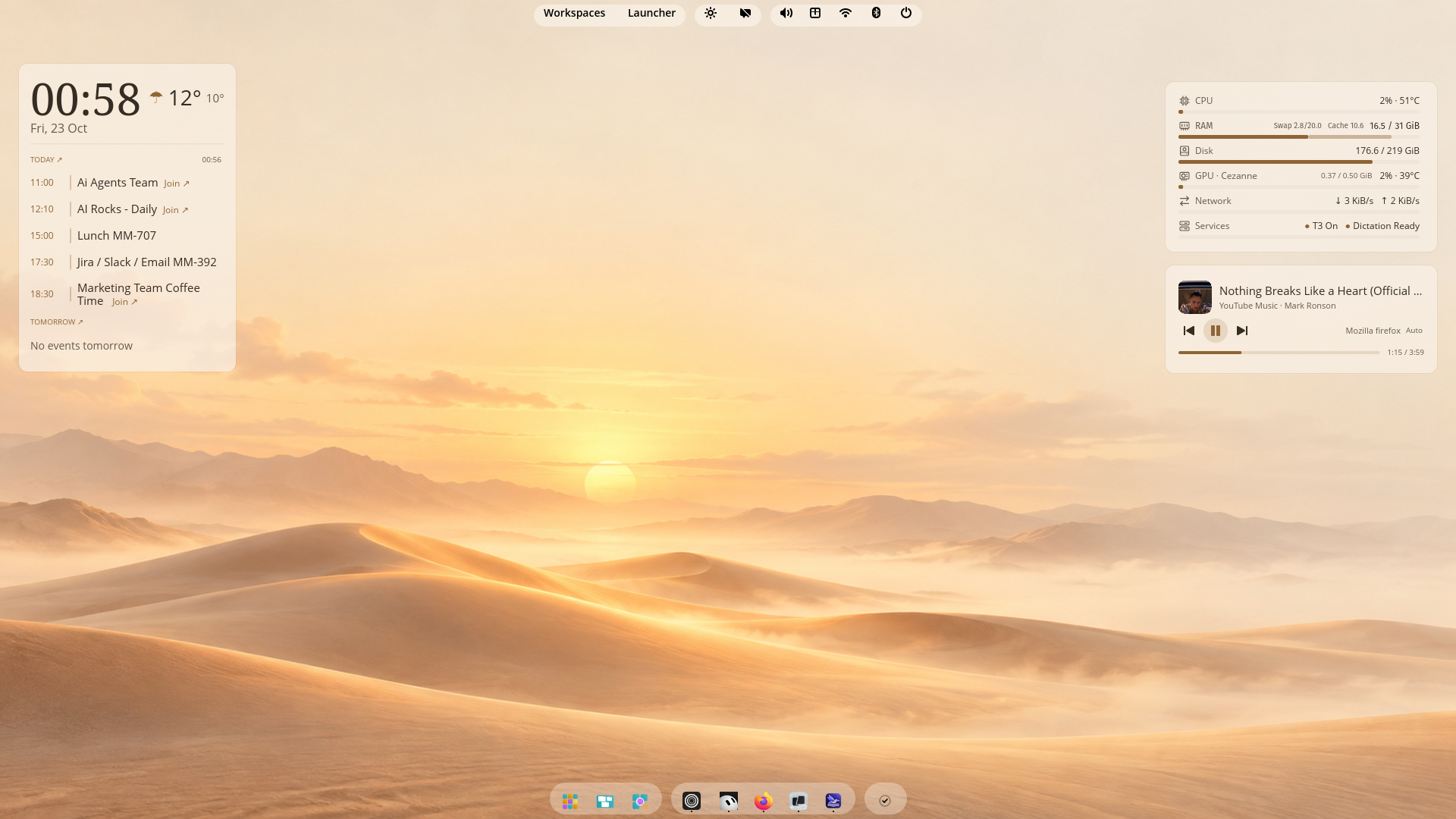 |
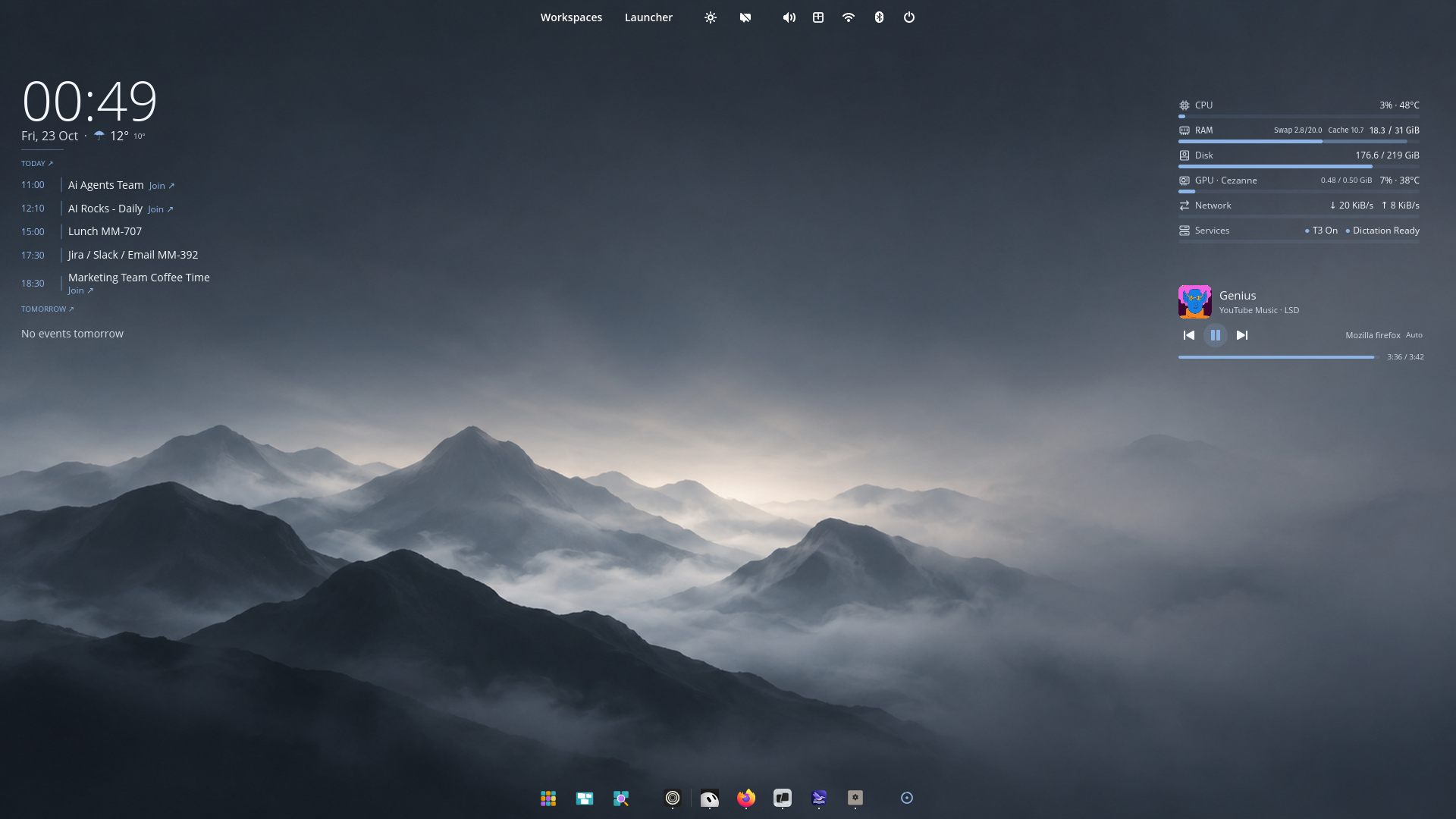 |
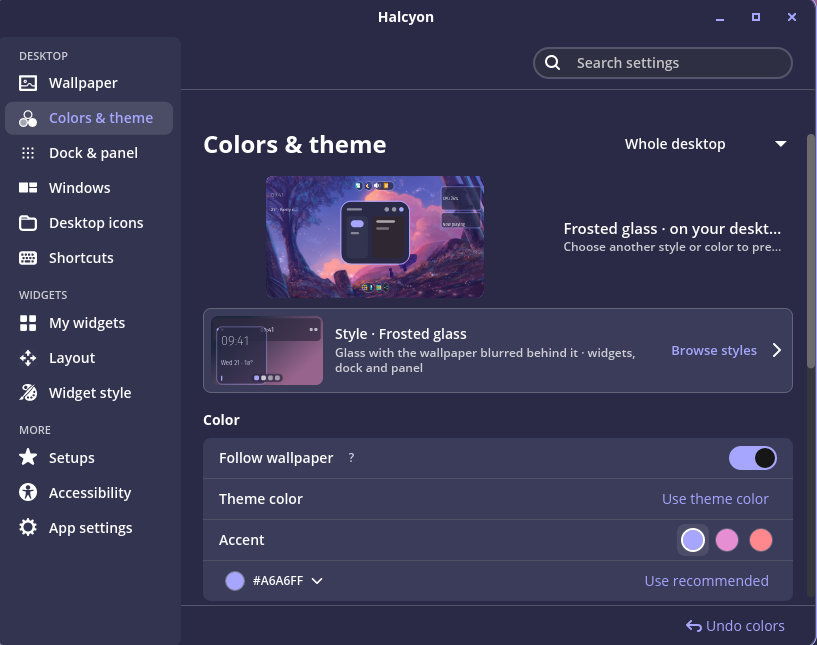
The desktop screenshots include optional Islands and an existing Calendar
connection. Google Calendar sign-in is not configured in the public 0.1.1 package.
Features and setup ·
Package details ·
License and dependency notices
Compatibility notes
The Islands add-on supports this COSMIC package combination:
| Package | Version |
|---|---|
cosmic-panel |
1.11.0~1792526322~24.04~ca20ce3 |
cosmic-comp |
0.1~1792508925~24.04~8cb1802 |
cosmic-session |
1.11.0~1792525615~24.04~4b0a0a2 |
Other versions use the stock panel until a matching add-on is available.
Small displays: Settings currently requests a 1020×800 window and has an
820×600 logical-pixel minimum. Small or heavily scaled displays may require
window resizing; fractional scaling and mixed-DPI setups are not fully validated.