Repository navigation
Dashboard Tour
The dashboard is a local web page served by the SLM daemon. Run slm dashboard to open it; it listens on port 8765 by default (slm dashboard --port to change it, and the same port the daemon uses for everything else). The left sidebar has 19 panes in six groups: Overview, Memory, Intelligence, System, Integrations and Config. This page walks through every pane in sidebar order, says what you will see, and points to the wiki page that explains the idea behind it. Nothing here needs a cloud account; the only panes that talk to the internet are Connected apps and Cloud Backup, and both are off until you turn them on.
A few things hold across the whole dashboard. A profile selector sits at the bottom of the sidebar and switches the memory namespace every pane reads from (Profiles). Changes that need a daemon restart say so next to the control. And some features have no pane at all: restore points are CLI and API only, reviewing a proposed correction is slm review-correction or the MCP tool, and the active MCP profile can be seen but not changed from the dashboard.
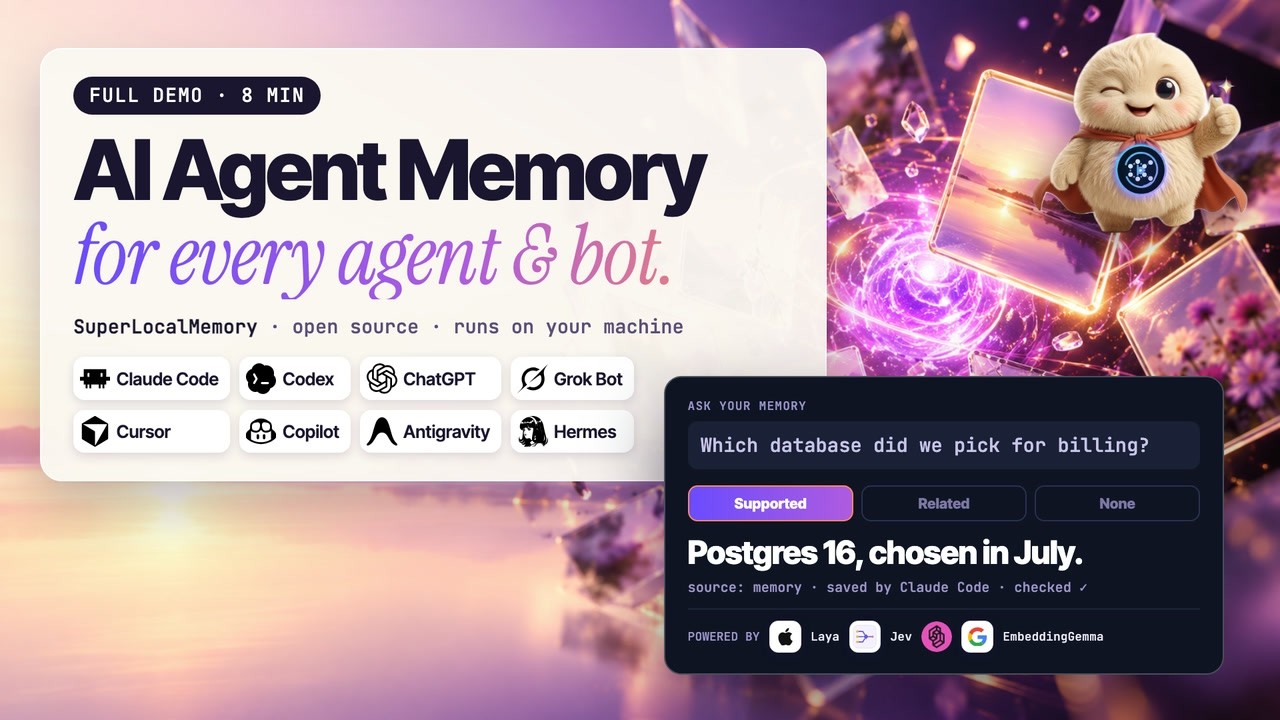
The full eight-minute demo: one memory shared by your coding agents and bots, every dashboard tab. Chapters let you jump to any part.
Answer Check is the first item and carries a "new" tag. It shows which answer check is running (on this Mac, online with Jev, or off), a "Try it" box, how often recall said it had nothing that answers the question, how long checks took against the 3-second limit, and a list of recent checks. Setup and consent for the online option live here and in Settings. Explained in Answer Check.
Dashboard is the home pane: "Your memory, at a glance" with four counters (memories, facts, graph nodes, edges), a memory activity chart, a system card, recent activity, and "Where memories come from". A dismissible what's-new card appears after upgrades. For how those counts come to be see How Remember Works.
Brain carries a "live" tag and has five tabs: Overview, Reward signal, Behaviour, Connected clients and Source quality. It is a read-only picture of what SLM has learned and observed, including which agents are connected and how trustworthy each source has been. Explained in Living Brain.
Knowledge Graph draws your memory as a force-directed graph in three tiers (communities, entities, episodes) with a node inspector, quick-insight chips such as "Changed This Week" and "Contradictions", and an "Ask your memory" chat. Explained in Knowledge Graph and Entities.
Memories is headed "Everything you've remembered" and has six tabs: Recall Lab, Summaries, Saved views, All memories, Creation timeline and Knowledge clusters. The search box has a Show closest matches option, and an empty search says why instead of "No results found." The Recall Lab runs a query and shows each retrieval channel's status and score, which is the fastest way to see why something was or was not found (How Recall Works). Memory kinds show up here as badges and a filter (Memory Kinds). Bookkeeping entries such as a receipt id or a session-ended line carry a stub badge: kept and listed, but never used as an answer (Health and Repair).
Entity Explorer lists canonical entities (people, organisations, concepts, events) with a type filter and a temporal timeline for the selected entity. Explained in Knowledge Graph and Entities.
Multi-Agent Memory shows which agent wrote what: an agent activity table and the recent memories each one saved, refreshed about every 15 seconds, with an adapter guide when nothing has connected yet. Explained in Multi-Agent Memory.
Documents & Images carries a "new" tag. Until you turn the feature on it shows a turn-on card; afterwards it has "Add images or PDFs", a Documents list, and a Folders section for connecting a folder or Obsidian vault read-only. Explained in Pictures and Documents.
Skill Evolution has a counter strip (skill events, unique skills, performance assertions, skill correlations), a lineage graph of how a skill changed over versions, an "Evolution engine" card with the on and off switch and a button to run one cycle, and a skill performance table. Evolution is off by default and every proposed change waits for your approval. Explained in Skill Evolution.
Health opens on a status strip (daemon, memory database, math layers, mesh broker) and continues with math-layer health, trust signals, connected agents, a "Memory health" card (automatic description of older memories, repairs that wait for your Fix button, and Undo) that also holds the "Memory store" check run once per upgrade with its Repair button, and a component list with "Retry now". Explained in Health and Repair; problems and fixes are in Troubleshooting.
Governance groups five tabs and states plainly that nothing in it is read-only: Lifecycle (active, warm, cold and archived memories and compaction), Access & Users (roles and company mode), Trust (per-agent and per-fact trust), Compliance (retention rules, erasure, the tamper-evident audit trail) and Ingestion (the Gmail, Calendar and transcript adapters). Admins also get an "Admin: Ops Health" tab for failed operations. Explained in Governance, Security, Company Mode and Teams and Ingestion Adapters.
Optimize shows the caching and compression switches, headline savings, a savings-by-provider table and a 24-hour hit and miss chart. Explained in Optimize.
MCP & Tools (headed "MCP & Integrations") shows the active tool profile, the available profiles with their tool counts, and instructions for changing profile; it cannot change it for you. See MCP Tools.
Connected apps carries an "Optional" tag. It has four parts: This computer, Your connected apps, Add an app, and technical details. It is where you let ChatGPT, Claude on the web and other web apps reach this computer's memory through the hosted gateway, per app and per permission. Explained in Web Access and Connected Apps and Privacy and Data Flow.
Mesh Peers lists the agent sessions and connected apps that can see each other, with a send box and recent mesh activity. Bot messages (tagged "new") lists what other bots sent, and lets you mute, rename or retire a peer. Both are explained in Bots That Talk.
Bounded Loops shows whether the Bounded Loops bridge is installed, how the loop works, how to run one from the CLI or MCP, and the framework adapters. An uninstalled bridge is reported as simply "not installed". Explained in Bounded Loops and Framework Adapters.
Settings is searchable ("Search every setting...") and groups everything configurable into sixteen sections, each noting whether a restart is needed: operating mode and LLM provider, answer check, embeddings and retrieval (including the memory-engine card, shown only for a store whose text an older release moved), storage backends, memory scope, recall and memory behaviour, auto-capture, auto-recall, auto-invoke, the forgetting engine, skill evolution, backup, mesh network, trust and source quality, rate limits, and the daemon (ports and idle timeout). A sticky footer has "Save all changes" and "Discard". Memory scope and Recall & memory behaviour save as you change them, and rate limits apply immediately. Reference: Configuration, Modes Explained and Embedding Models.
Cloud Backup is headed "Backup & cloud sync": a status hero, an encryption card, counters, connections to GitHub or Google Drive, a scope selector and a history. Backups are encrypted on this computer before upload. Explained in Cloud Backup.
| You want to know | Open |
|---|---|
| Why did recall miss something? | Memories > Recall Lab |
| Which agent saved this? | Multi-Agent Memory |
| Is anything broken right now? | Health |
| What did SLM just learn from my sessions? | Brain |
| Can I trust this answer? | Answer Check |
| Who can read or change memory? | Governance > Access & Users |
| How many tokens did I save? | Optimize |
| Which apps can reach my memory from the web? | Connected apps |
Code: src/superlocalmemory/ui/index.html, ui/js/od-shell.js (the sidebar model), and one od-*.js renderer per pane; routes under server/routes/.