Repository navigation
Right Panel v1.3.0

Downloads
| Platform | Get it |
|---|---|
| Windows (recommended) | RightPanel-Setup.exe installer · or RightPanel-portable.exe / RightPanel-windows-x64.zip |
| macOS (beta) | RightPanel-macos-arm64.dmg (Apple Silicon) · RightPanel-macos-x64.dmg (Intel). Right-click → Open the first time |
| Linux (beta) | RightPanel-linux-amd64.deb · RightPanel-linux-x64.tar.gz (X11 + WebKitGTK 4.1) |
New in 1.3.0
- Timer: set any time — type minutes and seconds, plus more presets (15m, 45m, 60m) (#5)
- Linux: text fields work again — the panel now takes keyboard focus for search, notes, calculator… (#4)
- Multi-monitor fix — when another screen sits past the panel's edge, the pointer crossing between screens no longer pops the panel open in the middle of your desktop; rest on the edge for a moment to open it. Panel size now follows each monitor's own scaling
- Animation speed setting (Settings → General): Slow · Relaxed · Normal · Fast · Very fast
New in 1.2.0
- Drag files and folders onto the panel to pin them
- Clipboard history now keeps images, with ★ pins that survive a restart
- Pick the edge (left or right) and the monitor the panel lives on
- Several notes in tabs instead of one
- Settings can add a folder as well as an app
What's inside
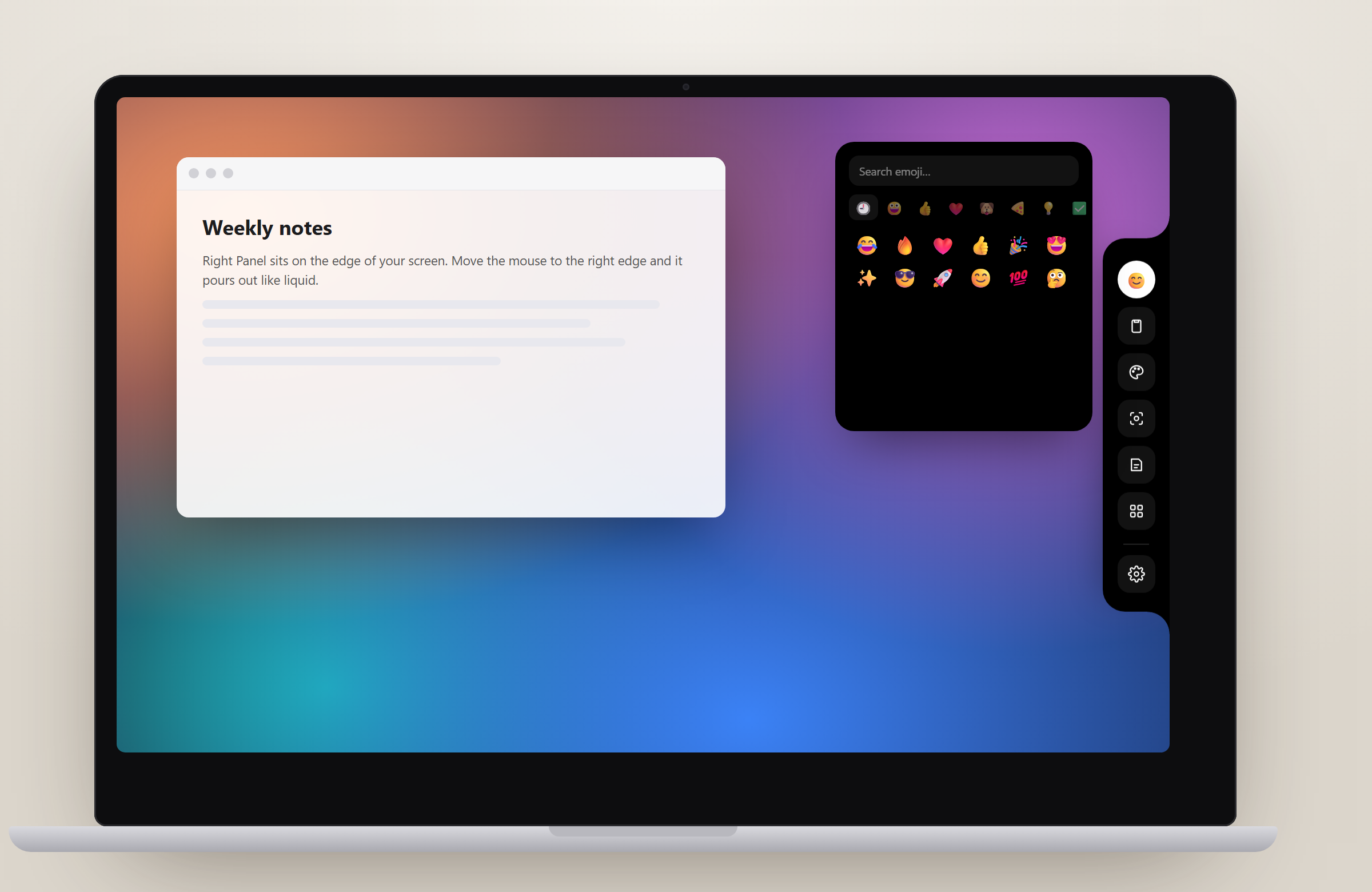
Emoji picker · clipboard history with pins · color picker & eyedropper · screenshot · notes · pinned apps · web search · snippets · calculator · units · password & generators · timer · stopwatch · world clock · media keys · text tools · keep awake · screen off · lock · pin window on top.
Drag tools between the dock and the More grid, 15 themes, liquid animations, tray icon, start at login.