Repository navigation
Latch 1.6

Latch 1.6
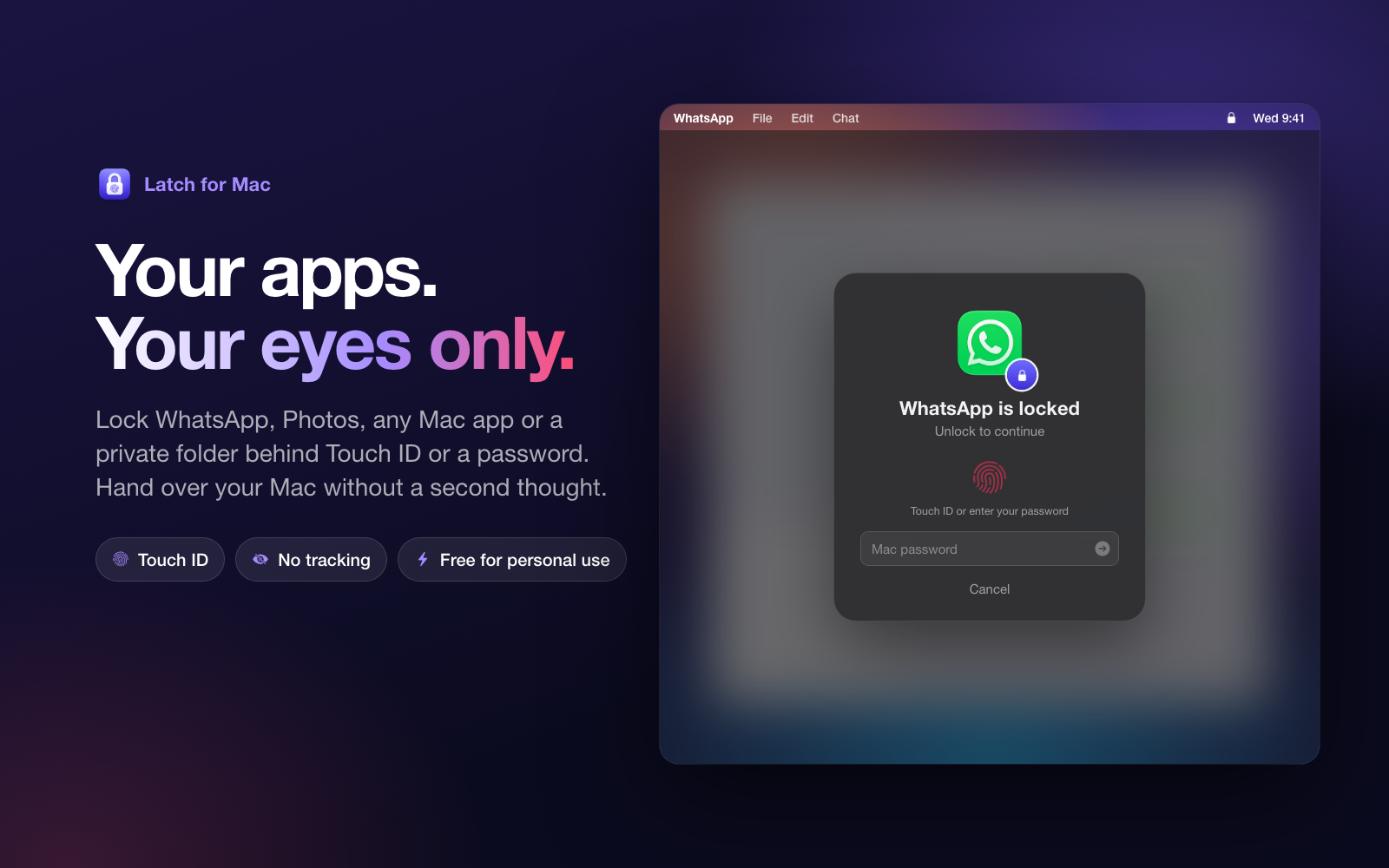
Lock any Mac app or folder behind Touch ID or a password, right from the menu bar.
Highlights
- Apps: WhatsApp, Photos, Messages or any app hides behind one lock card with Touch ID and password together.
- Folders: locked folders can't be opened by Finder or any other app. Open them with Touch ID from Latch's menu or Finder's right-click → Open with Latch.
- Hard to stop: force-quit Latch and it comes right back with everything locked. Only its own protected menu can quit it.
- Private: nothing about you leaves your Mac. Latch only reads one small public settings file, so the developer can announce updates.
Download
Latch-1.6.dmg · universal (Apple Silicon + Intel) · macOS 14+
First launch: System Settings → Privacy & Security → Open Anyway (Latch isn't notarized by Apple).
Updating: quit Latch from its menu, replace the app in Applications, and open it.
shasum -a 256 Latch-1.6.dmg
71808e5b010963a6bf56407a913c888ed2d147dac2c37e202d0f13b54a84b525
Windows (beta)
Latch-1.6-Windows.zip · Windows 10 (2004) or 11, 64-bit · 69 MB
Same features as the Mac version, with Windows Hello (fingerprint, face or PIN) or your password, a tray icon, and Explorer right-click Open with Latch / Lock with Latch. Unzip, move Latch.exe somewhere permanent and open it. SmartScreen: More info → Run anyway (not code-signed yet). This is a beta; please report problems in Issues.
shasum -a 256 Latch-1.6-Windows.zip
bd7c6f88a4531d3414a00fde6255ae055f9756ebd17a3f1c3fd17c12006f2598
License
Free for personal, noncommercial use under the PolyForm Strict License 1.0.0. Copying, redistribution, modification or commercial use need written permission.
العربية: Latch بيقفل أي تطبيق أو فولدر على الماك بالبصمة أو الباسورد. نزّل الـDMG، واسحب Latch لفولدر Applications، وأول مرة تفتحه روح System Settings ← Privacy & Security ودوس Open Anyway. مجاني للاستخدام الشخصي بس.