Repository navigation
v0.8.2

🌲 Grove v0.8.2 - Changes to detailed habit view & Notification fixes
What's new?
Added
-
Pencil edit icon on relapse timeline entries for quick edits of the date, time and reason.
-
Pencil edit icon on check-in history entries for quick edits of the check-in time and note. (excused days: note only)
Changed
-
Web app icons updated to new app_icon.
-
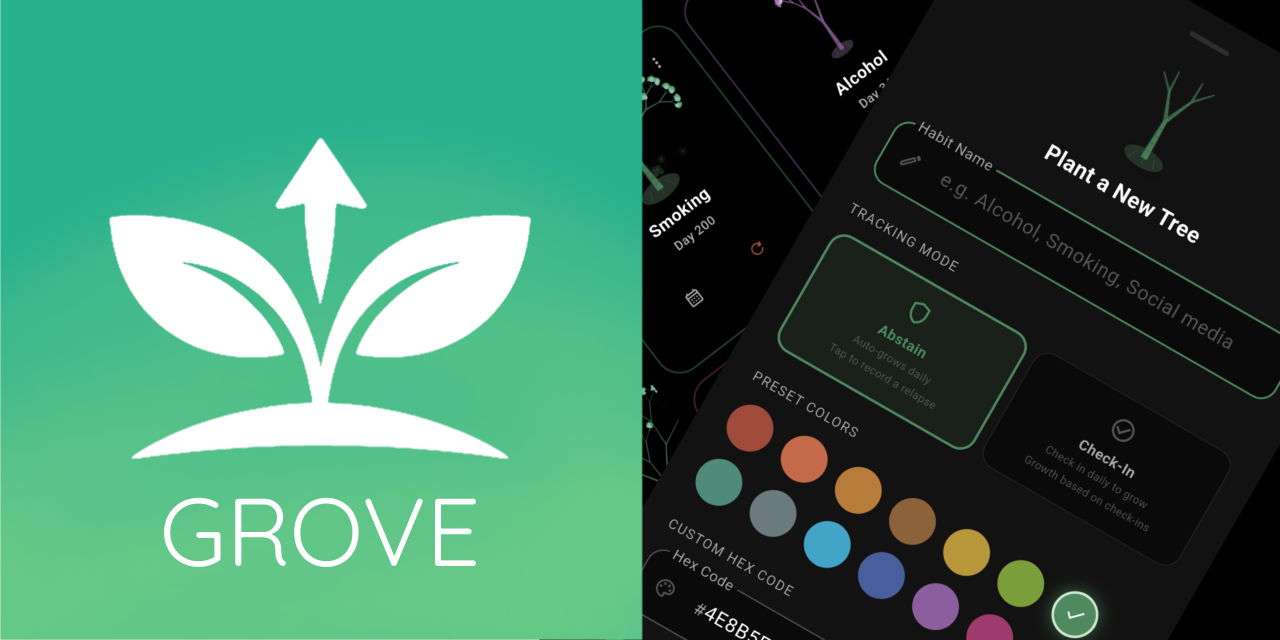
Banner to use new app_icon.
-
Relapse timeline is now numbered from largest to smallest, so your 12th relapse shows as 12 instead of 1.
-
Material You now only changes the accent color (taken from your wallpaper) instead of replacing the whole theme, so Forest Dark, AMOLED Black and White Minimal keep their own surfaces.
-
Applying custom accent doesn't close settings sheet anymore.
Fixed
-
Notifications not working in release builds: the notification icon was being stripped by resource shrinking (and was an oversized 2016×2016 image); it now ships in proper per-density sizes with a keep rule.
-
Daily reminder now falls back to an inexact alarm when exact alarms are denied, instead of silently never firing.
Install
- Download the latest
app-release.apk. - Open the APK file on your Android device and follow the installation prompts.
Note: Android may ask you to allow installations from unknown sources. If you are prompted, enable permission for your browser or file manager, then continue with the installation.
Android only.