Repository navigation
Releases
Mira 0.9.4

Mira is a cinema-style Jellyfin client: a Windows app with mpv built in, its Mac version, and a native iPhone and iPad app.
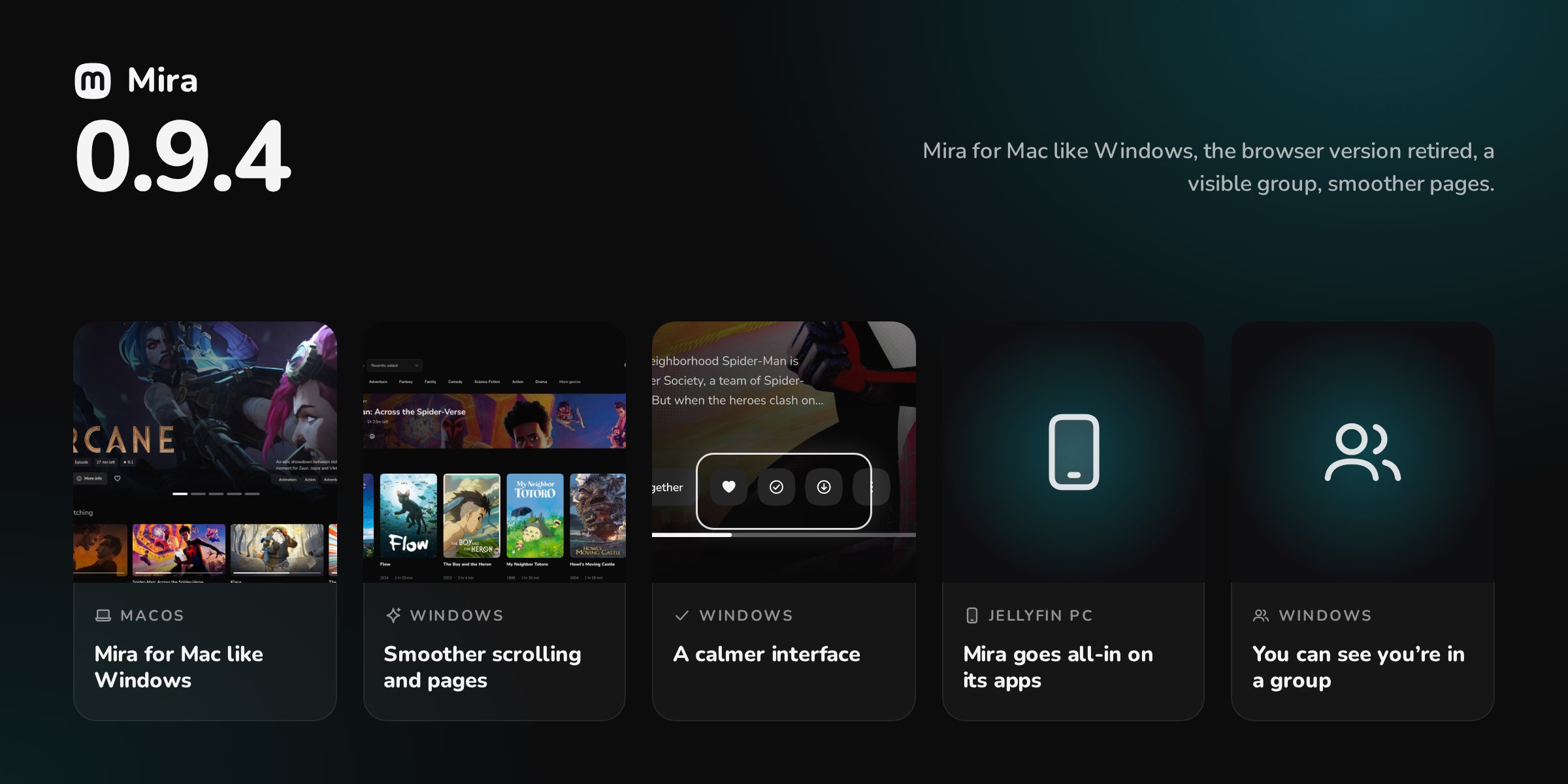
Mira for Mac like Windows, the browser version retired, a visible group, smoother pages.
- Mira for Mac like Windows — Title page, Settings, player, notices, sign-in, menus: the Mac gets what Windows already had, with a real menu bar.
- Mira goes all-in on its apps — The browser version is retired. A friend’s party opens in Mira on Windows, Mac and iPhone, without a browser.
- You can see you’re in a group — A group button, with the number of people, shows on every page on Windows, Mac and iPhone.
- Smoother scrolling and pages — On Windows, scrolling finally keeps up with the screen; on Mac, going back to a page is instant.
- A calmer interface — Favorite and Watched keep their shape, the play/pause flash is the icon alone, fewer needless notices, and the iPhone app opens on Mira’s “m”.
On Windows: Mira-0.9.4-win-x64-setup.exe. Copies already installed update themselves.
On Mac (Apple silicon, macOS 15 or later): Mira-0.9.4-mac-arm64.dmg. The first launch asks for an authorisation: install Mira on Mac (French).
On iPhone and iPad (iOS 26 or later): Mira-0.9.4-ios.ipa, through AltStore Classic, which offers each update: install Mira on iPhone (French).
Every detail: CHANGELOG
Code signing policy: this version's Windows files are not signed (application to SignPath Foundation not filed yet); the details are in the code signing policy.
Mira 0.9.3
Mira is a cinema-style Jellyfin client: a Windows app with mpv built in, its Mac version, and Mira web for iPhone, iPad and Android, served by your Jellyfin server.
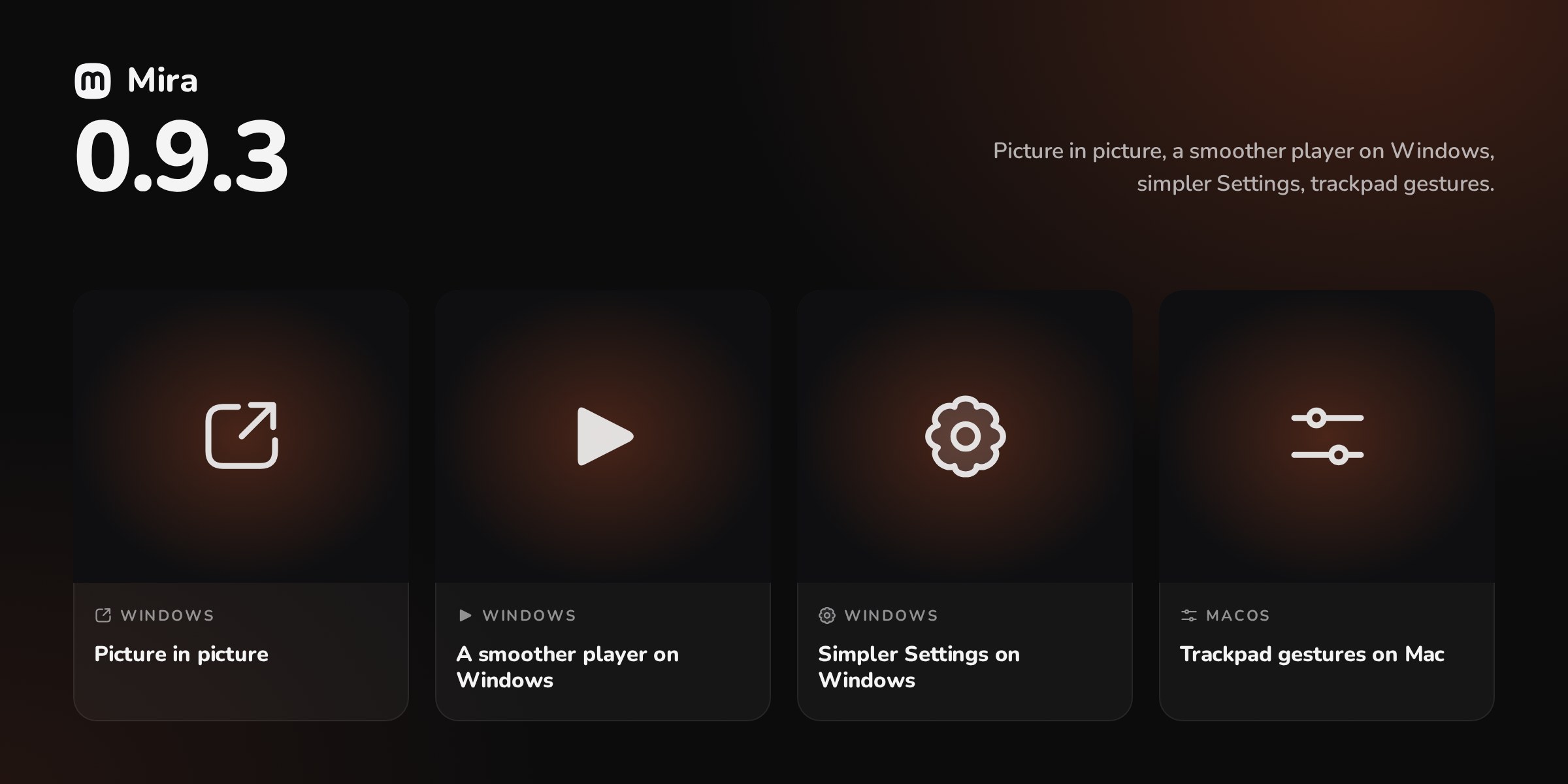
Picture in picture, a smoother player on Windows, simpler Settings, trackpad gestures.
- Picture in picture — On Windows and Mac, the video moves to its own small window above the others, subtitles included.
- A smoother player on Windows — It fades in and out, shrinks without stutter, and the sound no longer skips.
- Simpler Settings on Windows — Sections are ordered by priority and the rest sits under “Advanced settings”. Nothing is removed.
- Trackpad gestures on Mac — Back and Forward with two fingers, pinch the posters, swipe in the player.
On Windows: Mira-0.9.3-win-x64-setup.exe. Copies already installed update themselves.
On Mac (Apple silicon, macOS 15 or later): Mira-0.9.3-mac-arm64.dmg. The first launch asks for an authorisation: install Mira on Mac (French).
On iPhone, iPad and Android: Mira web, served by Jellyfin. In Mira for Windows, Guide → Mira on your phone → Set everything up: Mira on iPhone, iPad and Android (French).
Every detail: CHANGELOG
Code signing policy: this version's Windows files are not signed (application to SignPath Foundation not filed yet); the details are in the code signing policy.
Mira 0.9.2
Mira is a cinema-style Jellyfin client: a Windows app with mpv built in, its Mac version, and Mira web for iPhone, iPad and Android, served by your Jellyfin server.
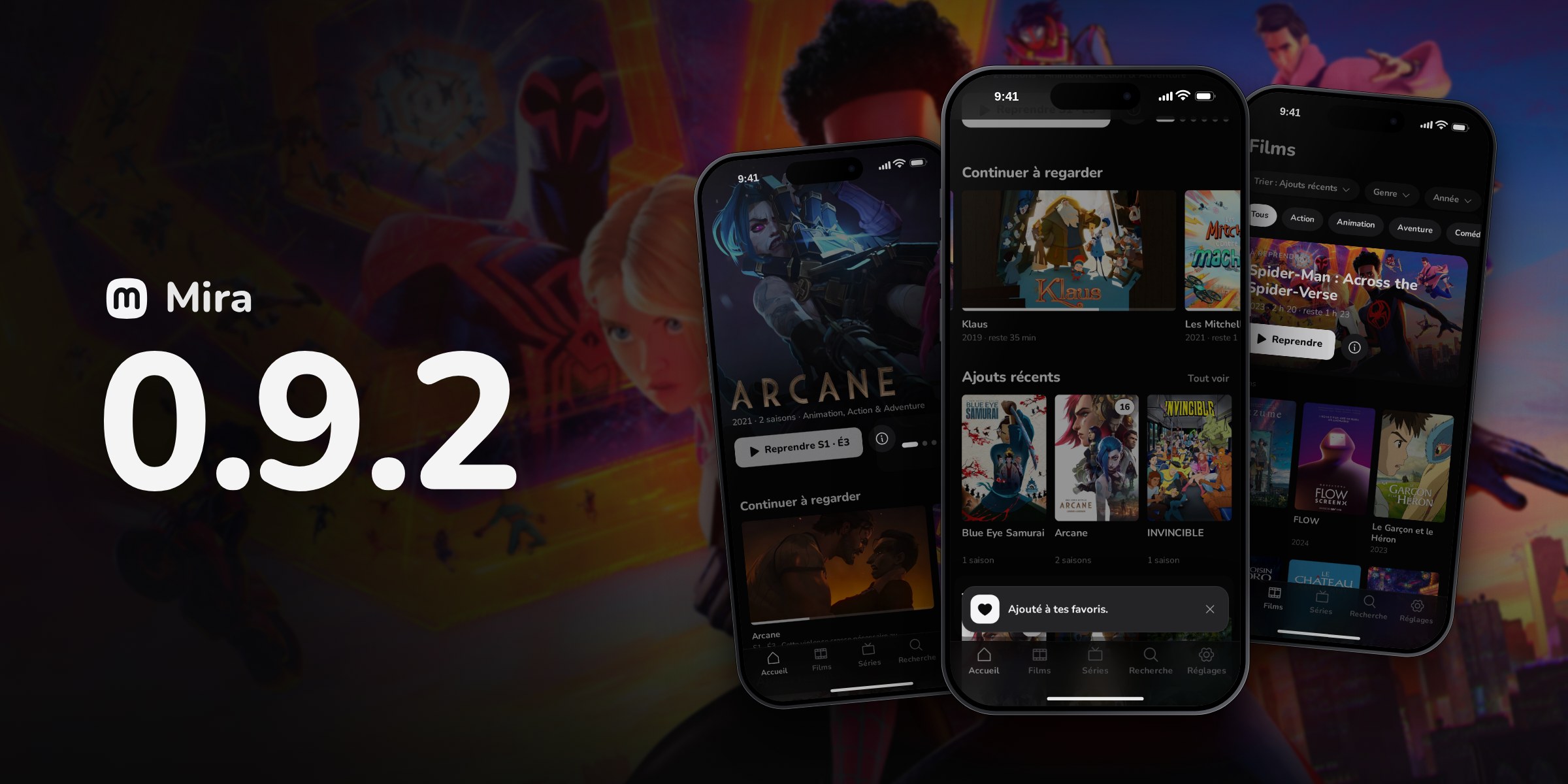
Fixes: qBittorrent 5, the title page buttons on Windows, the grey picture on Mac.
- qBittorrent accepts Mira — On the Jellyfin PC, qBittorrent 5 is no longer taken for a refused password: .torrent files get there.
- “Watched” and “Favorite” without an error — On Windows, these buttons and “Watch together” change again without an error message.
- Grey picture repaired on Mac — On some Macs (M2), the picture no longer stays grey: no more screen profile or debanding.
On Windows: Mira-0.9.2-win-x64-setup.exe. Copies already installed update themselves.
On Mac (Apple silicon, macOS 15 or later): Mira-0.9.2-mac-arm64.dmg. The first launch asks for an authorisation: install Mira on Mac (French).
On iPhone, iPad and Android: Mira web, served by Jellyfin. In Mira for Windows, Guide → Mira on your phone → Set everything up: Mira on iPhone, iPad and Android (French).
Every detail: CHANGELOG
Code signing policy: this version's Windows files are not signed (application to SignPath Foundation not filed yet); the details are in the code signing policy.
Mira 0.9.1
Mira is a cinema-style Jellyfin client: a Windows app with mpv built in, its Mac version, and Mira web for iPhone, iPad and Android, served by your Jellyfin server.
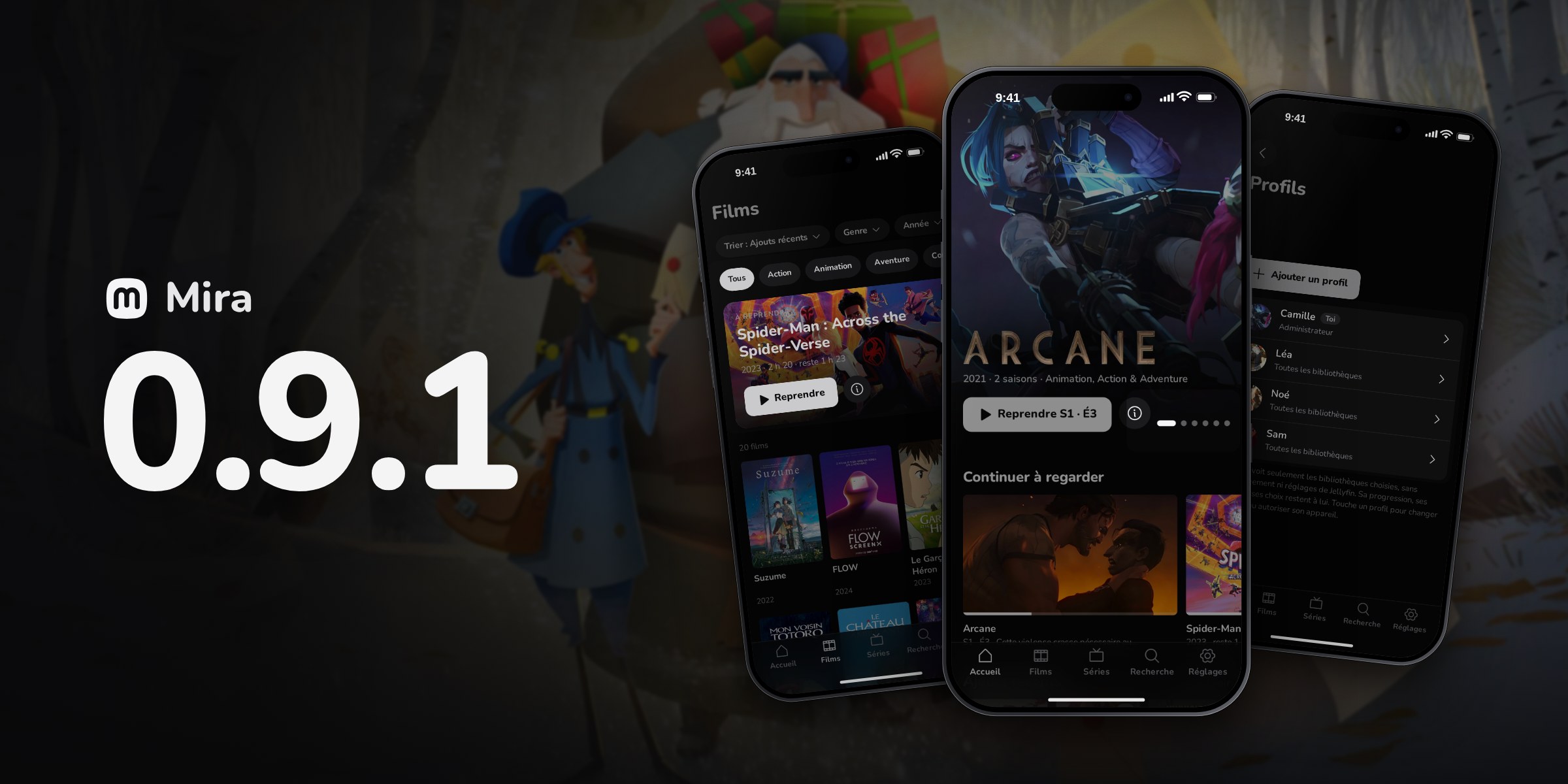
Private trackers through qBittorrent, a smoother player, Mira for Mac with Homebrew.
- Private trackers through qBittorrent — On the Jellyfin PC, Mira installs qBittorrent: magnet links and .torrent files go there, and it keeps seeding.
- A smoother player — It shrinks and closes without a jolt, pause shows in the middle, its title opens the page.
- Gentler buttons — “Watched” and “Favorite” change on click without redrawing the page, a light watched badge, plain fields.
- Mira for Mac with Homebrew — brew install --cask sasou-web/mira/mira, updated with every release.
- Built-in Tailscale during its outages — Mira’s node asks for the device cache itself: nothing left to paste in the network policy.
On Windows: Mira-0.9.1-win-x64-setup.exe. Copies already installed update themselves.
On Mac (Apple silicon, macOS 15 or later): Mira-0.9.1-mac-arm64.dmg. The first launch asks for an authorisation: install Mira on Mac (French).
On iPhone, iPad and Android: Mira web, served by Jellyfin. In Mira for Windows, Guide → Mira on your phone → Set everything up: Mira on iPhone, iPad and Android (French).
Every detail: CHANGELOG
Code signing policy: this version's Windows files are not signed (application to SignPath Foundation not filed yet); the details are in the code signing policy.
Mira 0.9.0
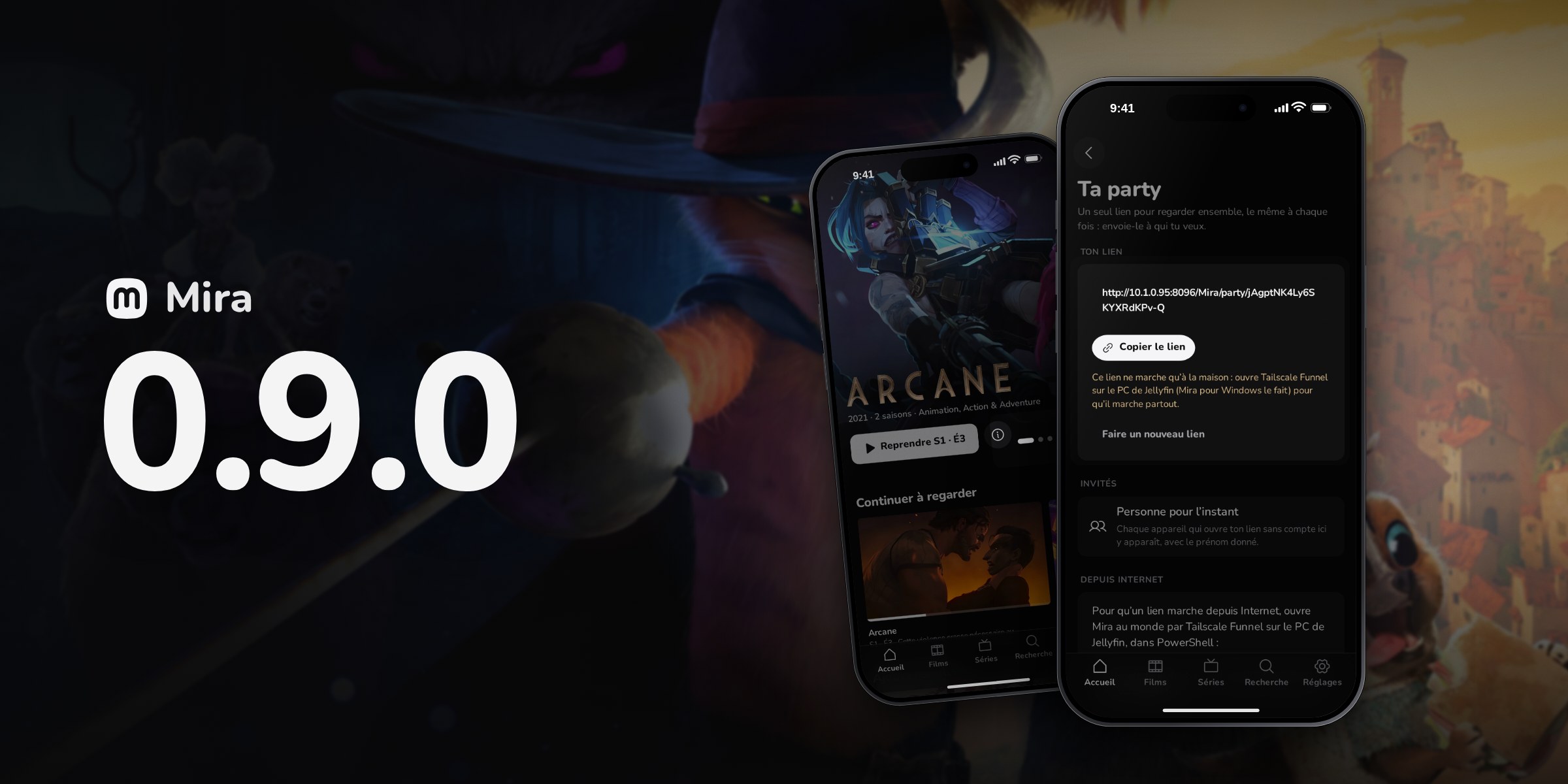
Mira is a cinema-style Jellyfin client: a Windows app with mpv built in, its Mac version, and Mira web for iPhone, iPad and Android, served by your Jellyfin server.
A more polished Mira for Windows: cinema title page, pages that keep their place, player shortcuts.
- A more cinematic title page — The image fills the window, the title’s logo, buttons that show their state, a confirmed series follow.
- Pages keep their place — Films, Shows and Search come back where you left them, and the grid loads as you scroll.
- More player shortcuts — C for subtitles, 0 to 9 to jump, Shift + arrows, wheel for volume, F11.
- A cleaner look — Neutral greys without banding on OLED, blurred poster previews, shared corners, sharp text.
- Party opens in Mira — On a friend’s server, “Open in Mira” now reaches the party (update the server’s extension).
On Windows: Mira-0.9.0-win-x64-setup.exe. Copies already installed update themselves.
On Mac (Apple silicon, macOS 15 or later): Mira-0.9.0-mac-arm64.dmg. The first launch asks for an authorisation: install Mira on Mac (French).
On iPhone, iPad and Android: Mira web, served by Jellyfin. In Mira for Windows, Guide → Mira on your phone → Set everything up: Mira on iPhone, iPad and Android (French).
Every detail: CHANGELOG
Code signing policy: this version's Windows files are not signed (application to SignPath Foundation not filed yet); the details are in the code signing policy.
Mira 0.8.9
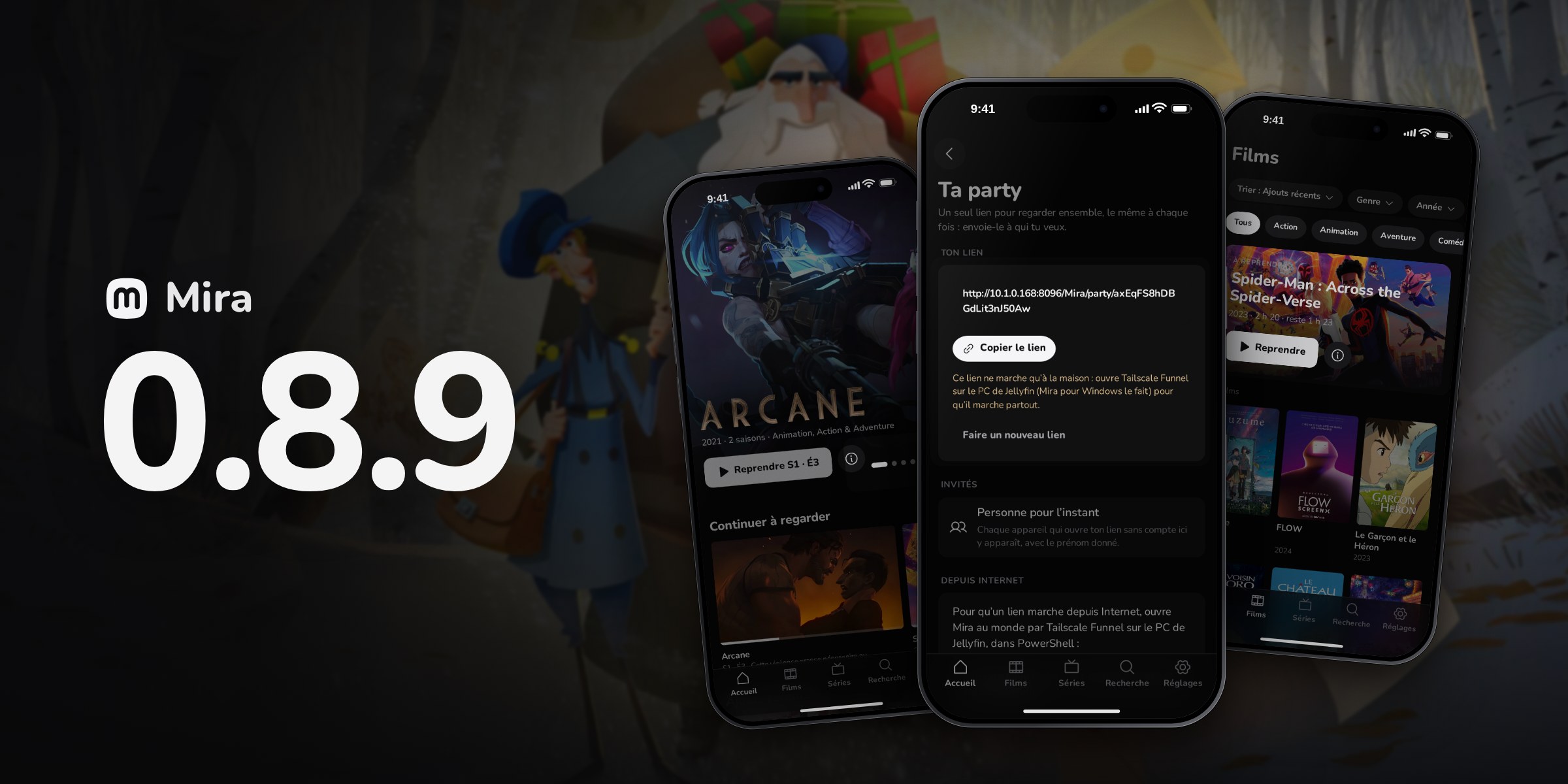
Mira is a cinema-style Jellyfin client: a Windows app with mpv built in, its Mac version, and Mira web for iPhone, iPad and Android, served by your Jellyfin server.
Your party: one link to watch together, a Jellyfin PC that sets itself up, a sharper Windows app.
- Your party — One link to watch together, with a card in Discord, that works from a friend’s Jellyfin too.
- The Jellyfin PC sets itself up — Set everything up keeps Tailscale on and the PC awake; Mira turns on the graphics card, backups, previews and restarts.
- Built-in Tailscale through an outage — Mira says when Tailscale’s servers aren’t answering, and can start without them.
- A sharper Mira for Windows — Smooth text, squircle shapes, gentler transitions, clearer Settings and Guide, a big Watch button.
- Films, Shows and Search tidied — Genres merged under one name, titles first in Search; no blurred header on iPhone.
On Windows: Mira-0.8.9-win-x64-setup.exe. Copies already installed update themselves.
On Mac (Apple silicon, macOS 15 or later): Mira-0.8.9-mac-arm64.dmg. The first launch asks for an authorisation: install Mira on Mac (French).
On iPhone, iPad and Android: Mira web, served by Jellyfin. In Mira for Windows, Guide → Mira on your phone → Set everything up: Mira on iPhone, iPad and Android (French).
Every detail: CHANGELOG
Code signing policy: this version's Windows files are not signed (application to SignPath Foundation not filed yet); the details are in the code signing policy.
Mira 0.8.8
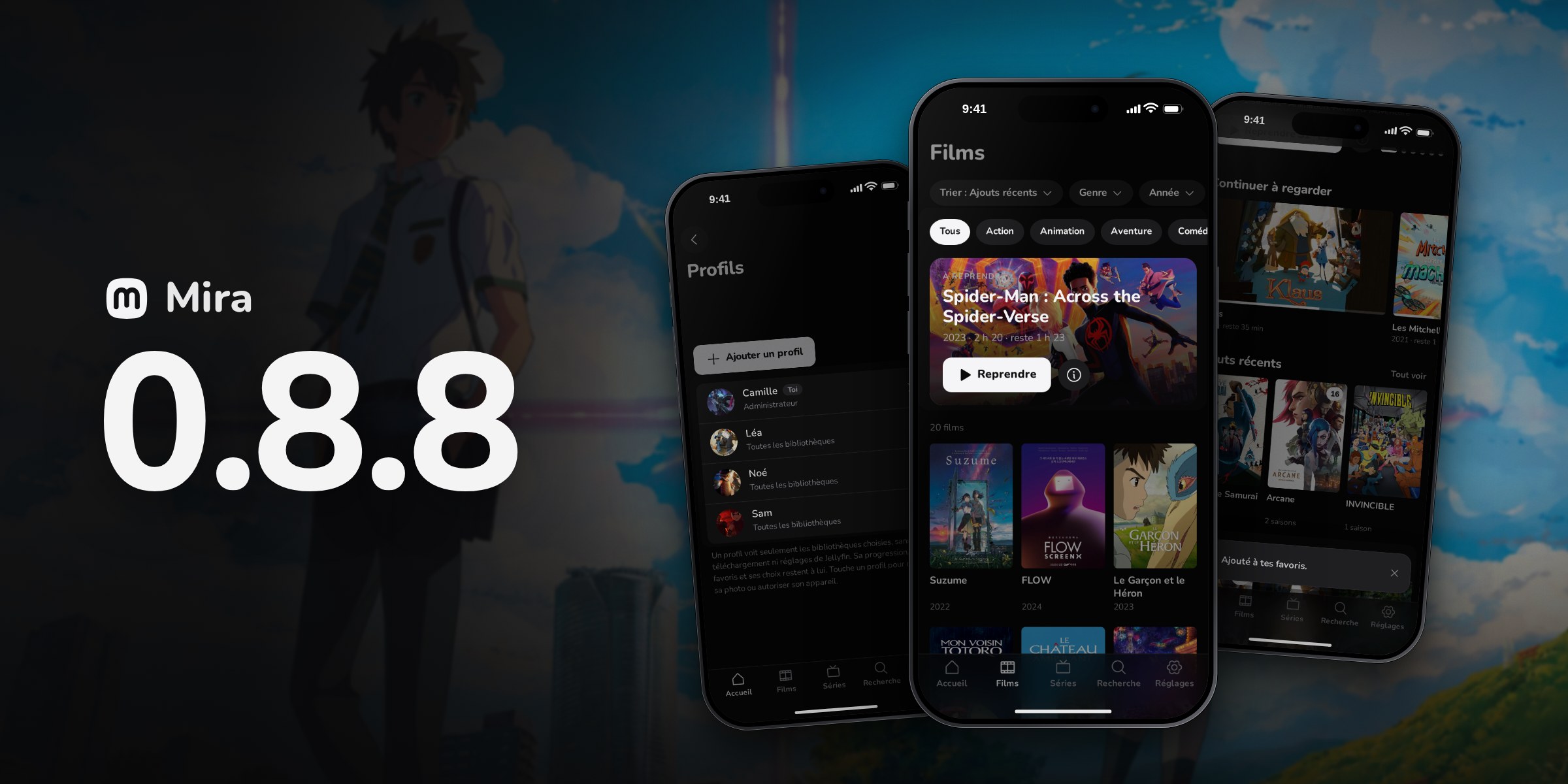
Mira est un client Jellyfin « cinéma » : une app Windows avec mpv intégré, sa version Mac, et Mira web pour iPhone, iPad et Android, servie par ton serveur Jellyfin.
Profils et photo, police Nunito, pages plus claires, et Mira pour Mac qui se met à jour seule.
- Des profils et ta photo — Réglages → Profils : les comptes de ton Jellyfin, un profil en un prénom ; ta photo partout.
- Nunito et des avis plus visibles — Une police plus ronde dans toutes les apps ; avis en cartes plus grandes, avec une croix.
- Films, Séries et Réglages rangés — Genres en puces, titre à reprendre en tête ; Réglages en groupes ; fiche plus compacte sur Windows et Mac.
- Mira pour Mac se met à jour seule — Comme sous Windows, avec une vraie icône macOS 26. Jamais essayée sur un vrai Mac.
- iPhone : onglets, lecteur, sous-titres — Onglets fluides, lecteur plus sûr, sous-titres à l’heure avec un décalage réglable.
Sur Windows : Mira-0.8.8-win-x64-setup.exe. Les copies déjà installées se mettent à jour toutes seules.
Sur Mac (puce Apple, macOS 15 ou plus) : Mira-0.8.8-mac-arm64.dmg. La première ouverture demande une autorisation : installer Mira sur Mac.
Sur iPhone, iPad et Android : Mira web, servie par Jellyfin. Dans Mira pour Windows, Guide → Mira sur ton téléphone → Tout préparer : Mira sur iPhone, iPad et Android.
Tous les détails : CHANGELOG
Code signing policy : les fichiers Windows de cette version ne sont pas signés (demande à SignPath Foundation pas encore déposée) ; le détail est dans la politique de signature du code.
Mira 0.8.7
Mira est un client Jellyfin « cinéma » : une app Windows avec mpv intégré, sa version Mac, et Mira web pour iPhone, iPad et Android, servie par ton serveur Jellyfin.
Mira pour Mac comme sous Windows, le lecteur de Mira sur iPhone et Tailscale intégré.
- Tailscale intégré — Ton Jellyfin loin de chez toi sans l’app Tailscale, sur Windows, Mac, iPhone et iPad : Se connecter à Tailscale.
- Mira pour Mac refaite — Rail, pages et lecteur de Windows ; Épisodes, mini-lecteur, Garder sur ce Mac, Ajouter un ami. Jamais essayée sur un vrai Mac.
- Une image plus juste sur Mac — Couleurs au profil de ton écran ; Réglages → Lecture → Image, et ⋮ → Informations.
- Le lecteur de Mira sur iPhone — Commandes sur l’image, double toucher ±10 s, aperçus sur la barre, réduit au-dessus des onglets. Jamais essayé sur un vrai iPhone.
- Des résumés lisibles — Les balises HTML de certains résumés, surtout d’animes, ne s’affichent plus ; les paragraphes restent.
Sur Windows : Mira-0.8.7-win-x64-setup.exe. Les copies déjà installées se mettent à jour toutes seules.
Sur Mac (puce Apple, macOS 15 ou plus) : Mira-0.8.7-mac-arm64.dmg. La première ouverture demande une autorisation : installer Mira sur Mac.
Sur iPhone, iPad et Android : Mira web, servie par Jellyfin. Dans Mira pour Windows, Guide → Mira sur ton téléphone → Tout préparer : Mira sur iPhone, iPad et Android.
Tous les détails : CHANGELOG
Code signing policy : les fichiers Windows de cette version ne sont pas signés (demande à SignPath Foundation pas encore déposée) ; le détail est dans la politique de signature du code.
Mira 0.8.6
Mira est un client Jellyfin « cinéma » : une app Windows avec mpv intégré, sa version Mac, et Mira web pour iPhone, iPad et Android, servie par ton serveur Jellyfin.
L’app iPhone, sous-titres automatiques, collections, meilleures versions et épisodes à venir.
- Mira pour iPhone — Une vraie app, en essai avec AltStore Classic : bibliothèque, lecteur d’Apple, Minuterie et Regarder ensemble.
- Sous-titres automatiques — Jellyfin cherche, vérifie et recale les sous-titres de tes nouveaux titres : Réglages → Sous-titres automatiques.
- Tes collections — Ajouter à une collection… dans le menu d’un film ou d’une série, et une rangée Collections sur l’Accueil.
- Une meilleure version — Chercher une meilleure version sur une fiche : la nouvelle remplace l’ancienne, ta progression reste.
- Épisodes à venir — Une série dit les épisodes qui manquent et la date du prochain ; les séries suivies le cherchent le jour de sa sortie.
Sur Windows : Mira-0.8.6-win-x64-setup.exe. Les copies déjà installées se mettent à jour toutes seules.
Sur Mac (puce Apple, macOS 15 ou plus) : Mira-0.8.6-mac-arm64.dmg. La première ouverture demande une autorisation : installer Mira sur Mac.
Sur iPhone, iPad et Android : Mira web, servie par Jellyfin. Dans Mira pour Windows, Guide → Mira sur ton téléphone → Tout préparer : Mira sur iPhone, iPad et Android.
Tous les détails : CHANGELOG
Code signing policy : les fichiers Windows de cette version ne sont pas signés (demande à SignPath Foundation pas encore déposée) ; le détail est dans la politique de signature du code.
Mira 0.8.5
Mira est un client Jellyfin « cinéma » : une app Windows avec mpv intégré, sa version Mac, et Mira web pour iPhone, iPad et Android, servie par ton serveur Jellyfin.
Suivre une série, corriger un titre, lire loin de chez toi ; Réglages et recherche plus clairs.
- Suivre une série — Le PC serveur cherche et télécharge les nouveaux épisodes d’une série suivie, avec dix minutes pour annuler.
- Corriger un titre mal reconnu — Corriger › Identifier… sur une fiche, et Réglages › Titres à corriger pour les films et séries que Jellyfin n’a pas reconnus.
- Lire loin de chez toi — Une vidéo qui n’arrive plus ne tourne plus sans fin ; Windows et Mac choisissent leur qualité et survivent aux coupures.
- Sauvegarder et mettre à jour Jellyfin — Windows, sur le PC de Jellyfin : Réglages → Jellyfin → Jellyfin sur ce PC.
- Genres et studios cliquables — Un genre ou un studio ouvre ses titres ; marque une saison entière comme vue d’un geste.
Sur Windows : Mira-0.8.5-win-x64-setup.exe. Les copies déjà installées se mettent à jour toutes seules.
Sur Mac (puce Apple, macOS 15 ou plus) : Mira-0.8.5-mac-arm64.dmg. La première ouverture demande une autorisation : installer Mira sur Mac.
Sur iPhone, iPad et Android : Mira web, servie par Jellyfin. Dans Mira pour Windows, Guide → Mira sur ton téléphone → Tout préparer : Mira sur iPhone, iPad et Android.
Tous les détails : CHANGELOG
Code signing policy : les fichiers Windows de cette version ne sont pas signés (demande à SignPath Foundation pas encore déposée) ; le détail est dans la politique de signature du code.