Repository navigation
Releases
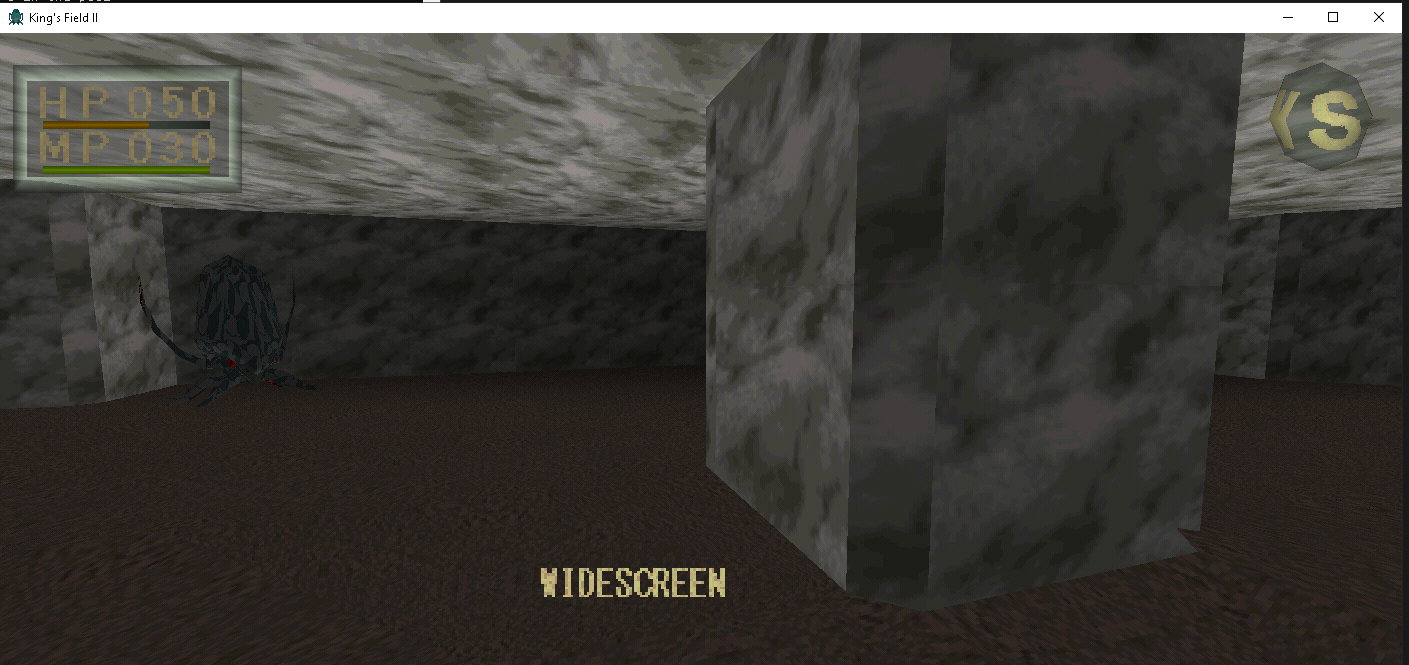
cp49 : widescreen fix

Coop mod
Co-op multiplayer for King's Field II (OpenKF2) - an experimental mod. Play through the game together: up to 8 players, one of them hosts.
⚠️ Early test build. Expect bugs - please report them (see the end of this page).
What works
- See each other - other players appear as a Soldier (the model can be changed), with walking, attack, cast, hurt and death animations.
- Shared enemies - the host's game runs all enemies and sends them to everyone. Enemies go after the nearest player, and their melee hits and poison hurt whoever they hit.
- Kills count for everyone - an enemy killed by any player is dead for all. The killer gets the experience.
- Loot - drops (items and gold) appear for every player. Everyone gets their own copy.
- Doors, gates, levers, switches - when one player opens something, it opens for everybody. A player who arrives on a map later (or after dying and reloading) sees bridges and doors the way the host has them.
- Enemy sounds play for every player.
- Chests stay personal: each player opens their own.
Setup
- Unzip into your OpenKF2 folder (where the game already runs). All players need the same build.
- Open
mp.ini:- Host:
mode = host. Others connect to you on UDP port27015. - Players:
mode = joinandpeer = <host's IP>.
- Host:
- Start the game (host first is easiest) and load your save. Players see each other once they are on the same map.
Playing over the internet: the host needs to forward UDP port 27015 on the router. Without port forwarding you can use a virtual LAN such as Radmin VPN, ZeroTier or Tailscale. Then peer is the host's address in that network.
Testing alone: run two copies of the game on one PC. Use mode = host for one and mode = join with peer = 127.0.0.1 for the other. Each copy needs its own folder with its own mp.ini.
Settings
mp.ini->model = Soldier, SKnight, ...sets how others see you.mode = echo(no network): a copy of you follows you 1.5 s behind. Use it to try models:- F4 / F5 - previous / next model
- F6 / F7 - previous / next animation
- F9 - turn the model around
- F8 - back to the
mp.inisettings
options.inisets the options menu switches when the game starts (music = 0turns off the title music). Available:sound,music,hp_mp,compass,items,walking_effect(1 = on, 0 = off).
Known limitations
- Enemy projectiles and spells only hit the host for now. Clients don't see them yet.
- While the host is in a menu, the inventory, or an item pickup preview, the game is paused, so enemies freeze for everyone. Your hits are applied when the host comes back.
- Doors close separately for each player.
- If the host dies and reloads, the host's world goes back to the save.
- There is no PvP yet.
Reporting bugs
Every game writes a log to kf2_mod.log next to the program. Please attach it, say whether you were the host or a client, and add a screenshot if you can.
v0.3
Keyboard & Mouse support — Play with modern FPS-style controls.
Press F1 to toggle mouse look. See README for full key bindings.
Press F3 to toggle widescreen for 3D (requires further development)
Save & Load — Full memory card emulation. Save your progress at any guidestone and load it later. Save files are stored in the memcard/ folder.
No more separate EXE — The game now loads directly from the disc image (.bin). Just place your PAL (rename this to -> "King's Field II.bin" ) the game folder and run.
- please send me the crash_*.dmp file from the game folder if a crash has occurred. (Create new issue and attach .dmp )
Known issues:
Some ambient sounds (e.g. water) are not yet implemented
Minor music timing quirks may occur