Repository navigation
Releases
Releases · TGP482/SCDA-XBERecomp
SCDA XBERecomp V3

Textures
- Texture Dumping - Saves every texture the game uses into the
textures\dumpsfolder beside the exe when enabled. - Texture Replacement - Replaces the game's textures with the
.ddsor.pngimages in thetextures\replacementfolder. - Dump Format - Allows the user to choose between PNG or DDS formats.
Input
- Mouse Sensitivity - Mouse sensitivity is now split into Horizontal and Vertical, instead of one setting handling both.
- Sensitivity Ranges - Improved the ranges of the sensitivity settings so they're now between 0.1 and 20.0 instead of 0.1 and 5.0.
- Aim Sensitivity - Added Aim Horizontal and Aim Vertical Sensitivity for weapons, instead of one setting handling both.
- Invert X Axis - Added an option to invert the horizontal look.
- Invert Y Axis - Added an option to invert the vertical look.
- Controller Sensitivity - Added Horizontal and Vertical Sensitivity for the controller, instead of one setting handling both.
- Deadzone - Added a controller Deadzone setting.
- Vibration Strength - Added a controller Vibration Strength setting.
- Gyro Aiming - Added gyro aiming for controllers with motion sensors.
Display
- Colour Blind Mode - Added Protanopia, Deuteranopia and Tritanopia modes.
General
- Ambient Occlusion and MSAA - Now available in Versus.
- Max Frame Rate - Added an Unlimited option.
Fixes
- Water - Fixed water physics breaking at high FPS.
- Ragdolls - Fixed ragdolls stuttering at high FPS.
- Versus Icons - Fixed world icons being 4:3 in widescreen.
SCDA XBERecomp V2
Display
- HDR - Added HDR output.
- Brightness and Contrast - Added Brightness and Contrast settings.
- Monitor - Added an option to select the monitor.
- FMV Scale - Added an option to scale FMV aspect ratio.
Graphics
- Ambient Occlusion - Added GTAO.
- Shadows - Ported the Chaos Theory Shader Model 3 shadows.
- Splitscreen HUD - The splitscreen HUD is now widescreen.
Audio
- 5.1 Surround - Added 5.1 surround output, with an Audio Output setting.
- Reverb - Added I3DL2 reverb, as on the Xbox.
- 3D Sound - 3D sounds now follow the Xbox's panning.
Input
- Drop Body - Right click drops bodies, like Chaos Theory on PC.
- Ledge Drop - The backward key drops from a ledge, like Chaos Theory on PC.
- Rebinding - Keys can be unbound with Delete, the scroll wheel can be bound and the accel/decel keys can be rebound, including in Versus.
- Keyboard Layout - Binds follow the physical key on any keyboard layout.
Versus
- High FPS - Added high FPS support.
- Mouse Sensitivity - Added mouse sensitivity for weapon mode and the sniper.
General
- Language - Added Automatic, the new default, which follows the system language.
- Pause on Focus Loss - Pauses the game when the window loses focus.
- Performance - Lower CPU usage during gameplay, Bink movies and saving.
Fixes
- High FPS - Fixed camera shake and dropping at ledge corners at high FPS.
- Mouse - Mouse speed is consistent on X and Y, and the mouse no longer moves the camera on pause, the OPSAT or with buttons in splitscreen.
- Keybinds - Backspace and the arrow keys no longer ignore keybinds, and training videos show custom keybinds.
- Poles and Ladders - Fixed sliding on poles and ladders.
- Keyboard Prompts - Improved keyboard prompt positions on the menu and in scripted events.
- Interaction Box - Shown with the HUD disabled when 2 or more interactions are present.
- Computers - No longer show a duplicate prompt or comms box.
- Quick Save - The thumbnail updates when saving with F5.
- Audio Mixing - Stereo and mono downmixes now match the Xbox.
- Crackling - Fixed audio crackling when spinning the camera fast, and the audio output queue grows when it runs short.
- Versus - Fixed instant grenades, high FPS camera issues, the stretched spectator HUD and the map menu not following the mouse.
SCDA XBERecomp V1

This is the official release version of SCDA XBERecomp V1. For further information, refer to the README page for instructions on setting up the game.
Features
Display
- Display Mode - Switch between Fullscreen, Borderless and Windowed.
- Resolution - Lists every mode your monitor reports and defaults to your desktop resolution, replacing the original 640x480 resolution.
- Render Resolution - Renders the game at 20% to 200% of the output resolution, allowing supersampling or downscaling independent of the window size.
- Field of View - Sets the horizontal field of view during gameplay from 45 to 140 degrees, with 75 being the game's default. Cutscenes, scopes, gadget views and lock picking keep the original.
- Max Frame Rate - Caps the frame rate to your monitor's refresh rate or a custom value, or removes the cap entirely, replacing the Xbox's 30 FPS limiter.
- V-Sync - Reduces screen tearing.
- FPS Counter - Displays the frame rate on screen.
Graphics
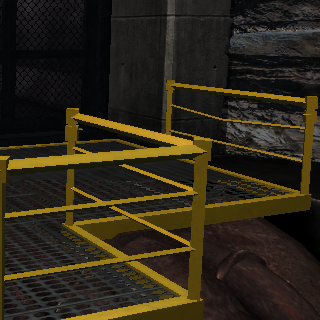
- Multisample Antialiasing (MSAA) - Enables 2x, 4x or 8x MSAA to smooth jagged edges while preserving a sharp image. MSAA does not smooth alpha-tested edges such as fences and foliage.
 |
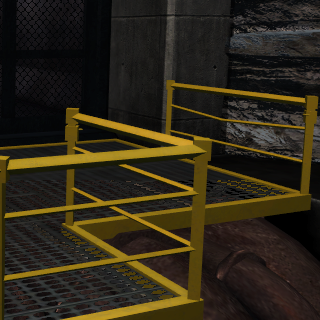 |
| Off | MSAA 8x |
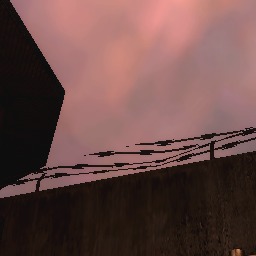
- Subpixel Morphological Antialiasing (SMAA) - Enables SMAA to smooth jagged edges across the whole frame with a softer image. SMAA also smooths alpha-tested edges such as fences and foliage, and can be combined with MSAA.
 |
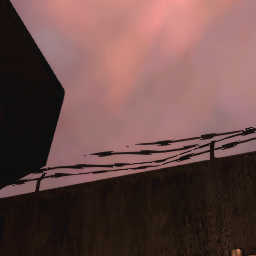 |
| Off | SMAA |
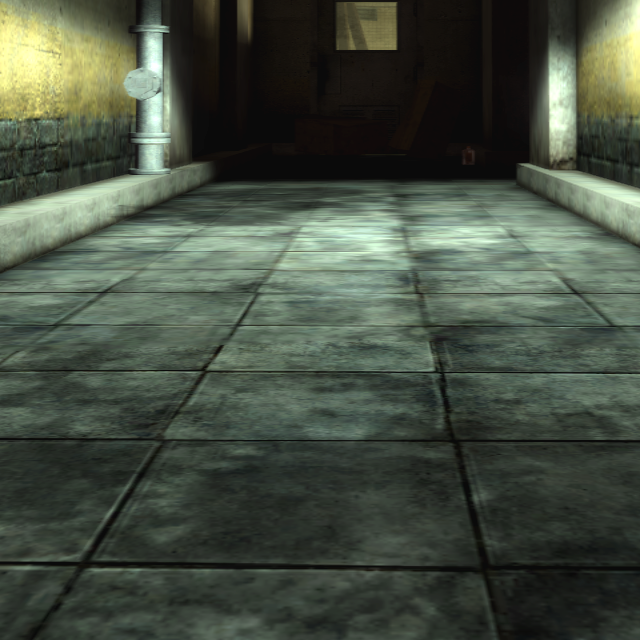
- Anisotropic Filtering - Forces the selected anisotropic filtering level on all textures.
 |
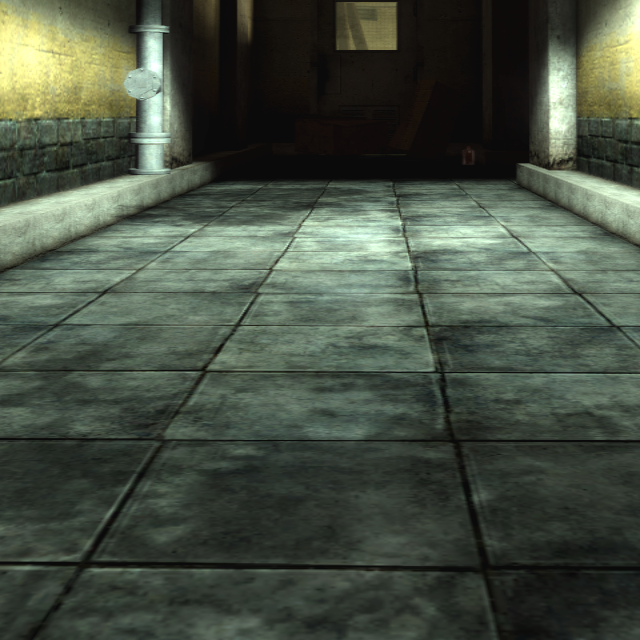 |
| Off | Anisotropic 16x |
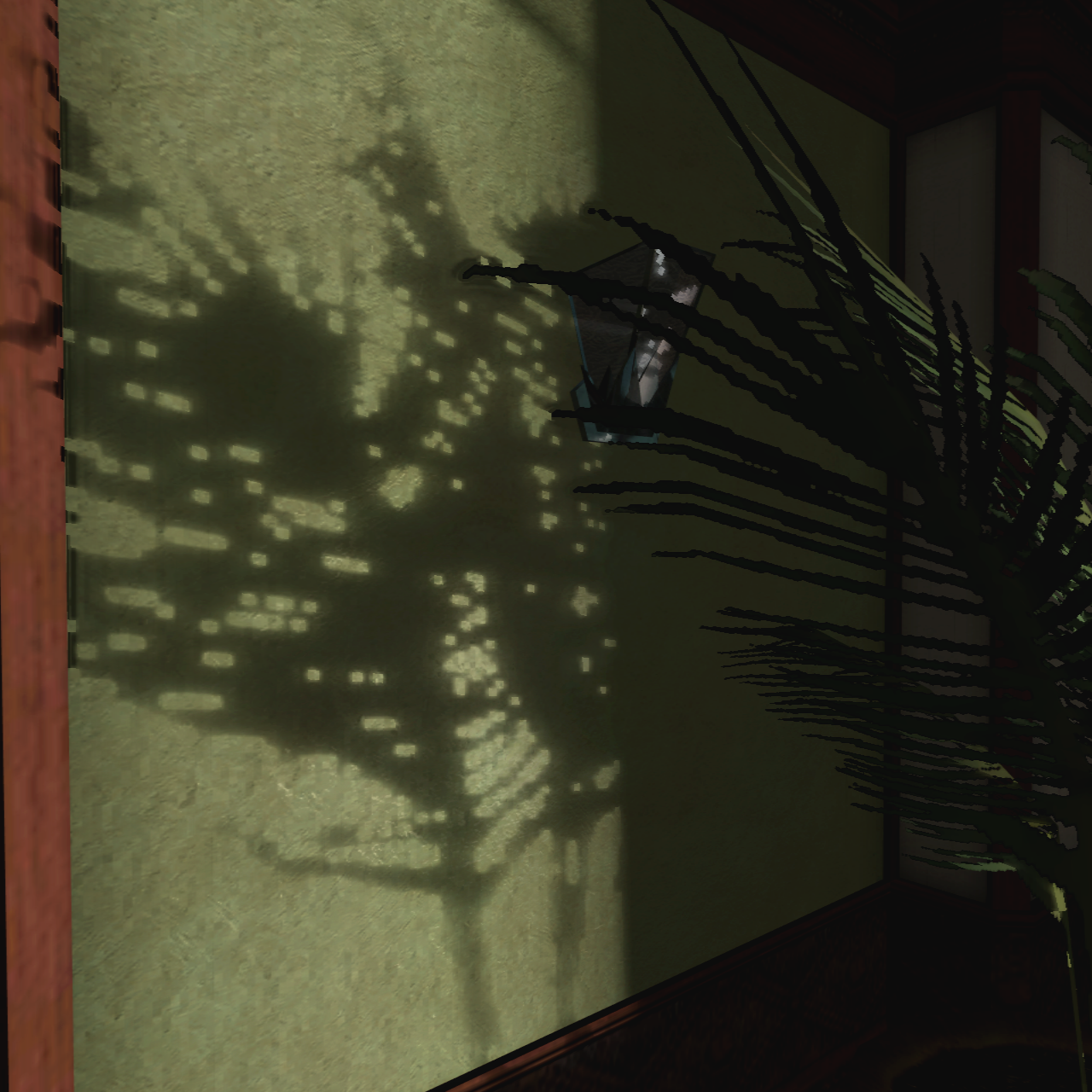
- Shadow Resolution - Raises the shadow resolution from the Xbox's 512x512 (default) up to 8192x8192.
 |
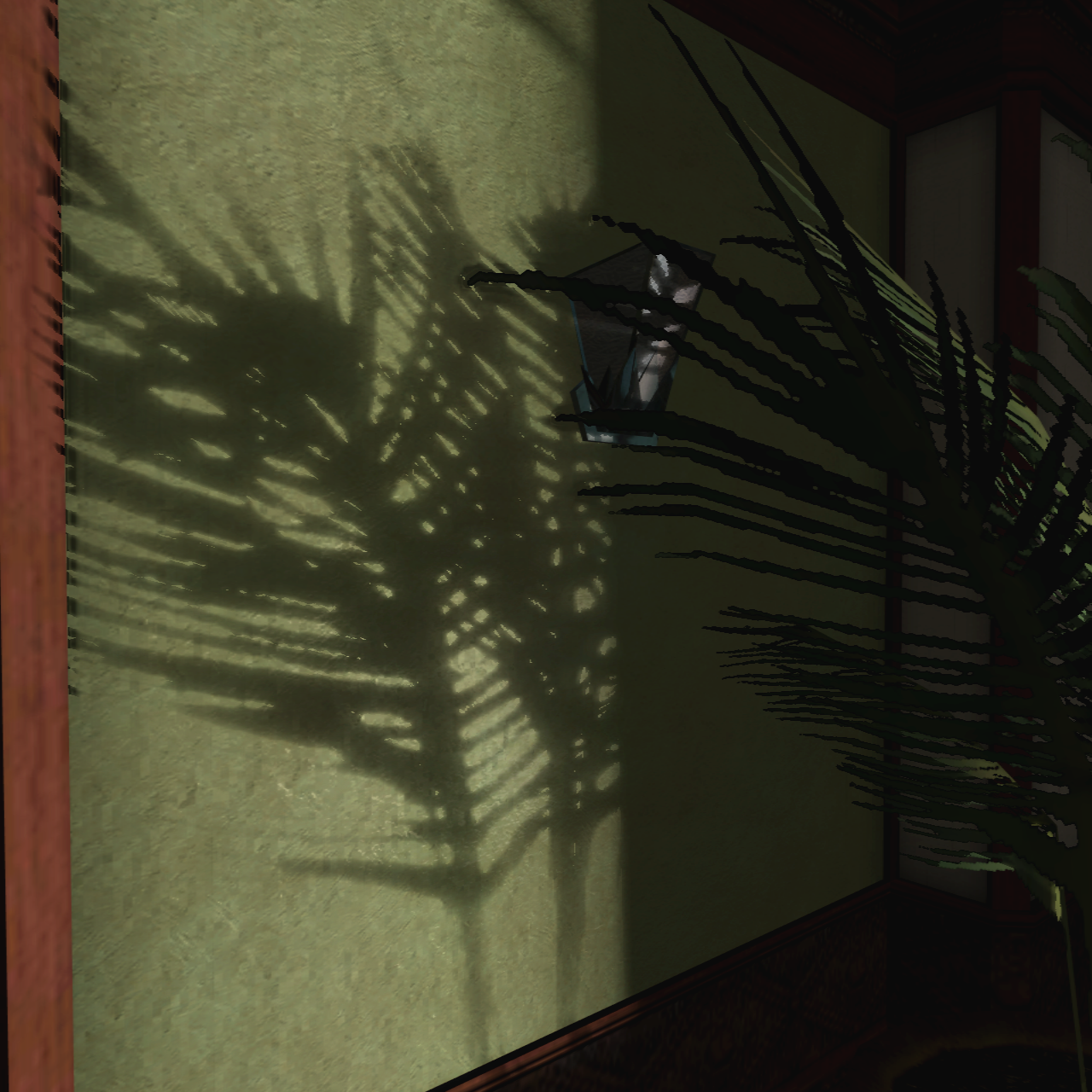 |
| 512x512 | 8192x8192 |
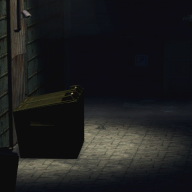
- Shadow Distance - Increases the distance at which lights and their shadows turn off by up to 8x.
 |
 |
| Shadow Distance 1x | Shadow Distance 8x |
- Ambient Occlusion - Adds screen space ambient occlusion, creating soft contact shadows where surfaces meet.
Shader Model 3
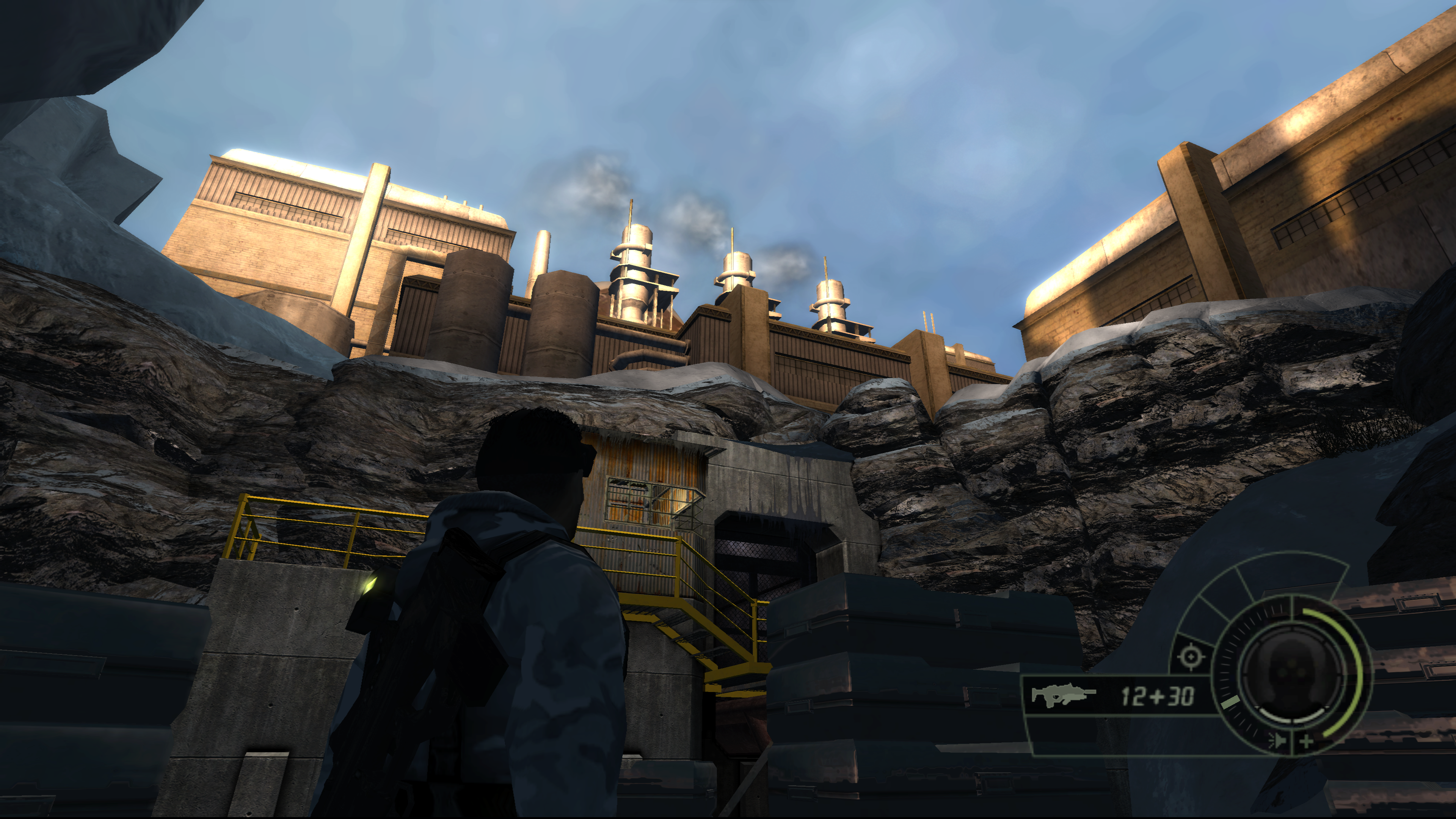
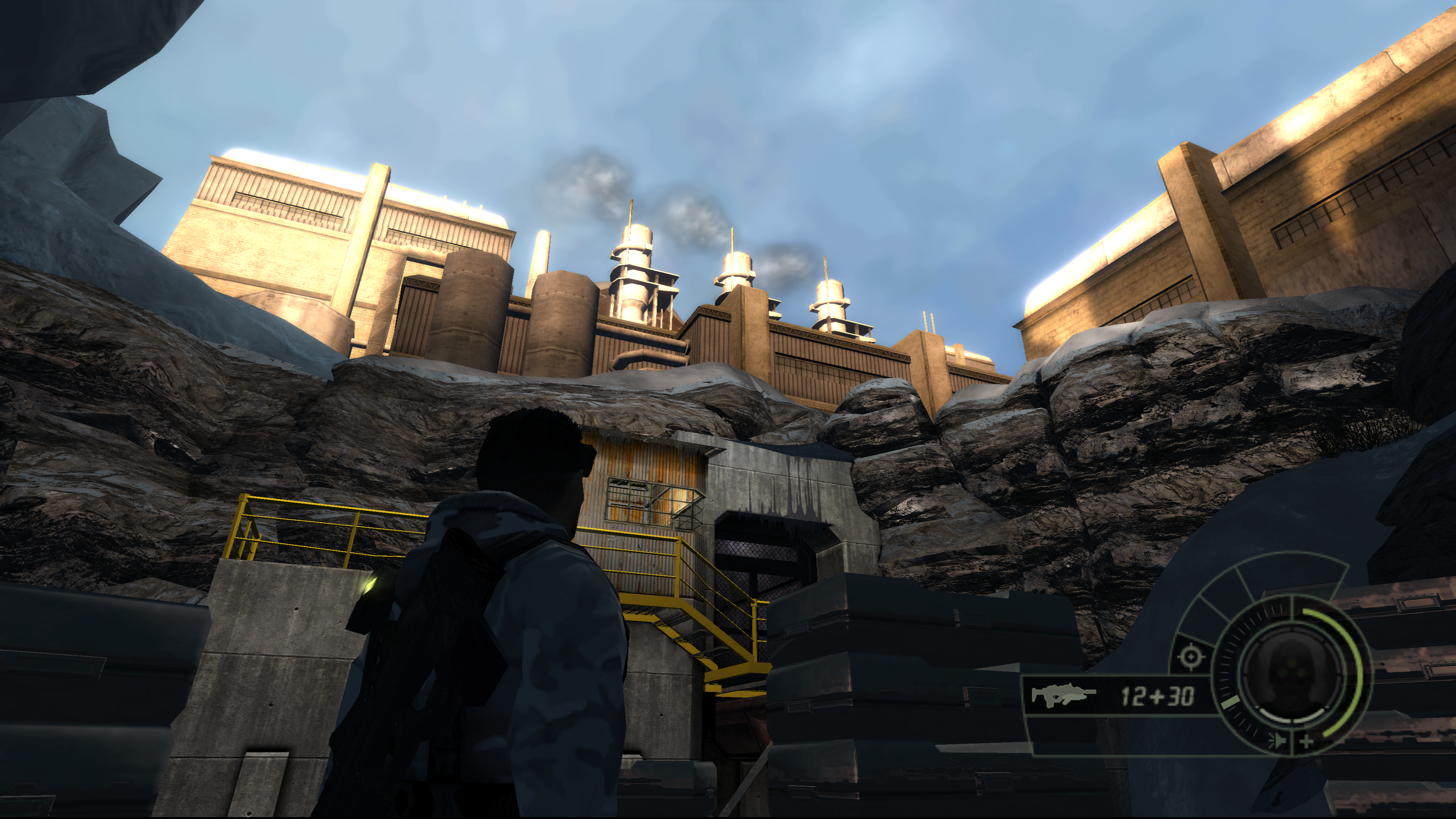
- Shader Model - Choose between Shader Model 1.1, the Xbox look, and Shader Model 3.0, which enables the Chaos Theory PC style features.
 |
 |
| Off | On |
- HDR Rendering - Enables Shader Model 3 HDR rendering.
- Tone Mapping - Enables Shader Model 3 tone mapping.
Input
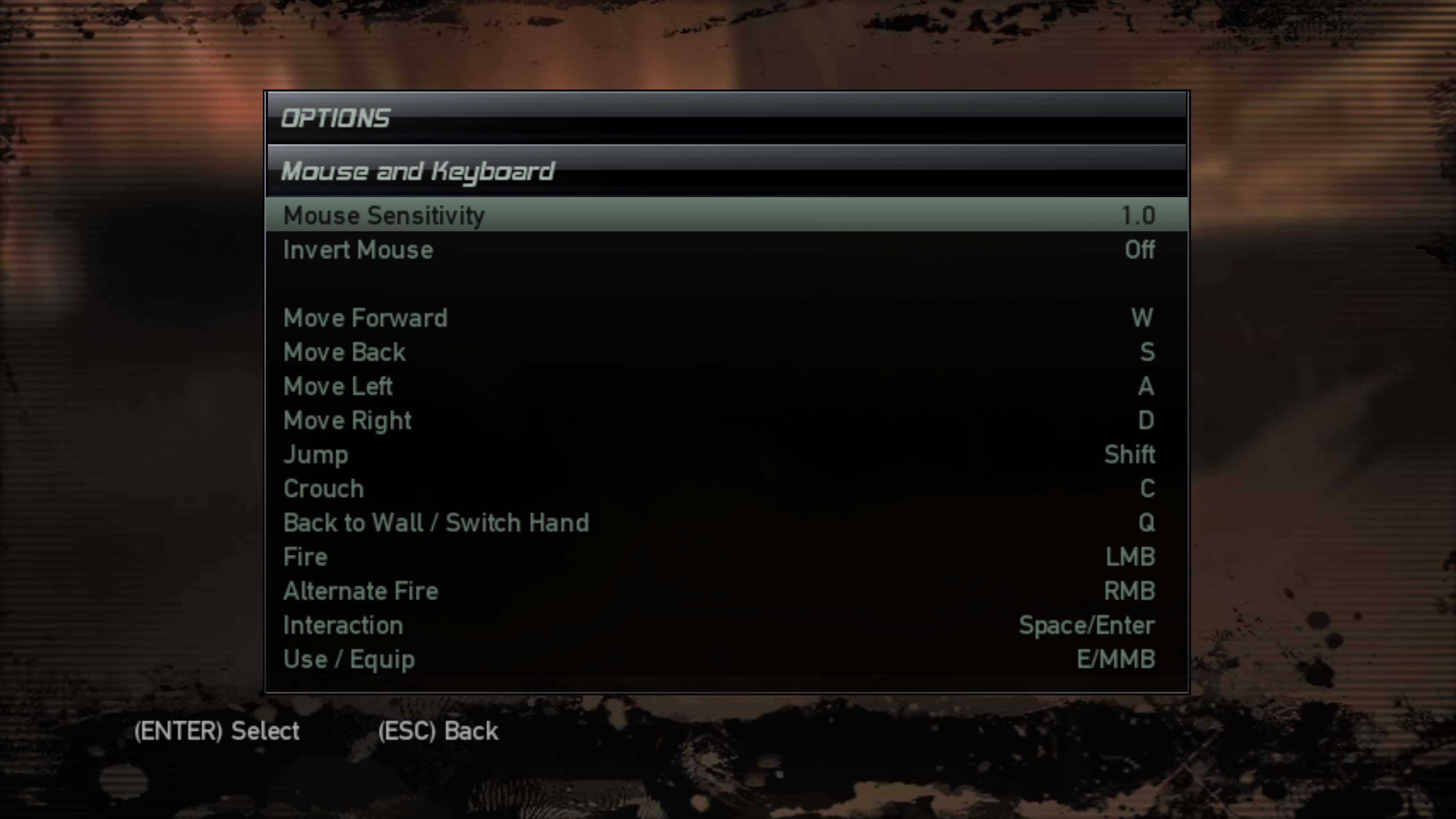
- Mouse and Keyboard - Full keyboard and mouse support with raw input, adjustable sensitivity, inverted look and rebindable controls.
- Controller - Controller with SDL3 support, buttons can be rebound from the Controller page. Defaults match the Xbox layout.
 |
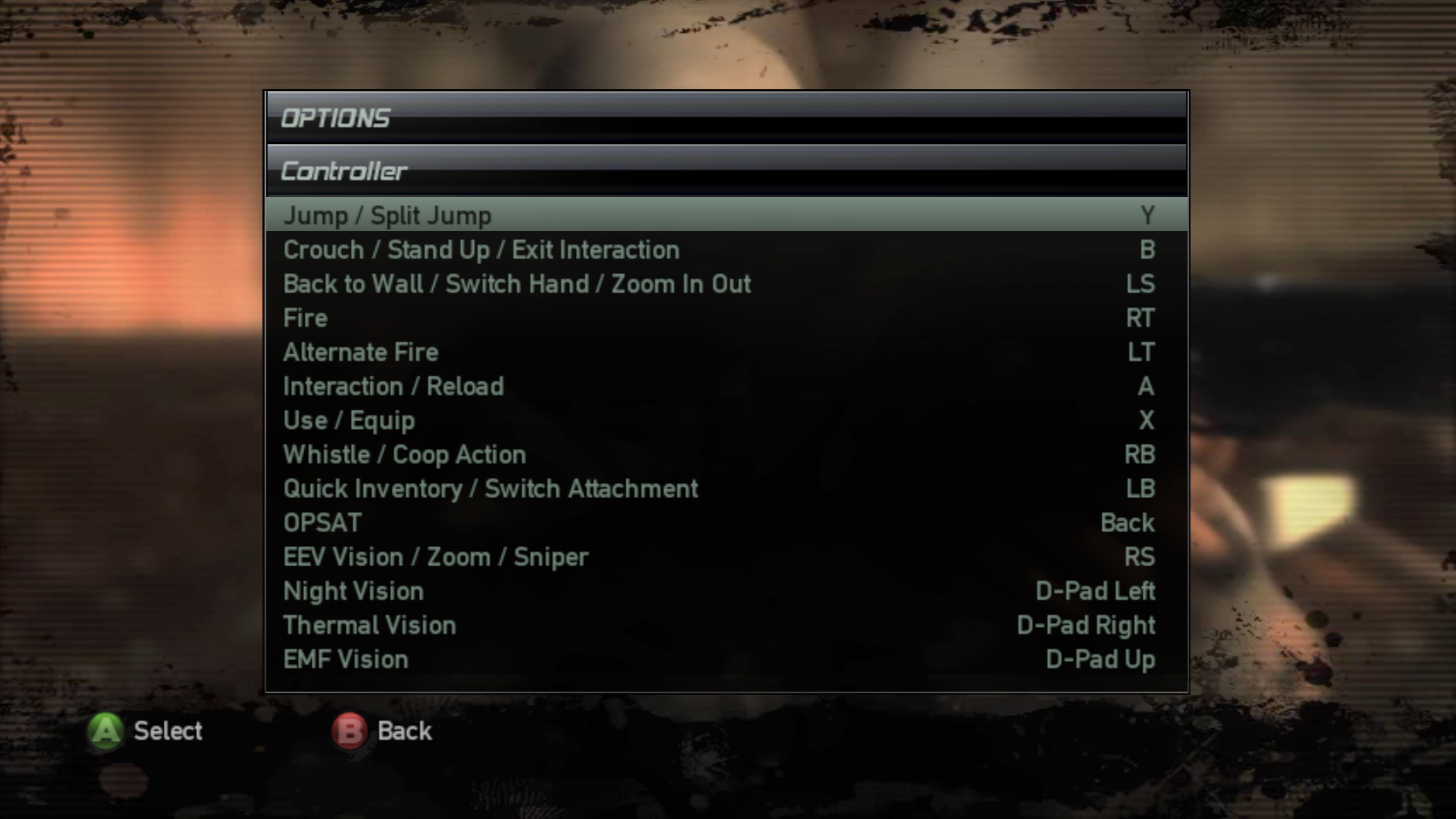 |
| Mouse and Keyboard | Controller |
General
- Skip Intro - Skips the intro logos.
- Co-op Support - Co-op can be played online by directly connecting to a friend's IP address, over LAN, or in split-screen.
- Co-op Tick Rate - Raises the co-op update rate, which is capped at 22 Hz in the original game, up to 142 Hz. Both players must use the same value.
- Co-op Min Input Delay - Lowers the minimum input delay in co-op from the original 50 ms down to 0 ms. Both players must use the same value.
Miscellaneous
- Boot Splash - Place a
SplinterCell4Logo.png(or.bmp) beside the exe to display a splash screen at launch. - Custom Menu Cursor - Place a
cursor.png(orcursor.dds) beside the exe to replace the Windows arrow in the game's menus.