Repository navigation
Releases
SATF 1.3.1

What's new
- Just shake, no key to hold: drag a file and give it a little shake, and the radial menu opens. A fresh install no longer asks you to hold Shift (Mac and Windows). If you changed the key in Settings before, your choice is kept. You can still pick a key in Settings → Shake.
Already on 1.2.x or 1.3.0? SATF will offer this update automatically.
Download
| Platform | File | Requirements |
|---|---|---|
| macOS | SATF-1.3.1.dmg |
macOS 13 or later · Apple Silicon & Intel · signed & notarized |
| Windows | SATF-Setup-1.3.1.exe |
Windows 10 (2004) or later · 64-bit |
Windows: if you see "Windows protected your PC", click More info → Run anyway.
♥ Like SATF? Support it here.
Full list of changes: CHANGELOG.md
SATF 1.3.0
What's new
- New glass look: the radial menu, Shelf and notifications get rounded glass with light and rim. The hovered slice lights up in its color at once.
- Shelf: newest files come first. Share, Copy all and Clear are three round buttons below the Shelf. Press Esc to close it.
- Windows: the Shelf now has a Share button (Windows share sheet).
- Excel & Numbers → PNG / JPG (one image per page), like PowerPoint.
- Convert targets show colored file-format icons and are ordered by what people usually pick (HEIC → JPG first, MOV → MP4…). ZIP is always in the first five.
Fixed
- Mac notifications were hard to read in Dark Mode over a white background.
- The CSV icon in the radial menu showed as a blank white shape.
Already on 1.2.x? SATF will offer this update automatically.
Download
| Platform | File | Requirements |
|---|---|---|
| macOS | SATF-1.3.0.dmg |
macOS 13 or later · Apple Silicon & Intel · signed & notarized |
| Windows | SATF-Setup-1.3.0.exe |
Windows 10 (2004) or later · 64-bit |
Windows: if you see "Windows protected your PC", click More info → Run anyway.
♥ Like SATF? Support it here.
Full list of changes: CHANGELOG.md
SATF 1.2.2
What's new
- Support SATF: the QR code and the new Open the support page button lead to mktechvn.com/support, with every way to support SATF in one place: Ko-fi, PayPal, GitHub and bank transfer in Vietnam (VietQR).
- The window fits its content on macOS.
Already on 1.2.1? SATF will offer this update automatically.
Download
| Platform | File | Requirements |
|---|---|---|
| macOS | SATF-1.2.2.dmg |
macOS 13 or later · Apple Silicon & Intel · signed & notarized |
| Windows | SATF-Setup-1.2.2.exe |
Windows 10 (2004) or later · 64-bit |
Windows: if you see "Windows protected your PC", click More info → Run anyway.
♥ Like SATF? Support it here.
Full list of changes: CHANGELOG.md
SATF 1.2.1
What's new
- Automatic updates. SATF checks for a new version when it starts and once a day. When one is out, click the notification (or Update to SATF … in the menu) and SATF downloads it, checks it, installs it and restarts by itself.
- macOS: the update must match GitHub's checksum and be signed with SATF's Apple Developer ID and notarized before it replaces the app.
- Windows: the installer must match GitHub's checksum, then installs over the current version without the setup wizard.
- Check for Updates… in the menu bar / tray menu.
- Settings → Updates: turn automatic checks on or off, or check now.
Improvements
- Windows installer: updates go to the folder SATF is already in and keep your "Start with Windows" choice.
Coming from 1.2.0 or earlier? Older versions can't update themselves, so download 1.2.1 once below. From now on, updates are automatic.
Download
| Platform | File | Requirements |
|---|---|---|
| macOS | SATF-1.2.1.dmg |
macOS 13 or later · Apple Silicon & Intel · signed & notarized |
| Windows | SATF-Setup-1.2.1.exe |
Windows 10 (2004) or later · 64-bit |
Windows: if you see "Windows protected your PC", click More info → Run anyway.
Full list of changes: CHANGELOG.md
SATF 1.2.0
What's new
- Edit: the right half of the menu is now split into Convert (top) and Edit (bottom).
- Quick image edits, always saved as a new file next to the original:
- Rotate, Resize, Compress.
- Under 1 MB: squeezes the image under a size you choose, from 200 KB to 5 MB.
- Clean info: removes location and camera details.
- Stack: several images into one tall image.
- Rotate PDF. Merge PDF and Split pages now live under Edit.
- Settings → Images: compress level, target size and resize size.
- Shelf:
- Select several files (Ctrl/⌘-click, Shift-click, Ctrl+A/⌘A) and drag them out together, or use the drag handle to take everything.
- Delete removes files from the Shelf, and right-click gives you more options.
- Support SATF ♥: click the name at the top of the menu bar / tray menu.
Improvements
- Shake sensitivity is now a 1–10 slider.
- The Settings window can be resized and scrolls on small screens.
- Image formats show just their name in the menu: cleaner and easier to read.
- macOS: monochrome menu bar icon, light trackpad feedback while moving through the menu, bouncier ✓ when done.
- Windows: redesigned Shelf with real file icons, matching the Mac.
Download
| Platform | File | Requirements |
|---|---|---|
| macOS | SATF-1.2.0.dmg |
macOS 13 or later · Apple Silicon & Intel · signed & notarized |
| Windows | SATF-Setup-1.2.0.exe |
Windows 10 (2004) or later · 64-bit |
Windows: if you see "Windows protected your PC", click More info → Run anyway.
Full list of changes: CHANGELOG.md
SATF 1.1.0
What's new
- Merge into one PDF: hold several files (PDF, Word, Excel, PowerPoint, images, text), give them a shake and pick Merge PDF. Pages follow the order you picked the files.
- Split PDF: turn each page into its own PDF.
- One ZIP for several files: hold several files and pick ZIP to get a single
Archive.zipwith all of them.
Fixes
- Holding files of different kinds (for example a ZIP and a photo) used to leave only Copy and Shelf in the menu. ZIP is now always there.
- macOS: zipping or extracting Excel/PowerPoint files no longer asks for the Office add-on.
- Windows: the middle of the radial menu now shows the icon of the file you're holding, instead of the SATF logo.
Download
| Platform | File | Requirements |
|---|---|---|
| macOS | SATF-1.1.0.dmg |
macOS 13 or later · Apple Silicon & Intel · signed & notarized |
| Windows | SATF-Setup-1.1.0.exe |
Windows 10 (2004) or later · 64-bit |
Windows: if you see "Windows protected your PC", click More info → Run anyway.
SATF 1.0.0
Changelog
All notable changes to SATF are listed here. Versions follow Semantic Versioning.
[1.0.0] — 2026-10-28
First public release for macOS and Windows.
Added
- Radial menu that pops up where you drag a file: shake the file (hold Shift by default) or press the shortcut.
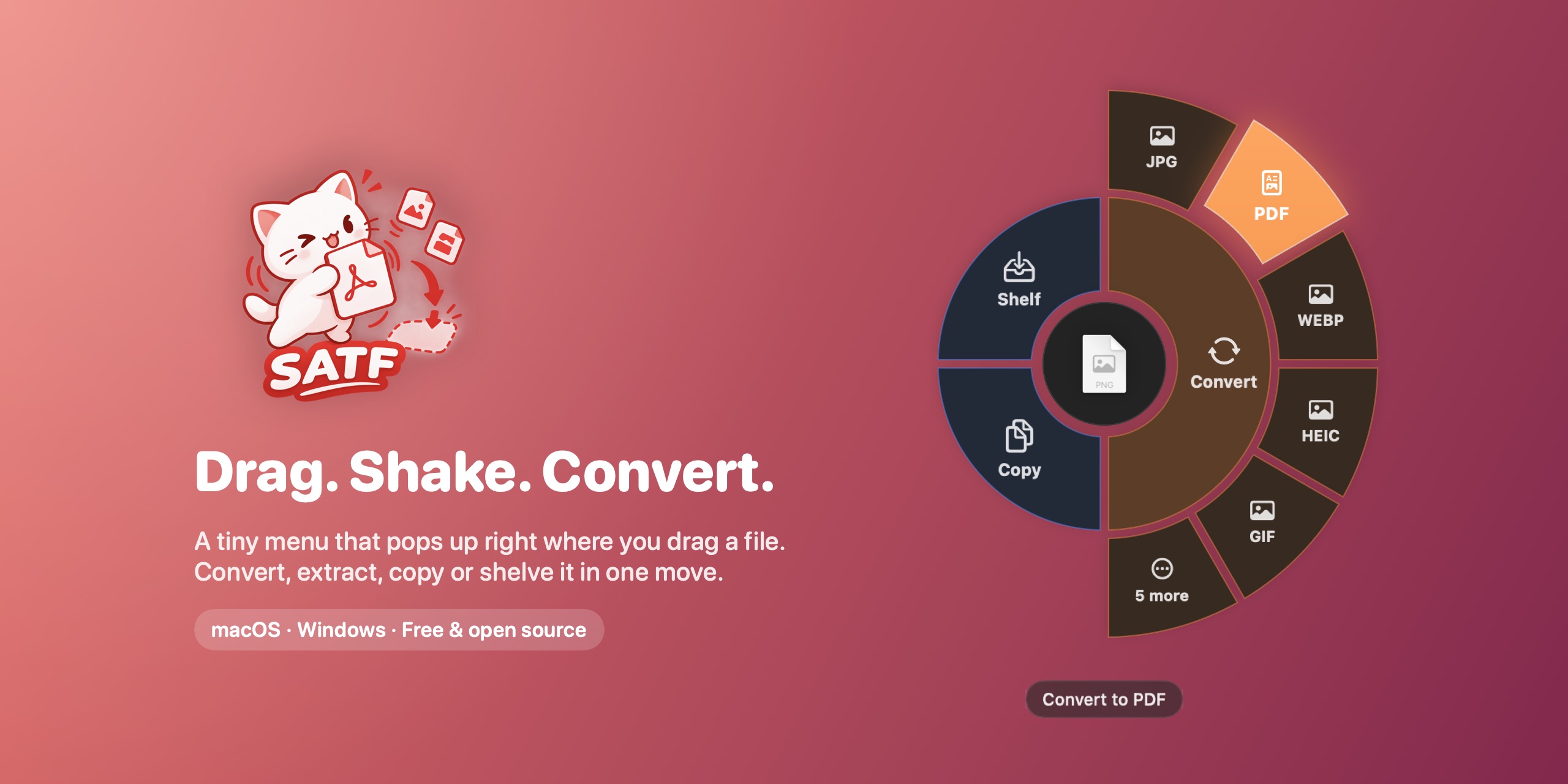
- Copy and Shelf on the left, Convert on the right. Most-used formats come first; hover More to see every format in a full circle.
- Conversions: images (JPG, PNG, PDF, WebP, HEIC, GIF, TIFF, BMP, AVIF, ICO), PDF to images/text, Word/Excel/PowerPoint to PDF, video and audio, ZIP.
- Extract zip, rar, 7z, tar, gz, bz2 and xz. Optionally use The Unarchiver, Keka, BetterZip, WinZip, 7-Zip, WinRAR or Bandizip.
- Floating Shelf to collect files and drag them out again.
- Optional add-ons (LibreOffice, FFmpeg): pick them during setup, or SATF asks when you need one. Remove them anytime.
- Progress and "saved to…" notifications. Click to reveal the file.
- English and Vietnamese.
- Windows installer with Start menu shortcut and a proper entry in Apps / Control Panel.
- Uninstall from inside the app that removes everything SATF created.
- Report a Bug / Suggest a Feature from the menu.