Repository navigation
Minerva 0.3.1: A New Look and a Steadier Page

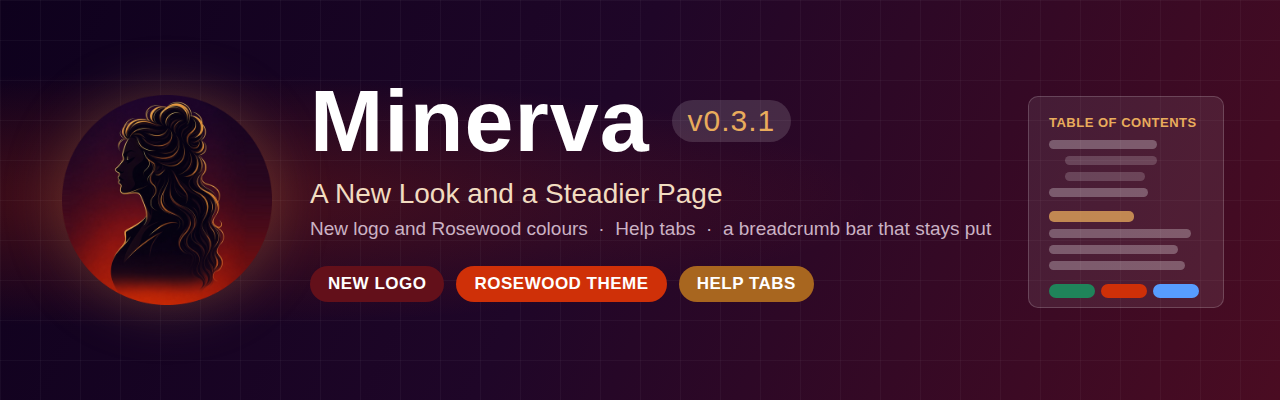
Minerva 0.3.1 gives Minerva its own face: a new logo, a Rosewood theme recoloured to match it, and a Help page with
room to grow. It also stops the breadcrumb bar from jumping when you follow a link further down a page. Minerva is
now open source under the Apache License 2.0.
Highlights
- New logo. The Minerva portrait, cropped to a circle, is now the app icon, the browser tab icon, the top-bar logo,
the sign-in page and the Helm chart icon. The full artwork is in the repository asassets/minerva-portrait.jpg. - Rosewood, recoloured. The Rosewood theme, the sign-in page and avatars take their colours from the logo: deep
purple, wine red and amber gold. The other themes are unchanged. - Help with tabs. Help now has an About tab and a User Guide tab, so the top bar is down to Settings
and Help. Old/guidelinks open the User Guide tab. - A steadier breadcrumb bar. Following a link further down a page (a table of contents entry, for example) no
longer makes the breadcrumb bar slide up before it sticks, and the browser window itself never scrolls, so the top
bar stays put. A small gap under the bar keeps scrolled text from running right up against it. - Open source. Apache License 2.0 (
LICENSE); the site-specific Helm values file is no longer in the repository.
Upgrading from 0.3.0
- No database or configuration changes.
- The logo file is now
/minerva-mark.png(wasminerva-mark.svg). Browsers may show the old logo for up to an
hour; reload with Ctrl+F5 to see the new one straight away.
Install
helm upgrade --install minerva https://github.com/uhlix-net/minerva/releases/download/v0.3.1/minerva-0.3.1.tgz \
  -n minerva --create-namespace -f values.yaml
Image: docker.io/uhlix/minerva:0.3.1 (amd64), also tagged latest.
Everything that changed: CHANGELOG.md ·
Full diff: v0.3.0...v0.3.1