Repository navigation
Releases: voltura/VolturaTextClock
Release list
Voltura TextClock 1.1.1

Voltura TextClock 1.1.1
- Updated GitHub Actions for checkout, build artifacts, and product-site deployment.
- Clock features and settings remain unchanged.
Includes the standard installer, offline installer, portable ZIP, and signed update manifest.
Voltura TextClock 1.1.0
Voltura TextClock 1.1.0
- A new word-clock icon, matching setup icon, and complete product/version metadata.
- Cleaner keyboard-accessible controls and reorganized General, Appearance, and Updates/About settings.
- English and Swedish interface languages independent of the clock face language.
- Atomic settings saves and recovery copies for malformed settings; existing preferences are retained.
- Per-user standard/offline installers and a self-contained portable ZIP.
- Installed copies can download signed, verified updates and choose when to install. Automatic startup checks remain off by default.
- A refreshed README, product website, social preview, and current security maintenance.
Packages are timestamped with Voltura's existing self-signed Authenticode certificate. Windows may still warn about an unrecognized publisher. In-app update integrity is separately enforced by TextClock-specific RSA-PSS signatures and SHA-256 verification.
Download the standard installer for the smallest package, the full installer for offline setup, or extract the entire portable ZIP. Upgrades and uninstall preserve user settings.
VolturaTextClock 1.0.9
What's new
- English and Swedish clock text, with corrected time wording.
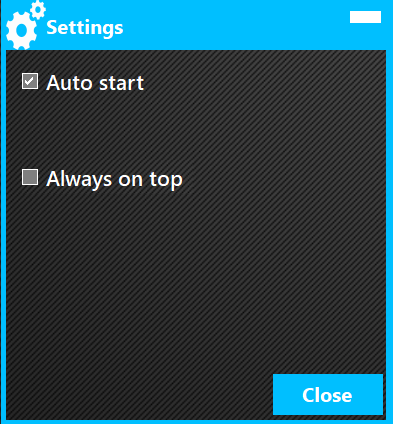
- Customizable fonts, colors, glow, flicker, and background images, with a live settings preview.
- Improved resizing, high-DPI display support, minimizing, and startup options.
- Cleaner clock controls with a black background and rounded corner.
- Optional checks for newer releases.
Download and run
Download VolturaTextClock_v1.0.9.zip, extract the entire ZIP into a folder, and run VolturaTextClock.exe. This portable Windows x64 package includes the .NET runtime; no separate runtime installation is needed.
Built from merged commit 703c127d07c766705031469ece186a9aacad4b45 with release version 1.0.9 (assembly/file version 1.0.9.0). GitHub build and smoke checks passed.
VolturaTextClock (Swedish)
A Windows app that shows the time as text

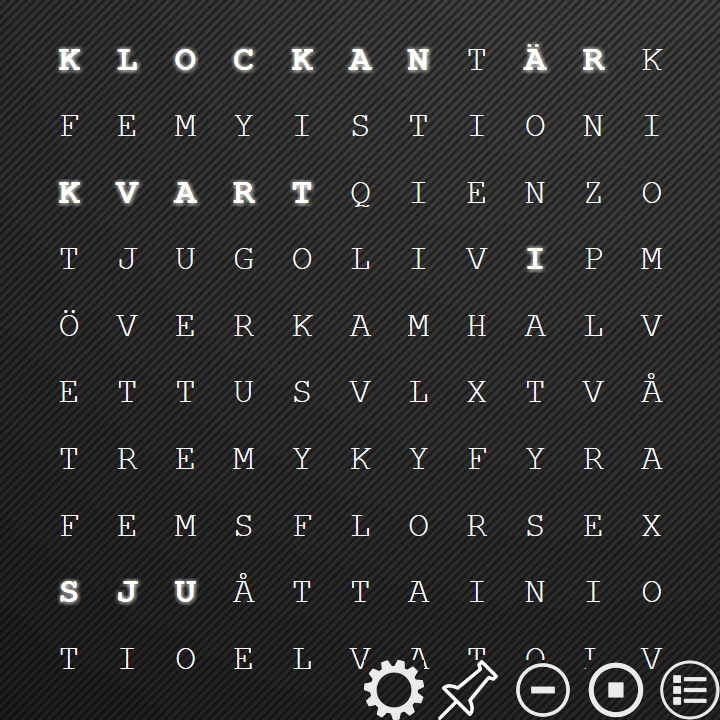
VolturaTextClock (Swedish)
Windows app that shows time as text
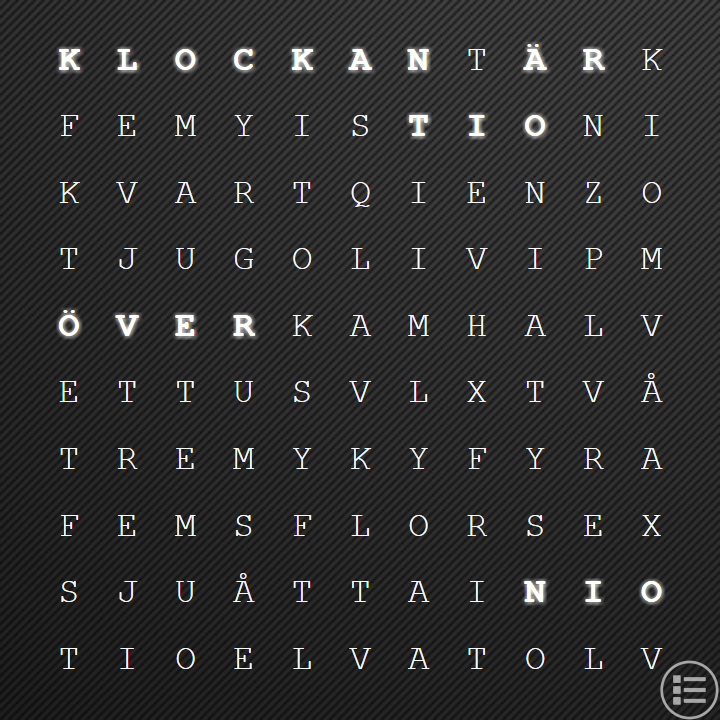
This app is still work-in-progress. Please report any issues found.