Repository navigation
v1.0-rc1: First release candidate!
Pre-release
MelodyBridge v1.0-rc1
The first release candidate of MelodyBridge 1.0, and the first official release of the app.
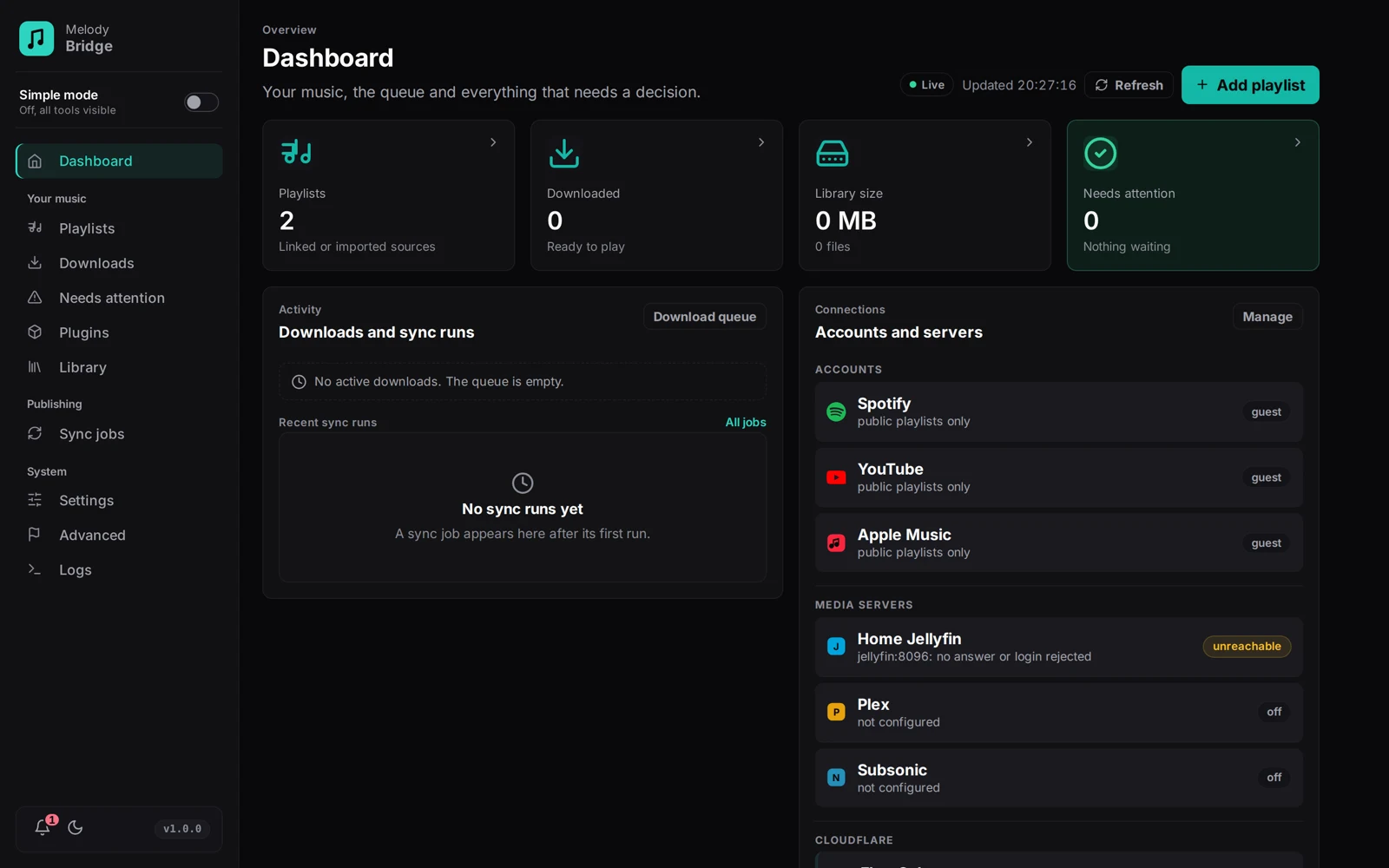
MelodyBridge is a self-hosted music toolbox: paste a Spotify or YouTube playlist link, download the tracks through a plugin waterfall, check every file for real quality, and publish the playlist as M3U or into Jellyfin, Plex or Navidrome. It runs in Docker on your own server, and the files stay on your disk.
This is a release candidate. There can still be bugs present!
What's in it
- Playlists from Spotify and YouTube. Public links work out of the box. Connect an account for private playlists and liked songs, or import an Exportify CSV or Spotify privacy export.
- Downloads through a plugin waterfall. Lucida, Monochrome, DAB Music, SoundCloud, Internet Archive and yt-dlp, tried in order until a file passes your quality bar. A lossless preset falls back to the best lossy source when nothing lossless exists.
- Quality checks that read the file. Bitrate, sample rate, duration and size, a byte-level corruption check, and a spectral analysis that catches a file claiming 320 kbps while holding far less.
- A library that survives a database wipe. Every file carries a MELODY_ID tag derived from its source, so re-adding your playlists links the music you already have back. Nothing downloads twice, and duplicate tracks across playlists can share one file through hardlinks.
- Publishing to Jellyfin, Plex, Navidrome and M3U. A wizard builds the sync job, presets or cron expressions schedule it, and path remap rules cover different mount layouts between containers.
- Automation. Per-playlist auto-sync schedules, an optional download of new tracks right after a sync, scheduled library scans and a file system monitor.
- Notifications. In-app toasts, and ntfy push with separate switches for download runs, sync jobs, sync failures and other background failures.
- One Docker image. amd64 and arm64, with the FlareSolverr companion in the shipped compose file. Music, playlists and the SQLite database land in
./data.
Since v1.0-beta2
- New: download new tracks automatically after a playlist's auto-sync. Per playlist, off by default.
- New: ntfy notifications, with a test button on the Advanced page.
- New: multi-arch images, so the app runs on a NAS or Apple Silicon machine as well as any amd64 server.
- A full audit of every feature shipped in the betas came first: correctness fixes across downloads, sync jobs, media server publishing, deduplication and the UI.
- The documentation was rewritten from scratch.
Try it
You need Docker or Podman, nothing else. This is a pre-release, so it lives on the :beta channel; :latest stays on the last stable release until 1.0 final.
mkdir melodybridge && cd melodybridge
wget https://melodybridge.app/compose.yml
# change the image line to ghcr.io/warreth/melodybridge:beta
docker compose up -d
The shipped compose file pulls ghcr.io/warreth/melodybridge:latest; change that one line to :beta, or pin the exact tag ghcr.io/warreth/melodybridge:1.0.0-rc1, which keeps working after :beta moves on. The app starts on http://localhost:3333.
Fresh installs and upgrades from a beta both work: an existing database is patched in place on boot, and going back to :latest is the same one-line edit. Full docs: https://docs.melodybridge.app.
Known limits
- armv7 (32-bit) is not published. amd64 and arm64 are.
- The community plugins (Lucida, Monochrome, DAB Music, DoubleDouble) depend on third-party services that come and go. A source being down is not a bug: the waterfall moves on to the next plugin. Enable and disable plugins on the Plugins page.
- Lucida needs FlareSolverr. The shipped compose file runs it next to the app.
Reporting issues
Open an issue at https://github.com/warreth/melodybridge/issues. Include your version (the About tab shows it), what you did, and the log export from the Logs page when the app is involved.
Full Changelog: 1.0-beta2...v1.0-rc1