Repository navigation
Releases
Codex Meter 2.2.0-beta.10

Download for Mac · macOS 14+ · Apple Silicon & Intel
What changed
- Menu-bar credits now display as whole numbers, while the detailed balance stays precise.
- The balance, “credits” and reset date use the same regular text size and colour, with a slightly thicker vertical divider.
- Credits turn yellow below 10,000 and red below 5,000, using the same colours as allowance warnings. At exactly 10,000 the colour stays normal; at exactly 5,000 it stays yellow.
- Monochrome mode remains available. Notification thresholds and allowance colours are unchanged.
Colours follow the precise balance before display rounding. For example, 9,999.8 credits displays as 10,000 but is already yellow.
Install or update
Download the ZIP, unzip it and move Codex Meter.app to Applications, or choose Check for Updates… in the app. The app is signed and notarized by Apple. No separate Node installation is needed.
Automated download, signature, notarization, bundled-runtime and startup checks passed on macOS 14 Apple Silicon and macOS 15 Intel. Test results.
Addresses #1.
Independent project, not affiliated with or endorsed by OpenAI.
Codex Meter
I built Codex Meter to make it easier to keep an eye on my Codex allowance, reset time and extra credits from the Mac menu bar.
Download for Mac · macOS 14+ · Apple Silicon & Intel

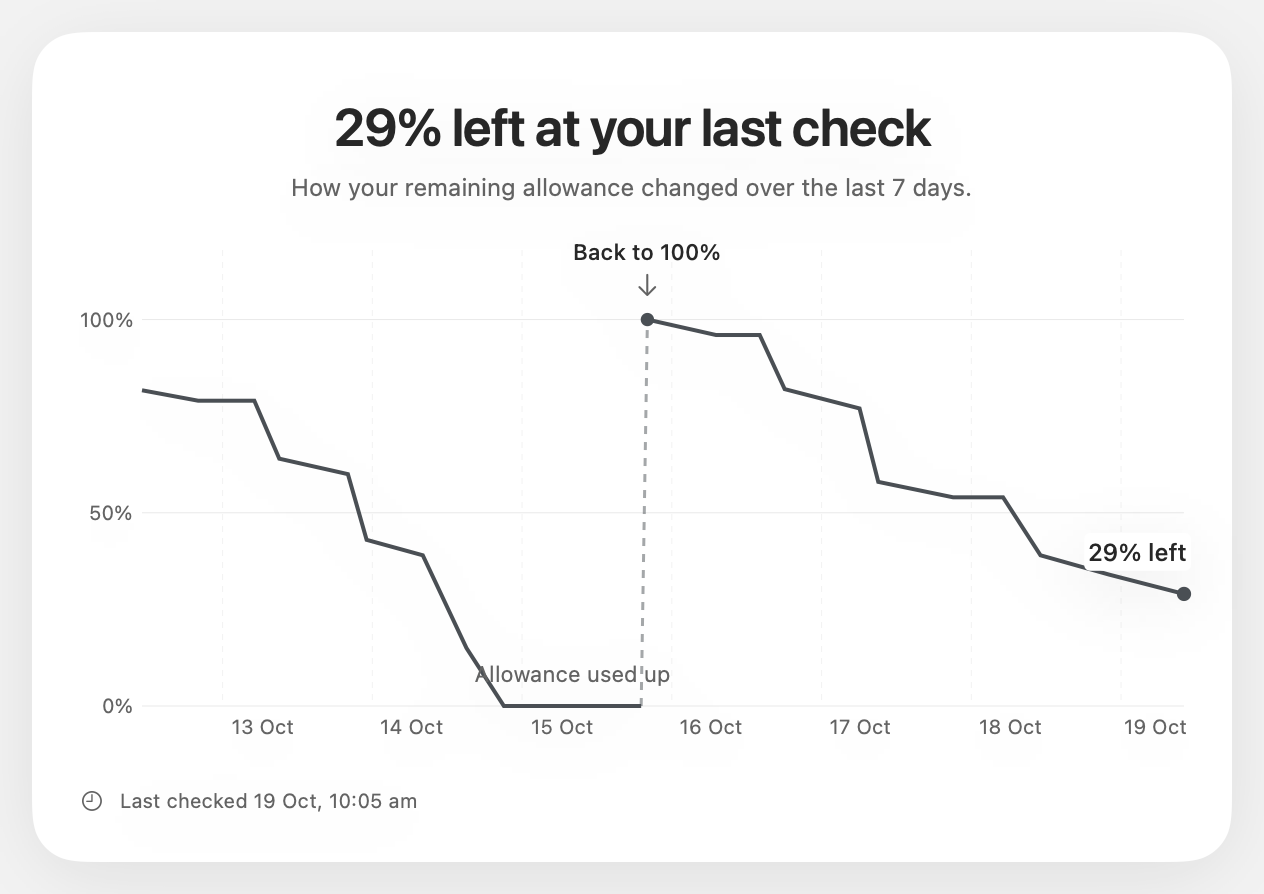
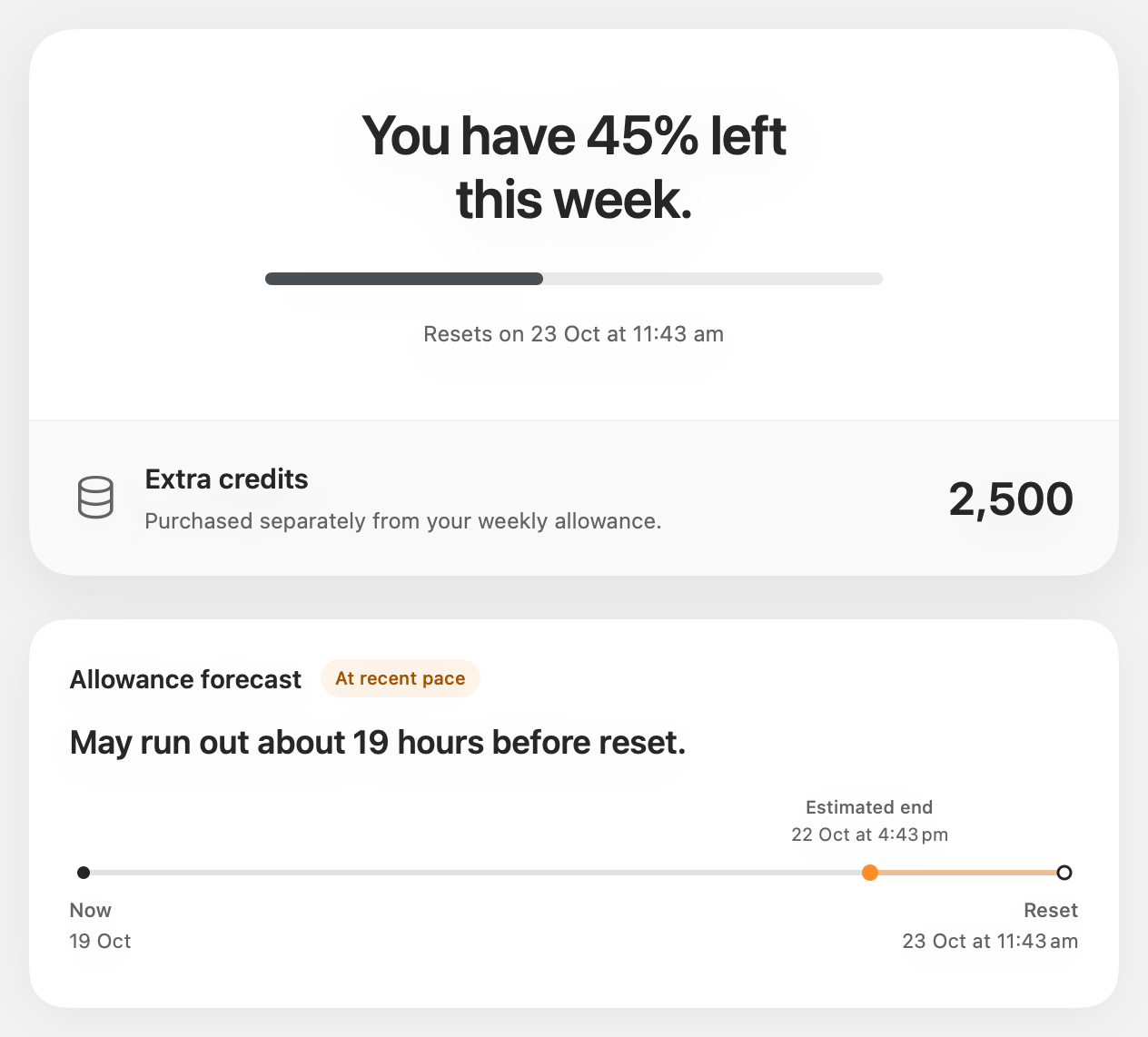
Demo data. Click an image to see it larger.
In this beta
- Connect multiple Codex accounts. The menu bar follows your current Codex account unless you choose another.
- See usage history and an estimate of whether your allowance will last until reset.
- Choose what appears in the menu bar and when you get warnings, now with softer amber and red colours.
- Update from inside the app. When a newer compatible version is found, you’ll need to update to keep using Codex Meter.
Install
For macOS 14 or later, on Apple Silicon or Intel. Sign into Codex with your ChatGPT account first.
- Click Download for Mac above. The ZIP is the only file you need.
- Unzip it and move Codex Meter.app to Applications.
- Open it.
No separate Node installation needed. I’ve signed the app and had it notarized by Apple. Usage history stays on your Mac.
This is still a beta. Forecasts are estimates and don’t include extra credits. If something breaks or feels off, let me know by opening an issue with what happened and your macOS version.
Independent project, not affiliated with OpenAI.