
This is a Windows form application which was created using Visual Studio 2019. The aim of the project was to create an executable solution of an online booking system, which manages the data through a RDBMS.
The program contains two dashboards, one for the user and another for the admin. Within the admin dashboard they have access to facilities such as Coach management, user management, Bookings and admin. Each of these features allow the admin to add, update, delete, search and export data in an excel format.
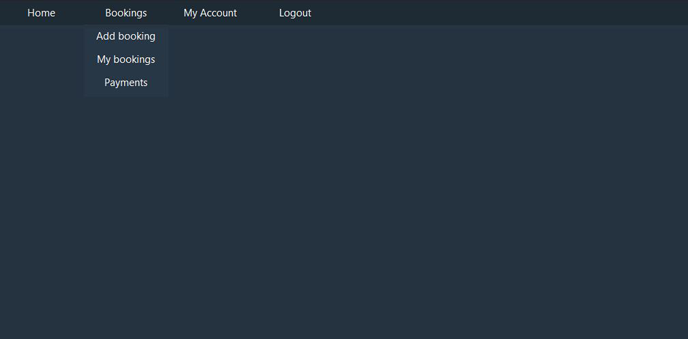
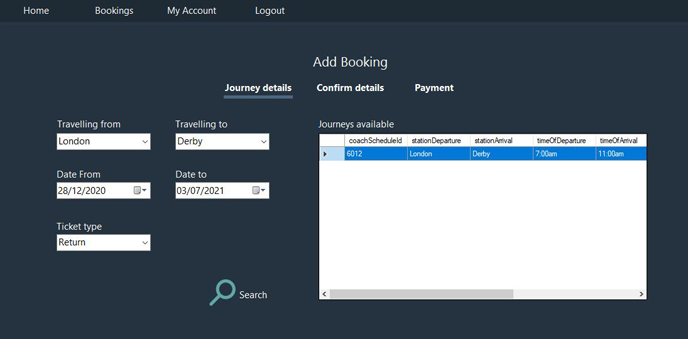
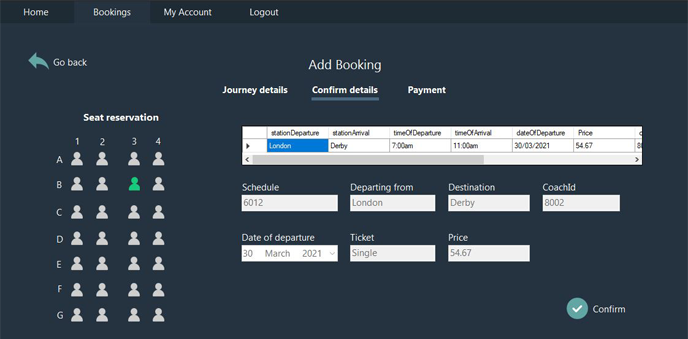
The customer dashboard on the other hand allows the user to view/ update their account details, view bookings and payments, add bookings and reserve seats through an on-screen GUI.
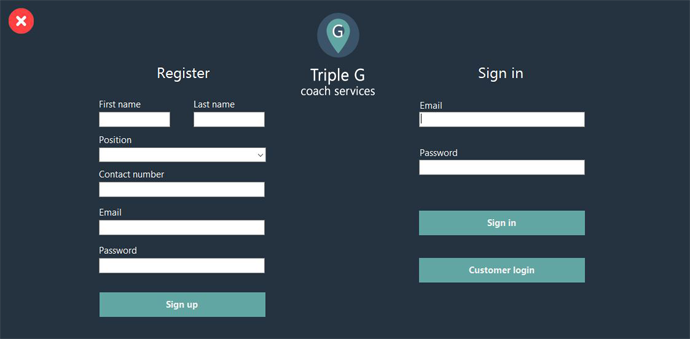
Below are some screenshots of the application, which gives a better perspective of both the Customer account and employee backend.
My intention here was to go for a modern, clean and well designed theme which would be ideal for both an internal company application (employee backend) and website environment (online customer account).
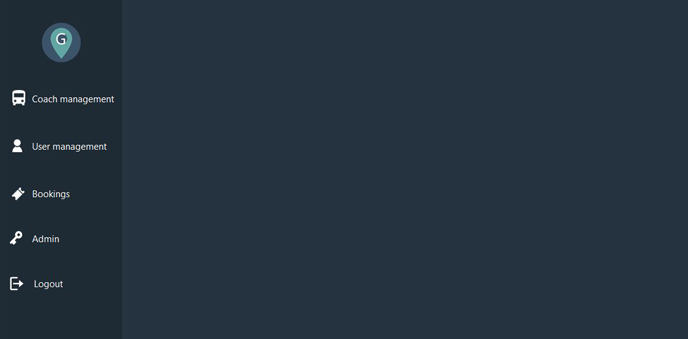
-
This project introduced me to SQL and how to store the bookings and related data in a sql server database. I learnt how to implement queries such as inserting, updating, removing, searching for related data and more.
-
The importance of using parameterized queries to prevent the occurence of SQL injection.
-
Use of version-control software.
-
Advanced object-oriented design techniques using UML and design patterns.
This project was created with:
- C#
- Visual studio
- SQL server database
To download the project from github copy the following clone repo address:
https://github.com/Aaron03-92/CoachBookingService.git
Paste the copied web address into the visual studio clone repository field and click the "Clone Repository" button.
1. To import the database, the file “TGCS_Database.dacpac” must be opened within visual studio.
2. Right click on the local host database. They will be presented with a list of options, one of them being “publish data tier application”.
3. After clicking this option, they will be presented will the following screen:
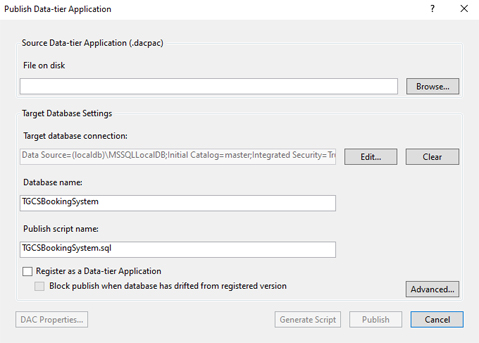
4. Here the user must select the “TGCS_Database.dacpac” file.
5. Click publish
6. The database will now be visible within the SQL server object explore, under "Databases"