Repository navigation

Conrad is back on the Amiga in higher resolution, with optional repainted graphics, remastered music and panoramic stereo sound!
VIDEO: https://youtu.be/cfI_IHW7o9Q
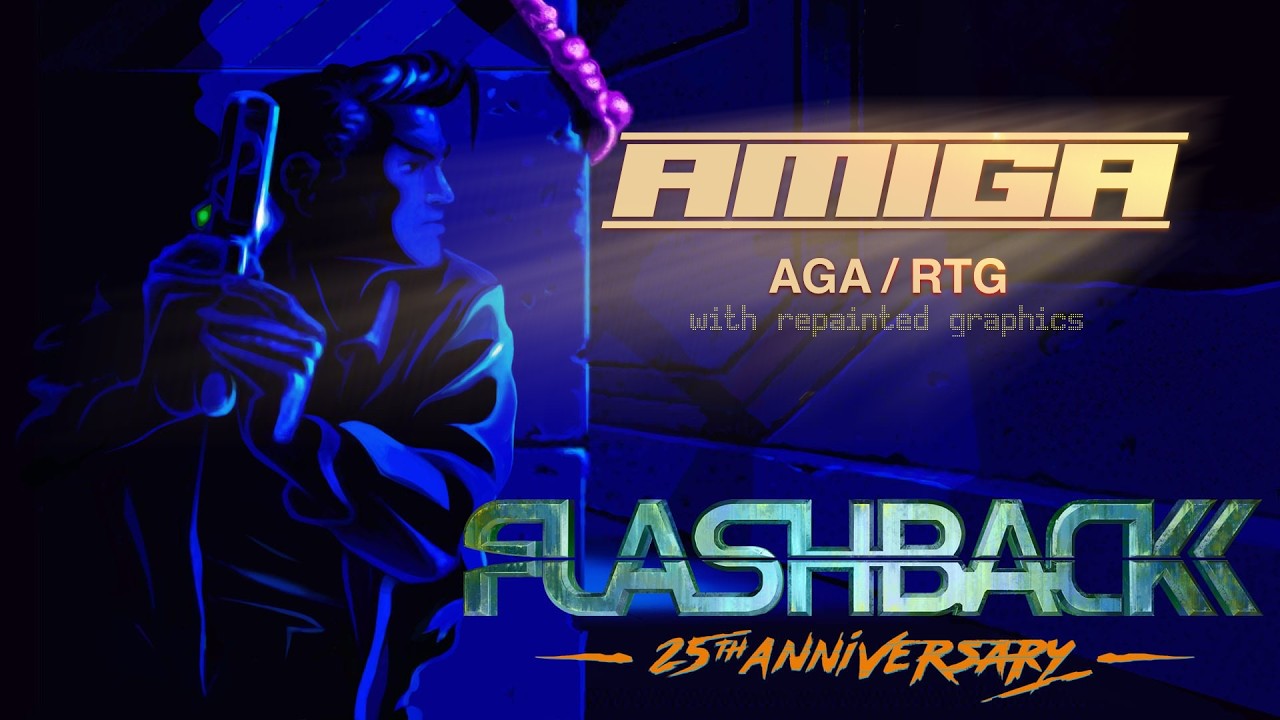
The game data are not included
You need your own copy of Flashback 25th Anniversary from Steam:
https://store.steampowered.com/app/961620/Flashback/
The Convert2Amiga tool for Windows or Mac turns it into Amiga files, including the HD backgrounds and the remastered music and sound effects.
Back where it all began
Flashback was born on the Amiga in 1992. A year later it came to PC and consoles, and many more platforms followed. The latest Flashback - 25th Anniversary Edition was released on PC in 2018. While many computers came and went, Conrad finds his way back to the Amiga. But this time with remastered music and, unlike the PC version, panoramic stereo sound effects and repainted HD graphics, which makes the Amiga port the best-looking and best-sounding Flashback ever!
This port comes in three versions, from an Amiga 1200 (640x256 AGA) to a graphics card (1024x896 RTG). Unlike the original Amiga 500 version, the backgrounds are smoothed or even repainted in HD, all converted from your own copy of the game. On a graphics card, the cutscenes are drawn at two or four times the resolution, Conrad and the enemies are smoothed or even repainted, and everything else that moves is smoothed on the fly. The new music and sound effects come from the 25th Anniversary Edition, but unlike there, the sound effects play in panoramic stereo.
The best-looking Flashback
The 25th Anniversary Edition still shows the original 256x224 pictures from 1993, only enlarged and smoothed on the fly. The result, as many have criticized, is rather blurry. On RTG the backgrounds are two or four times the original resolution, but most importantly, our converter, before it builds the Amiga graphics, repaints every background in HD with the ArtStation neural model. It turns the dithered pixels into painted textures and gives a crisp HD image instead. On top of that, on RTG the animations of Conrad and the enemies are repainted too, with the BigFArt model. They look much nicer than the original blocky animations. Together with the panoramic stereo sound effects, that makes this Amiga port the best-looking and best-sounding version of Flashback ever.


Installation
-
Install Flashback 25th Anniversary from Steam on your PC or Mac.
NOTE: On a Mac with Apple silicon, Steam may say that the game will not run. No worries, install it anyway. Only its data files are needed.
-
Download Flashback_AGA-RTG-windows.zip or Flashback_AGA-RTG-macos.zip from https://github.com/AmiKit/Flashback_AGA-RTG/releases/latest
Windows: unzip Flashback_AGA-RTG-windows.zip and start Convert2Amiga.exe in the Flashback25th folder.
NOTE: If you see "Windows protected your PC", click More info and then Run anyway.Mac: unzip Flashback_AGA-RTG-macos.zip and start Convert2Amiga.
It finds the game on its own if it is in your Steam library. If not, right-click Flashback in Steam, choose Manage > Browse local files, and drag Flashback_Data (Windows) or Flashback (Mac) from the folder that opens into the Convert2Amiga window.
-
In Convert2Amiga, press the green button and make yourself a coffee, because this takes a while: about 12 minutes on a PC with a Ryzen 7 5800X, 8 minutes on a Mac mini M4 and 14 minutes on a MacBook Air M2. The game needs 2 GB of free space on your PC or Mac, and 2 GB on your Amiga.
-
When the conversion is done, press the green button again. It opens the folder with Flashback25th and its icon (Flashback25th.info). Copy both to your Amiga. On a Mac you find them in the Convert2Amiga folder in your home folder.
-
On the Amiga, run Prefs first and save your settings.
Controls
| Key | Action |
|---|---|
| Cursor keys | move Conrad |
| Shift | run, use, fire |
| Space | draw or holster the gun |
| Return | use the selected object (hold it for a moment) |
| Tab | inventory |
| Esc | options |
| Ctrl+S, Ctrl+L | save, load the game |
| Ctrl+R | rewind five seconds (with enough fast RAM) |
| Tab, Esc | skip the intro and cutscenes |
| Tab, Esc, Space | close messages |
| F10 | quit |
Joystick or CD32 pad in port 2
| Button | Key |
|---|---|
| Directions | move Conrad |
| Fire (red) | Shift |
| Blue | Space |
| Green | Return |
| Yellow | Tab |
| Play | Esc |
| Reverse | Ctrl+R |
With a one-button joystick, select menu items with Return.
Amiga requirements
- MINIMUM: Amiga 1200 (AGA) with 4 MB fast RAM, 2 GB of free space
- RECOMMENDED: Amiga with RTG, or PiStorm, or an emulator, 2 GB of free space
| Machine | Version | Graphics | Sound |
|---|---|---|---|
| A1200, 4MB FastRAM | 640x256 AGA | Original, Smooth or Repaint backgrounds 96 colors |
Paula Remastered Panoramic |
| 68040, RTG | 512x448 RTG | Same as above + characters Sharper cutscenes 32,768 colors |
AHI Remastered Panoramic |
| 68060 PiStorm emulator |
1024x896 RTG | Same as above Up to 16.7 million colors |
AHI Remastered Panoramic |
Rewind (Ctrl+R) needs at least 8MB FastRAM.
Tested on PiStorm, WinUAE and Amiberry.
For bug reports, open an Issue here
The included icons are DualPNG, which requires icon.library 46 or newer. Without it, start Prefs and the game from the Shell.
Credits & Licence
Flashback (C) 1992 Delphine Software. The game data are not part of this package. You need your own copy of Flashback 25th Anniversary from Steam.
The game runs on REminiscence, a re-implementation of the Flashback engine by Gregory Montoir:
https://github.com/cyxx/REminiscence
Amiga port by Jan Zahurancik / AmiKit, https://flashback.amiga.sk
AmiKit - Modern Retro Amiga Experience, https://amikit.amiga.sk
DualPNG icons: (C) 2007 Ken Lester, https://www.five-star.com
Convert2Amiga uses xBRZ by Zenju (GPL-3), MNN from Alibaba (Apache 2.0), Tremor and libogg from Xiph.Org (BSD), Vorbis setup data from vgmstream (ISC), and two models by DinJerr (CC BY-NC 4.0):
https://openmodeldb.info/models/4x-ArtStation1337-Dedither-v2
https://openmodeldb.info/models/4x-BigFArt-Detail