Repository navigation
Songate 2.0.0 BETA 1
Pre-release
Songate 2.0.0 BETA 1: Gatefold NX has a new name, Automix playlists that play like a DJ set, and Songate now runs on Windows too.
Warning
Beta versions can be unstable and have bugs. Please report them: open an issue, or use Settings › Support in the app.
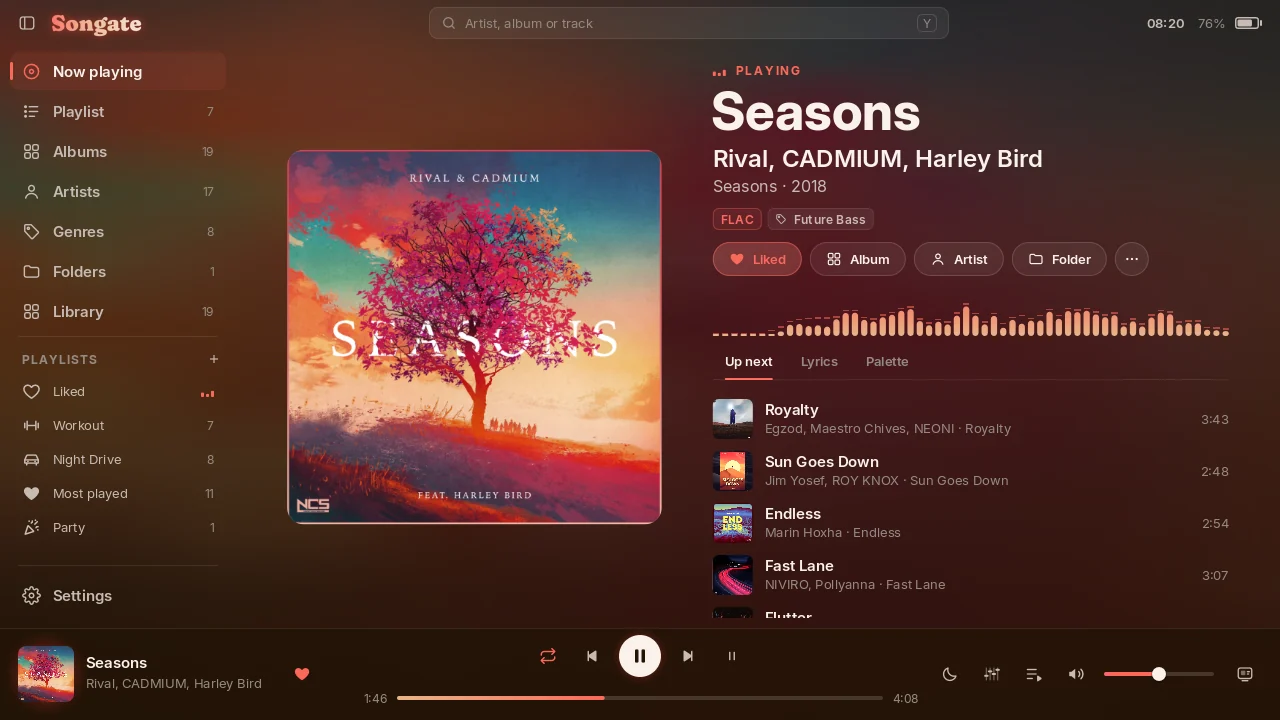
On the Switch, tests were only made on HOS 22.5.0 and 23.0.0, with the latest HATS pack from sthetix. On Windows, tests were only made on Windows 11. Only MP3, M4A and FLAC are supported; other formats are untested.
🎮 Install or update on the Switch
Gatefold NX 1.1.0 has no updater, so this one is installed by hand:
- Download SongateNX-2.0.0-beta.1.zip below and unzip it onto the root of the SD card, replacing the old files.
- Restart the console, so the new background player starts. Songate, the background player and the overlay must all be this version: they do not talk to 1.1.0.
- Launch Songate by holding R while starting a game (applet mode, from the Album, has too little memory).
Your settings, playlists, Liked and edits are kept, in the same place. The first start removes the old Gatefold.nro and Gatefold.ovl. You need Atmosphère, and Ultrahand for the overlay.
From now on, Settings › Updates can install new versions and go back to earlier ones. Turn on Beta versions there to be offered betas.
| In the zip | What |
|---|---|
switch/Songate/Songate.nro |
🎵 the app |
atmosphere/contents/4200000047464E58/ |
🎧 the background player (sysmodule, starts at boot) |
switch/.overlays/Songate.ovl |
🧩 the Ultrahand overlay |
🙈 Can't find the overlay? switch/.overlays is a hidden folder (its name starts with a dot): macOS and many phone file and zip apps hide it, and some leave it out when copying. Copy the whole switch and atmosphere folders from the zip, and on a Mac press ⌘ ⇧ . in Finder to see hidden folders. Open the overlay with Ultrahand's combo: L + D-pad down + R3, a click of the right stick, unless you changed it.
💻 Install on Windows
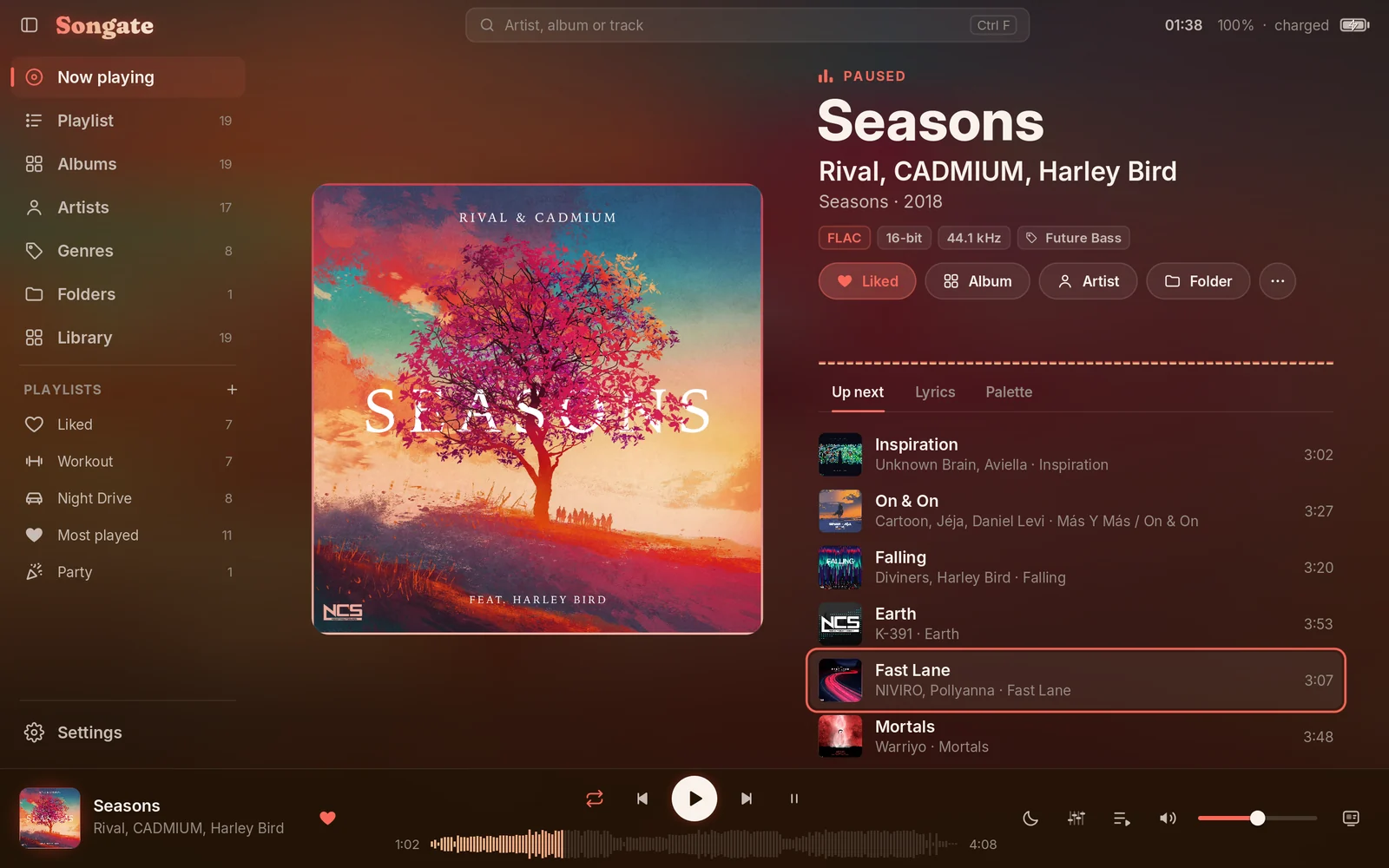
The same app, on a 64-bit PC. Tests were only made on Windows 11.
- Download SongateWIN-2.0.0-beta.1.exe below and run it. It needs no administrator rights.
- Choose a folder and which shortcuts you want. Windows' protected folders, like Program Files, can't be used.
- Tick Open Songate at the end, or leave it for later, and choose your music folder at the first start.
🛡️ "Windows protected your PC"? The installer isn't signed, so Windows doesn't know it yet. Click More info, then Run anyway. Your browser may also ask whether to keep the download. If you'd rather check the file first, compare its SHA-256 with the one at the bottom of this page.
What's different from the Switch:
- ⌨️ Keyboard and mouse. Settings › Controls lists the keys.
- 🪟 A real window, full screen with F11, and the Canvas always full screen.
- 🔽 Closing the window can keep the music playing beside the clock, from Settings › Playback.
▶️ The media keys and Windows' media controls work.
Not on the PC: the background player, the overlay, game actions and per-game volumes. They belong to the console.
Not tested yet: game pads, a second monitor, taskbar buttons, Sleep now, the colour picker, and an in-app update from a real release. Please report what you find.
Your settings are in %APPDATA%\Songate. Uninstalling leaves them there.
🎵 Gatefold NX is now Songate
It started as a recreation of Gatefold, DEVIROYrus's interface for foobar2000, and it has grown into a player of its own: a new name, and its own name in the sidebar.
✨ What's new
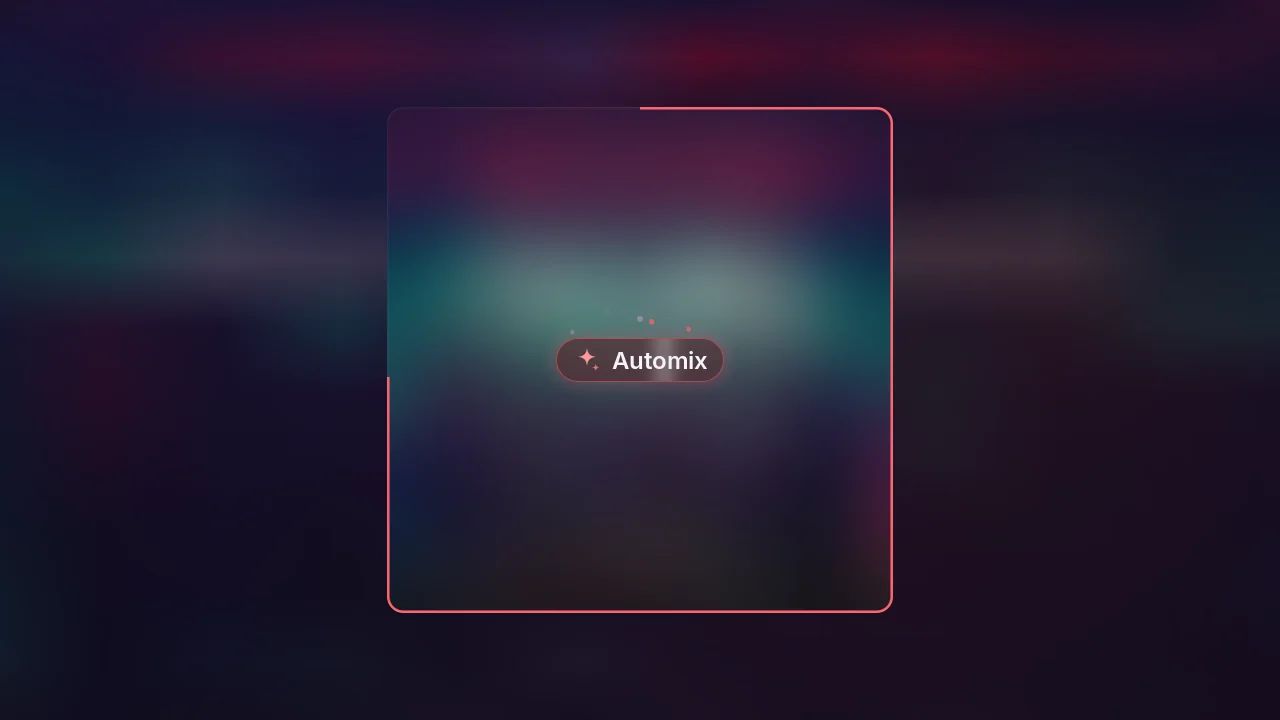
- 🎚️ Automix. Playlists that play like a DJ set: Songate listens to each song once, orders them for the best joins, and blends each into the next on the beat, on the drop, or through its fade. In the app and in the background player. + in the sidebar → Automix playlist…
- 📦 Automix models over the air. New ways of joining songs, from Settings › Updates. V1.2.0 is already out, and the models are open source in songate-automix.
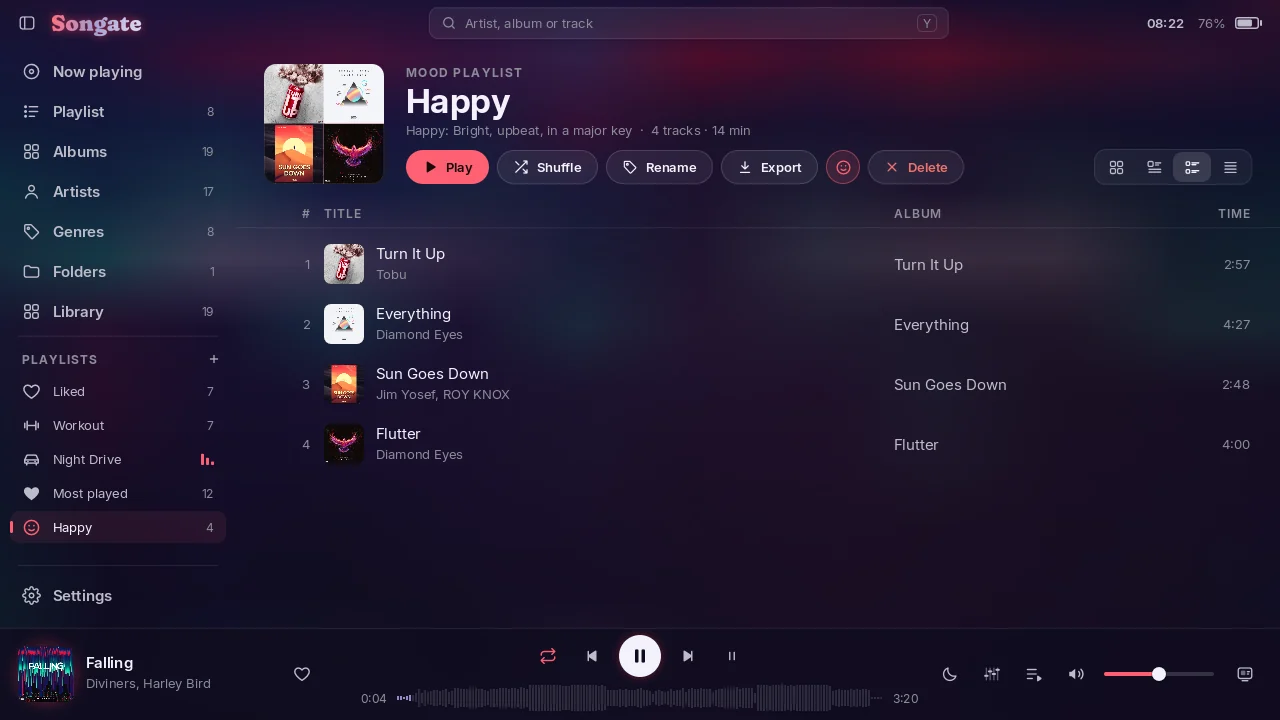
- 🎭 Mood playlists. Happy, Party, Relaxed, Sad or Aggressive, measured on the console.
- 🎛️ Equalizer. Presets, your own saved sounds, Simple or Advanced (ten bands and a preamp), in Songate and the background player.
- 🔀 Crossfade. 2 to 12 seconds, and it can leave the joins of an album alone.
- 🎮 A playlist for a game event. When a game opens, on the HOME menu, back in the game or when it closes, continued or shuffled.
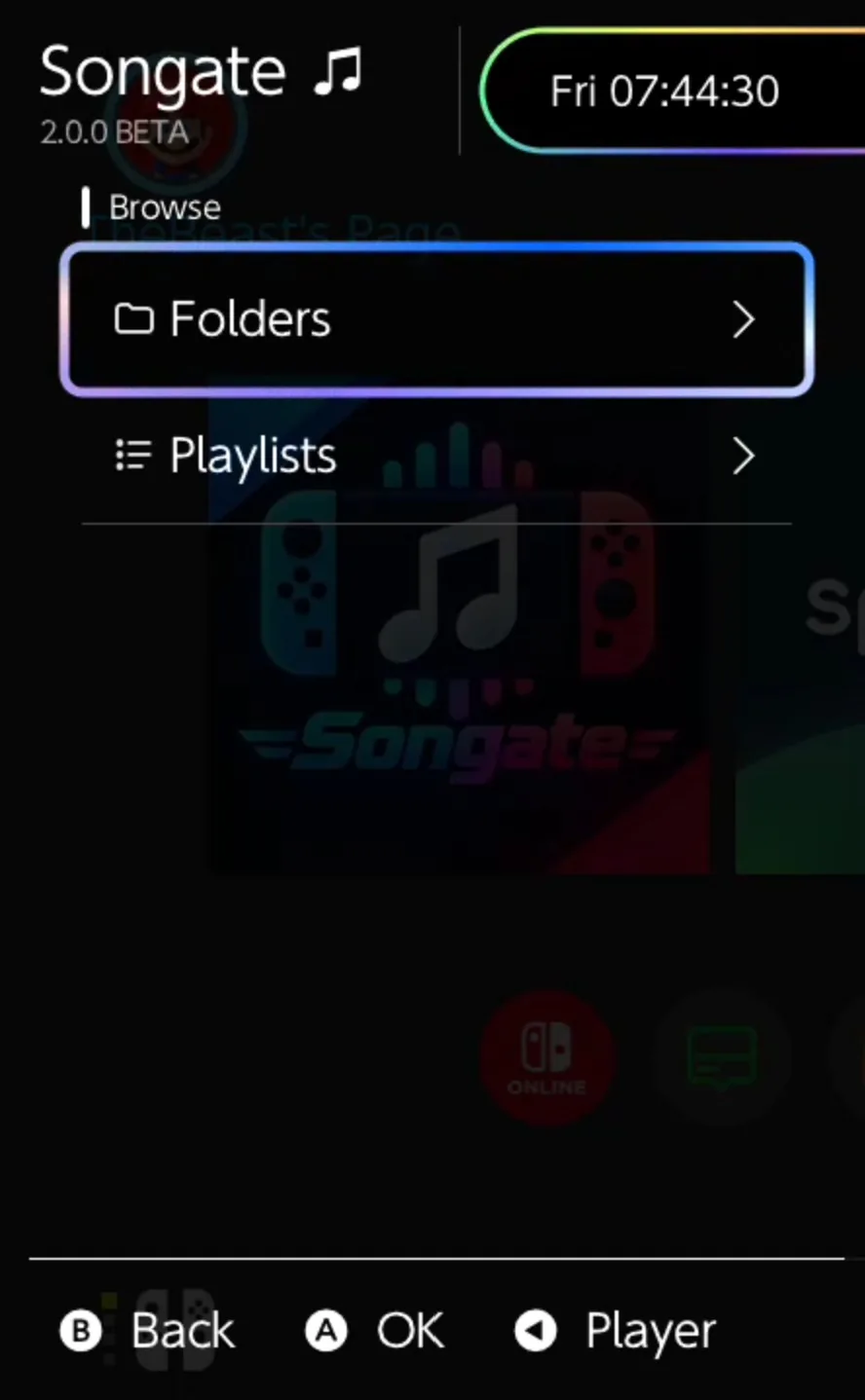
- 🧩 The overlay browses your folders, and your playlists by kind (Normal, Smart, Mood, Automix), with Songate's icons.
- 📄 .m3u and .m3u8. Play or import one from anywhere on the SD card, and export any playlist.
- 💾 Files. The whole SD card in a tab of its own, hidden until you show it in Settings › Appearance › Sidebar.
- 📋 A Playlists page, with your own order, and 78 icons for playlists.
- 🔄 Updates in the app. Every release with what changed, install a newer one or go back, your settings backed up first. Off until you allow it.
- 🐞 Support. Report a bug or suggest a feature from the console. Off until you turn it on.
- 🧭 A guided tour on Songate's own screens: Basic, Advanced or Complete, in Settings › About.
- 🎨 Any colour for Custom, lyrics timing for each track, and Storage and reset pages in Settings.
🔧 Fixes
- 🖼️ FLAC covers now load on the console.
- 🔆 With Keep the console awake on and Dim the screen off, the screen no longer dims by itself.
- 📊 The background work's cards stack, and stopping one no longer makes the stack blink.
- 🎵 Long titles and artists in the player bar scroll slowly instead of being cut.
- 🗑️ Deleting any playlist asks first.
- 🎶 The first queue on a fresh install no longer races through every track.
| Automix | A Mood playlist | The overlay |
|---|---|---|
 |
 |
 |
See the README for everything else.
SHA-256
SongateNX-2.0.0-beta.1.zip:0a068e9f36db56cafe14093829f41f6bcac96a221aedba858c4e8ae7c94a9483SongateWIN-2.0.0-beta.1.exe:36798868324ba8fed8a709685dd354a3a87e2635d325138012b3bc36fa2924de