Repository navigation
ImKit v2.2.0 — try it before you integrate it

ImKit 2.2.0 — try it before you integrate it
Preview placement that communicates intent
Choose Fit, Fill, or Stretch for each preview. Monitor presentation adds crop and vertical flip. Five explicit states—Ready, Loading, Empty, Offline, and Error—show whether media is ready, missing, or needs attention.
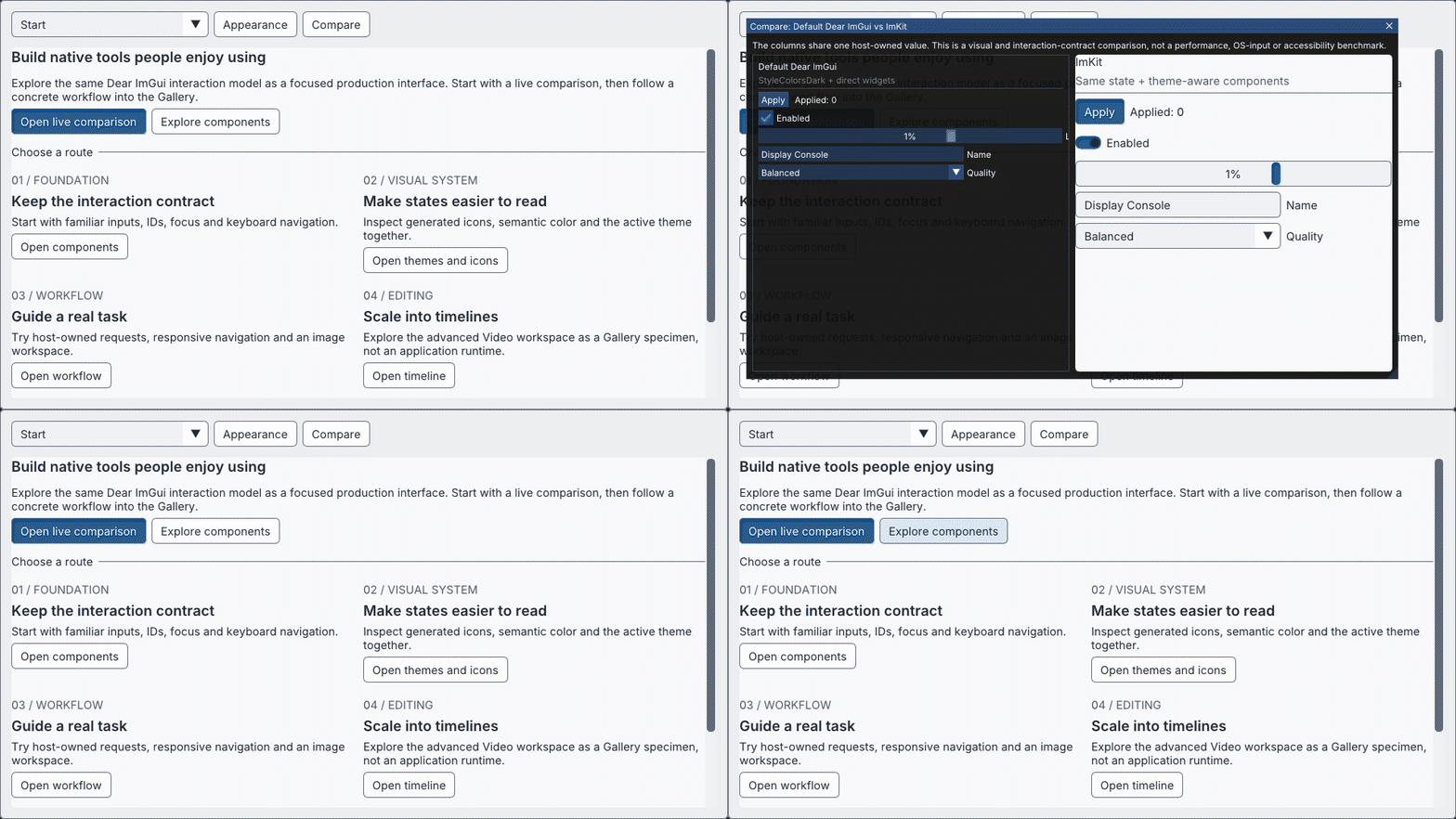
Workflow and Timeline
The release brings the guided Gallery comparison together with responsive Workflow controls and Timeline interaction. Gallery examples cover representative source and viewport aspect ratios.
Download and try
- Windows x64 Gallery
- Windows x64 MSVC v145 SDK
- Source archive
- Validation evidence
- Manifest · SHA-256 checksums
The release validation covered the target Debug/Release library and Gallery, API fixture, source and SDK consumers, and the Gallery shared-state comparison. Native OS/IME, physical DPI, live camera/media, and acceptance in individual host applications were outside that validation.
日本語
意図が伝わるPreview配置
PreviewごとにFit、Fill、Stretchを選べます。Monitorはcropと上下反転にも対応しました。Ready、Loading、Empty、Offline、Errorの5状態により、素材の準備状況やエラーを画面に示せます。
WorkflowとTimeline
目的別のGallery案内に、responsiveなWorkflow操作とTimeline操作をまとめました。Galleryではsourceとviewportの代表的なアスペクト比も確認できます。
ダウンロードして試す
検証対象はDebug/Release libraryとGallery、API fixture、source/SDK consumer、Galleryの共有状態比較です。native OS/IME、実機DPI、実camera/media、個別アプリへの統合受け入れは対象外です。