Repository navigation
Page dial
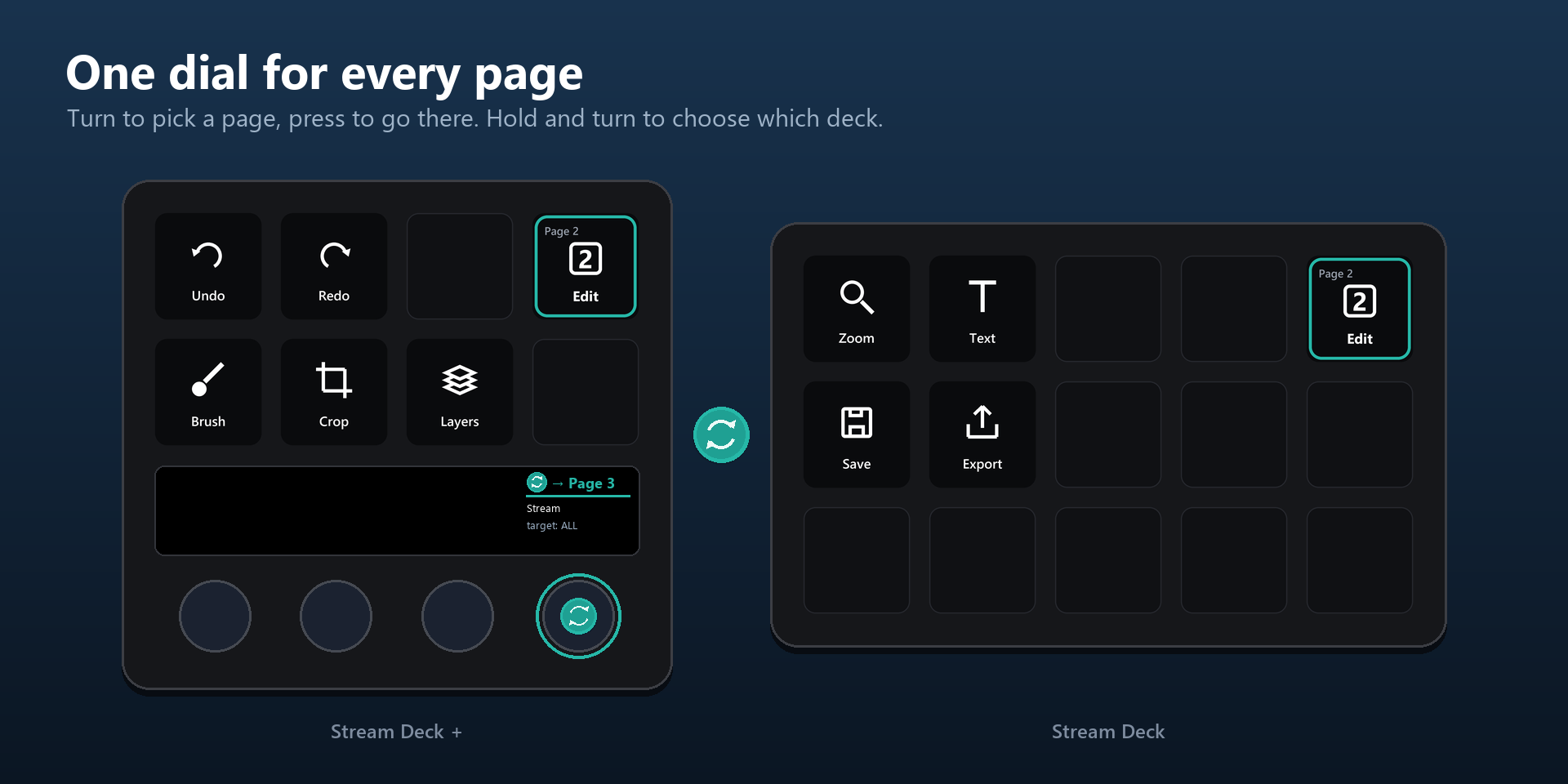
The page dial is one dial on Stream Deck + that moves every deck. The DeckSync profile for Stream Deck + has it on dial 4 of every page.

- Turn: pick a page (1–10). The touch strip shows its name, nothing is sent yet.
- Press: go to that page on the target decks.
- Hold and turn: pick the target: ALL → each deck in turn → ALL, in both directions. Holding without turning does nothing.
- Touch: go to the page, same as press.
The chosen page and target are shared by all page dials and remembered across restarts.
-
All decks on the same page:
ALL: Page 3, then each deck with its own page name. -
Decks on different pages:
PAGES, then one line per deck:Deck1: Page 3 Edit. - While you turn: the page you are about to go to, its name, and the target.
-
While you hold:
TURN: DECKand the target you are choosing.
Give your decks names in the dial's settings and they replace Deck1, Deck2 on the strip.
Questions or a bug? Open an issue: https://github.com/BerrisNO/DeckSync/issues