Repository navigation
Virtual Stream Deck
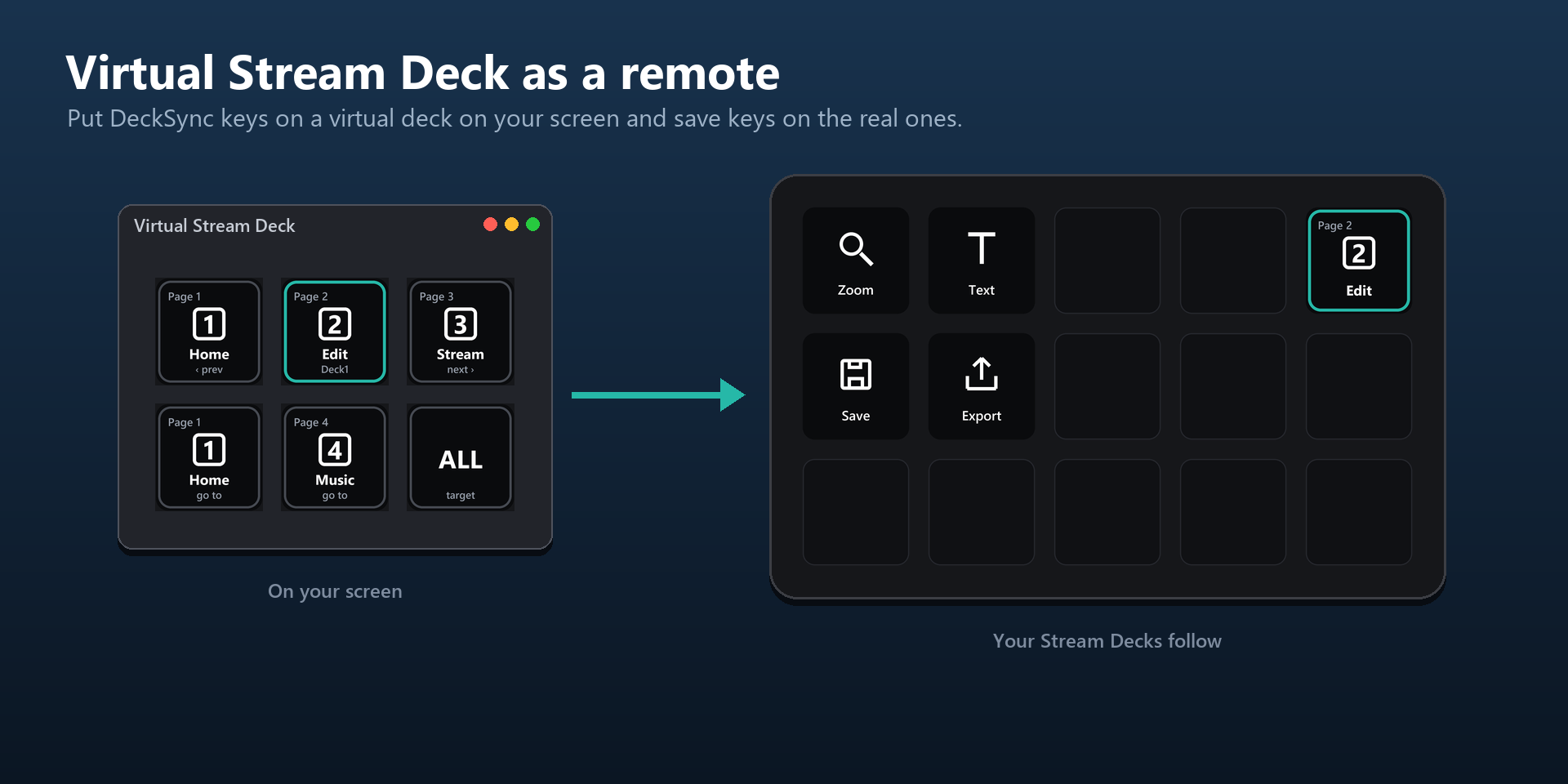
A Virtual Stream Deck on your screen can drive your physical decks and save keys on them. It needs no DeckSync profile and no page marker: you set it up yourself, in any grid size, with DeckSync's keys.
- Enable Virtual Stream Deck in the Stream Deck app and create one.
- Drag DeckSync actions onto it:
- Page step (Previous and Next): moves all decks, or the Target key's choice. The keys show the page they lead to.
- Go to page: one key per page you use often, for all decks or one page per deck.
- Page indicator: shows where a deck is. Pick the deck in its settings.
- Target: choose which deck Page step moves.
- That is all. The virtual deck itself stays on its own page; it only controls the others.
The same works for any deck you would rather keep out of the sync: put the keys on a profile of your own.
Questions or a bug? Open an issue: https://github.com/BerrisNO/DeckSync/issues