Repository navigation
Broadcaster v0.2.1

Broadcaster v0.2.1 — remote navigation and IPTV reliability
Broadcaster v0.2.1 refines TV-remote operation and improves the safety and reliability of custom IPTV sources. The app remains a lightweight Linux television and Mediathek player.
What's new
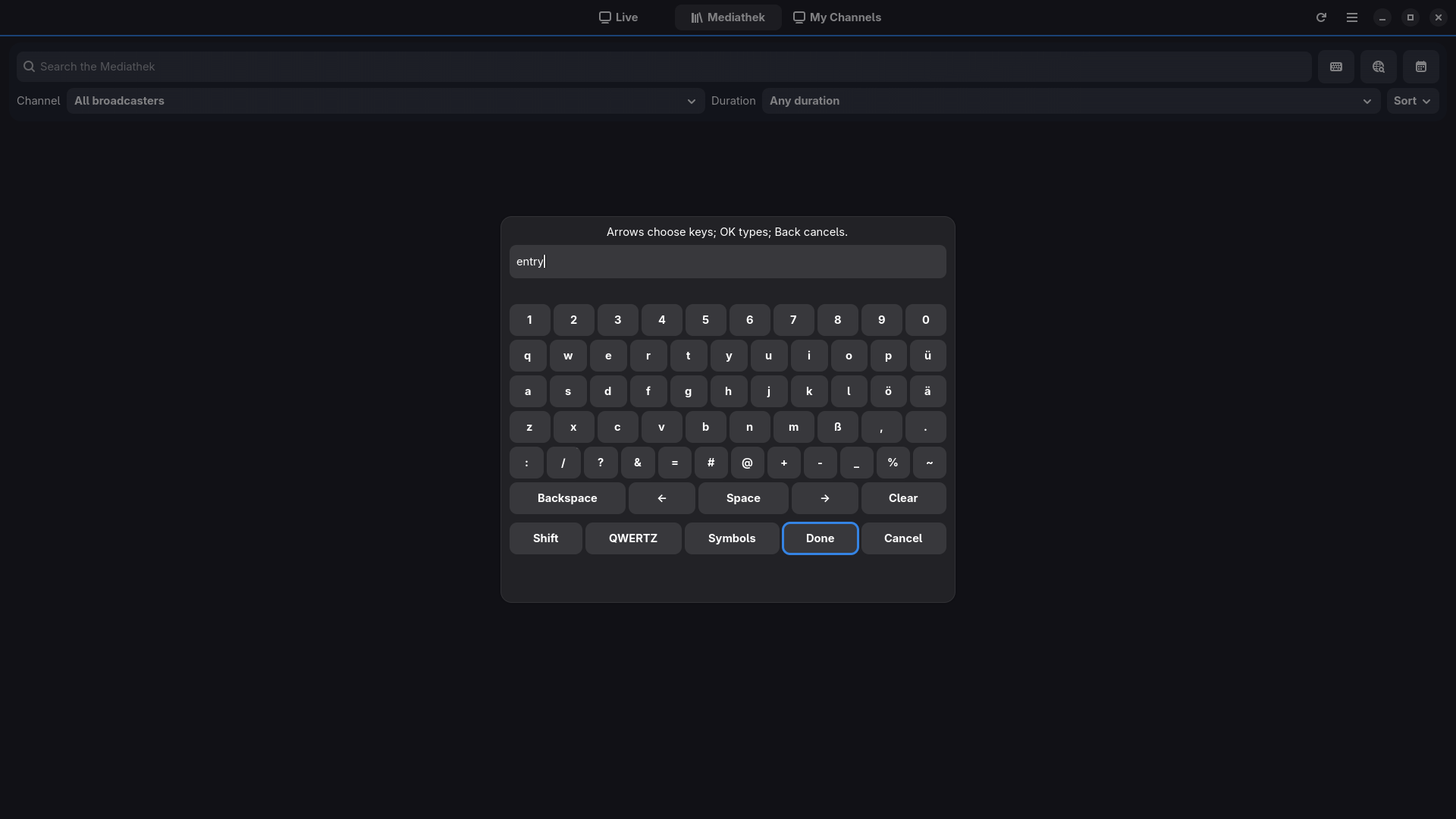
- On-screen keyboard: An on-demand keyboard supports editable fields using ordinary directional remote keys. It is available by default, can be disabled in Settings, and does not replace normal typing, pasting, or mouse input.
- Remote navigation: Keyboard and toolbar focus handling were refined across the interface, including dialogs and source-management actions.
- Safer playlist imports: HTTP(S) playlist requests check eligible destination addresses and redirect hops to protect against public-to-private network redirects. Playlist fetching deliberately bypasses configured HTTP proxies so that the validated destination is the one contacted; directly configured permitted LAN sources remain supported.
- Safer local data: First-run IPTV SQLite initialization uses validated, non-overwriting database publication. Unedited channels missing from sources for 90 days can be cleaned up without deleting channels that have user overrides.
- Per-channel playback headers: Imported User-Agent and Referer hints can be validated and passed to Broadcaster's managed mpv player for individual IPTV channels. They are not applied to Live TV, Mediathek, or playback in an external player.
Screenshots
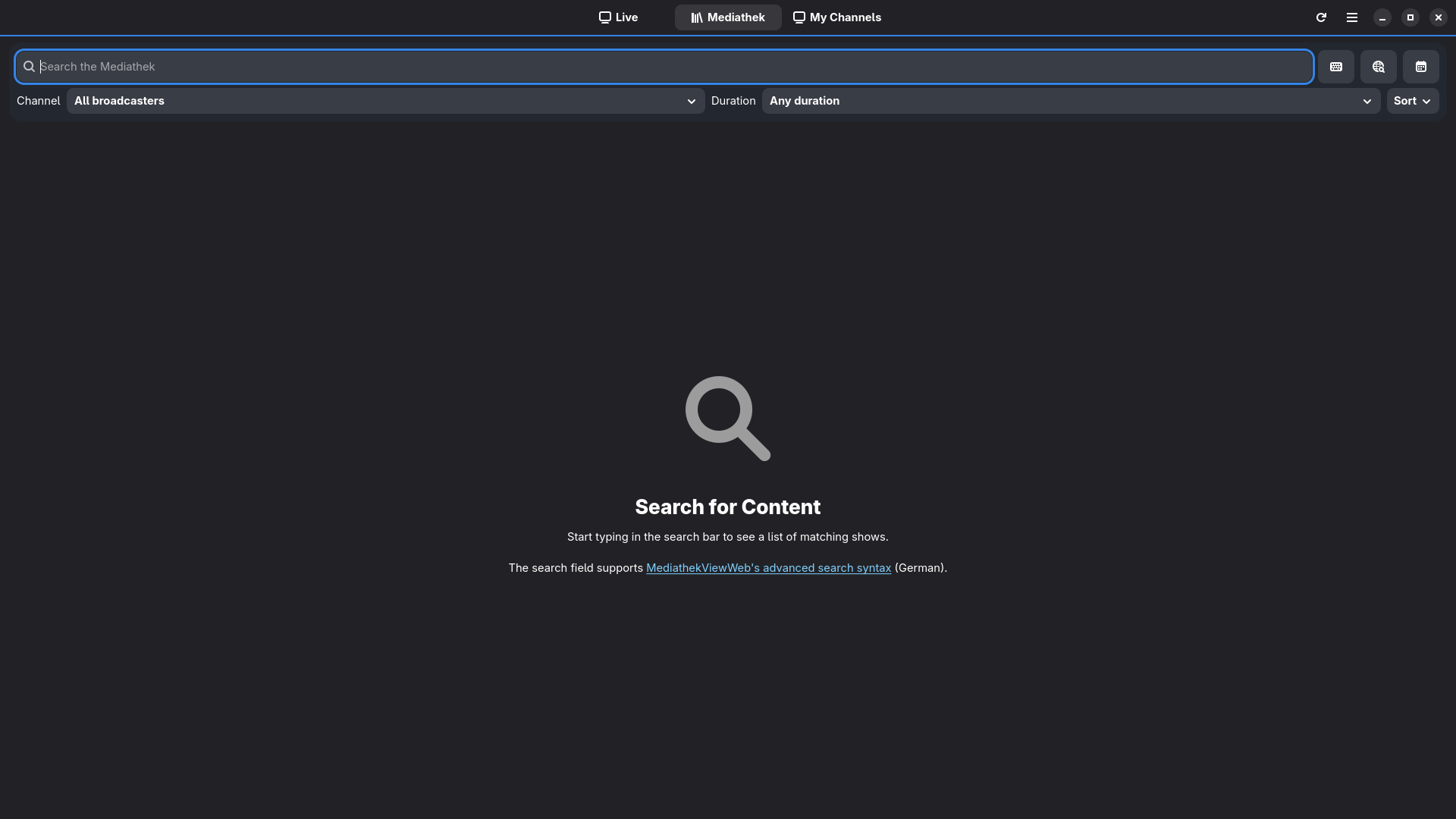
Mediathek search
Remote-controlled on-screen keyboard
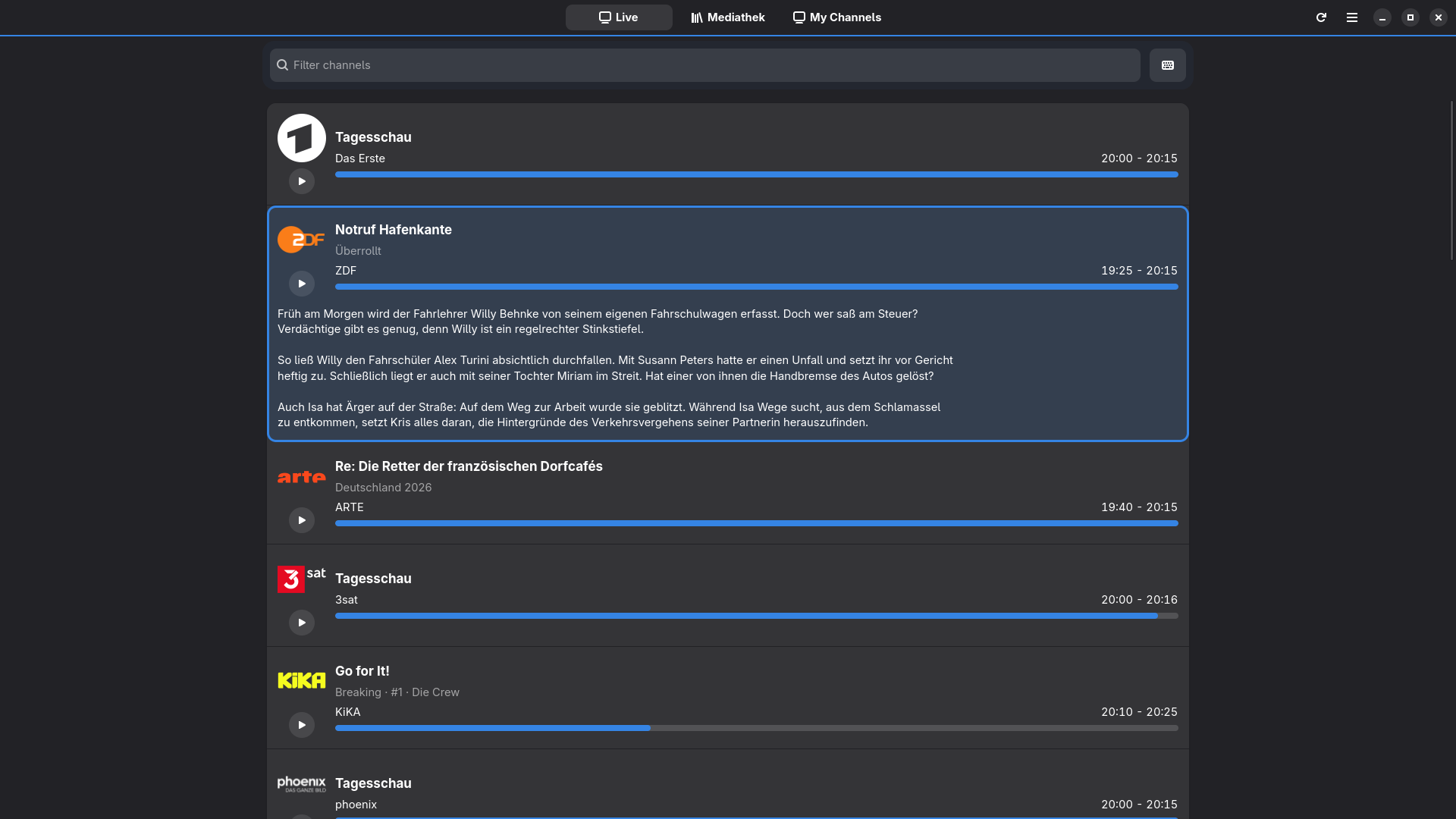
Live TV
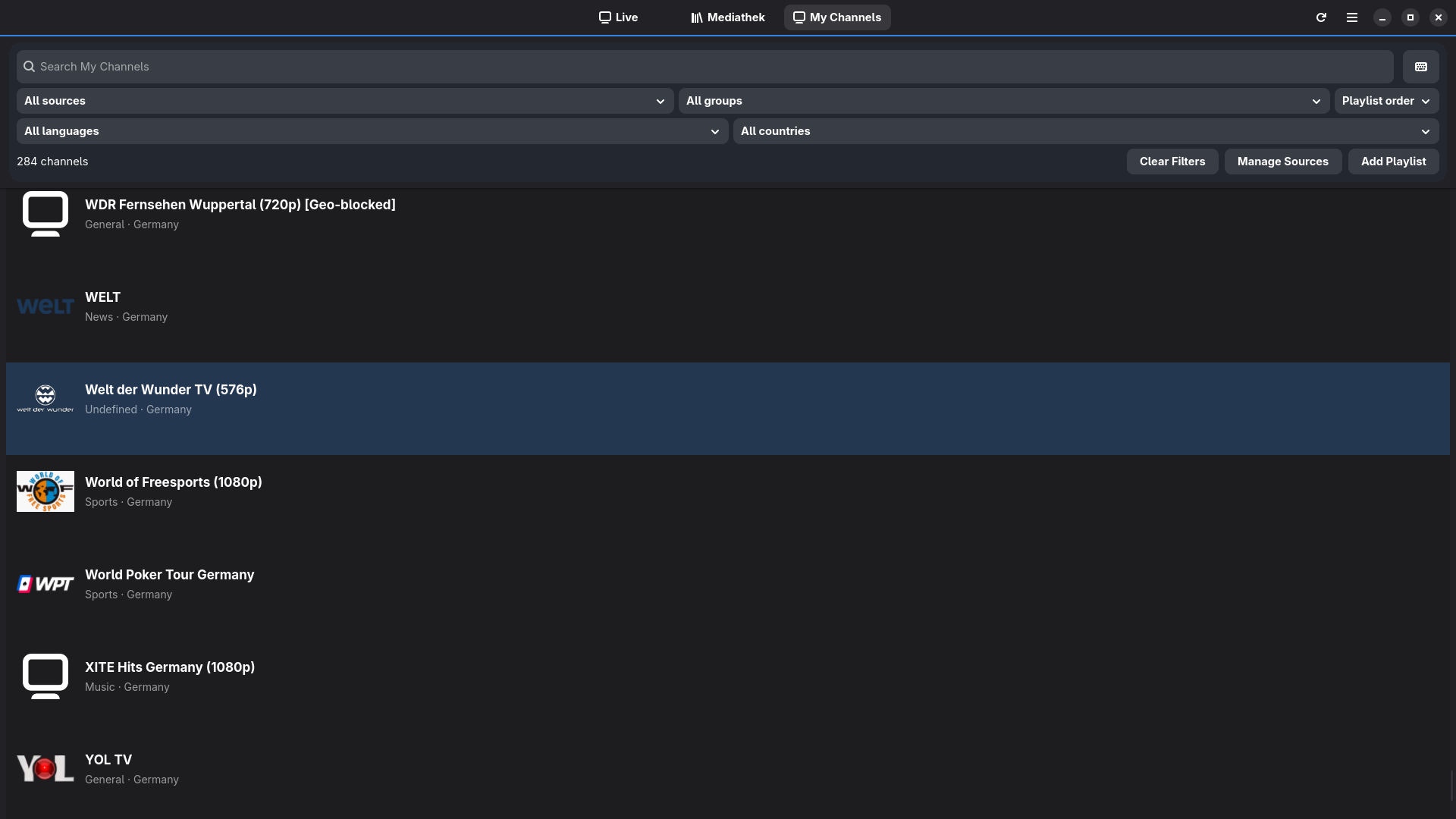
My Channels
Player controls (unchanged)

Installation and compatibility
Download the production Flatpak bundle for your architecture (broadcaster-0.2.1-x86_64.flatpak or broadcaster-0.2.1-aarch64.flatpak) and the accompanying SHA256SUMS from the published release assets. Verify the downloaded bundle against that checksum file before installation. For this historical v0.2.1 release, run these commands in the download directory (x86_64 example; for ARM64 substitute aarch64 in both filenames):
grep 'broadcaster-0.2.1-x86_64.flatpak$' SHA256SUMS | sha256sum -c -
flatpak remote-add --user --if-not-exists flathub https://flathub.org/repo/flathub.flatpakrepo
flatpak install --user ./broadcaster-0.2.1-x86_64.flatpak
flatpak run io.github.Certain1989.Broadcaster
The current English README and German README describe the latest release, which may use different Flatpak filenames.
The Flatpak uses GNOME Platform 51 and bundles mpv. Some video formats require the matching org.freedesktop.Platform.codecs-extra//26.08-extra extension. Broadcaster is not on Flathub; downloaded Flatpak bundles do not configure automatic application updates.
Important limitations
- mpv may forward imported User-Agent and Referer values across stream redirects or cross-origin HLS requests; these values are not origin-confined. Avoid including sensitive credentials in them.
- Playlist downloads bypass HTTP proxies by design. Explicitly configured permitted local playlists can still be imported; remote media playback follows the player's own configuration.
- Imported playlists are user-managed: there is no automatic playlist refresh, IPTV account login, EPG or recording feature in this release. Available streams, rights and regional restrictions depend on their providers.
- A standalone Flatpak's access to local files uses the normal file chooser/document portal; a prior grant may require reauthorization.
Broadcaster neither hosts television streams nor provides IPTV subscriptions. It is a hobby project distributed as-is with no guarantee of device, compositor or remote-control compatibility.