Repository navigation
Broadcaster v0.3.0

Broadcaster v0.3.0 — release notes
Broadcaster v0.3.0 adds optional automatic refresh for user-managed M3U playlists, more flexible per-playlist programme-guide choices, and a complete SQLite database backup/restore facility. XMLTV import and storage recovery have also been improved. Mediathek search, Live TV, favourites, Now/Next and mpv playback remain available.
Changes
- Automatic playlist refresh: Enable scheduled refresh separately for each M3U source in My Channels → Manage Sources → Automatic Playlist Refresh. It is off by default, with a configurable interval of 6–168 hours. Broadcaster checks due sources while the application runs; no playlist update occurs while it is closed. Manual refresh remains available. An unexpectedly large loss of channels is held for manual review rather than applied without confirmation.
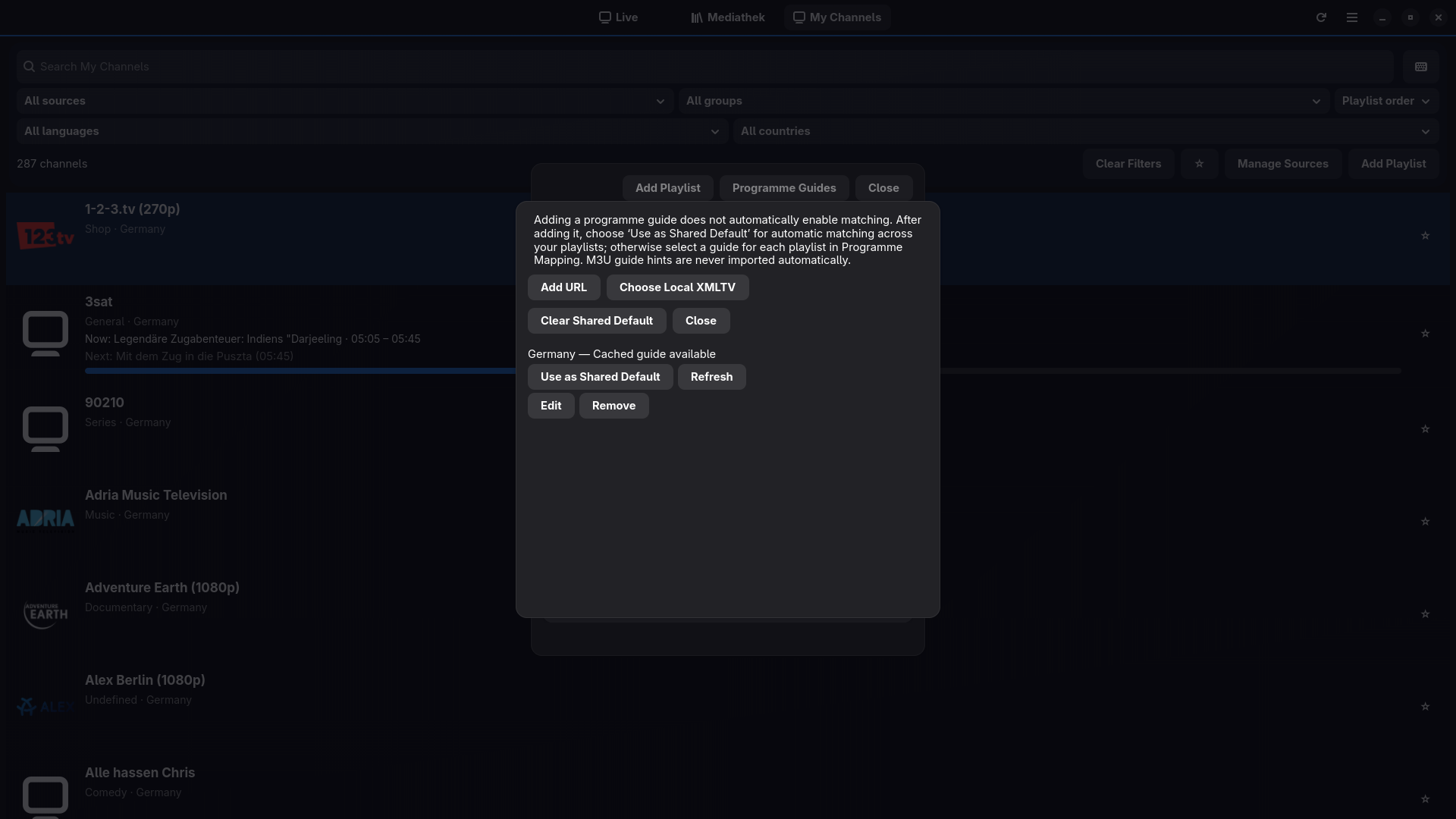
- Per-playlist guide choices: A playlist can inherit the Shared Default XMLTV guide, select a particular guide or explicitly choose no guide. One playlist's choice does not change other playlists. Merely adding an EPG source still does not associate it with a playlist, and uncertain channel matches still require review.
- Complete database backup and restore: Export a consistent copy of Broadcaster's SQLite database, including playlists, channels, favourites, guide associations, cached programmes and database refresh settings. Importing an existing backup is an explicitly confirmed full replacement, not a merge, performed after the application is closed and restarted.
- XMLTV compatibility: Problematic control characters in programme titles can be omitted safely, with broader regression and large-guide coverage. External listings may still be incomplete or inaccurate.
- Storage maintenance and remote interaction: Abandoned XMLTV download staging files receive bounded, lock-aware cleanup. Historical database migration recovery copies remain available. Additional regression checks cover source-management and remote-navigation behaviour.
Screenshots
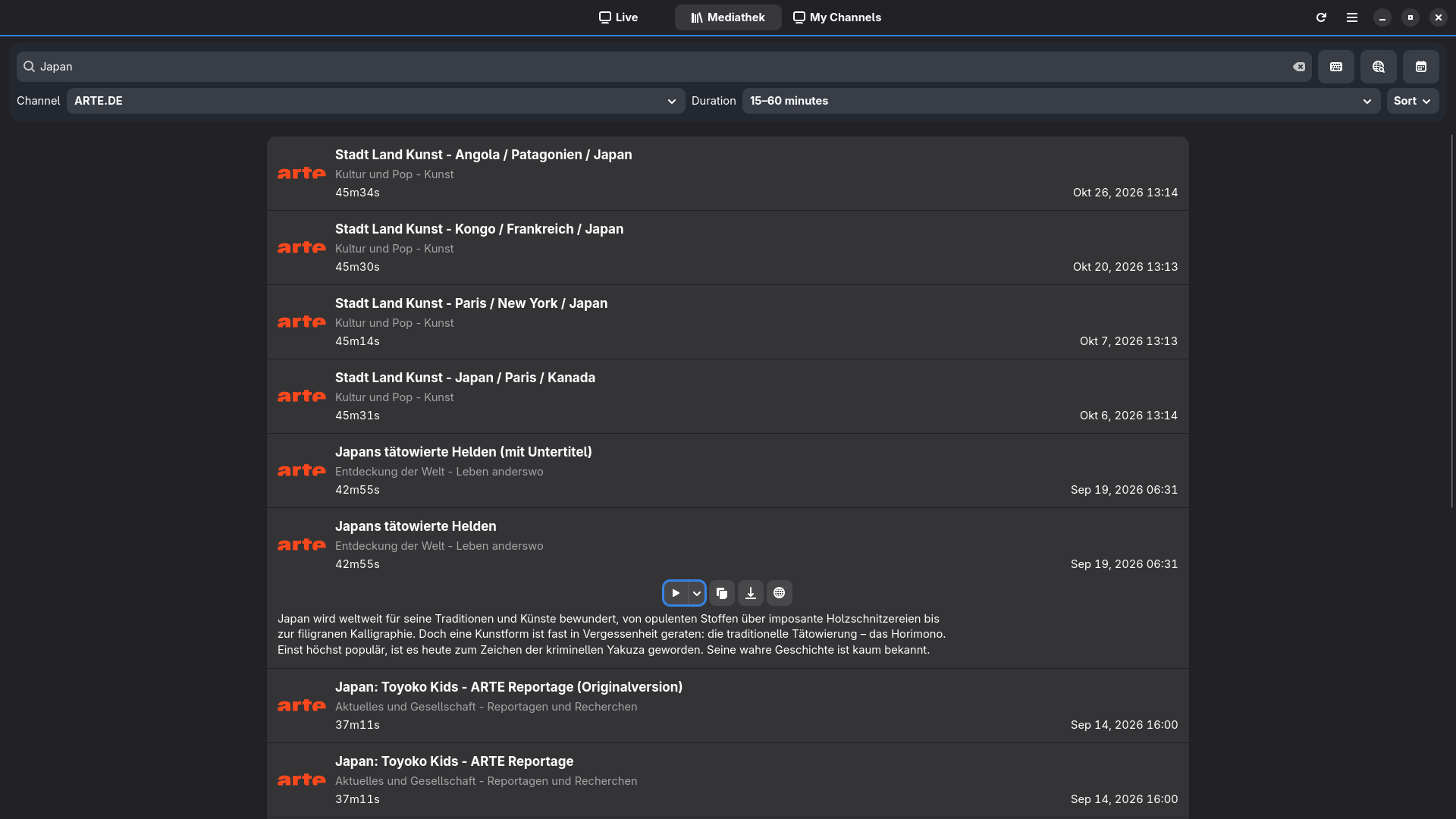
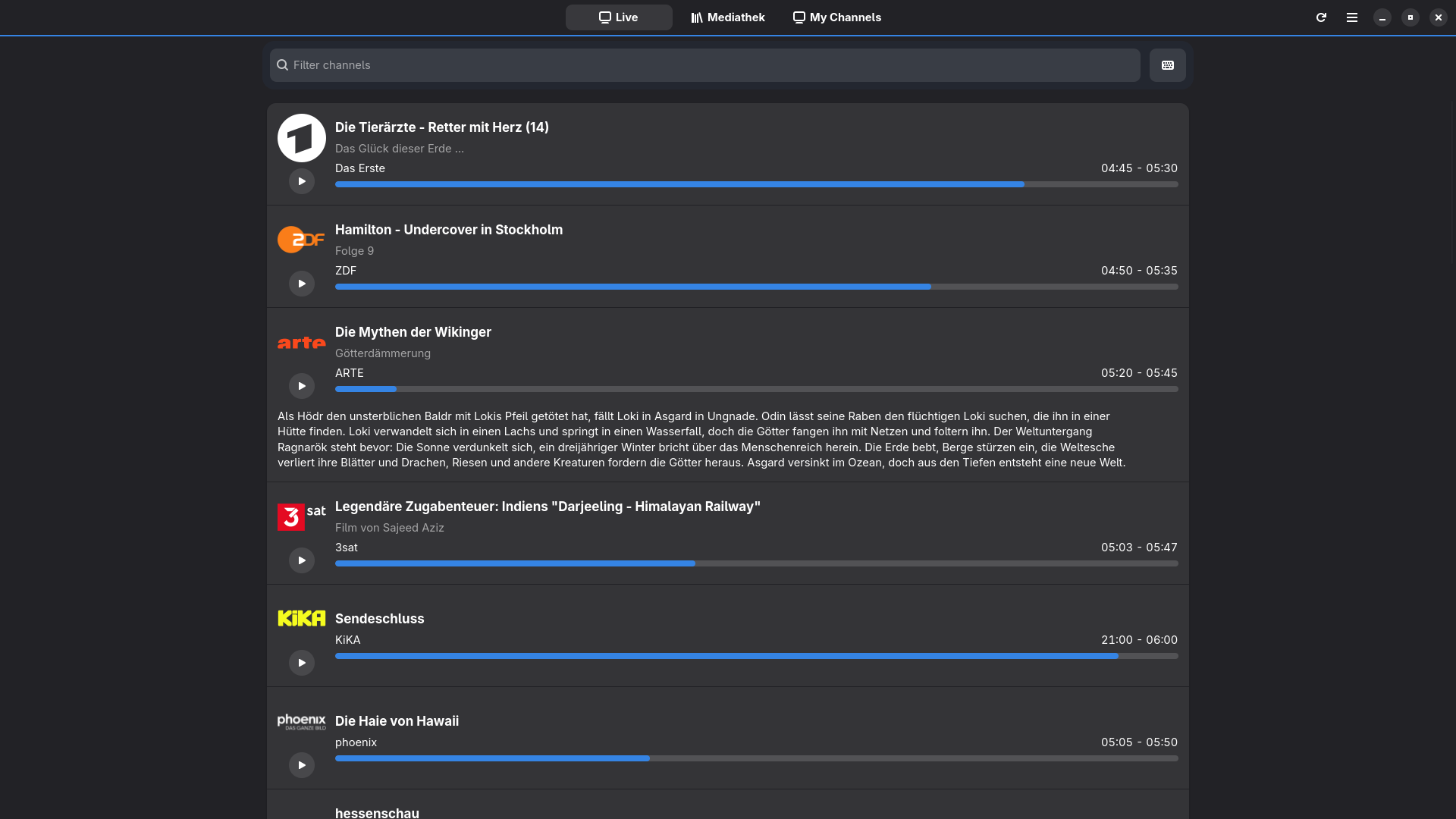
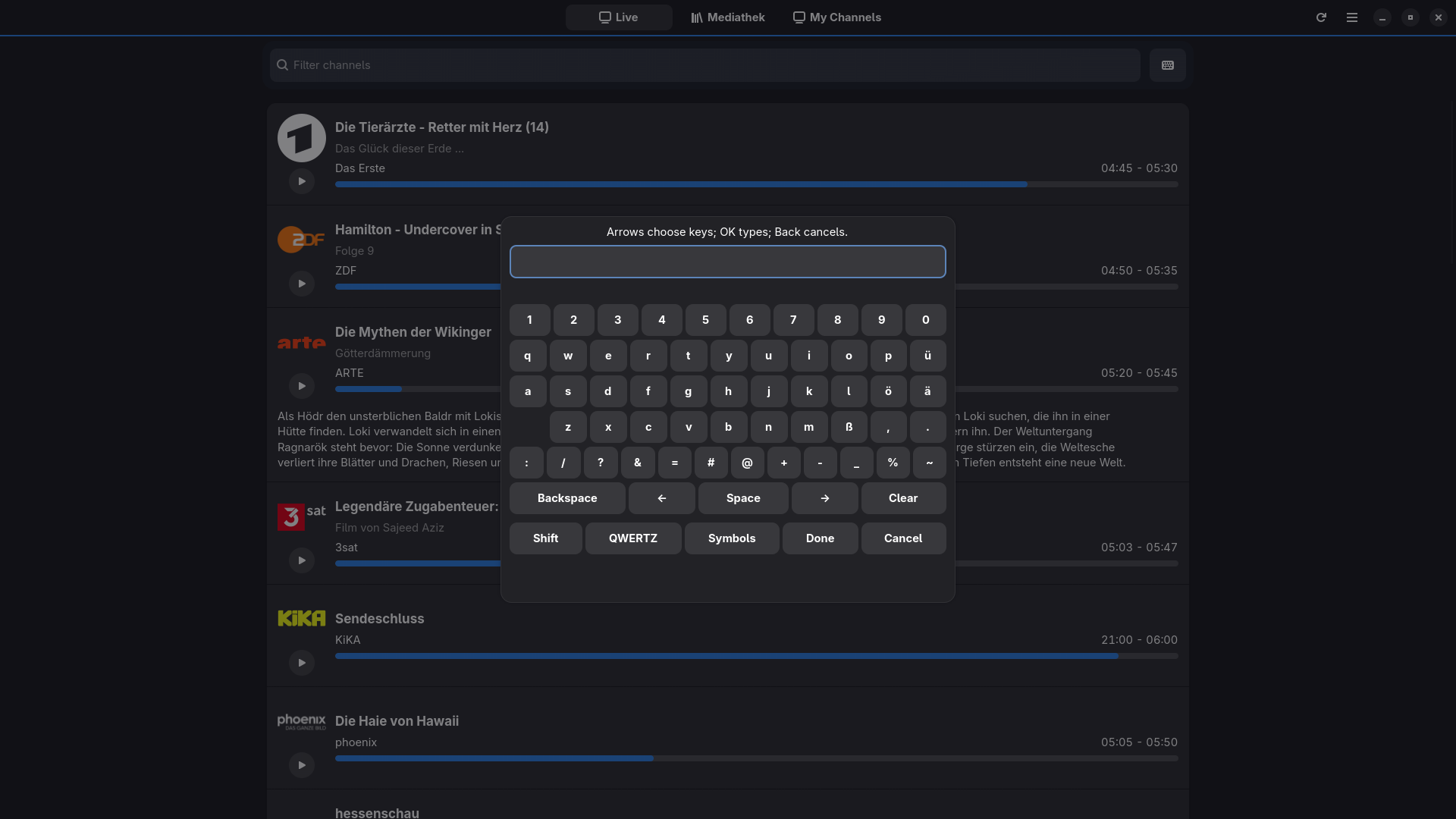
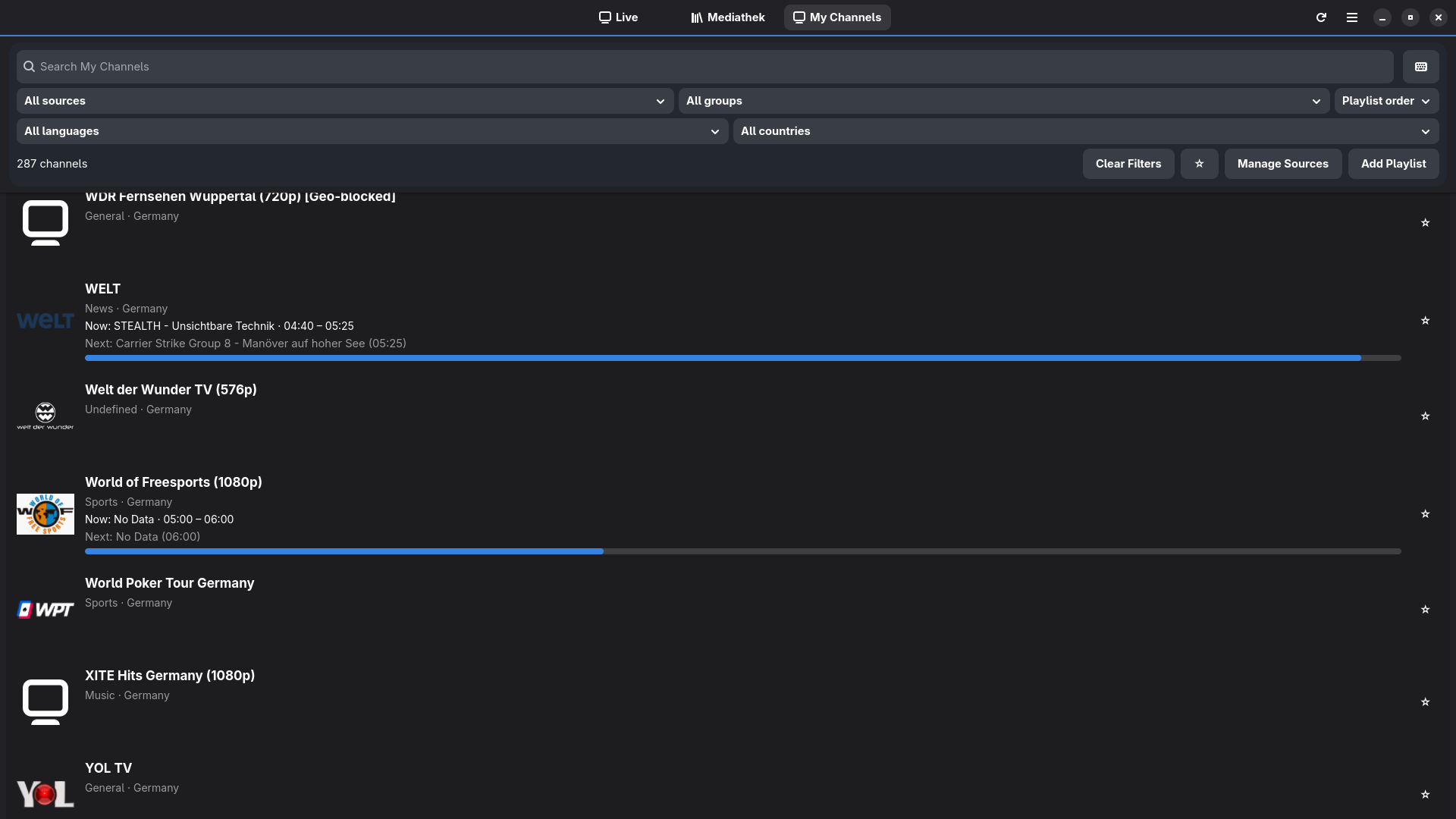
These screenshots were captured in v0.2.5 and remain representative of the v0.3.0 interface. New playlist-refresh and database backup/restore dialogs are not pictured.
Mediathek search
Live TV
On-screen keyboard
My Channels with Now/Next
Programme Guides
Database backup and restore
Open My Channels → Manage Sources → Backup / Restore.
To back up your data, choose Export Complete Database, then select a writable folder in the folder picker. Broadcaster needs permission to access that chosen folder to create and verify a uniquely named file such as broadcaster-backup-<random-id>.sqlite3. This is a folder-access grant, not a request to choose a single output file; existing backups are not overwritten.
To restore, choose Import and Replace Database, select a compatible Broadcaster SQLite backup and review the displayed counts of playlists, channels, guides and cached programmes. Confirm Replace Entire Database After Restart only if you want to replace all current database contents. Then close and relaunch Broadcaster: the replacement takes effect before normal database access on the next startup. Do not begin another playlist or guide refresh between confirmation and closing the app. The previous database is retained as a private recovery copy; automatic source and guide refresh are suppressed on the restore startup.
Backups are sensitive. They can contain playlist and EPG URLs, local paths, access tokens and cached programme data. Store and share them accordingly. They do not include external M3U/XMLTV files, downloaded artwork, desktop GSettings preferences or Flatpak document-portal grants. Local source files may need reauthorization after restoration. These backup operations are for moving or recovering a saved database; they are not required for an ordinary application version upgrade.
Installation
Download the published production Flatpak bundle for your architecture (x86_64 or aarch64) and its SHA256SUMS file from GitHub Releases. Verify the checksum, then install the bundle into the same Flatpak installation scope (--user or --system) as your existing Broadcaster installation. Existing application data is normally retained; a supported older database is migrated on first launch. Do not uninstall Broadcaster or delete its data to upgrade.
For the complete checksum, installation and upgrade commands, see the English README or German README. Broadcaster itself is distributed through standalone GitHub Release bundles, not through Flathub. Its GNOME Platform 51 runtime dependencies may be installed from Flathub. Standalone bundles do not configure automatic application updates; the experimental signed-update remote is not included in v0.3.0.
Scope and limitations
Programme guides and playlists have separate refresh settings, and neither runs while the application is closed. Adding a playlist does not authorize downloading any guide URL suggested inside it. Now/Next still requires a selected guide and a suitable channel match; it is not a full programme-grid EPG. External services control stream availability and programme accuracy.
Private historical migration snapshots may retain old URLs or credentials even after they have been removed from the current database. They are not automatically deleted. Storage cleanup is bounded rather than a total disk-space quota or secure-erasure guarantee; no general protection against hostile same-user filesystem races or a physical power-cut scenario is claimed.
Broadcaster neither supplies nor endorses media, playlist subscriptions or guide services. Use only sources you are permitted to access. It is a hobby project distributed as-is, without promised maintenance intervals or universal hardware compatibility. Existing upstream copyright and third-party licence notices remain applicable.