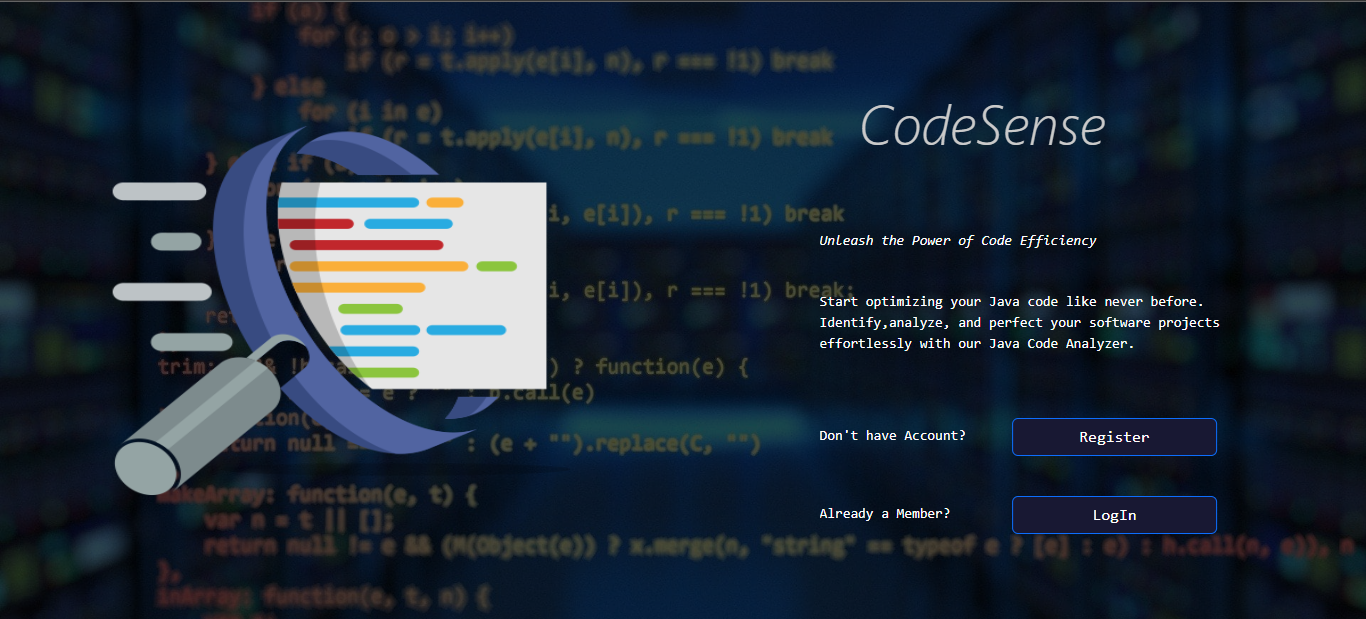
The Code Analyzer Web App is a powerful tool designed to analyze Java code files, calculate code complexity, identify syntax errors, and help you maintain clean and efficient code. It provides a range of features to enhance the coding experience, from complexity analysis to code duplication detection.
- User Management: Users can register and log in to the app. Once logged in, they can view and manage their previously uploaded code files in their profile.
- Code Complexity Analysis: Analyze the complexity of your Java code, helping you maintain clean and efficient software.
- Software Composition Analysis Metrics: Calculate metrics related to your code's structure, including class counts, and more.
- Syntax Error Detection: Identify and highlight syntax errors within the uploaded Java code, making it easier to catch and correct mistakes.
- Code Duplication Detection: Find and display duplicated code sections, offering recommendations to refactor and reduce redundancy.
- Code Revision: Save and access previously uploaded code files in your user profile for future reference and analysis.
- Download Previous Uploads : Users can easily download previously uploaded code files from their profile for offline reference or further analysis.
- User Reviews: Allow users to provide feedback and reviews about the tool, helping to improve and enhance its features.
This web app is built using the MERN (MongoDB, Express, React, Node.js) stack, along with various other technologies and libraries:
Frontend:
Backend:
Other:
Database:
Authentication:
Styling:
- Clone this repository. :
gh repo clone Chamaththa123/Static-Code-Analyzer - Install the necessary dependencies using
npm installin both the client and backend directories. - Set up your MongoDB database and configure the connection in the
backend/config/db.jsfile. - Start the backend using
npm startin thebackenddirectory. - Start the React app using
npm startin theclientdirectory.