Repository navigation
Releases
SubbyAI 1.0.4

SubbyAI 1.0.4 makes shortcut settings easy to find and safer to change.
- Settings → Shortcuts is always available, including with Advanced Mode off. Search for “shortcut” to find it. Setup and help point back to the same page.
- Select a global key combination to rebind it. Clear instructions distinguish global shortcuts, which work while another app is active, from shortcuts used within SubbyAI or a saved transcript. Resets and capture work with the keyboard; Escape cancels without changing your binding.
- If Windows refuses a new combination, SubbyAI keeps your previous binding, explains the problem and offers recovery. Capture pauses global actions, and saved bindings, resets and conflicts stay consistent with runtime registration.
- Settings search and Advanced Mode keep a reachable selection, including an explicit empty search state. Stale model/startup guidance and unexplained disabled controls have been corrected.
Windows x64 installer and portable ZIP are provided, together with SHA-256 checksums and corresponding native-library source. V1 builds remain unsigned; see the Windows installation guide.
Validation: the full test suite and release gates passed on Windows, macOS ARM64 and macOS Intel. The exact Windows downloads were additionally checked on Windows with CPU/NVIDIA recognition, translation, native shortcut input, an isolated install and restart. macOS artifacts remain withheld pending the separate hardware acceptance required by the release policy.
See the changelog and Settings audit for details and test boundaries.
The earlier 1.0.3 draft was withheld after release-log review. This release also corrects Windows diagnostic output and makes verification stop immediately on command failure.
Verified source: 4d8142e03eb08c341e7d9d5456d7b75f5d7e943b.
SubbyAI 1.0.2

SubbyAI 1.0.2 — Windows
Verified source revision: 14f7616aa90272936c132ab23d605459b70789d6.
The Overlay button now acknowledges a click immediately and the subtitle bar paints a visible ready, starting, downloading, waiting or error state even before speech arrives. Capture startup no longer determines whether an enabled overlay gives feedback. Slow settings writes and opt-in history initialization/finalization run on ordered workers; late lifecycle events cannot reopen the application during Quit. Native window recovery preserves focus and uses the same overlay window.
The accuracy investigation found pipeline faults including inconsistent resampling, overly aggressive speech splitting, lost boundary context, independent chunk recognition, overlap duplication, fragment translation and unavailable confidence treated as zero. Continuous preprocessing, padded pause-aware segments, bounded recognition/context history, provisional revisions, timestamp/text reconciliation and finalized sentence translation preserve more of the models' capabilities. Late translations cannot cross history ownership boundaries, and Quit drains the final buffered words before storage closes.
Validation includes 872 passing tests, Ruff, compilation/version/lock checks, current dependency advisories, source/history secret scans, and byte-for-byte comparisons of original, processed and exact ASR chunk audio. The fixed 14-fixture production-small regression corpus had no literal WER/CER regression against the old live pipeline; quiet and antiphase controls improved from 100% WER to 0%, and human English from 13.64% to 0%. Rare names, competing speakers and multilingual translation still have model/evaluation limits; this is a regression corpus, not a general accuracy guarantee.
Installed production verification: The installed 1.0.2 production build matches all 436 packaged files and the verified commit. Its actual native Windows check passed 20 full ON/OFF cycles and 47 timed clicks (maximum handler time 7.6 ms), including blocked initialization, slow settings/history, failure/retry, window recovery and button/bar agreement. CUDA Whisper, CPU Parakeet and local English-to-French translation passed on prerecorded input. Normal installed-binary launch and graceful shutdown passed in an isolated profile; clean first-run installation and high-DPI returning-user startup also passed. Earlier six manual ordinary-profile cycles verified the pink indicator and bar; Overlay/runtime code is unchanged since that candidate apart from the version constant. No speakers or physical recording were used.
Windows 11 25H2 was the available test environment, accepted by the project owner for this issue. After the owner's request, checks used prerecorded files and simulated capture without speaker playback or physical recording. Earlier hosted Actions were unavailable. Subsequent hosted failures blocked publication and were investigated; The complete CI and Release workflows subsequently passed on Windows and both macOS platforms, including draft generation. Windows release gates were also run locally. No unverified macOS binaries are included.
Windows binaries are unsigned; see the installation guide.
Download the setup installer for a per-user installation, or the portable archive. Settings, history and downloaded models remain outside the application directory. SHA256SUMS-windows.txt identifies the three distribution assets; the corresponding Qt/PySide source archive and license notices accompany this release.
See the root causes, evidence, before/after metrics and remaining limits and the complete accuracy investigation.
The 1.0.1 candidate was withheld after hosted tests exposed queued-signal and animation timing assumptions. Version 1.0.2 corrects those tests and strengthens platform recovery coverage; no tests were disabled and the earlier tag was not moved. The original detailed evidence remains applicable to the unchanged caption pipeline.
SubbyAI 1.0.0 — Your world, subtitled.
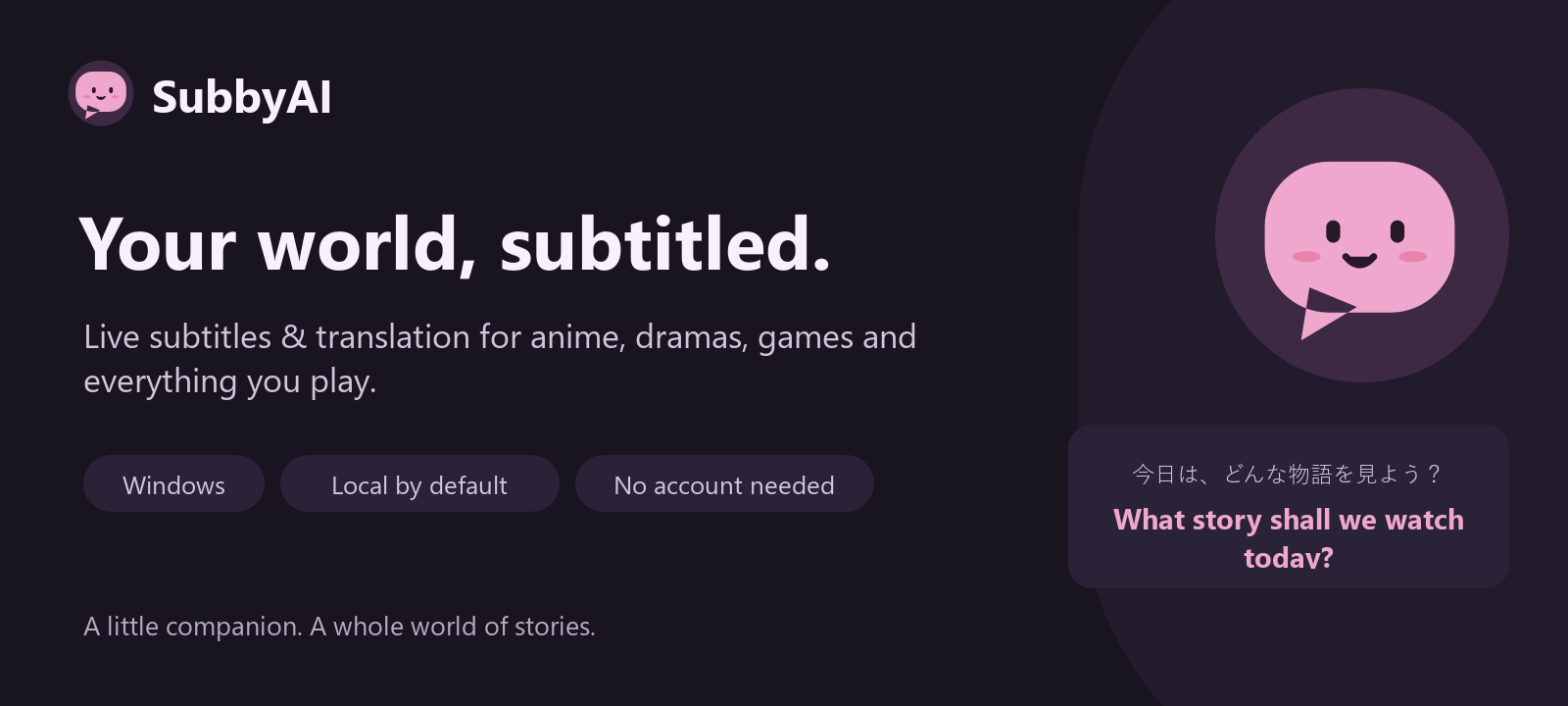
SubbyAI 1.0.0 — Your world, subtitled.
Live subtitles and translation for the sound your Windows computer plays.
Watch anime, Korean dramas, films and streams, or follow dialogue in games.
Choose a microphone for conversations, lectures and language practice.
Start watching
Download SubbyAI-Setup-1.0.0.exe, install it for your Windows account and open
SubbyAI. Choose your sound source, spoken language, subtitle language and a
recommended quality setting. Press Start captions. Speech models download
once with progress and cancellation; translation packs download as needed.
Prefer a portable app? Extract SubbyAI-portable-win-x64.zip and open
SubbyAI.exe inside it. Keep the complete folder together.
Made for everyday watching
- Original captions appear as soon as recognition finishes; translation joins the
same caption when ready. - Local recognition and translation, without an account, subscription or API key.
- Guided setup, an audio test meter and hardware-aware quality recommendations.
- Eight subtitle looks, your installed fonts, saved styles and a movable overlay.
- System sound and microphone selection, remembered settings and device recovery.
- Tray controls, Windows shortcuts, searchable settings and quick language changes.
- Optional searchable transcript history and TXT, SRT, VTT or Markdown export.
- Explicit consent for remote speech and optional local, LAN or cloud text providers.
Mochi, our original subtitle companion, ties together the Sakura and Ocean themes,
the installer and the project artwork. Gentle page transitions, switches, progress
feedback and status reactions respect reduced motion. The subtitle overlay stays calm.
Requirements and privacy
Windows 10 1809 or later, or Windows 11, on an x64 computer. Allow about 3 GB
for the application, plus downloaded speech models and language packs. A processor
is enough for lightweight models; an optional NVIDIA graphics card helps with larger
models. Python and inference runtimes are included. No virtual audio cable is required.
Local live audio stays in memory. Transcript saving is off by default. There is no
telemetry or automatic crash upload. API keys use the operating system's credential
store. Remote processing sends audio or text only to the providers you choose and allow.
Limitations
- V1 binaries are unsigned; Windows SmartScreen may show a warning.
- AI subtitles and translations can be wrong, especially for music, overlapping speech,
very short phrases and mixed-language content. They are not professional captions. - Language coverage depends on the speech model and available translation packs.
- One sound source is captured at a time. Per-application capture is not available.
- Exclusive-fullscreen games can cover the overlay; use borderless mode.
- The interface is in English. macOS packages await separate platform validation.
SHA256SUMS-windows.txt lists checksums for the exact release files.
The matching Qt/PySide source archive and third-party notices accompany the release.
Windows setup · Troubleshooting ·
Privacy · Report a problem
Windows release validation
- 747 automated tests passed on the final release commit.
- The frozen application recognized real speech with CPU and CUDA Whisper, CPU
Parakeet, and local translation. Actual Windows system-audio capture was exercised. - A 30-minute paced English, Japanese and Korean speech session produced 358
original captions and 356 translations with bounded memory and no dropped audio
or segments. Two short phrases were misidentified by automatic language detection;
original captions continued and later translations recovered. Select a spoken
language explicitly when short or mixed-language content confuses detection. - Native light/dark UI, popup motion and reduced motion passed, including full
window visibility at 250% effective display scaling. - Clean-PATH first launch, Unicode paths, Start Menu integration, restart,
reinstall and uninstall passed. The portable archive and installed application
matched all 436 packaged files; user settings and unrelated files were preserved. - Repository, reachable history, package and installer privacy checks and secret
scans had no findings. OSV reported no advisory matches for 61 locked packages. - GitHub's account billing restriction prevented hosted CI runners from starting;
these release gates ran locally on Windows. Validation covered one Windows
configuration, not every physical audio device or monitor arrangement.
The SHA-256 digests of the uploaded assets were verified against the exact tested
files. The matching Qt/PySide source archive is included for native-library licensing.