Repository navigation
SubbyAI 1.0.0 — Your world, subtitled.

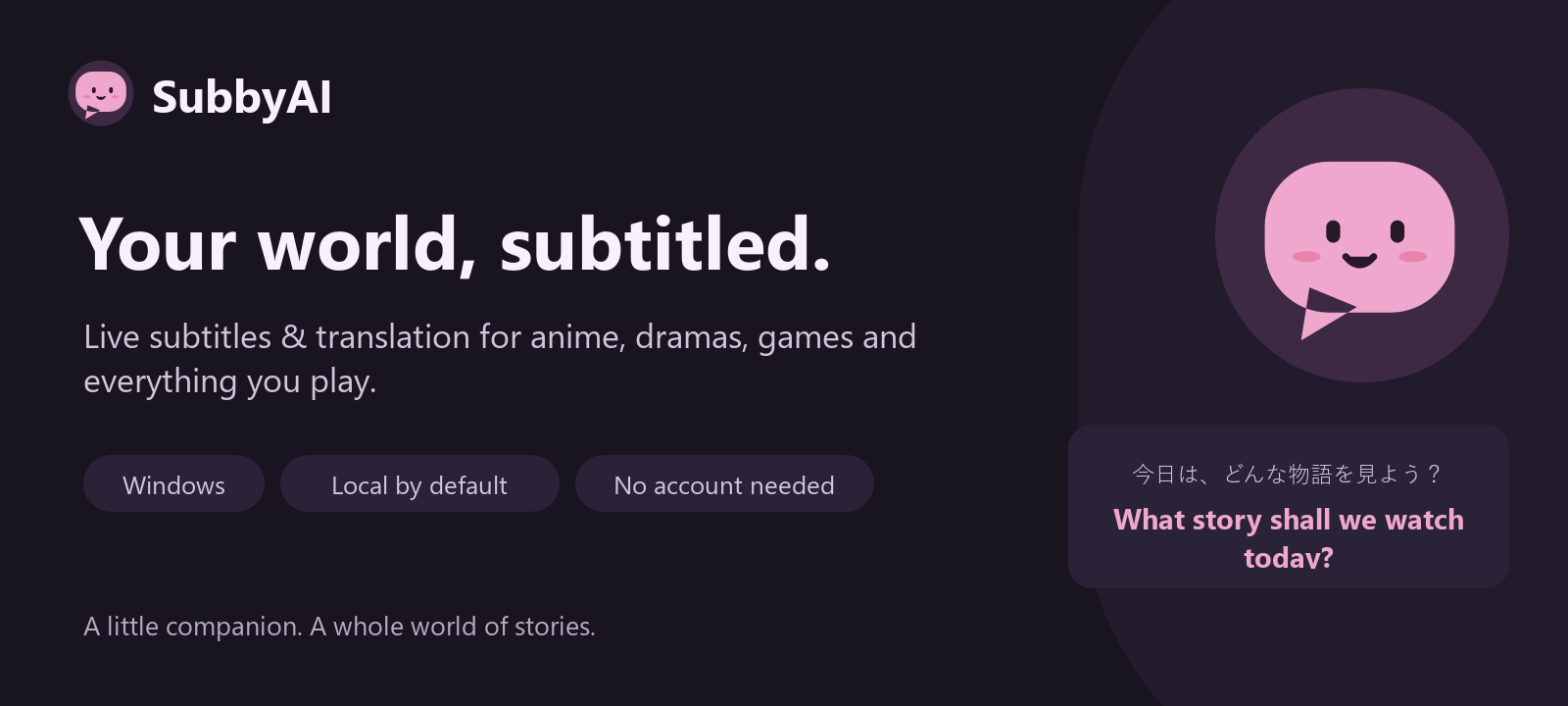
SubbyAI 1.0.0 — Your world, subtitled.
Live subtitles and translation for the sound your Windows computer plays.
Watch anime, Korean dramas, films and streams, or follow dialogue in games.
Choose a microphone for conversations, lectures and language practice.
Start watching
Download SubbyAI-Setup-1.0.0.exe, install it for your Windows account and open
SubbyAI. Choose your sound source, spoken language, subtitle language and a
recommended quality setting. Press Start captions. Speech models download
once with progress and cancellation; translation packs download as needed.
Prefer a portable app? Extract SubbyAI-portable-win-x64.zip and open
SubbyAI.exe inside it. Keep the complete folder together.
Made for everyday watching
- Original captions appear as soon as recognition finishes; translation joins the
same caption when ready. - Local recognition and translation, without an account, subscription or API key.
- Guided setup, an audio test meter and hardware-aware quality recommendations.
- Eight subtitle looks, your installed fonts, saved styles and a movable overlay.
- System sound and microphone selection, remembered settings and device recovery.
- Tray controls, Windows shortcuts, searchable settings and quick language changes.
- Optional searchable transcript history and TXT, SRT, VTT or Markdown export.
- Explicit consent for remote speech and optional local, LAN or cloud text providers.
Mochi, our original subtitle companion, ties together the Sakura and Ocean themes,
the installer and the project artwork. Gentle page transitions, switches, progress
feedback and status reactions respect reduced motion. The subtitle overlay stays calm.
Requirements and privacy
Windows 10 1809 or later, or Windows 11, on an x64 computer. Allow about 3 GB
for the application, plus downloaded speech models and language packs. A processor
is enough for lightweight models; an optional NVIDIA graphics card helps with larger
models. Python and inference runtimes are included. No virtual audio cable is required.
Local live audio stays in memory. Transcript saving is off by default. There is no
telemetry or automatic crash upload. API keys use the operating system's credential
store. Remote processing sends audio or text only to the providers you choose and allow.
Limitations
- V1 binaries are unsigned; Windows SmartScreen may show a warning.
- AI subtitles and translations can be wrong, especially for music, overlapping speech,
very short phrases and mixed-language content. They are not professional captions. - Language coverage depends on the speech model and available translation packs.
- One sound source is captured at a time. Per-application capture is not available.
- Exclusive-fullscreen games can cover the overlay; use borderless mode.
- The interface is in English. macOS packages await separate platform validation.
SHA256SUMS-windows.txt lists checksums for the exact release files.
The matching Qt/PySide source archive and third-party notices accompany the release.
Windows setup · Troubleshooting ·
Privacy · Report a problem
Windows release validation
- 747 automated tests passed on the final release commit.
- The frozen application recognized real speech with CPU and CUDA Whisper, CPU
Parakeet, and local translation. Actual Windows system-audio capture was exercised. - A 30-minute paced English, Japanese and Korean speech session produced 358
original captions and 356 translations with bounded memory and no dropped audio
or segments. Two short phrases were misidentified by automatic language detection;
original captions continued and later translations recovered. Select a spoken
language explicitly when short or mixed-language content confuses detection. - Native light/dark UI, popup motion and reduced motion passed, including full
window visibility at 250% effective display scaling. - Clean-PATH first launch, Unicode paths, Start Menu integration, restart,
reinstall and uninstall passed. The portable archive and installed application
matched all 436 packaged files; user settings and unrelated files were preserved. - Repository, reachable history, package and installer privacy checks and secret
scans had no findings. OSV reported no advisory matches for 61 locked packages. - GitHub's account billing restriction prevented hosted CI runners from starting;
these release gates ran locally on Windows. Validation covered one Windows
configuration, not every physical audio device or monitor arrangement.
The SHA-256 digests of the uploaded assets were verified against the exact tested
files. The matching Qt/PySide source archive is included for native-library licensing.