
Forest-Fly is a vibrant and eye-catching Visual Studio Code theme inspired by nature's forest hues. It incorporates a rich blend of warm and cool tones, evoking the serene ambiance of a lush forest. It's a nice and minimalistic interface with borderless style (especially for Jupyter Notebook).
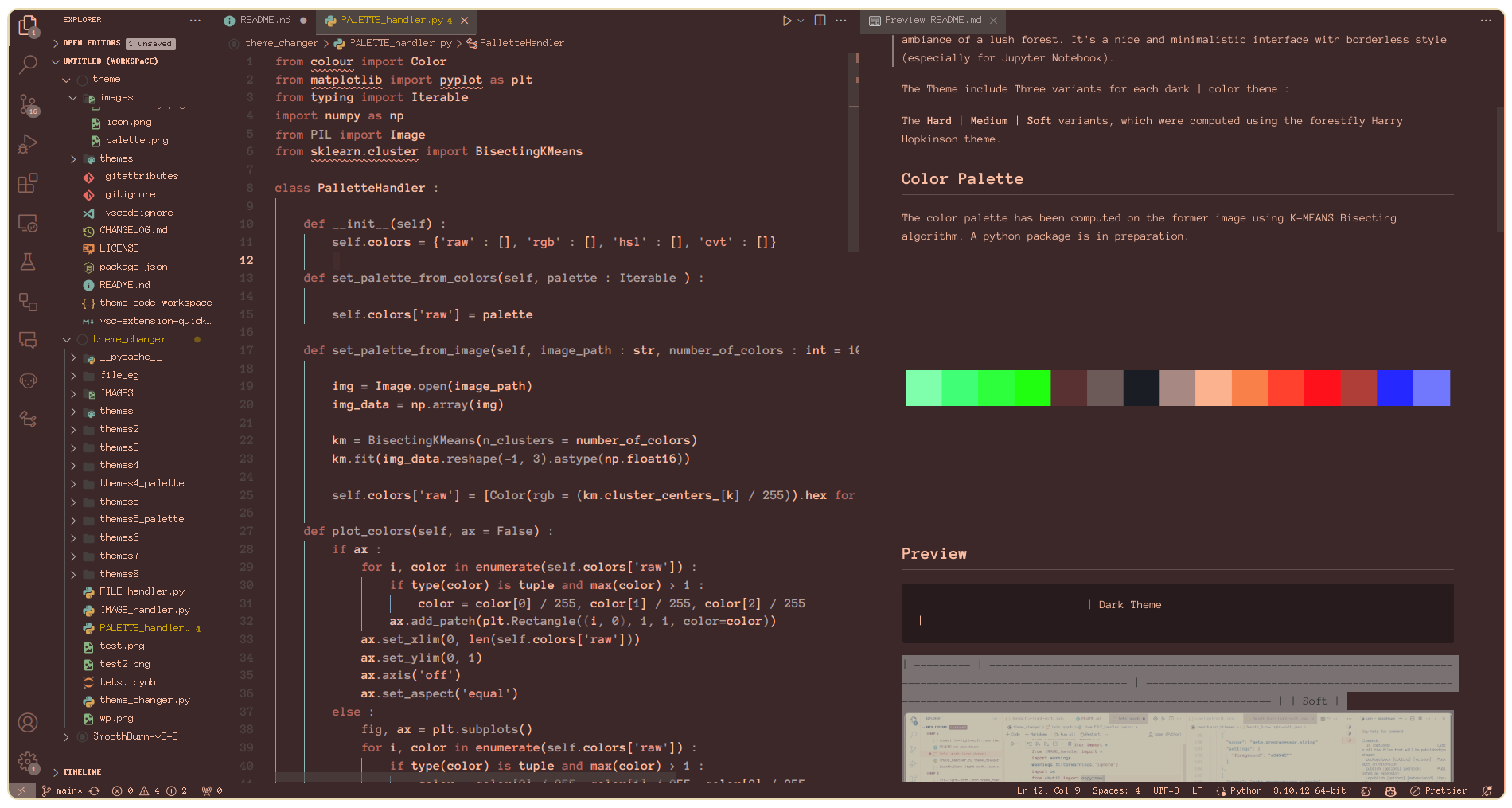
The Theme include Three variants for each dark | color theme :
The Hard | Medium | Soft variants, which were computed using the forestfly Harry Hopkinson theme.
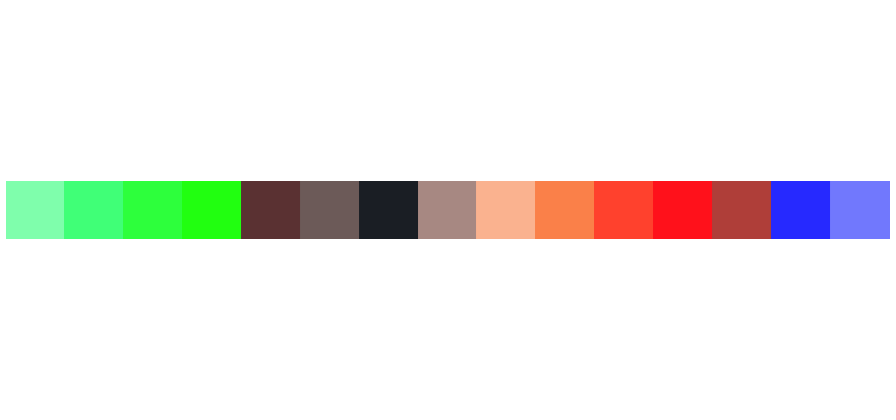
The color palette has been computed on the former image using K-MEANS Bisecting algorithm. A python package is in preparation.
| Variation | Light Theme | Dark Theme |
|---|---|---|
| Soft | 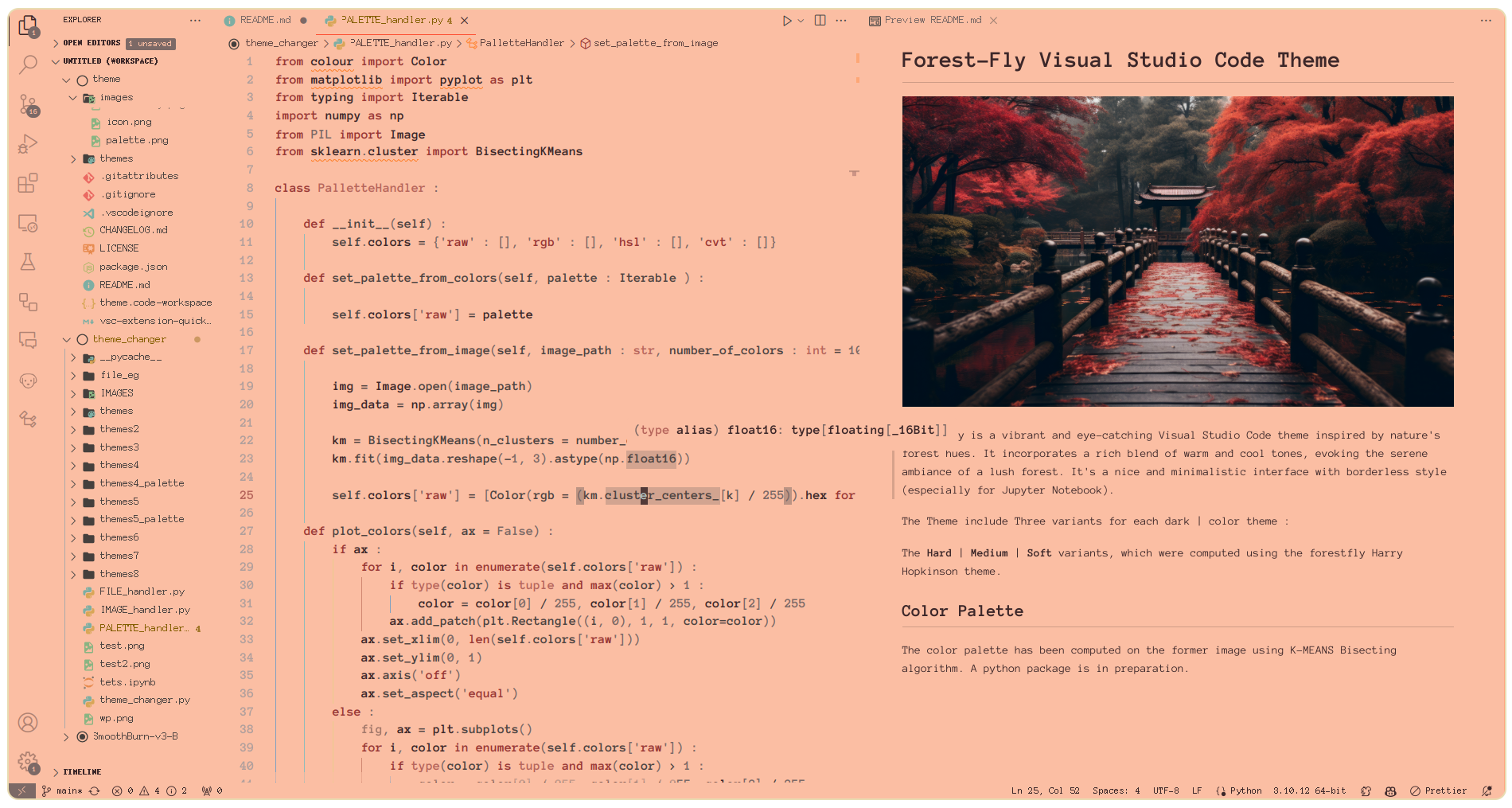 |
 |
| Medium | 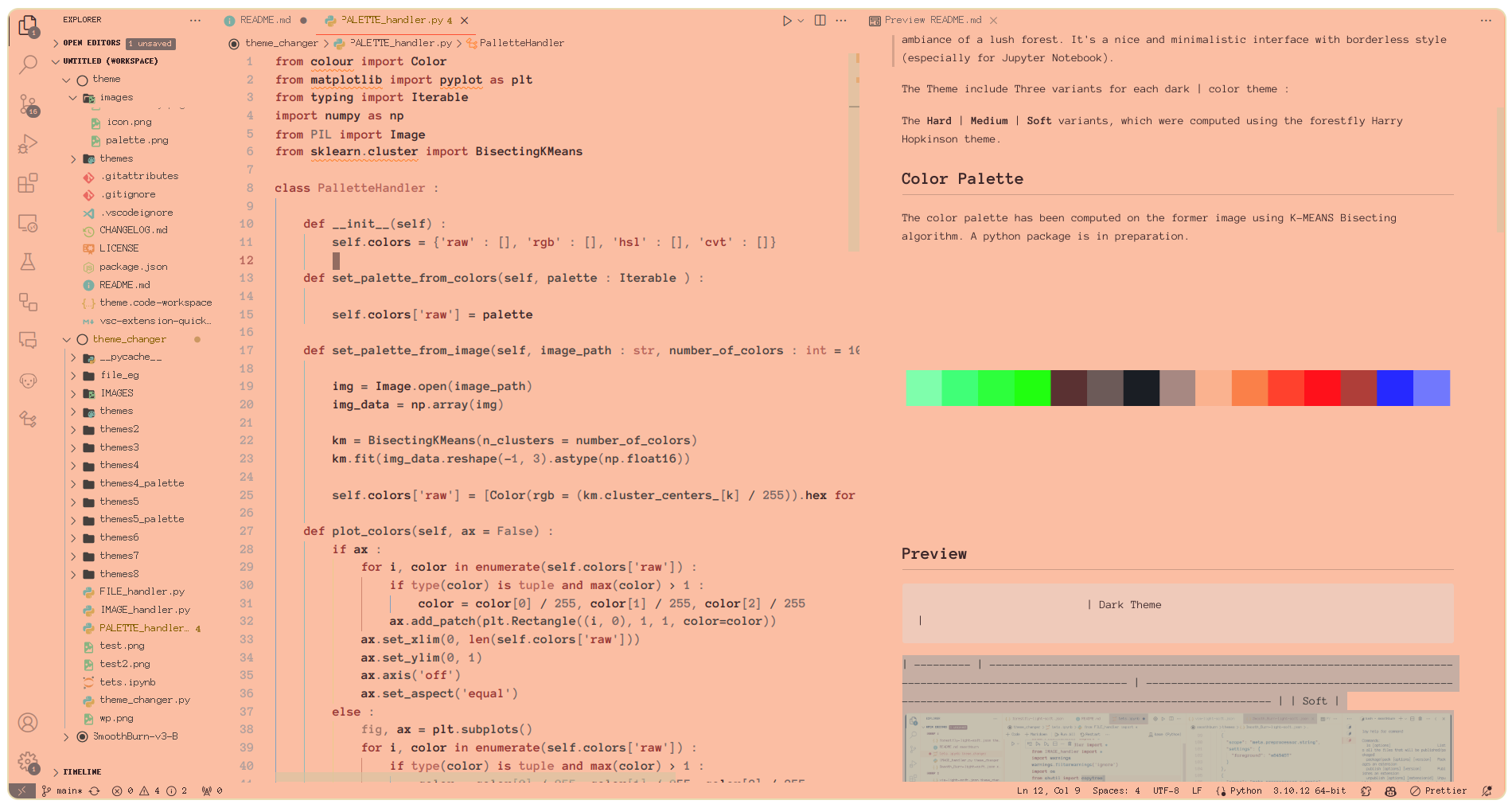 |
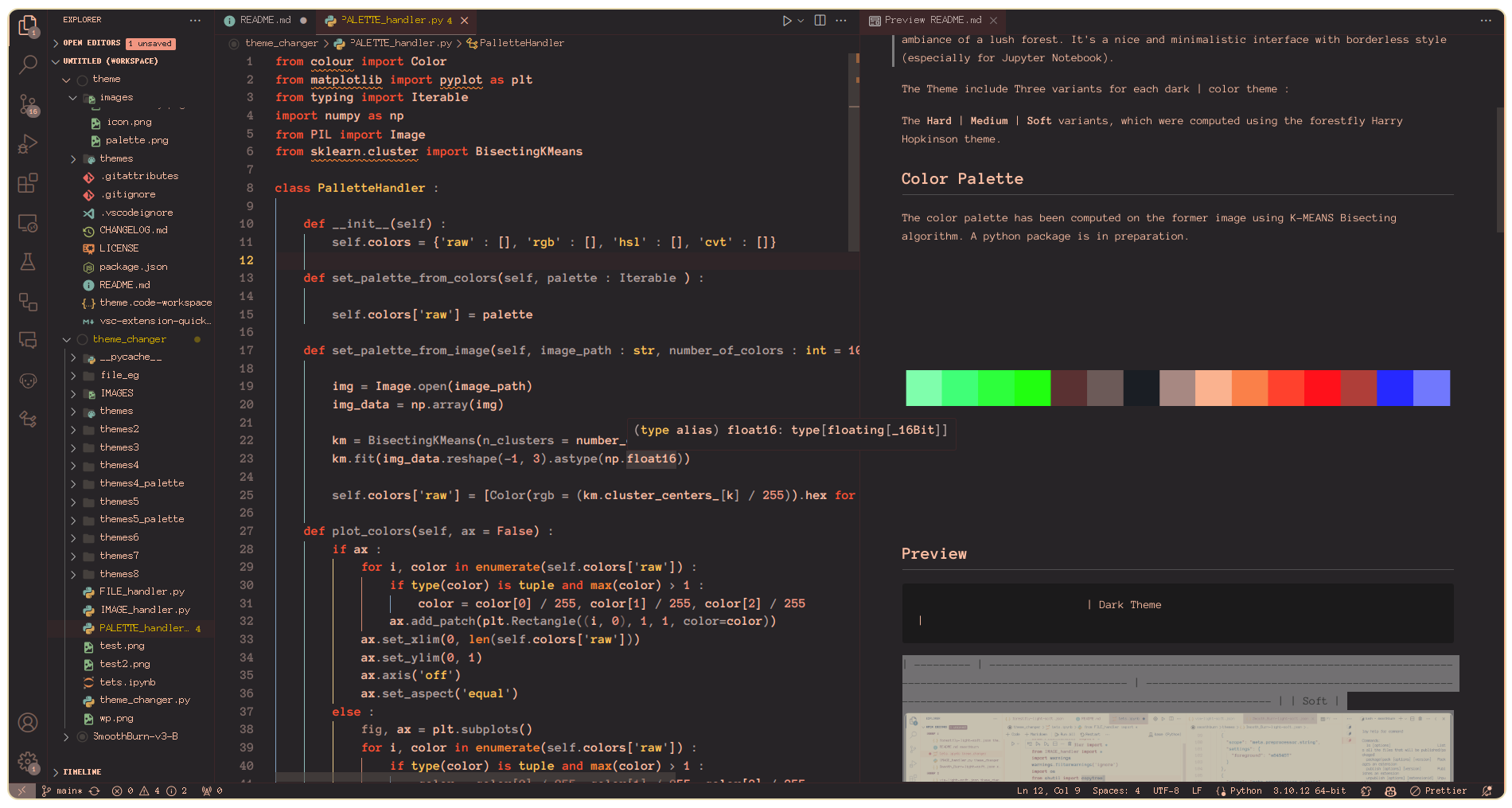 |
| Hard | 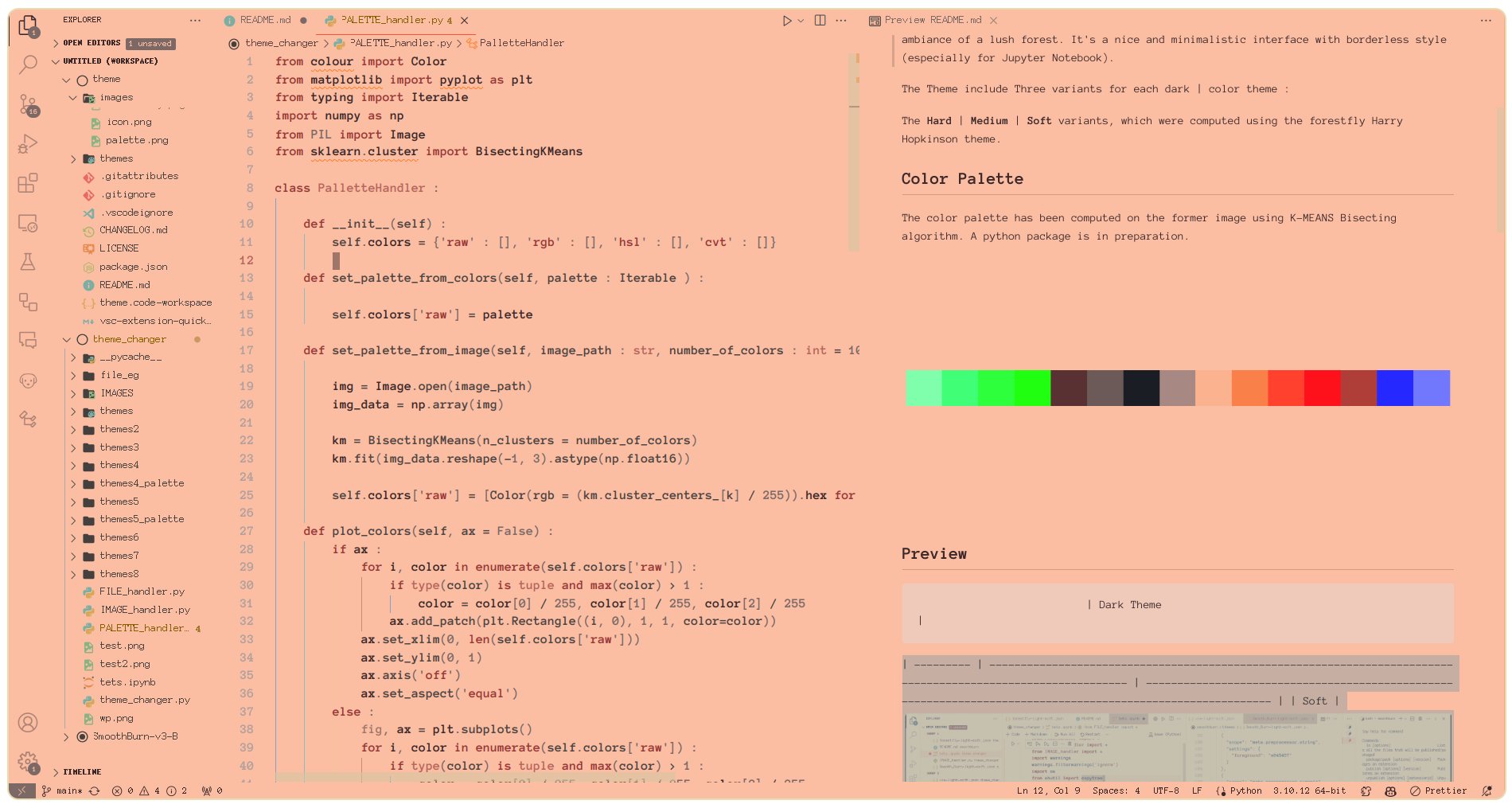 |
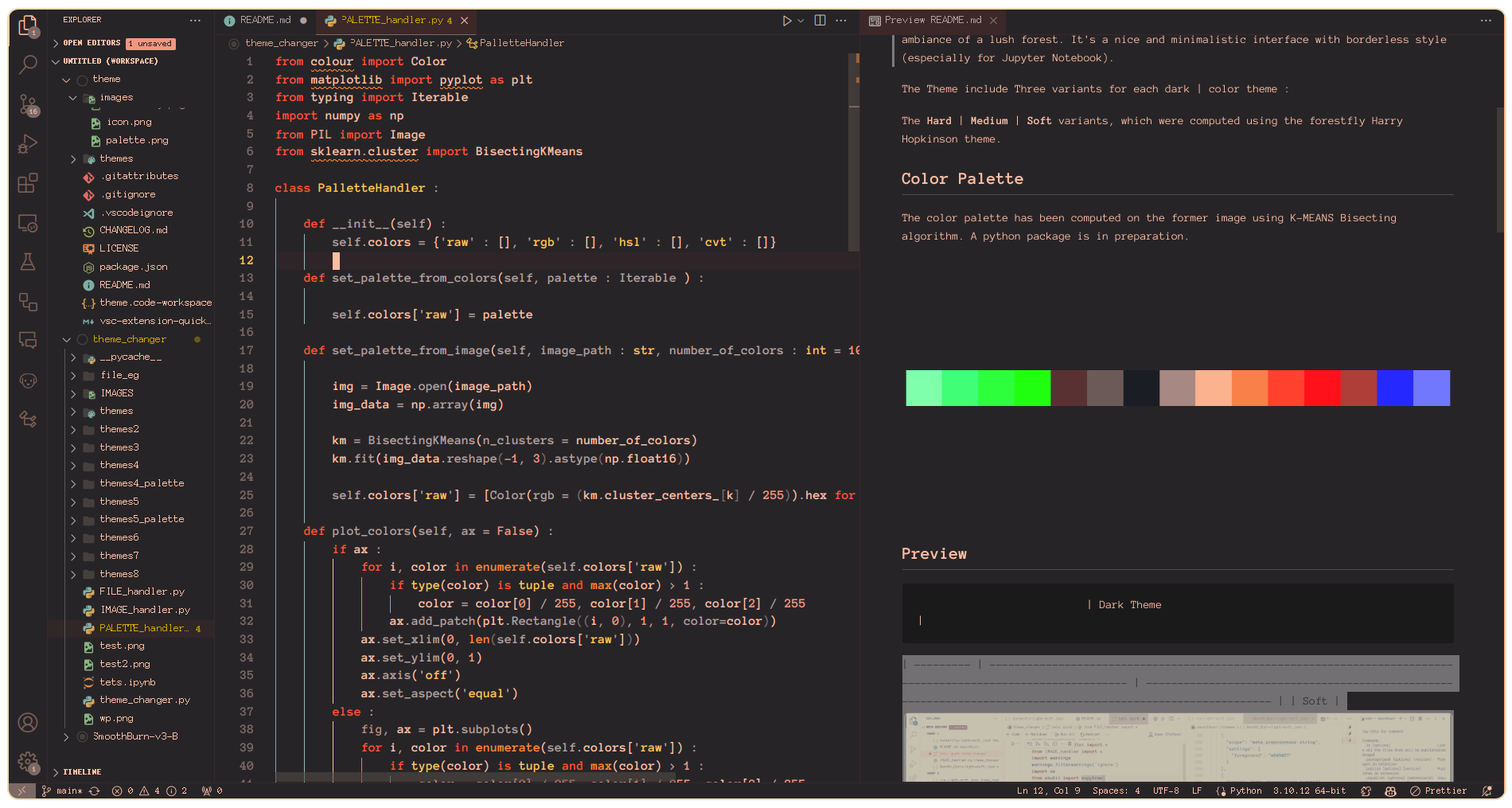 |
| Deep | SOON | 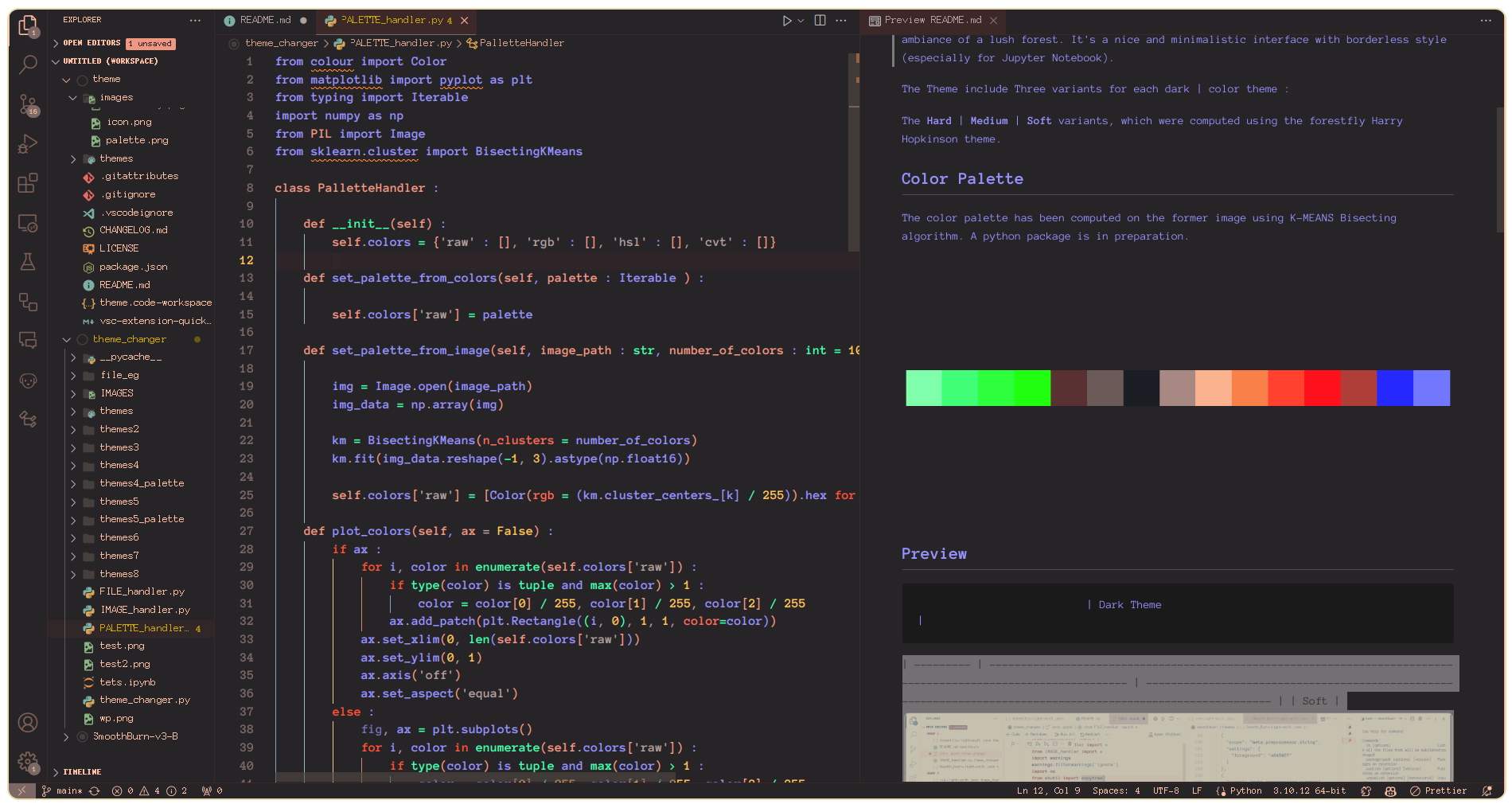 |
If you find any bugs or have suggestions for improvements, please open an issue or create a pull request on GitHub.
- Open Extensions sidebar panel in Visual Studio Code.
View → Extensions - Search for
Forest-Fly - Click Install
- Click Reload
- Select the Forest-Fly theme by going to
Code > Preferences > Color Theme > Forest-Fly
This theme is licensed under the MIT License.
Feel free to customize and improve this theme according to your specifics!