Repository navigation
Elite AI Bridge v2.0.6

Screens shown use demo data.
What's new
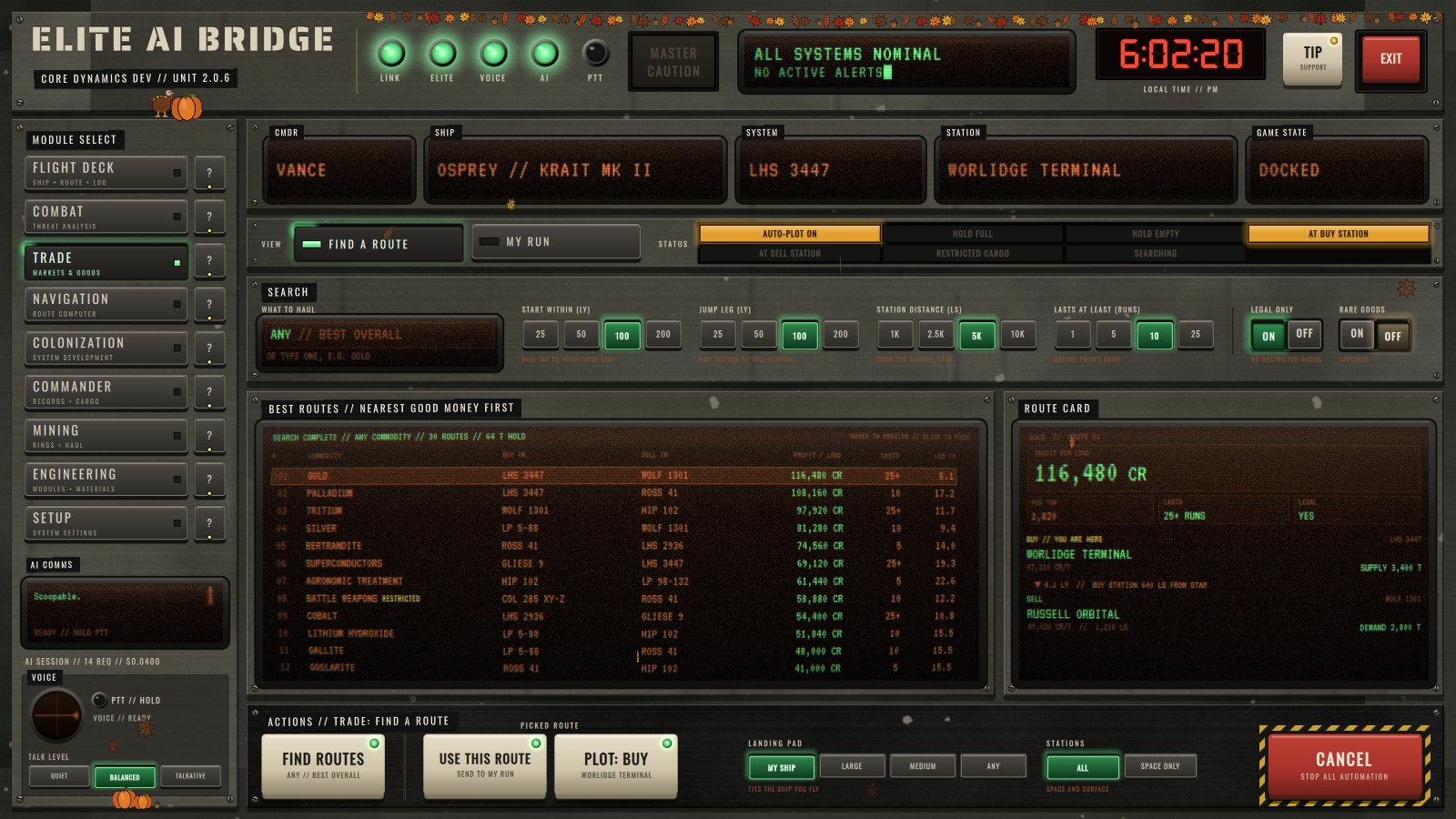
- Trade search filters (from a tester's request), on the FIND A ROUTE deck:
- Landing pad: MY SHIP (fits the ship you fly, as before), LARGE, MEDIUM or ANY.
- Stations: ALL or SPACE ONLY. SPACE ONLY drops planetary ports and settlements.
- Both are saved and used by every route search. Colonization's WHERE TO BUY list uses them too, and says how many stations it hid.
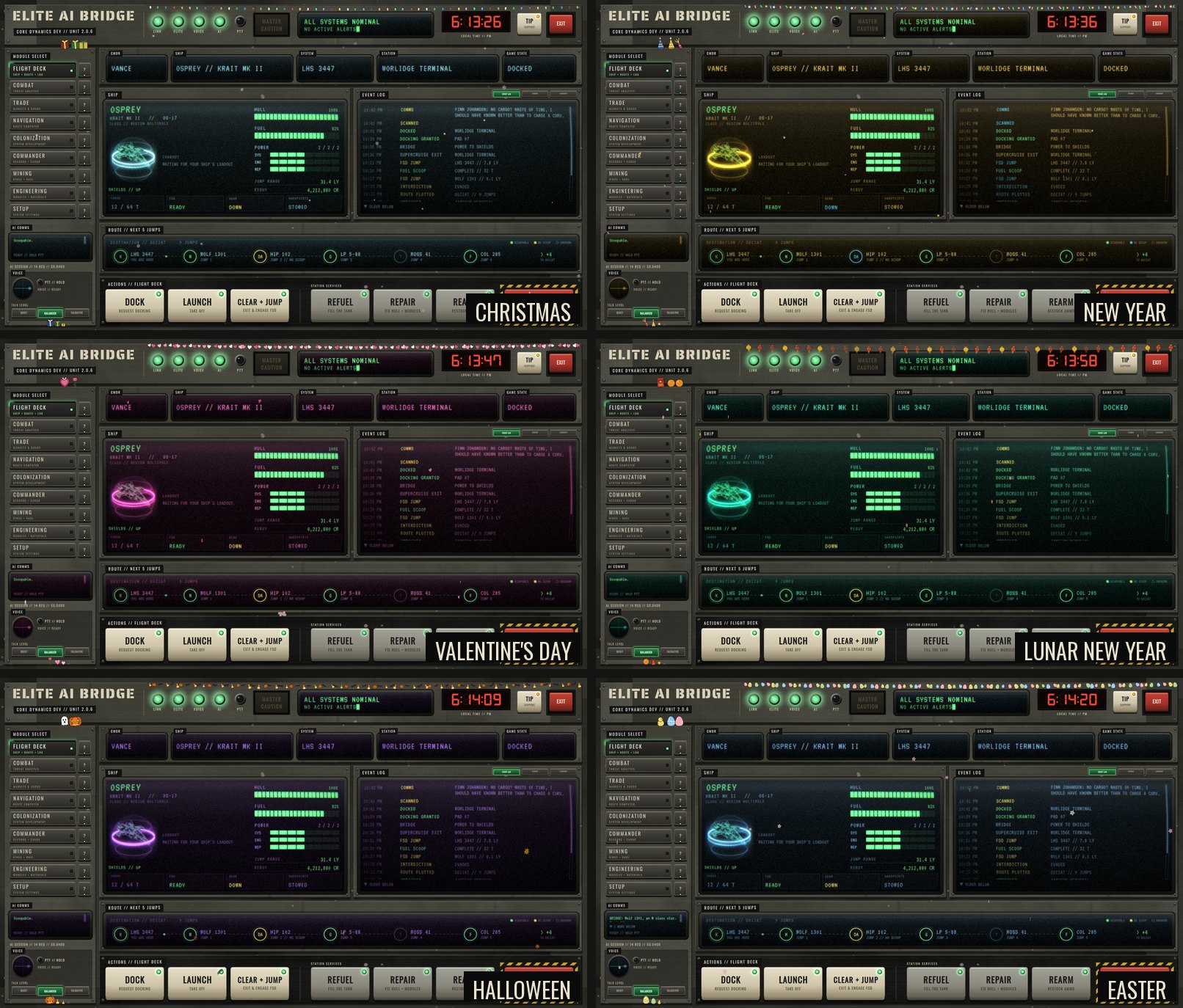
- Holidays: seasonal decorations through the year, on by default and following the date. Each one brings its own screen colour, decorations along the edges, things drifting down the window, and a sound when you click them.
- New Year, Valentine's Day, Lunar New Year, St. Patrick's Day, Easter, Halloween, Autumn (November) and Christmas.
- Setup > Display > HOLIDAYS: ON (follows the date), OFF, or pick one to keep all year.
- Decoration only: nothing reacts to the game, it stays off the in-game overlay, and it pauses while the window is minimized.
- There may be a secret or two.
- Screen colours: ten to choose from in Setup > Display > THEME: Green, Old School Amber, Copper, Gold, Emerald, Jade, Sky Blue, Ice Blue, Purple and Rose. Only the screens change; keys, lamps and plates stay the same, and red still only means danger. Picking a colour turns holidays off (a holiday brings its own colours); set HOLIDAYS back to ON to get them again.
- THEME and HOLIDAYS use a new picker: arrows to step through, or click the name for the full list.
Installing
Download Elite_AI_Bridge_Setup_2.0.6.exe below and run it. It upgrades 2.0.x in place and keeps your settings. Windows may show a SmartScreen warning because the installer isn't code-signed: choose More info, then Run anyway.
Verify your download
SHA-256 of Elite_AI_Bridge_Setup_2.0.6.exe:
a8489e8dd0470da9676f866ba8cfcd35b140b5bec4b8c5548e7e337b8ce20353
In PowerShell: Get-FileHash .\Elite_AI_Bridge_Setup_2.0.6.exe -Algorithm SHA256