Repository navigation
Stock Take Equipment for Store

Shaun Rametsi edited this page Mar 7, 2023
·
3 revisions
![]()
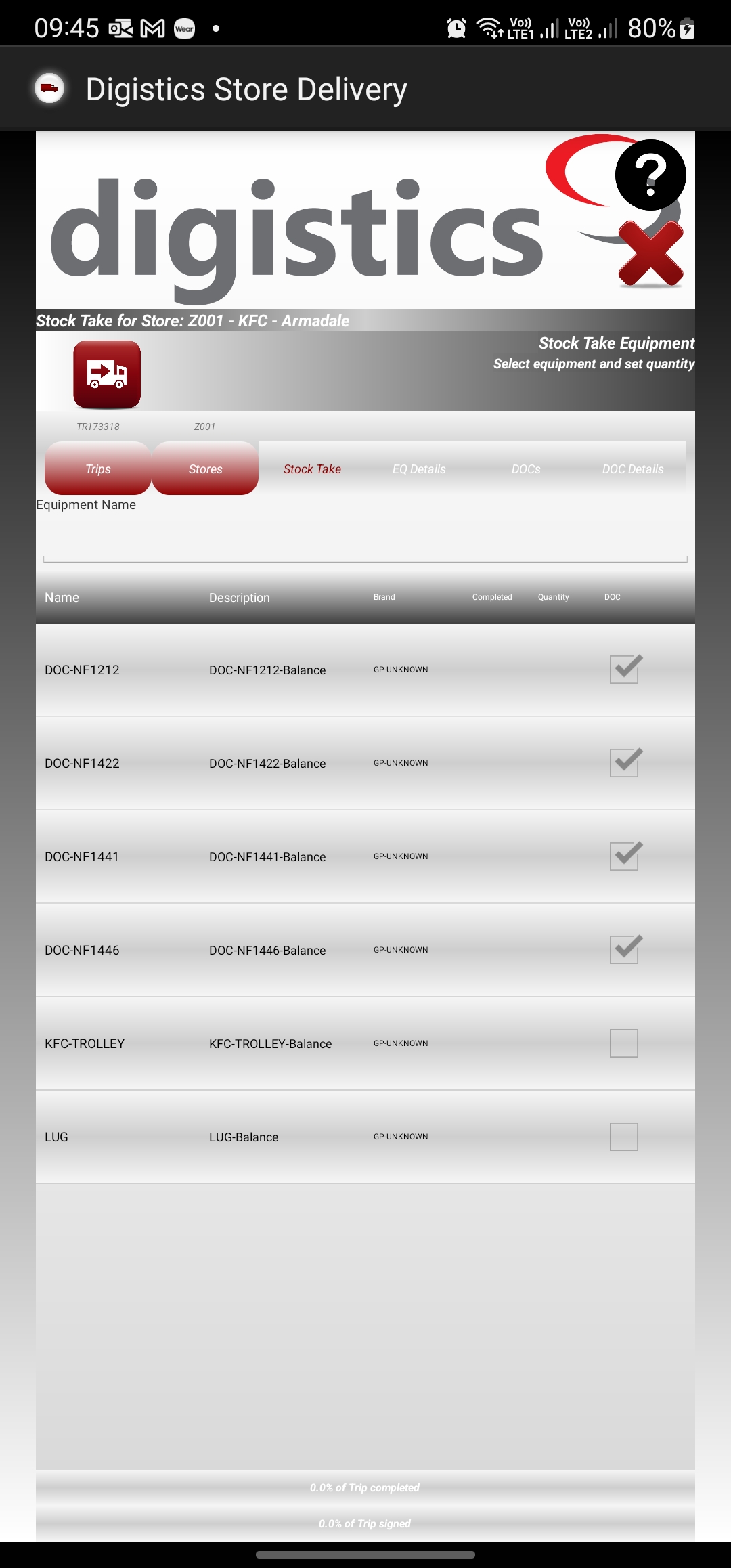
This screen allows for viewing the list of equipment which have to be reviewed for a store by the operator. To add information for selected equipment, operator will have to click on the equipment displayed on the list.
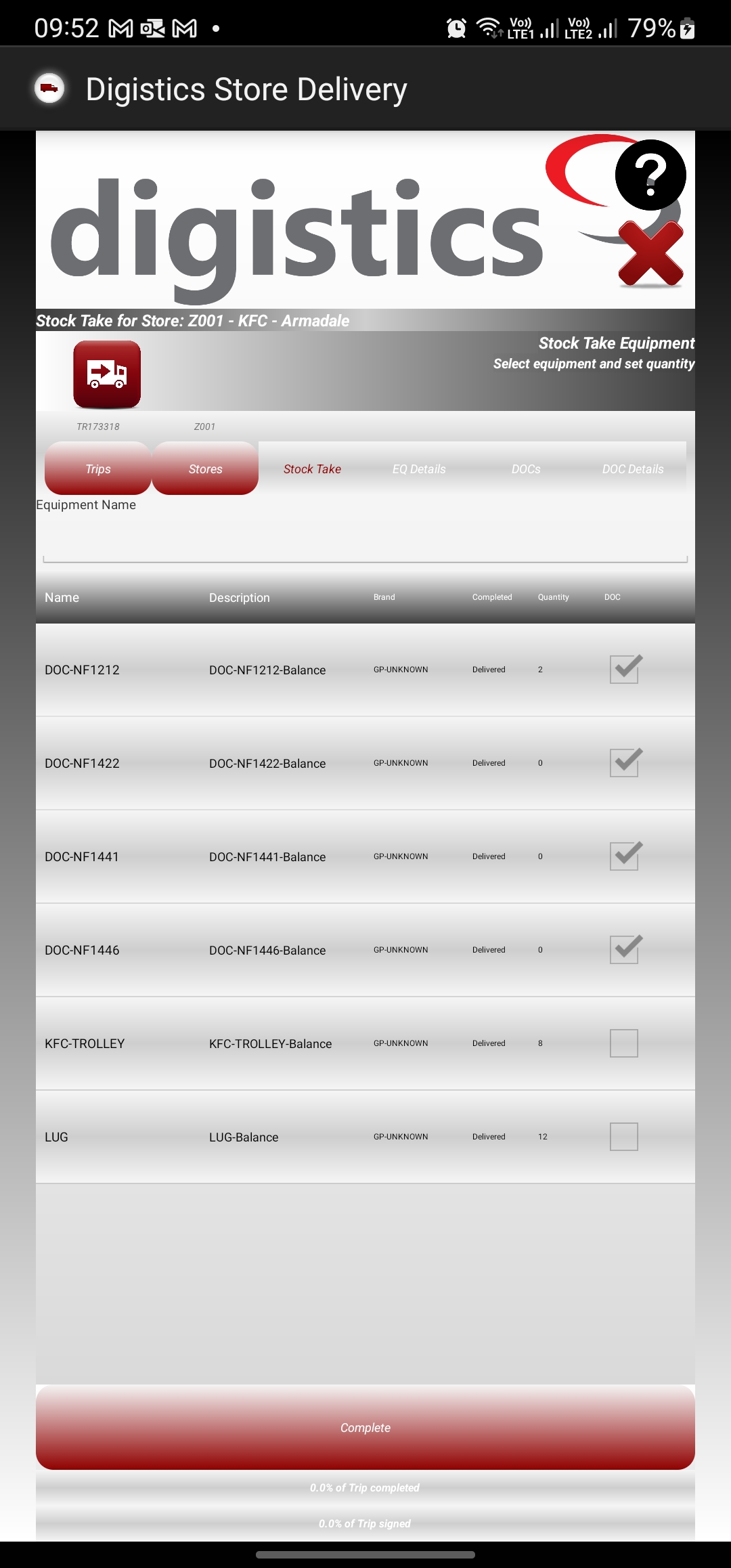
The below image shows the completed review of the stock take equipment, as well as the complete button which appears post the review.

Digistics Store Delivery Mobile App Help
Table of contents:
- Home
- Site Phone Call
- Help Browser
- About
-
Mobile Screens
- Main Menu
- Operator Login
- Map
- Operator Profile
- Settings
- Device Info
- Device Errors
- Authorization
- Trips for Operator
- Stores for Trip
- Map for Trip
- Stock Take Equipment for Store
- Invoices for Store
- Trolleys for Invoice
- QIP Inspection
- Items for Trolley
- Invoice Status
- Equipment Deliveries
- Equipment Returns
- Missing Items for Invoice
- Rejected Items for Invoice
- Issue Items for Invoice
- Driver Signature
- Survey Questions
- OTP
- Second Receiver Signature
- Receiver Signature
- Confirmation